Scenario Editor Resources
This section lists all the resources that are associated with the test scenario.
-
Data Sources
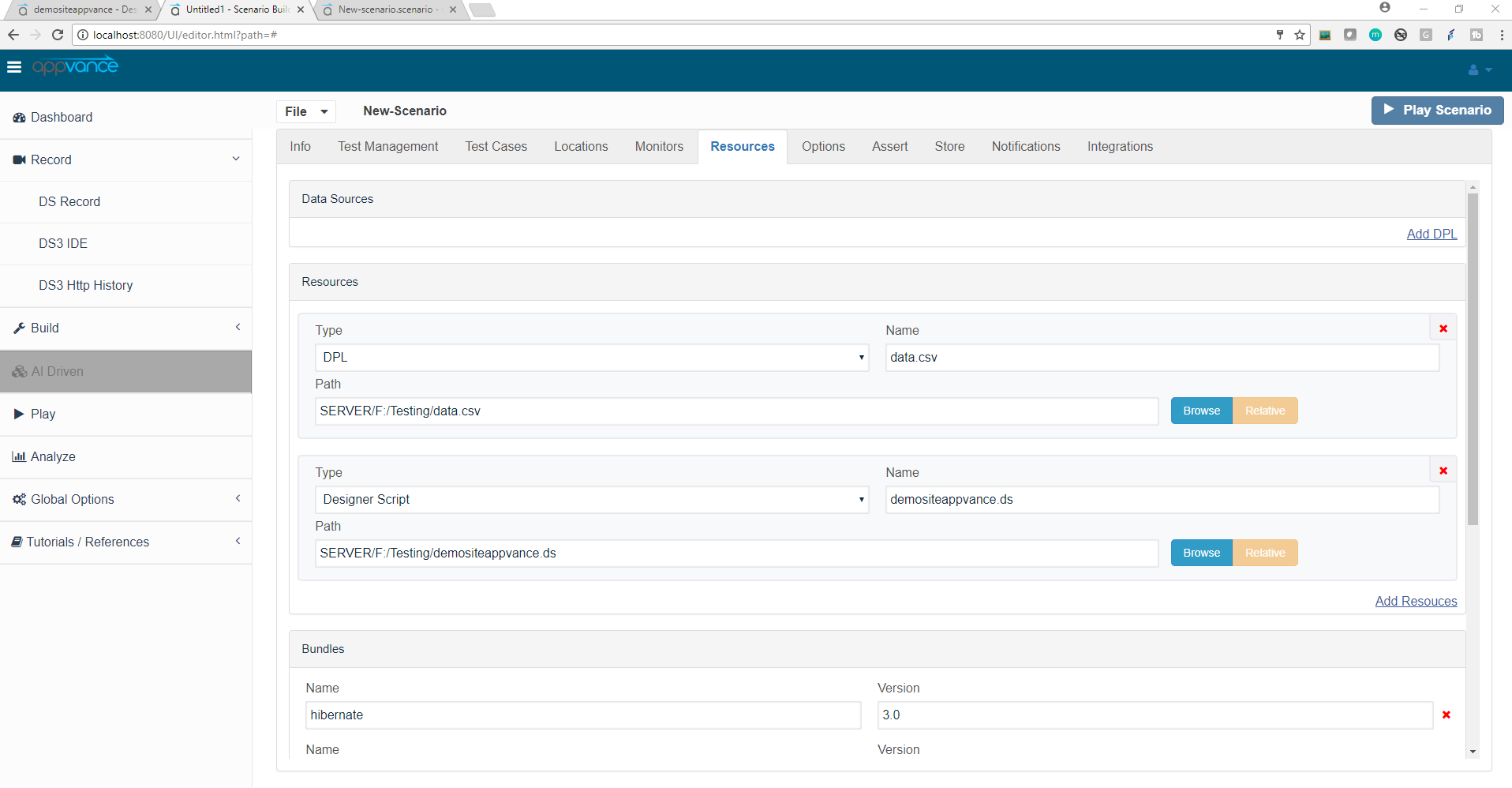
Data Sources - Will list all Data sources that are associated with the test scenario.
Please refer to this chapter for more information about Data Production Library and Data Sources: Operational Test Data with DPLs.
-
Bundles
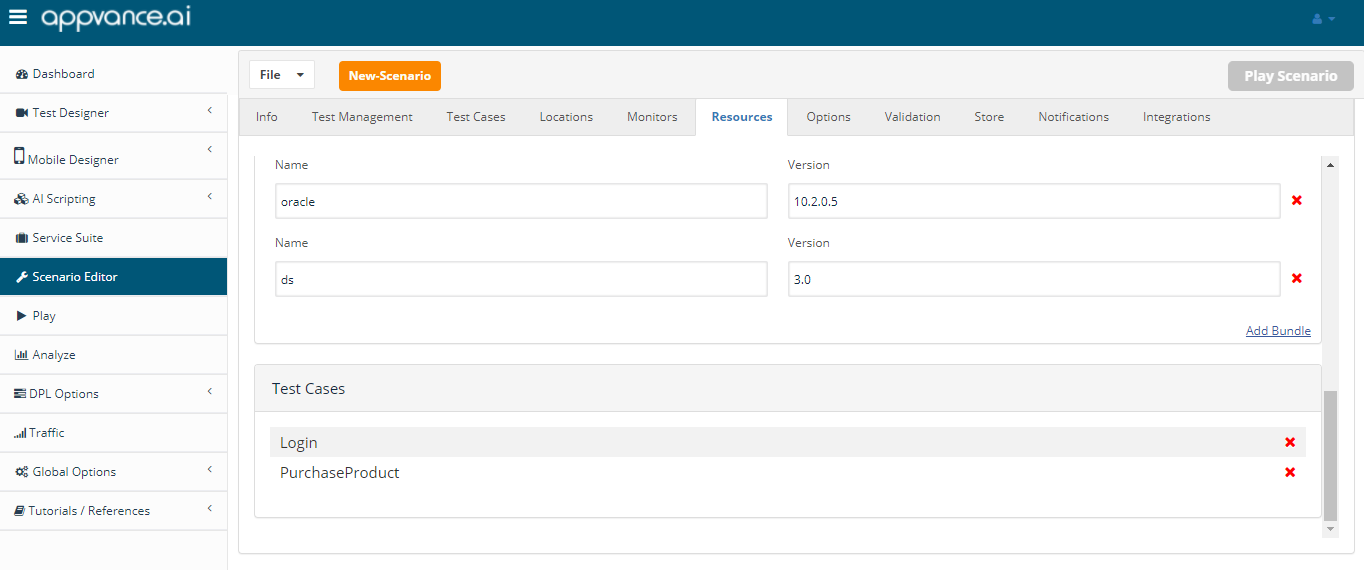
Bundles - All the default bundles will be added by default as the user selects the script type from the test case panel. Click Add Bundle to add another bundle to the list. Fill in the bundle name from the drop-down list and select the associated version of that bundle from the drop-down. To remove a bundle, click the red X
When running or creating API-level scenarios, on the Scenario Resources tab you must add a new bundle called “mobile” and set the version to be “1.0“.
This configuration change was made in the AIQ 4.8.3 release.
-
Resources
Resources - will list all the resources associated with the test scenario including the scripts and any other associated resources like the DPL, etc. Click Add Resource to add another resource to the list. Select the Type from the drop-down and provide a Name to the Resource and browse the Resource, To remove a resource, click the red X.
By default, after saving the scenario, the path changes to 'Absolute', Users can change the path to 'Relative' by using the 'Relative' button.
Test cases
The test cases tab under resources will have all the test cases listed, when any of the test cases is not used, you can delete it from the resources > test case section, this will not let you delete a test case that is in use in the test cases tab.