Test Case Executions
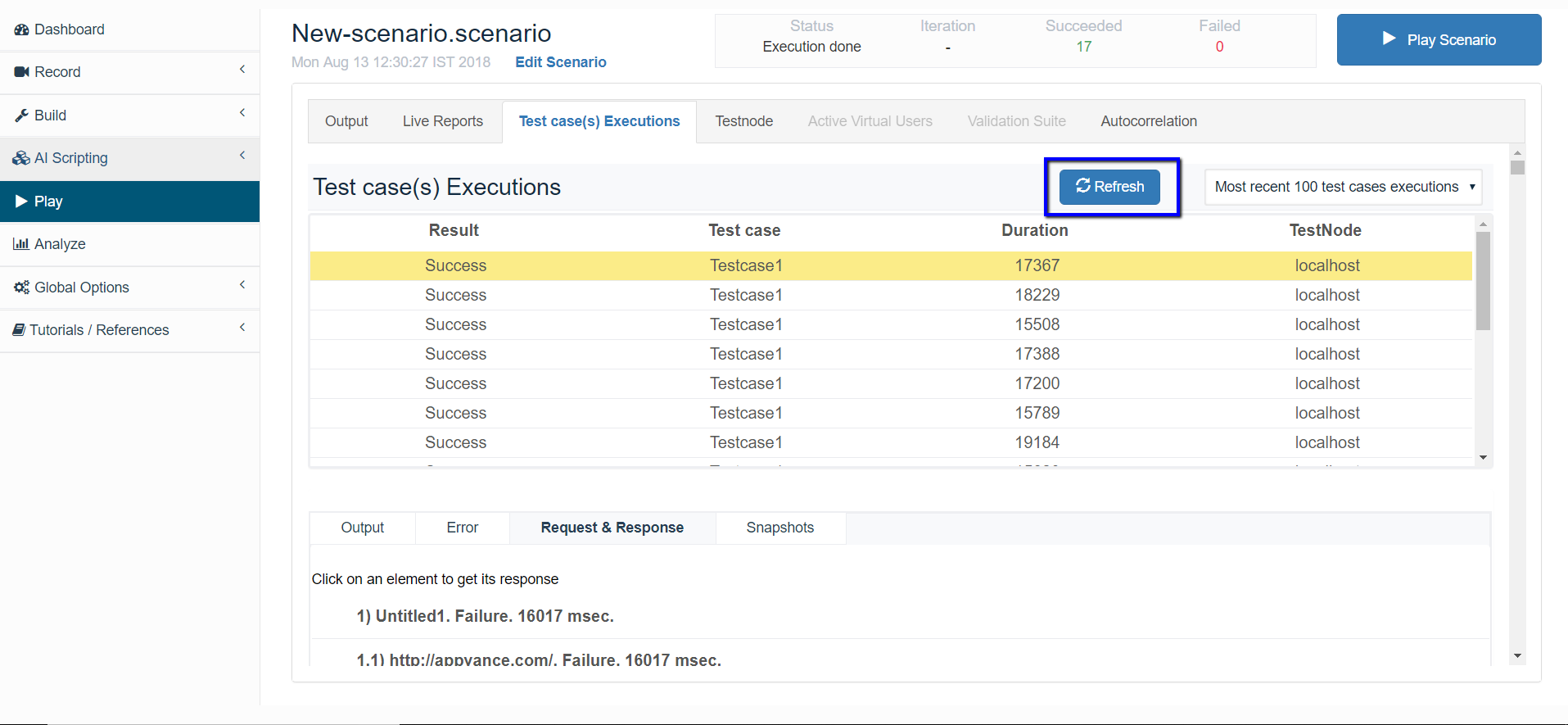
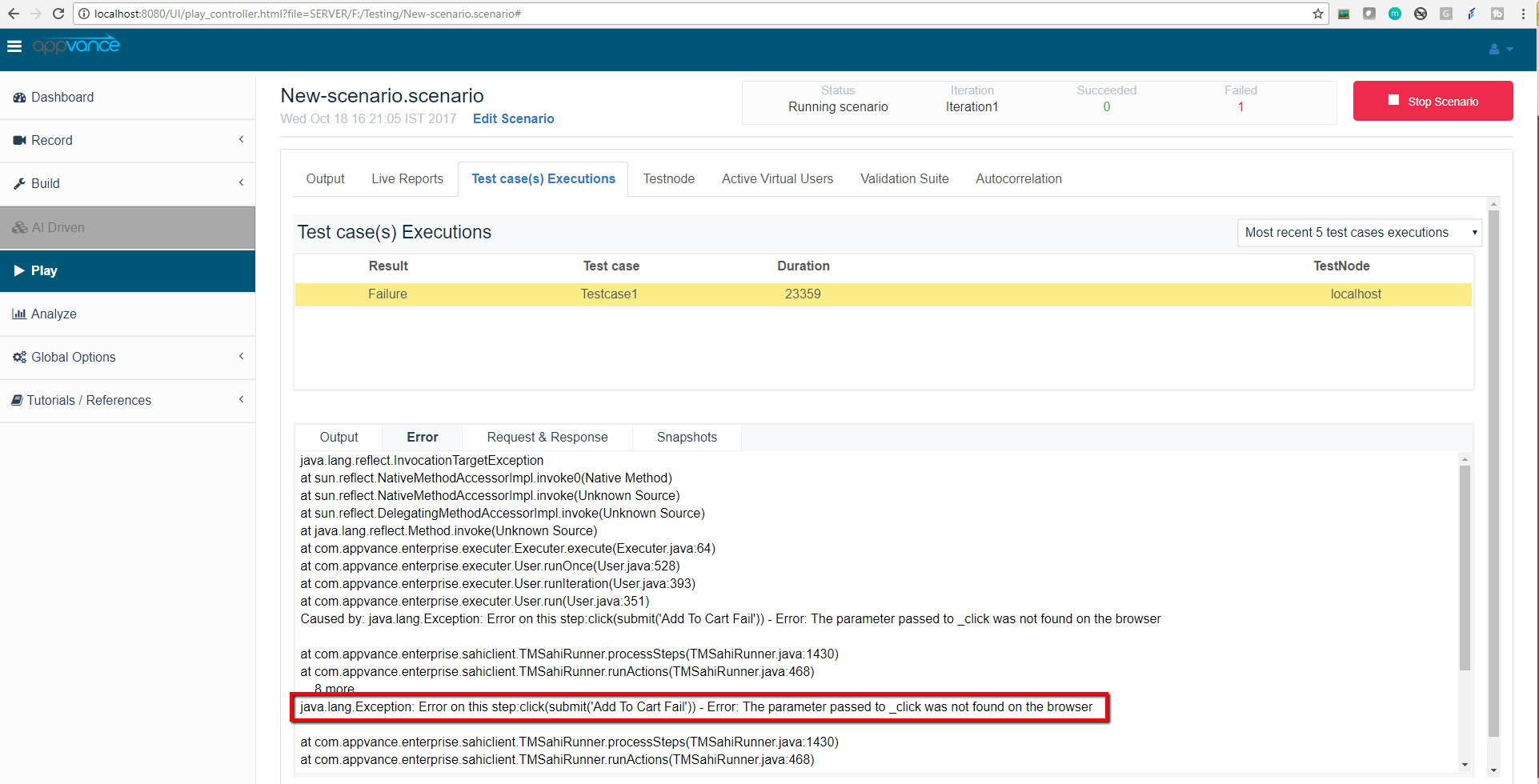
Test Case Executions tab lists the available transactions finished, this is the right place to look for test case falling reasons, stack traces, and output. This tab provides the functionality to download a request-response content with no format (user must know the request format to open the content, guide yourself by the request extension. Example: .jpg, .js, .css, etc.) from the Request & Response tab. There’s an extra tab named Snapshot, this tab is only useful for scenarios using Appvance Designer Script-based test cases, in Scenario Builder you can choose the option of Taking snapshot on failure, this will take a browser screen-shot when the failure is detected.
This section allows you to get a range of the most recent 5, 10, 20, 40, and 100 test case executions, by clicking one of the listed entries, the tabs below this table will be populated with the selected test case execution details.
Use the Refresh button next to the Most recent x test case executions drop-down to refresh the new entries / new executions.