Get and Check Links on a Page
Here is an example of how to get and check all the links that are present on a page.
-
Save both scripts
-
Provide the navigation URL
-
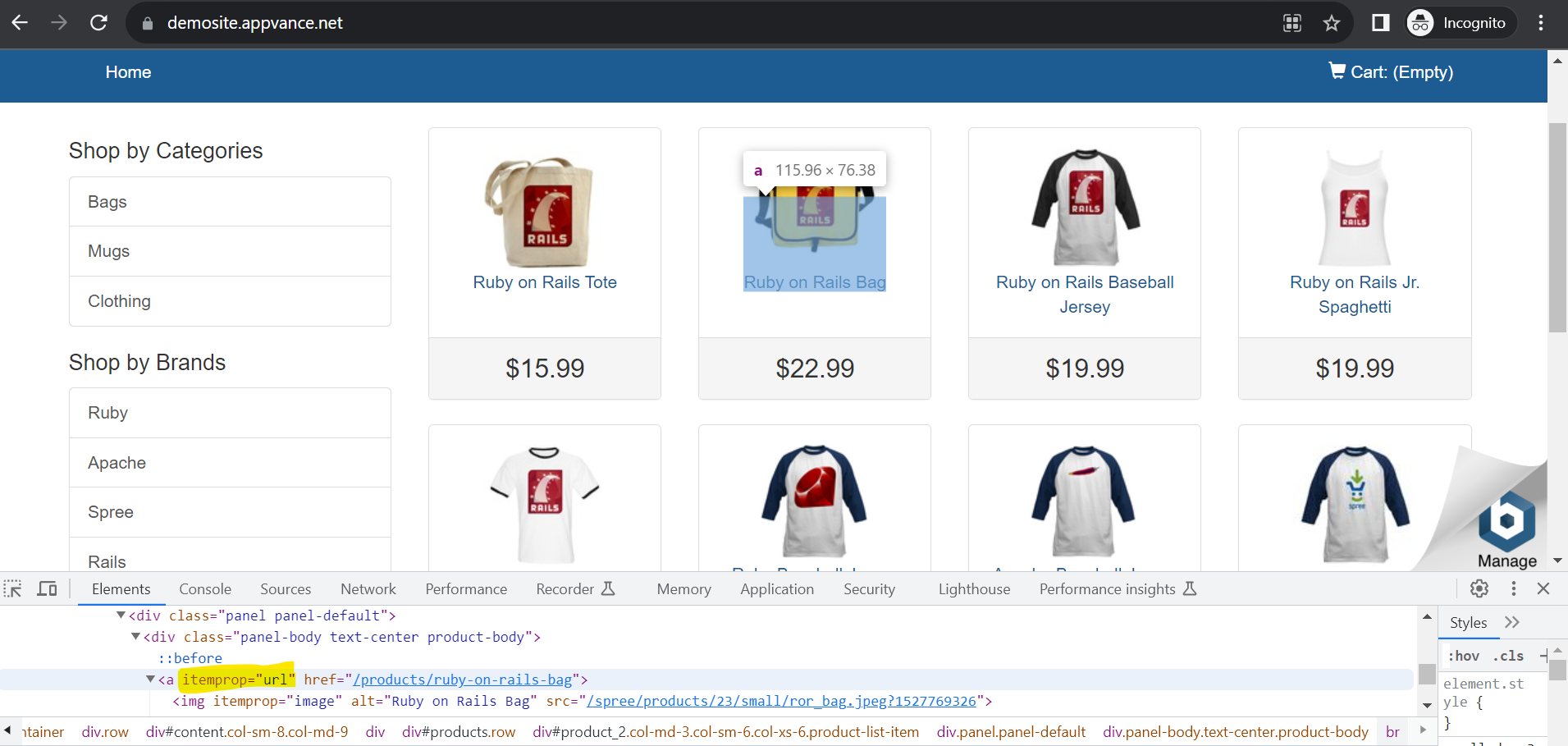
Change the anchor tag accessor in the JS script (highlighted below)
Service Suite Script
Copy
function urlcheck($CheckURL)
{
//var $CheckURL = "https://demosite.appvance.net";
var $URLFine = "URL is Working\n";
var $URLNot = "URL is not Working\n";
var $URL = get($CheckURL);
//var $IgnoreURL =
var $Status = $URL.status;
log($Status);
//log($URL);
if($Status<399)
{
  log($URLFine);
}
else
{
  log($URLNot);
  log($CheckURL);
  //assertEquals($Status,399)
}
}

urlPass = locker.get("URLName");
log("ServiceSutie URL: "+urlPass);
urlcheck(urlPass);
JS Script
Copy
navigateTo("https://demosite.appvance.net");
wait(5000);
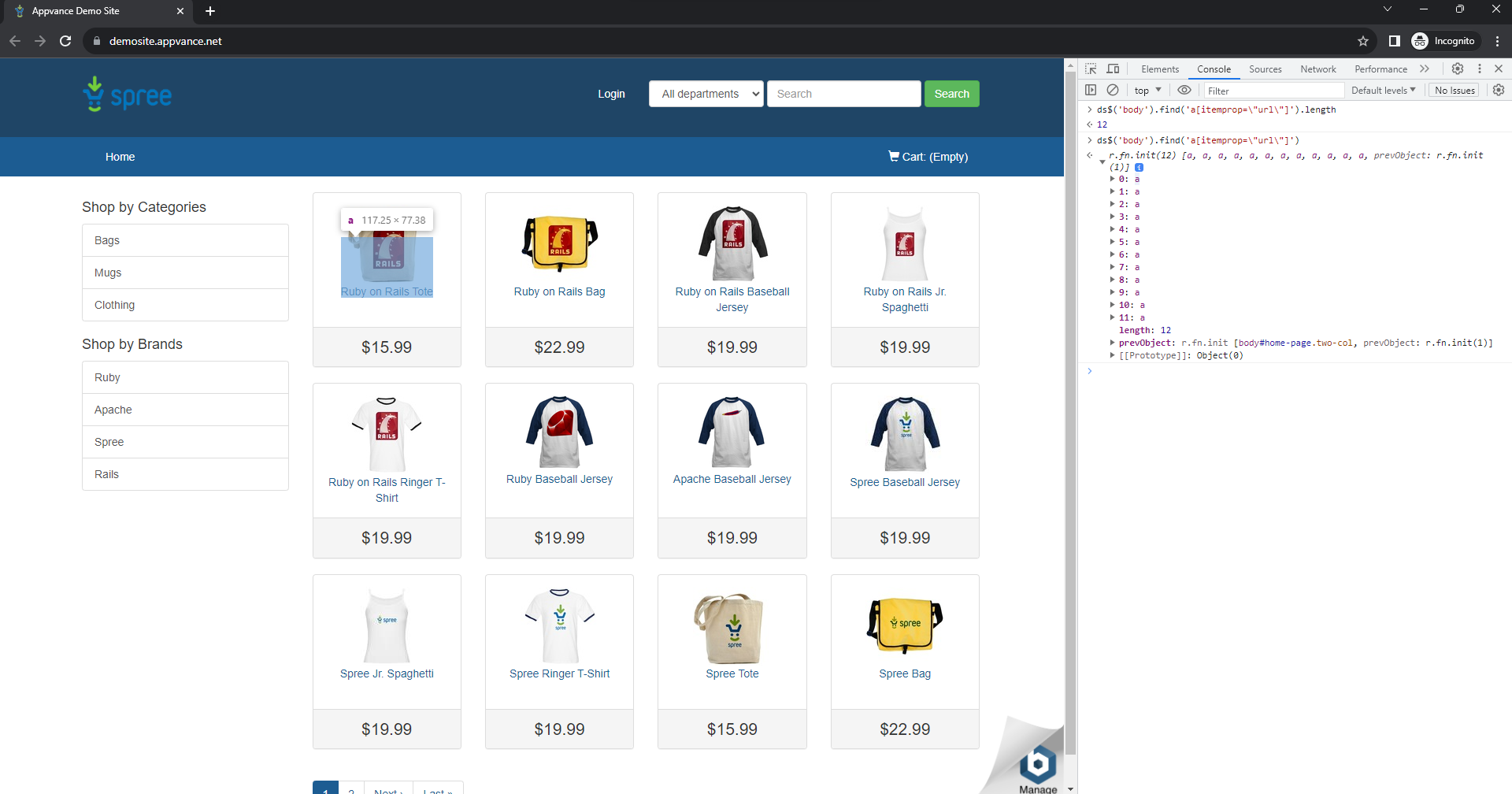
var linklength=_eval("ds$('body').find('a[itemprop=\"url\"]').length");  //--- URL count available on the navigation page.
log(linklength);
var i=0;
while(i<linklength-1)
  {
    var url=_eval("ds$('body').find('a[itemprop=\"url\"]')["+i+"].href");
    log(url);
     locker("URLName","");
    locker("URLName",url);
        i=i+1;

 serviceSuite("{ds}/TestURLservice.js");   // --- URL status check through the service suite script.
  }