# Install Appvance IQ Database Schema
1. Open **MySQLWorkbench**
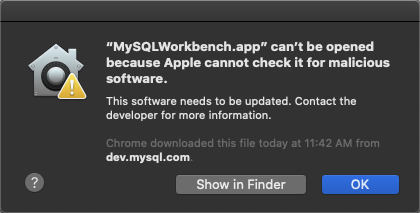
2. If warning appears, click **OK**
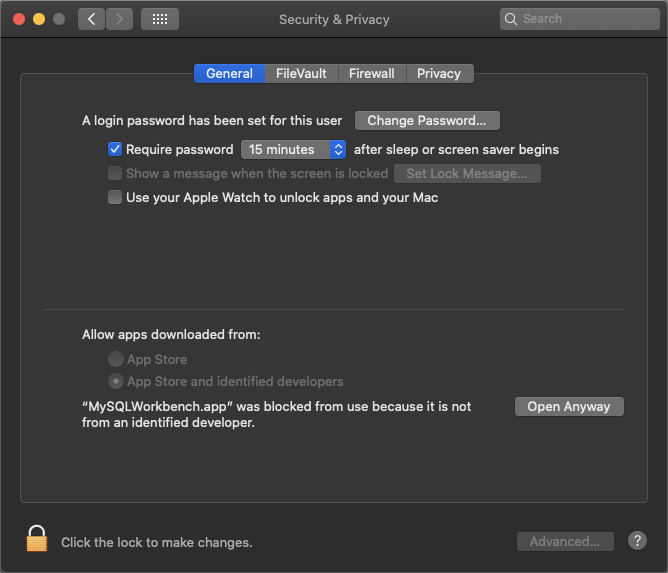
3. Select **Apple Menu** and click **System Preferences**
4. Click **Privacy & Security**
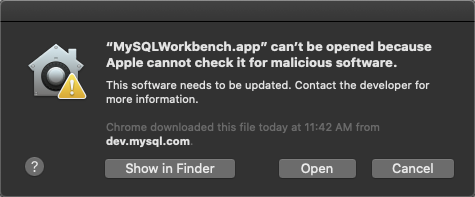
5. Click the **General** tab and select **Open Anyway**, and then **Open**
6. If version compatibility issues occur, please try alternate download from [https://downloads.mysql.com/archives/workbench/](https://downloads.mysql.com/archives/workbench/)
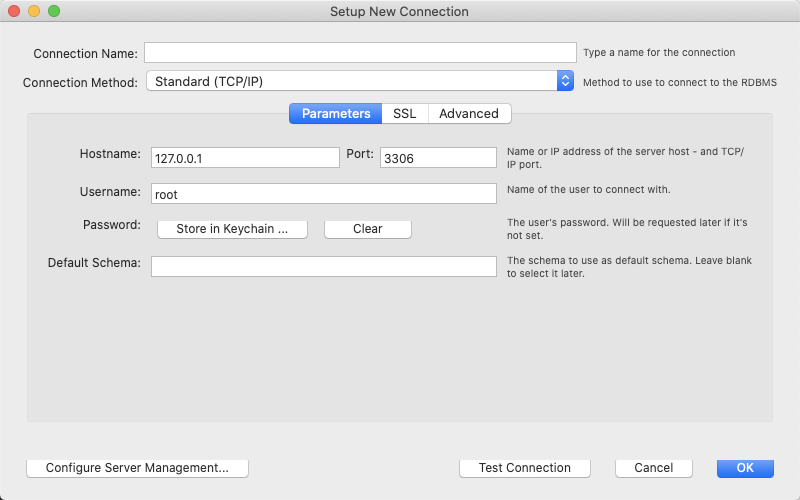
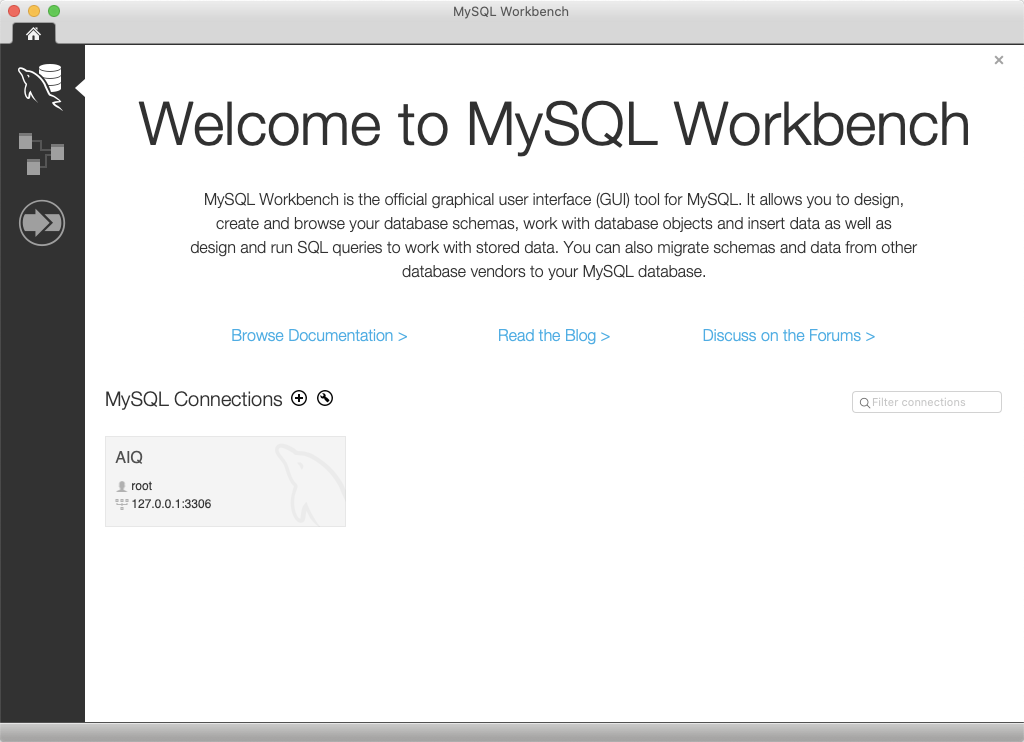
7. When MySQL Workbench appears, assuming a database connection does not already exist, click **MySQL Connections +** (add) button

8. Enter a name for the connection in the **Connection Name** box
Enter the **hostname**, **port** and credentials (if needed) and click **OK**
9. Follow any prompts for updating the password
10. Click the newly created connection, for example AIQ as illustrated below
11. Select **File** and click **Open SQL Query Script...**
12. Browse to <AIQ>\\**TestNode\\webapps\\AppvanceServer\\WEB-INF\\classes\\database**
13. Select **MySQLInitial.sql** and click **Open**
14. Select **Query** and click **Execute (All or Selection)**
15. Select **File** and click **Open SQL Script...**
16. From the same location, select **MySQLAppvance.sql** and click **Open**
17. Select **Query** and click **Execute (All or Selection)**
#### Troubleshooting
`Error Code: 1419. You do not have the SUPER privilege and binary logging is enabled`
If you get the above error while running the `MySQLAppvance.sql` script on AWS RDS, make sure that the RDS parameter group has the value `1 (ON)` for the `log_bin_trust_function_creators` parameter. The RDS database MUST be rebooted for parameter changes to take effect.
Next step: [Update MySQL Max Packet and Case Settings](https://docs.appvance.net/Content/AIQ/AIQ_Install/MacOSX/Install_Mac_UpdateMySQL.htm)
---
Last updated: September 18, 2024
If you have any feedback on this topic, please contact us at