The Coverage Map
The AISG Coverage Map shows the multiple paths the AI can take while interacting with the application being tested. It lets you visualize the health of the application and understand all potential user flows — including areas plagued by errors that may need rework.
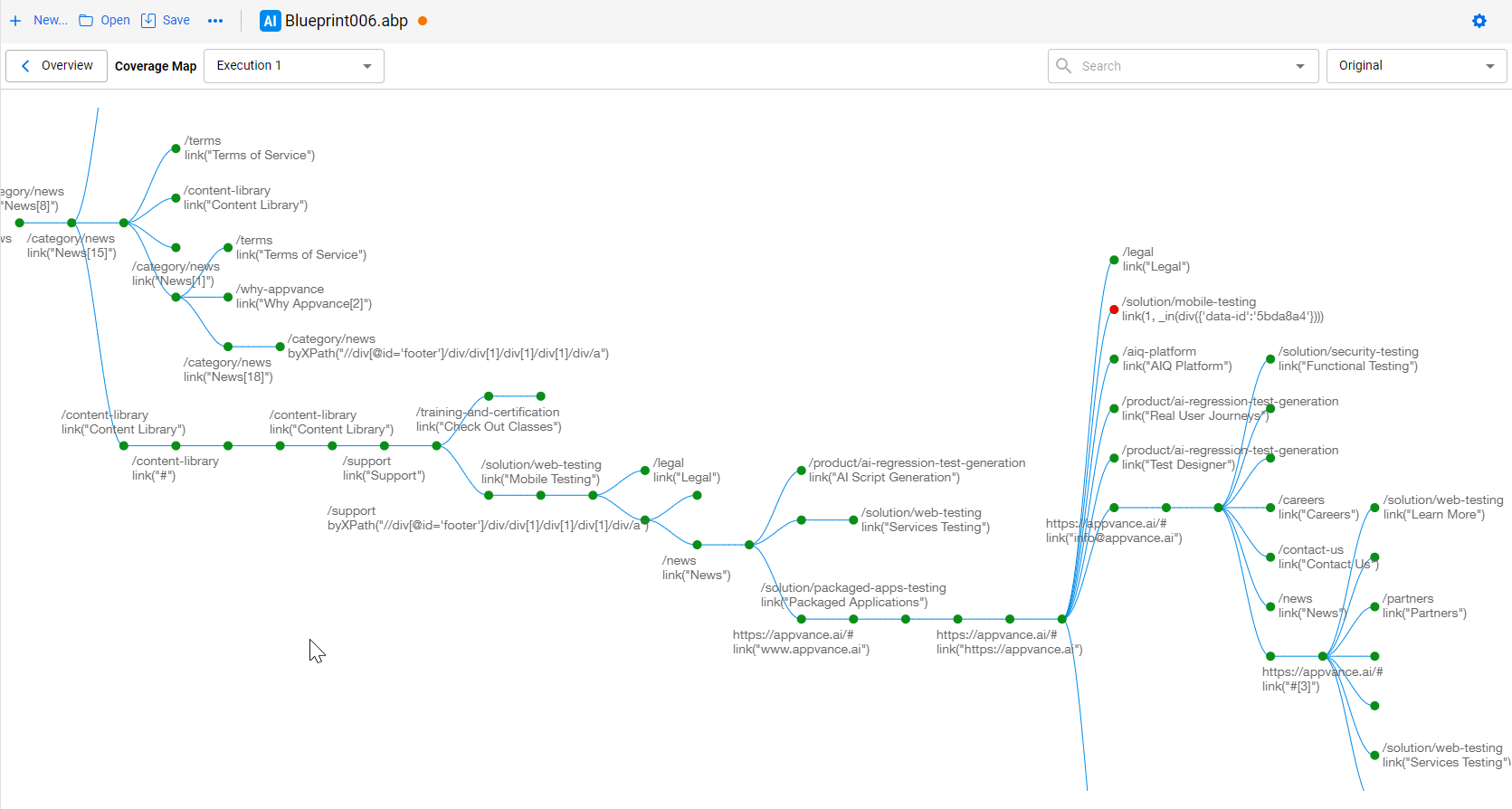
The AISG Coverage Map in AIQ 5.2+.
Three coverage map types (AIQ 5.2.0+)
| Type | What it shows |
|---|---|
| >Original | >The default visualization — the view used in previous versions of AIQ. |
| >Extended Potential | >Enhanced view with more page states and relationships the AI learned about — even paths it did not actually navigate. |
| >Actual Path | >The exact path the AI followed through the application — great for tracking AI training and generating precise DS scripts. |
Note: to take advantage of the new Coverage Map types, you must rerun any existing 5.0.x executions on 5.2.0. Opening a 5.0.x .abpt file alone is not enough.
Node colors and their meaning
| Color | Meaning |
|---|---|
| White | >Not executed |
| Green | >Executed with no errors |
| Yellow | >Executed with a non-critical error (e.g. a 500 error) |
| Red | >Executed with a critical error (e.g. a 404 error) |
| Blue | >The execution path from the start point |
Interacting with the map
- Zoom in / out to see more detail, including the actions and accessors associated with a node.
- Explore the map in real time while the blueprint is still running.
- Click a node to see its actions and accessors, plus their exact location in the application.
- Generate DS Script — creates a script with the steps the AI took to reach a specific page.
- Use the Request tab to see the associated requests.
- Search URLs in the map; click a result to see the page state details.
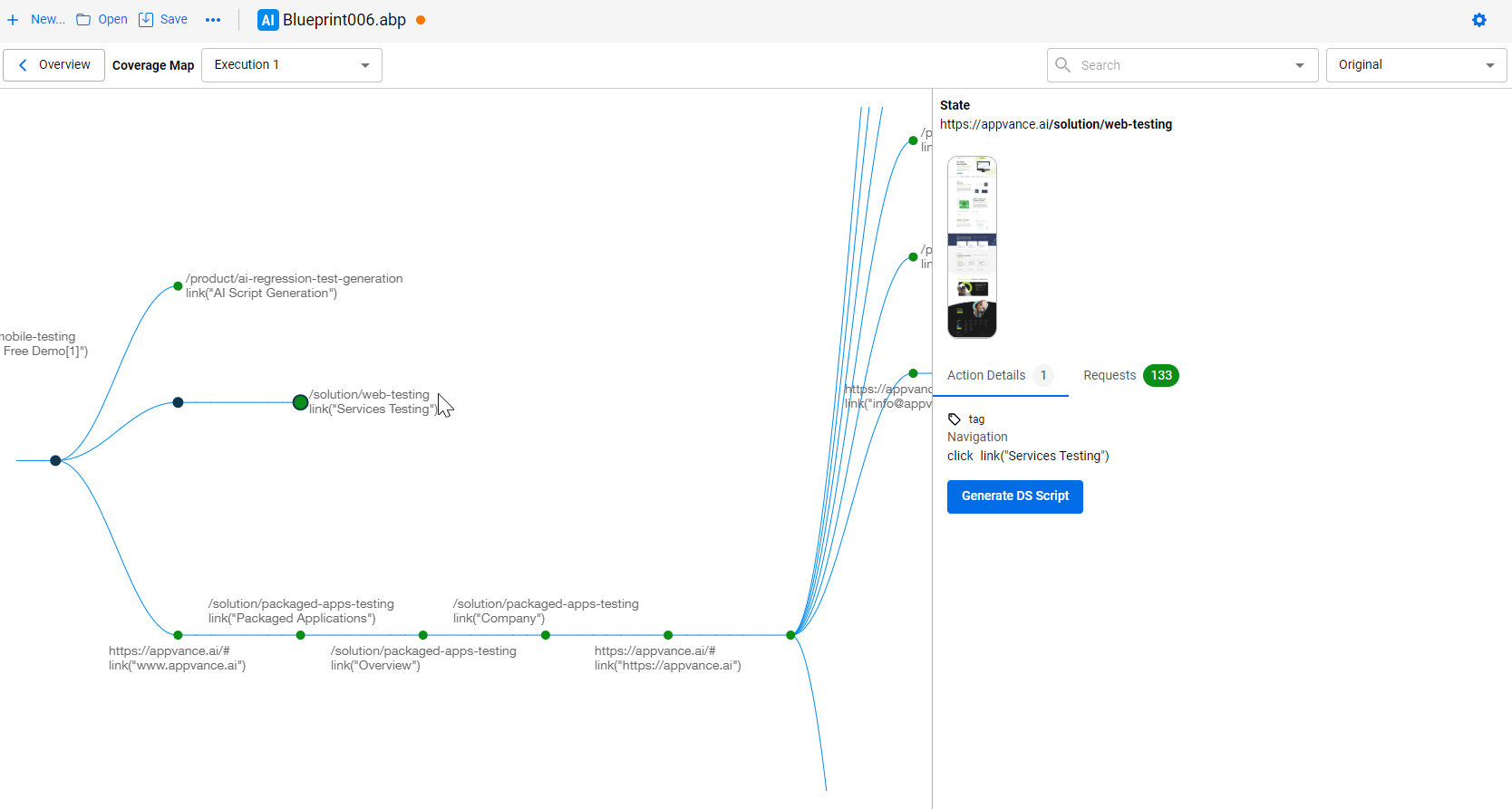
Node details with actions, accessors, and Generate DS Script.
Filtering requests
You can filter out specific requests or errors (e.g. 404s) from the Coverage Map. The filter is saved to the Blueprint
(.abpt) file so the requests won’t display on future executions. To hide a request, right-click it and select
Hide URL — it moves to the Hidden Requests list, visible per node or per execution.