# CircleCI
Operate an Appvance Test Scenario from CircleCI using the Appvance IQ Plugin.
Appvance IQ Test scenarios can be run from CircleCI integration using a CIPlugin that Appvance provides. CIPlugin enabled you to start test scenarios from the YAML tag (CI Tools).
## Prerequisites
- Appvance CI Plugin
- Java 1.8
- Scripts and Appvance Test scenario created and available
- Active GitHub account
- Circle CI that is tied to the GitHub account
## Running the test scenario
1. Create a project in your GitHub account.
2. Create a folder called CircleCI with the file called config.yml.
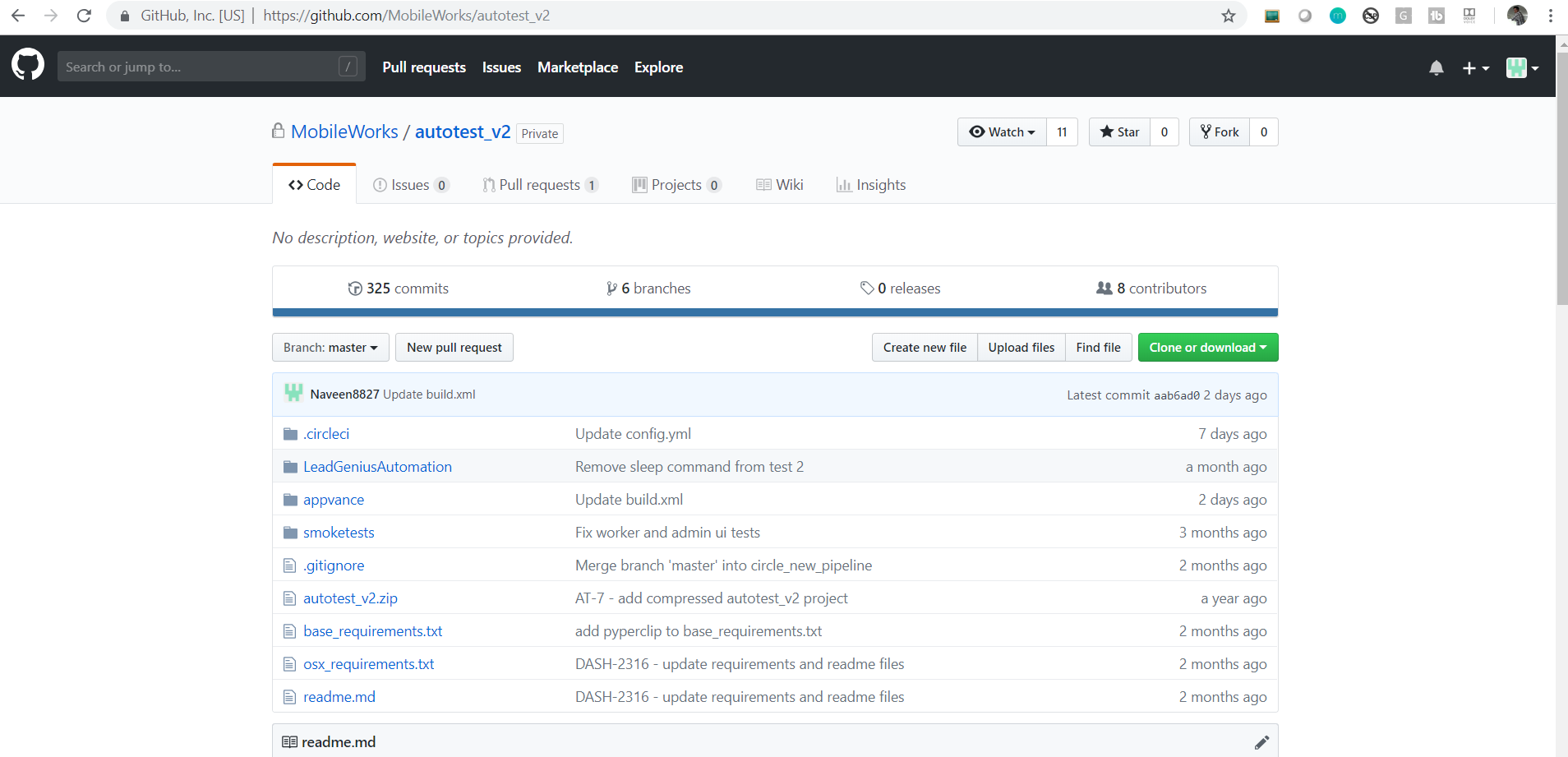
3. Config.yml should have the minimum following details in it:
```
# Python CircleCI 2.0 configuration file # # Check https://circleci.com/docs/2.0/language-python/ for more details # jobs: build: docker: - image: circleci/java:8-jdk working_directory: ~/repo steps: - checkout - run: name: Install ant command: | sudo apt-get install -y ant echo 'ant installed.' cd /home/circleci/repo/appvance/scenario1 ant -buildfile build.xml -DbuildNumber=$CIRCLE_WORKFLOW_ID executeScenario cd /home/circleci/repo/appvance/scenario2 ant -buildfile build.xml -DbuildNumber=$CIRCLE_WORKFLOW_ID executeScenario no_output_timeout: 2h - save_cache: key: deps1_{{ .Revision }} paths: - ~/repo workflows: version: 2 build_and_test: jobs: - build - dev: requires: - build filters: branches: only: - /feature-.*/
```
4. This is going to install JDK 8, Install ant that is required to build **AppvanceRestClientWithDeps.jar,** and call the **build.xml** which internally runs the scenarios that are mentioned
5. Create a folder called appvance and inside have **build.xml** file and **localhost.json** files per scenario for better organizing
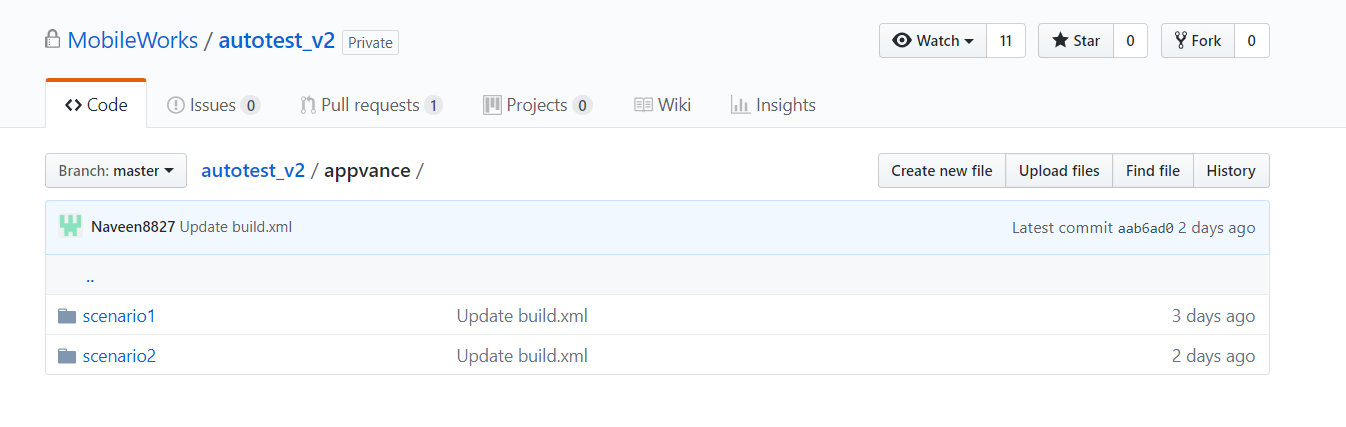
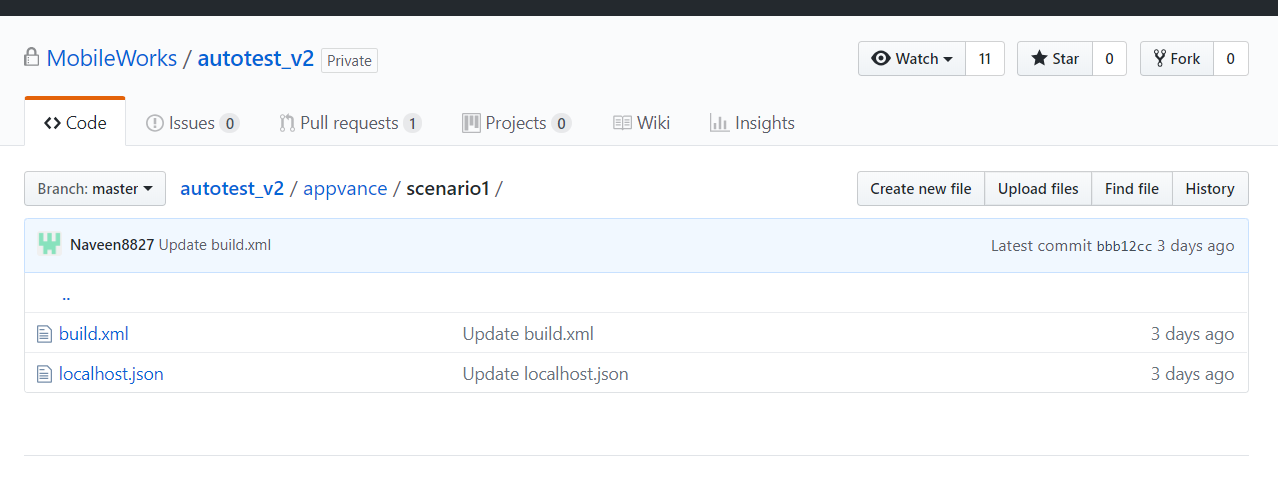
build.xml would have the following details.
```
Lead Genius Blueprint Circle CI
```
The file is self-explanatory and the scenario name is something that needs to be changed along with the path.
localhost.json would have the following details
```
{ "controller":{ "url":"http://ec2-x-x-x-x.us-west-2.compute.amazonaws.com:8080", "username":"appvance", "password":"appvance", "workFolder":"/MyWorkdirectory/" } }
```
URL of the controller has to be changed and also the workFolder of the scenarios to be changed.
Any changes done to the files will initiate a build-in CircleCI.
You can go to your CircleCI Account after all these configurations are done in Github and the jobs can be run from CircleCI.
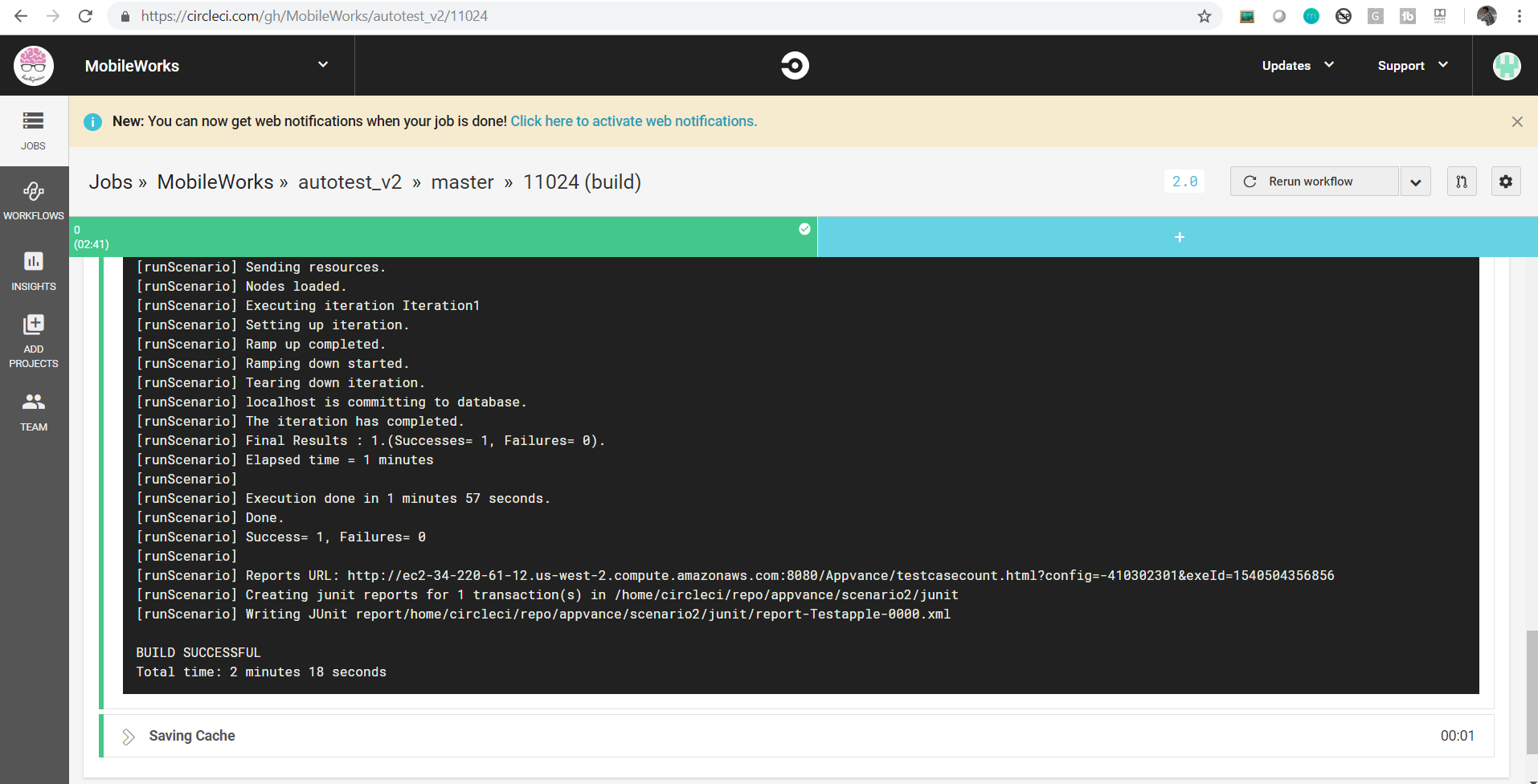
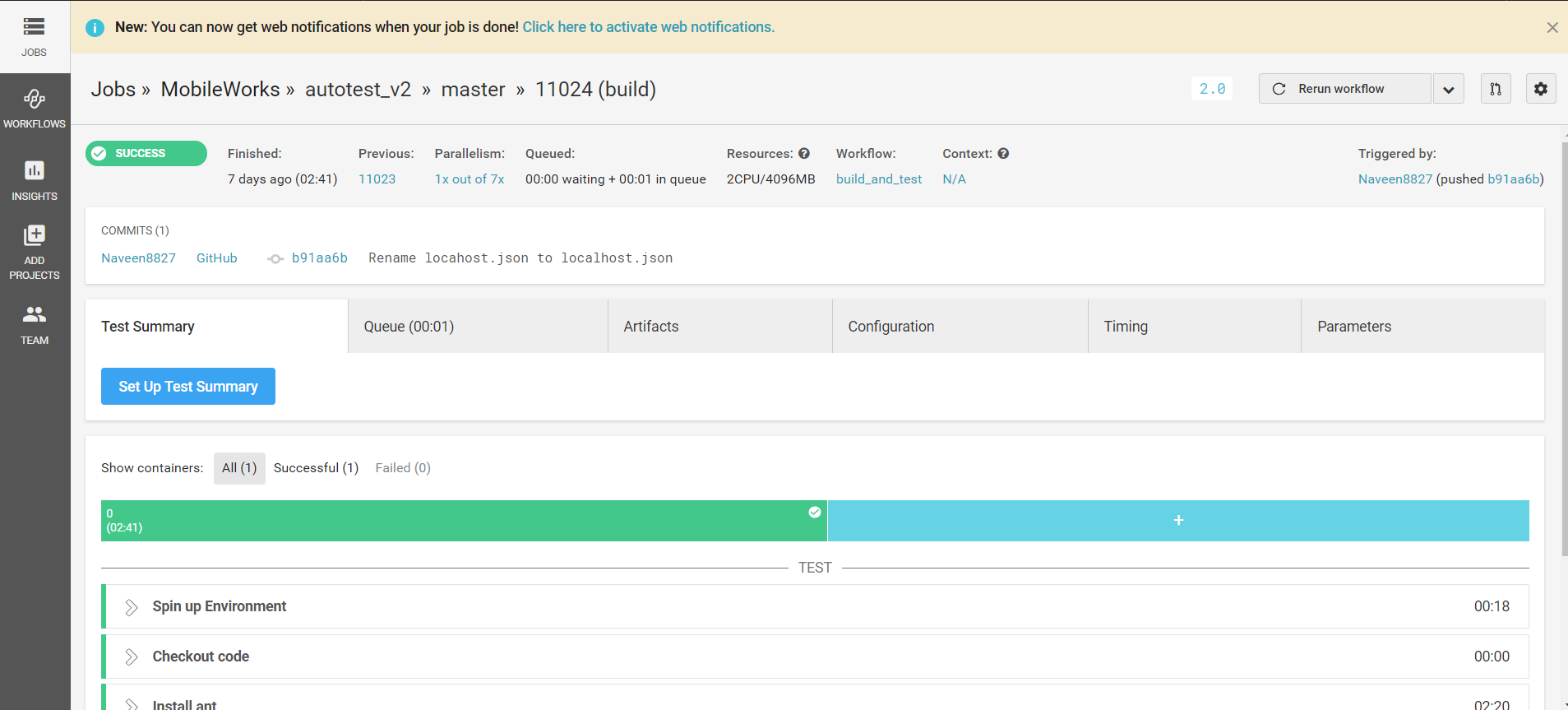After the successful execution, go to the Install Ant section which will display all the logs and the link to navigate to Reports of the test run.
You can copy-paste the link in your favorite browser to check the results in details
---
Last updated: October 15, 2026
If you have any feedback on this topic, please contact us at
## Using OWASP Top Ten results
Treat the OWASP Top Ten as a risk-awareness taxonomy for organizing findings, not as a substitute for application-specific threat modeling. Run scans only within written scope, preserve the affected request and response evidence, and have the application owner validate severity and remediation.