# Creating First Jenkins Project

<u>Creating your first project and configuring GIT Repo:</u>

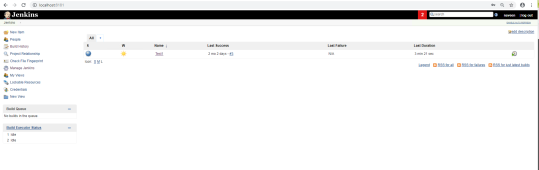
1. Once downloaded and installed launch *http://localhost:8080* (or with the changed port number) in your browser or log in to your Jenkins cloud
    
     ![](https://docs.appvance.net/uploads/images/gallery/2026-07/scaled-1680-/KFcP1XuoPw5T6rRh-c9b41d0c69f4.png)
2. Click on New Item from the left navigation
    
     ![](https://docs.appvance.net/uploads/images/gallery/2026-07/scaled-1680-/GNwq59QghdS1WusD-109f121d3d65.png)
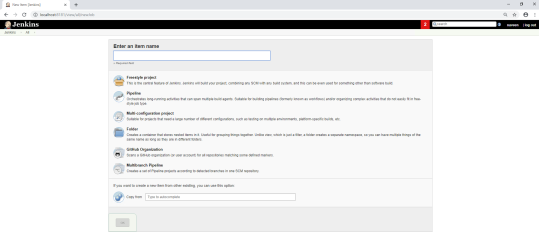
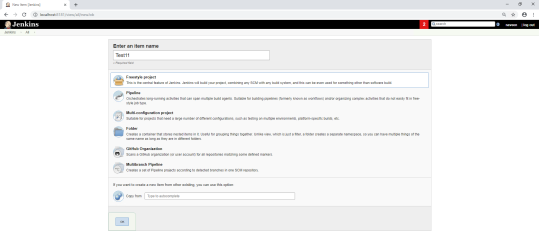
3. Provide a valid Job name
4. Select “Build a free-style software project”
    
     ![](https://docs.appvance.net/uploads/images/gallery/2026-07/scaled-1680-/XHRbBUmdqF2eW7SP-5ed1e752f25e.png)
5. Click on the OK button
    
     ![](https://docs.appvance.net/uploads/images/gallery/2026-07/scaled-1680-/Qel9UqzetamkmDlW-c4758d093156.png)
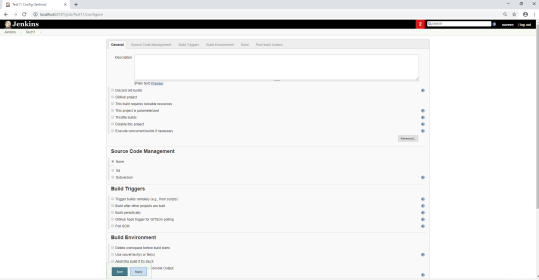
6. Provide a description of the project

    
     ![](https://docs.appvance.net/uploads/images/gallery/2026-07/scaled-1680-/xNI2I5TGtBIRzeuU-8e8501aa6b31.png)
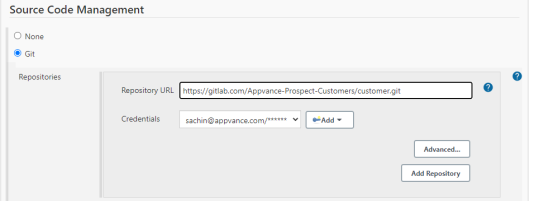
7. Locate Source Code Management and choose Git, Provide the Repository URL with the credential details where all the above files reside and changes made
    
     ![](https://docs.appvance.net/uploads/images/gallery/2026-07/scaled-1680-/2S0TN1zWkjo8iyje-75c250a9825a.png)
8. Mention the branch details from the files that reside

    
     ![](https://docs.appvance.net/uploads/images/gallery/2026-07/scaled-1680-/FT87oQKLX9nOw3Xp-90b191c8f70e.png)
9. Build Environment - Check "Delete workspace before build starts", this will ensure the latest assets are uploading when running the Jenkins job
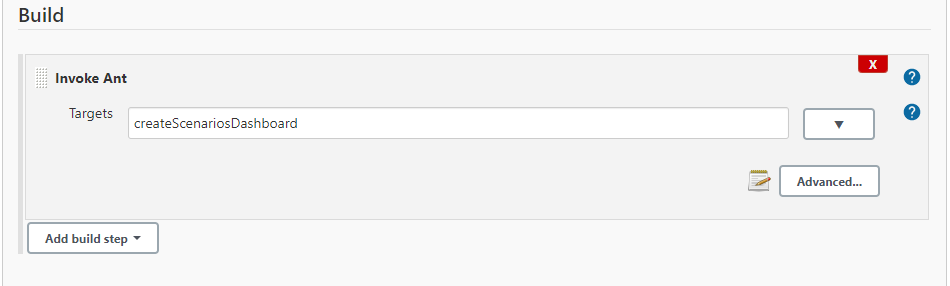
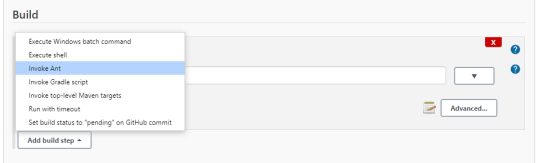
10. Build - Add Build step &gt; Invoke Ant and add the Ant Call as mentioned below
    
     ![](https://docs.appvance.net/uploads/images/gallery/2026-07/scaled-1680-/cJbAVy8OoeSRvQ50-2ed4ca30415a.png)
 
 ![](https://docs.appvance.net/uploads/images/gallery/2026-07/scaled-1680-/CTuIl6JDyePP9Tp6-da0808f94fe4.png)

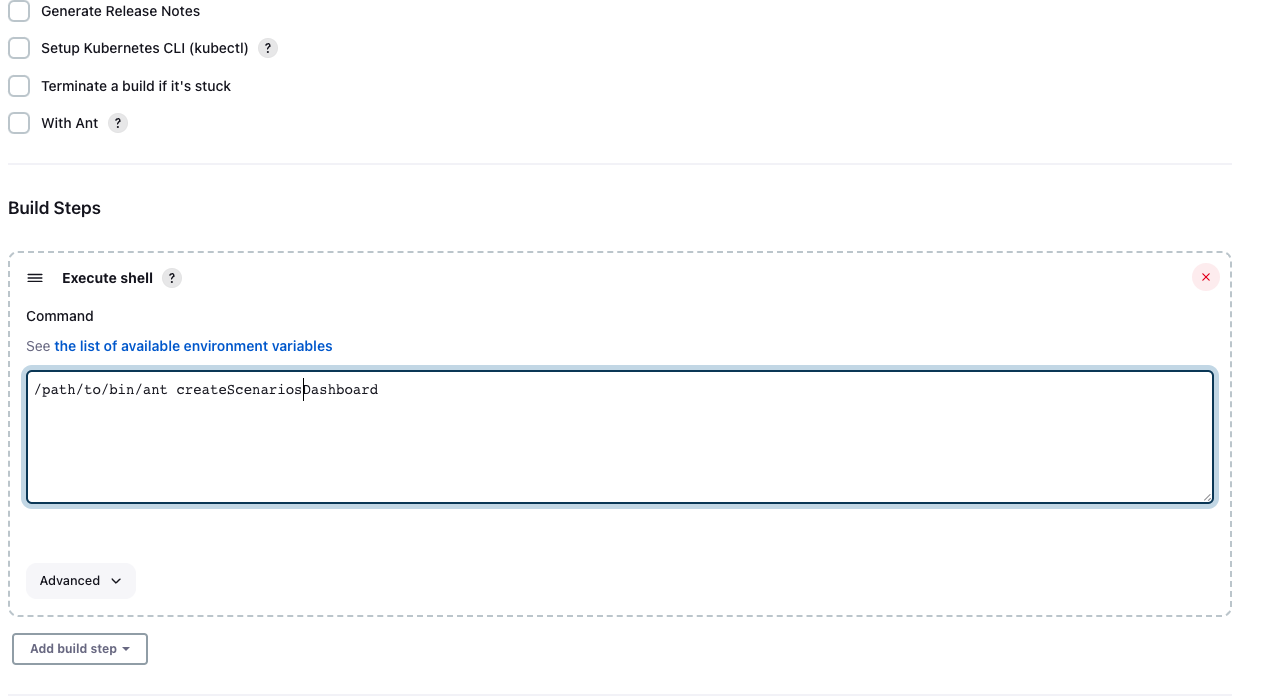
\*\* If Ant is not configured in Jenkins but its installed on the Jenkins agent, the job still can be executed with the following command:
 ![](https://docs.appvance.net/uploads/images/gallery/2026-07/scaled-1680-/8m0FpvSeGLOlIYFQ-77ed00917653.png)

<div id="bkmrk-last-updated%3A-june-0">---

Last updated: <span class="mc-variable General.NewDateTimeVariable variable">June 02, 2023</span>

If you have any feedback on this topic, please contact us at <documentation@appvance.ai>

</div>