# How to access and extract the content of the table
Below is example script using demosite to get table row/column length and get the text of cell.This example doesnt have any unique accessor so going by row/cell counter along with relational accessor.In case if there’s any unique identifier is available to access row/cell,same can be used directly as well.
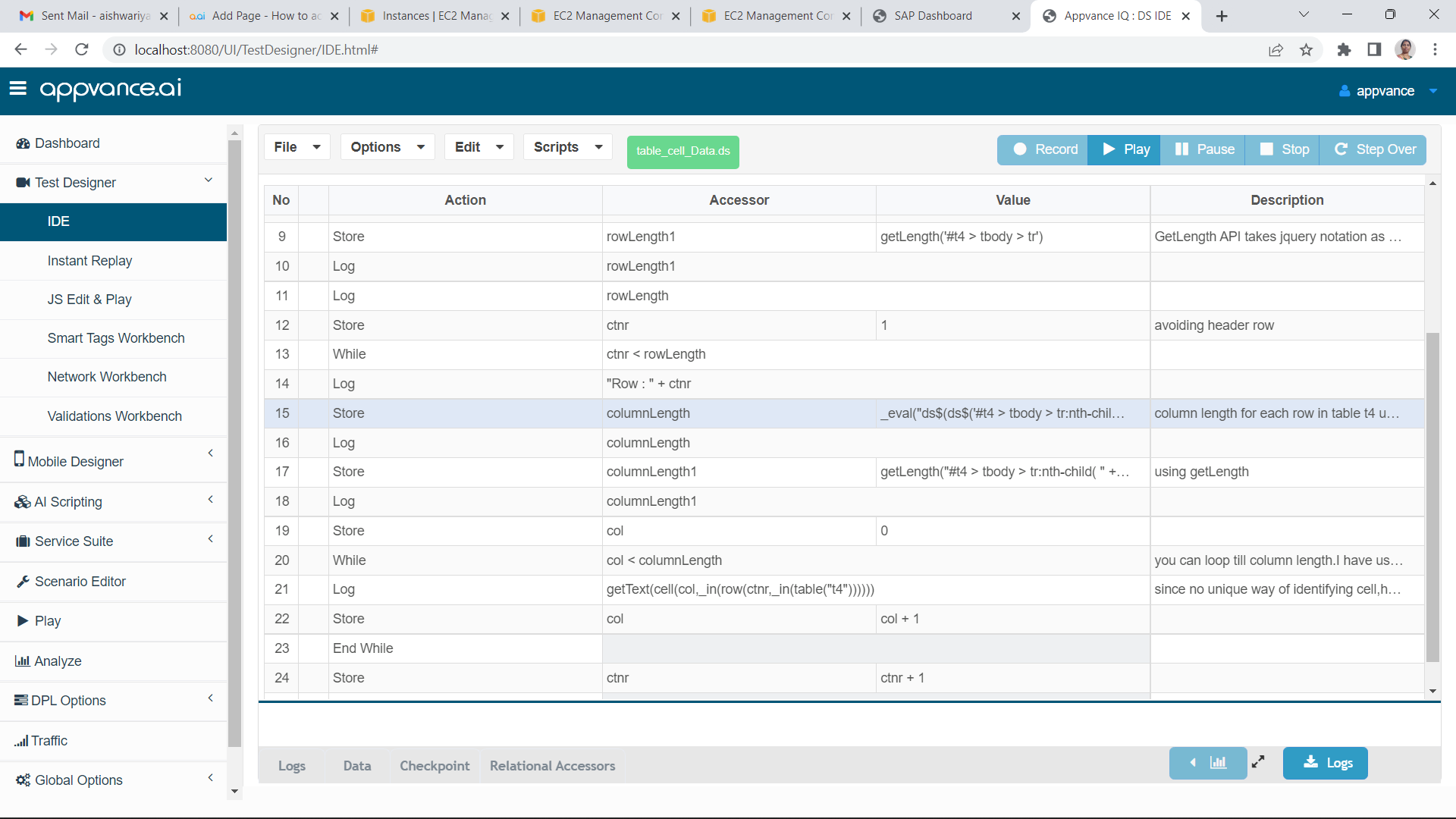[table\_cell\_Data.ds](../../../Resources/Images/GeneralGraphics/table_cell_Data.ds)
---
Last updated: July 03, 2023
If you have any feedback on this topic, please contact us at