
Web Designer
This is the AIQ Web Designer.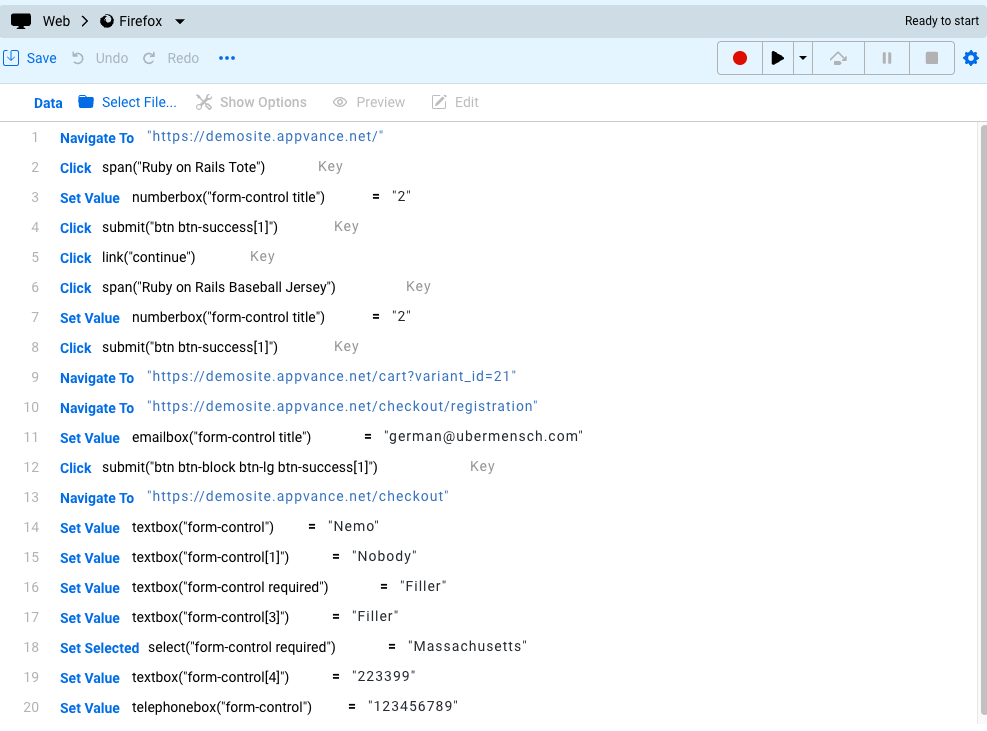
Web Designer allows the user to:
- Record a script by interacting with the AUT
- Edit existing text created by AISG or GENI
- Run and edit existing scripts (for example, using the "Record From Here" option to add missing steps, or modify the script to accept new modules added to the AUT)
There are three main sections in the Web Designer:
- Top Section — set options and interact with your scripts.
- Web Designer Grid — create and edit test scripts.
- Bottom Section — access logs and data.
Last updated: March 17, 2024
If you have any feedback on this topic, please contact us at documentation@appvance.ai