
Install the AIQ Database Schema
OpenRecommended
MySQLWorkbenchIfguidancewarningInstall
appears,theclickAIQOK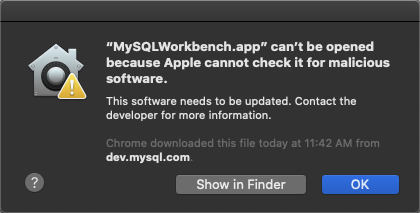
SelectdatabaseAppleschemaMenuonly with the installer or migration process supported by the target AIQ version. Schema changes affect platform stability, upgrades, reporting, andclickexecutionSystemhistory.PreferencesBefore installation
- Confirm AIQ version, database version, host, schema name, user permissions, and backup status.
ClickVerifyPrivacycharset,&collation,Securitypacket size, case-sensitivity, and storage requirements.ClickCoordinate downtime and rollback if theGeneralschematabisandbeingselectcreatedOpenorAnyway,migratedand thenOpen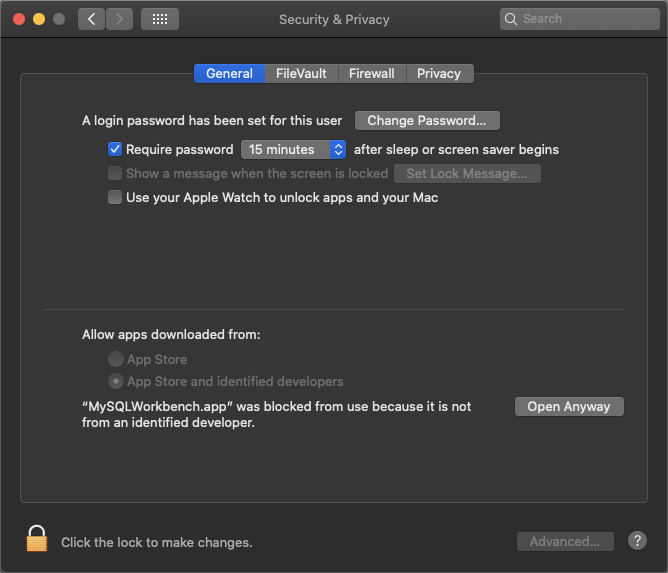
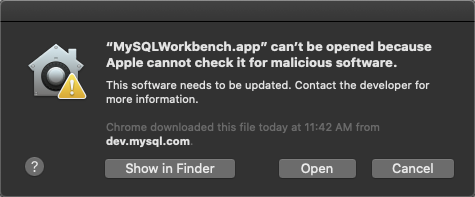
If version compatibility issues occur, please try alternate download fromhttps://downloads.mysql.com/archives/workbench/When MySQL Workbench appears, assumingin adatabasesharedconnection does not already exist, clickMySQL Connections +(add) button
EnterUseaapprovednamescriptsfor the connection in theConnection NameboxEnter thehostname,portand credentials (if needed) and clickOK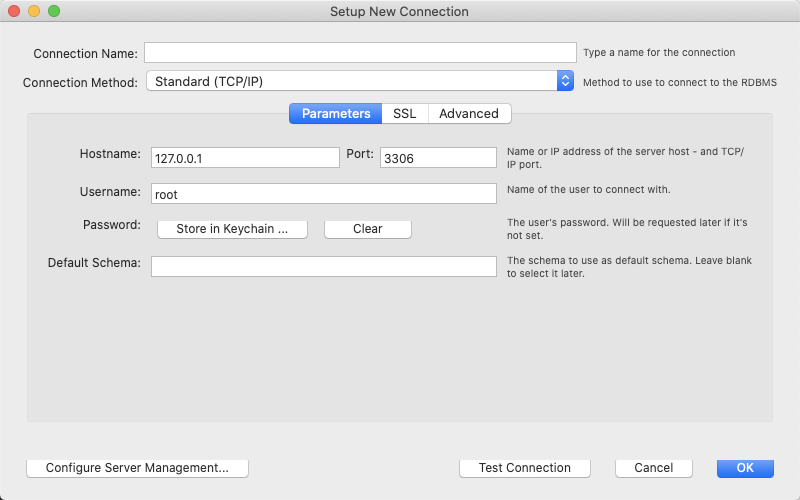
Follow any prompts for updating the passwordClick the newly created connection, for example AIQ as illustrated below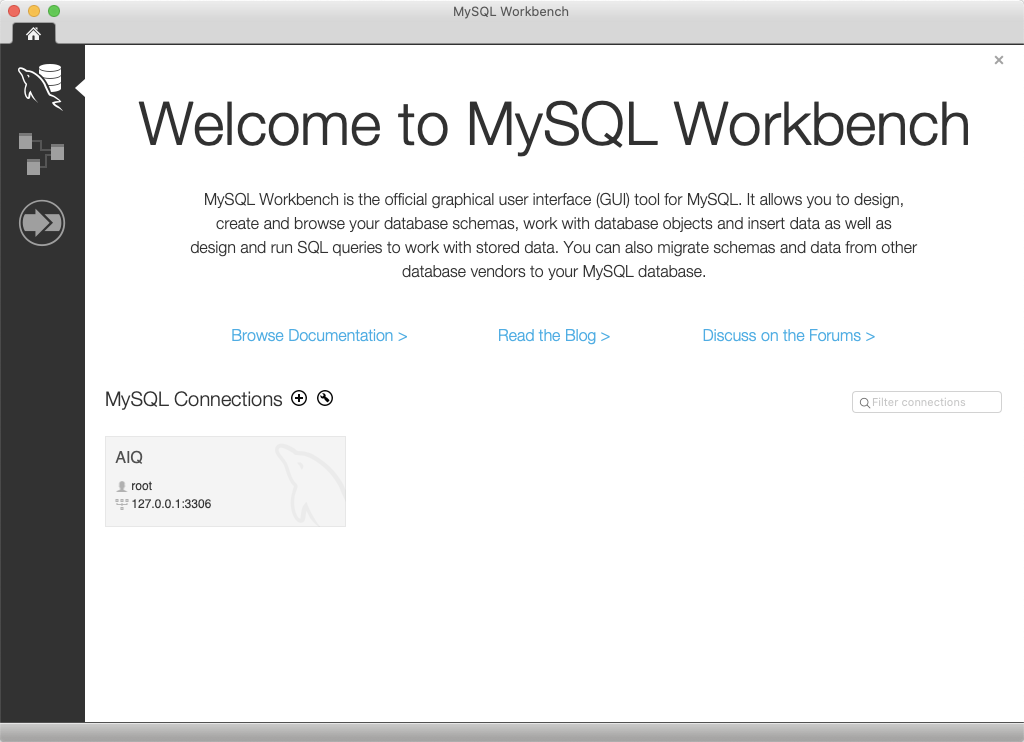
SelectFileand clickOpen SQL Query Script...Browse to <AIQ>\TestNode\webapps\AppvanceServer\WEB-INF\classes\databaseSelectMySQLInitial.sqland clickOpenSelectQueryand clickExecute (All or Selection)SelectFileand clickOpen SQL Script...From the same location, selectMySQLAppvance.sqland clickOpenSelectQueryand clickExecute (All or Selection)
Troubleshooting
Error Code: 1419. Youonly; do not havemanually edit schema objects without support guidance.
Validation workflow
- Run schema creation or migration from the
SUPERapprovedprivilegeinstaller or script. - Confirm AIQ can connect with the configured database user.
- Run login, Scenario Editor, Service Suite, and
binaryreportingloggingsmokeistests. - Review
enabled
Ifand youdatabase get the above error while running the MySQLAppvance.sql script on AWS RDS, make sure that the RDS parameter group has the value 1 (ON)thepermission, log_bin_trust_function_creatorsparameter.or Theobject RDS database MUST be rebooted for parameter changes to take effect.
Next step: Update MySQL Max Packet and Case Settings
Last updated: SeptemberOctober 18,7, 20242026
If you have any feedback on this topic, please contact us at documentation@appvance.ai