
Install Appvance IQ Database Schema
Recommended
- Open
guidance
Installwarning appears, click OK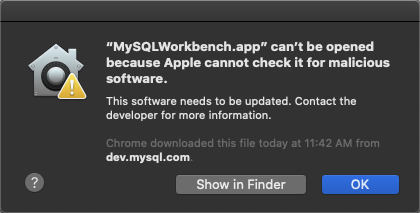
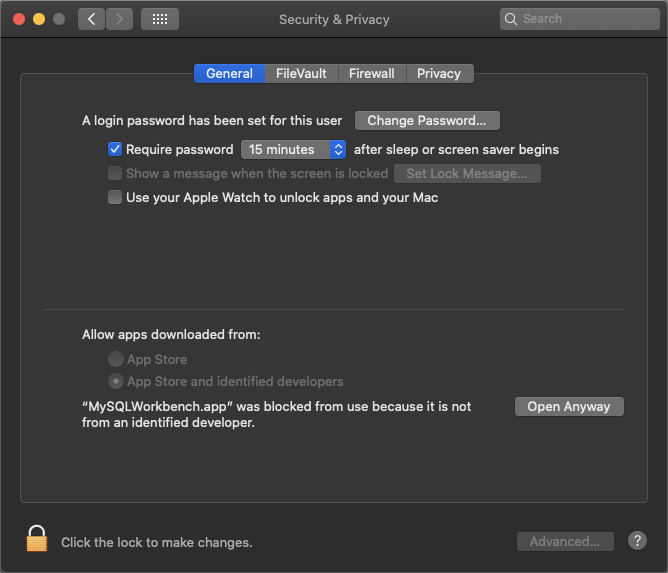
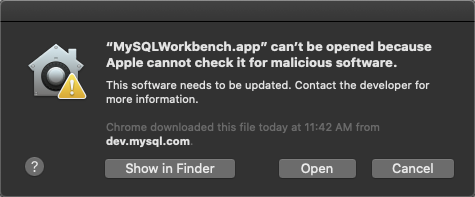 If version compatibility issues occur, please try alternate download from https://downloads.mysql.com/archives/workbench/When MySQL Workbench appears, assuming a database
  Enter a name for the
 Enter the hostname, port and credentials (if needed) and click OK
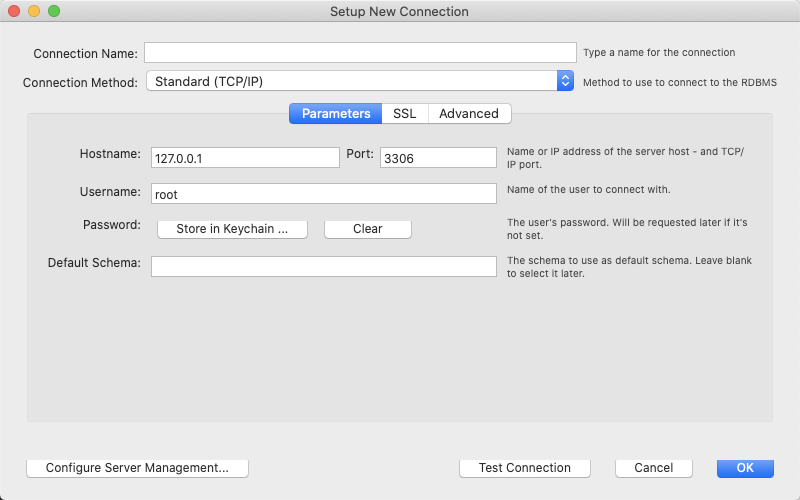 Follow any prompts for updating the passwordClick the newly created connection, for example AIQ as illustrated below
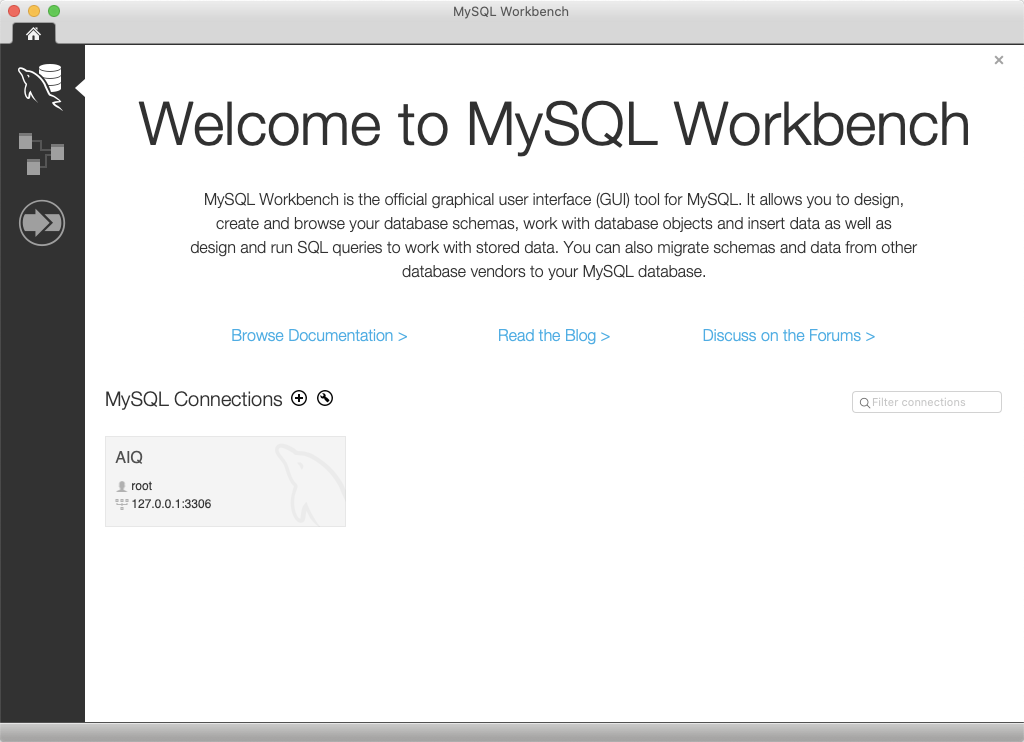 Select File and click Open SQL Query Script...Browse to <AIQ>\TestNode\webapps\AppvanceServer\WEB-INF\classes\databaseSelect MySQLInitial.sql and click OpenSelect Query and click Execute (All or
 BeforeQuery installation
Confirm AIQ version, database version, host, schema name, user permissions,
Troubleshooting
Error sharedCode: environment.Use1419. approved scripts only;You do not manually edit schema objects without support guidance.
Validation workflow
Run schema creation or migration fromhave theapprovedSUPERinstallerprivilegeorandscript.ConfirmbinaryAIQloggingcanisconnectenabled
If you get the configuredabove error while running the MySQLAppvance.sql script on AWS RDS, make sure that the RDS parameter group has the value 1 (ON) for the log_bin_trust_function_creators parameter. The RDS database user.
Next step: Update MySQL Max Packet and reportingCase smokeSettings
Last updated: OctoberSeptember 7,18, 20262024
If you have any feedback on this topic, please contact us at documentation@appvance.ai