
Install Java GraalVM11
Recommended
to Installhttps://github.com/graalvm/graalvm-ce-builds/releases/tag/vm-21.3.0
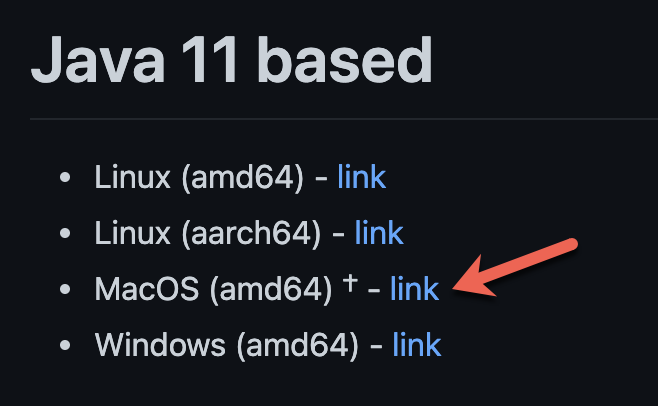 Open Terminal and change directory to Downloads.
Syntax:
cd $HOME/DownloadsUnzip the archive. Note that <version> represents the graalvm version (ex: 21.3.0).Syntax:
tar -xzf graalvm-ce-java11-darwin-amd64-<version>.tar.gzExample:
tar -xzf graalvm-ce-java11-darwin-amd64-21.3.0.tar.gzRemove the quarantine attribute. Enter password when Syntax:
sudo deployedxattr explicitly-r requires-d it.com.apple.quarantine Currentgraalvm-ce-java11-<version>/Example:
sudo shouldxattr always-r be-d checkedcom.apple.quarantine againstgraalvm-ce-java11-21.3.0/Move the JavaVirtualMachines.Syntax:
sudo changingmv runtimes.graalvm-ce-java11-<version>/ Before/Library/Java/JavaVirtualMachines
Example:
sudo ConfirmmvAIQgraalvm-ce-java11-21.3.0/version, operating system, CPU architecture, and supported runtime build./Library/Java/JavaVirtualMachines
Validation workflow
Confirm the runtimeone versionfromlisted.
Syntax:the/usr/libexec/java_homeaccount that starts AIQ.Restart AIQ services after approved configuration changes.Review startup logs for path, permission, or runtime errors.Run Scenario Editor and Service Suite smoke tests before returning the environment to users.-V
Next step: Configure Java
Last updated: OctoberJuly 7,31, 20262024
If you have any feedback on this topic, please contact us at documentation@appvance.ai