
Creating a LoadRunner Script
Launch Virtual User Generator.

Click File > New Script and solution.
Select the protocol and enter the script name and the location.
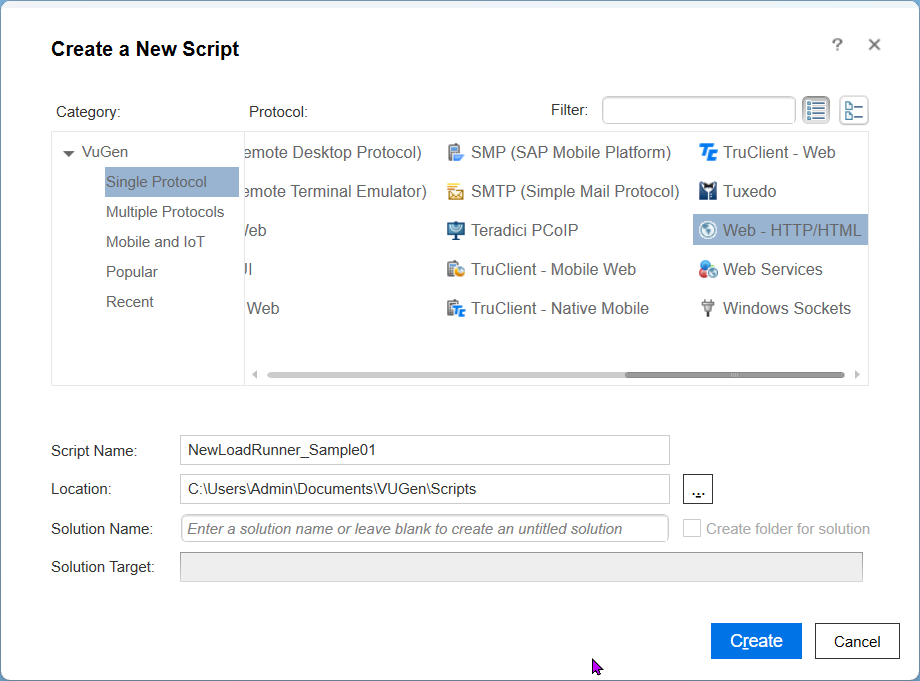
Click create and you will be presented with a screen as shown below
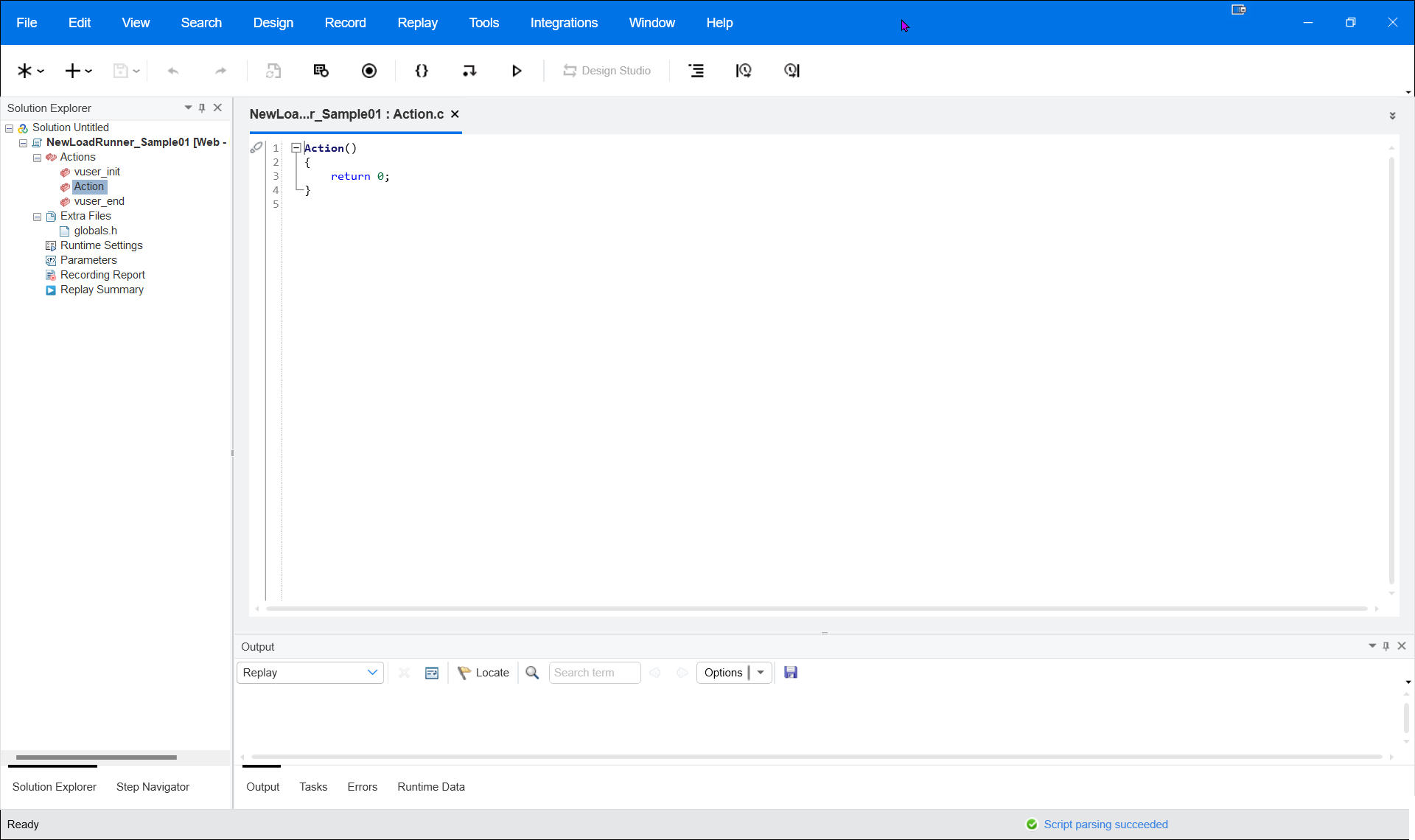
Click Record and select the browser and the website URL that to be recorded. For example, Firefox and enter the Apple website URL (www.apple.com).
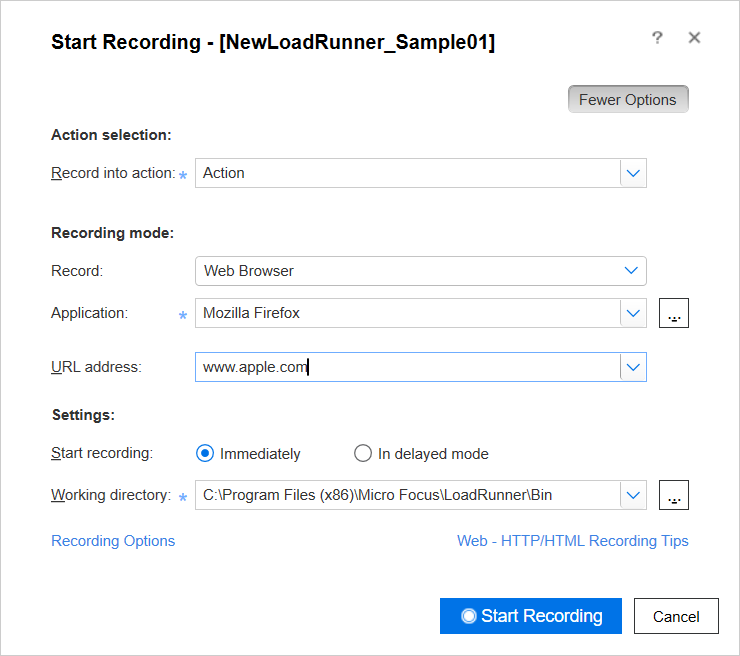
Click Start Recording.
All the actions will be recorded as shown below.
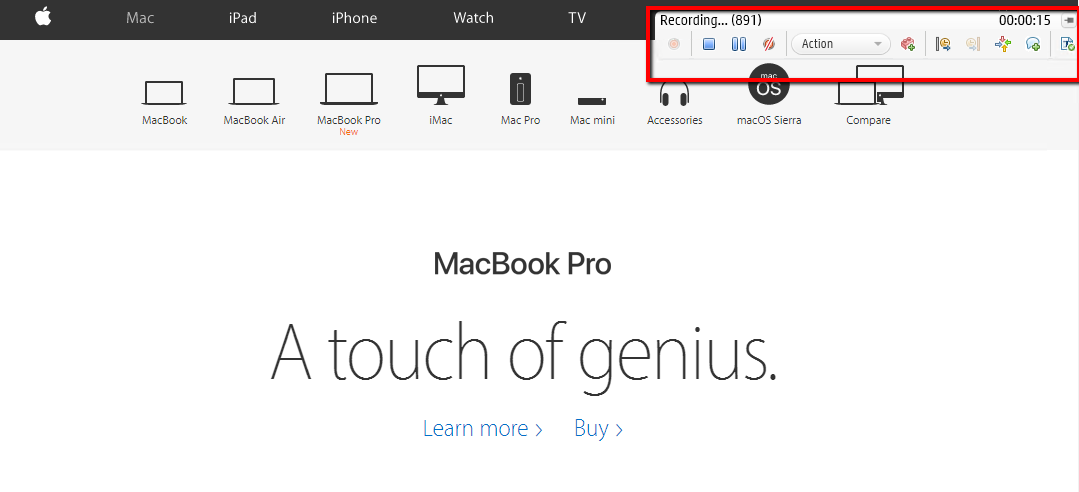
Click Stop and it will create a script as shown below.
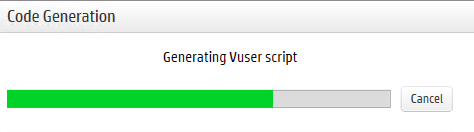
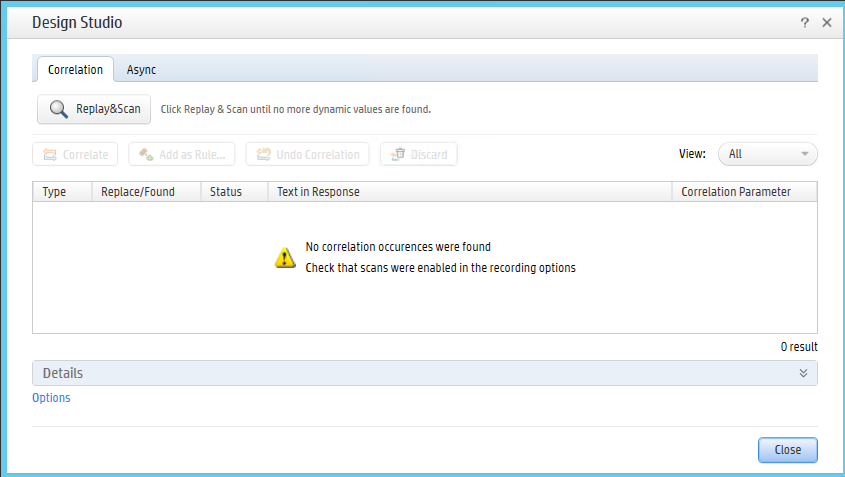
Once the script is complete. a message will be displayed for possible correlations since this Apple website has no correlation below screen will be displayed
Once that is done. Export the script as shown below to any of the desired directories
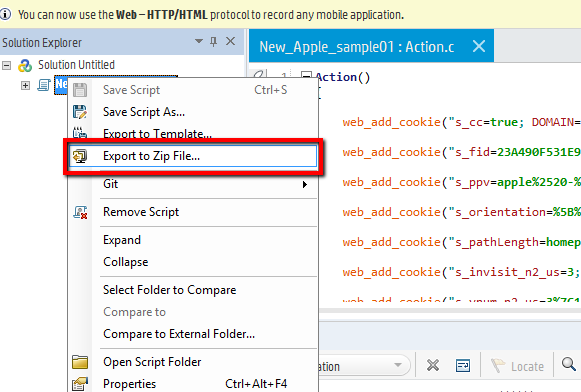
Choose the directory and click Ok.
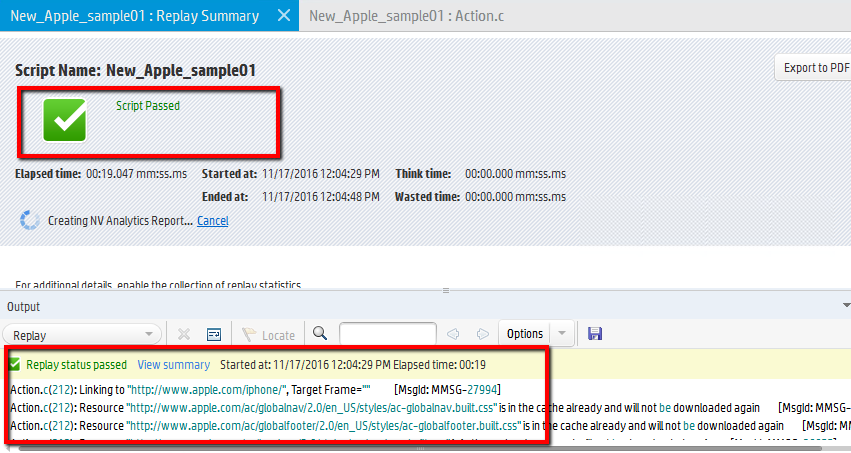
Once the script is exported successfully. Replay the script and make sure it runs fine as shown below
Last updated: August 09, 2023
If you have any feedback on this topic, please contact us at documentation@appvance.ai