
Legacy LoadRunner Script Creation Reference
Last reviewed:
LaunchSeptember Virtual29, User Generator.2026
This 
is retained as a legacy reference for teams that still need to create LoadRunner scripts for AIQ-related workflows.
What changed in this article
- Marked LoadRunner script creation as legacy/environment-specific content rather than current default AIQ guidance.
- Added
- checks
data files before AIQ execution.ClickforFileprotocol>choice,NewcorrelationScriptneeds, parameterization, runtime settings, andsolution. - Separated
- script
Selectcreation from download/admin/runtime configuration, which are covered by theprotocolotherandLoadRunnerenterpages.
Validation workflow
- Confirm the customer still requires LoadRunner scripts before creating new assets.
- Create or update the script
namewith required protocol, parameters, correlations, andthetestlocation.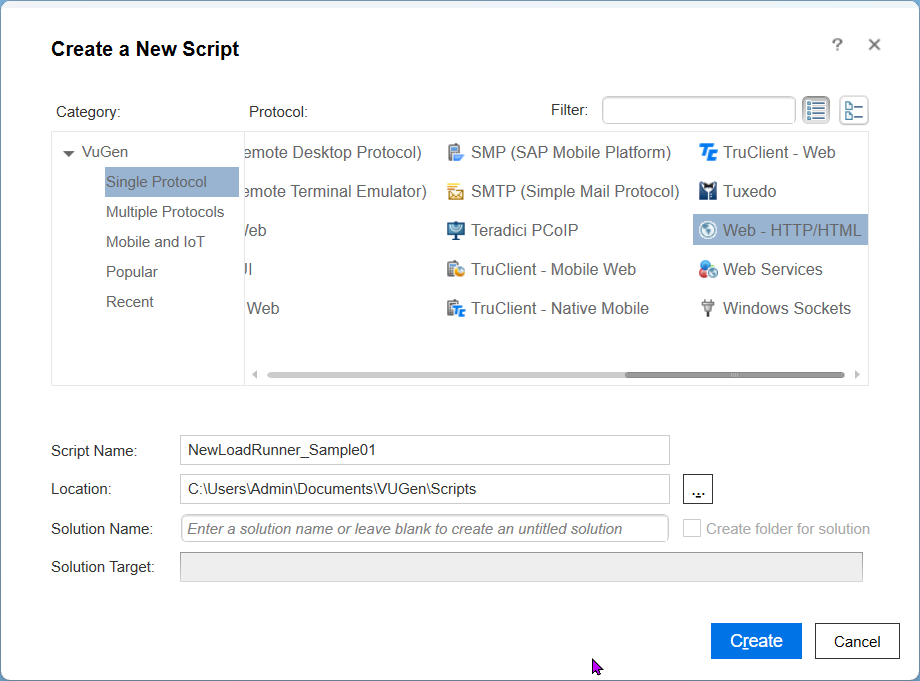
Click create and you will be presented withRun a screensmall asvalidation shownbefore below
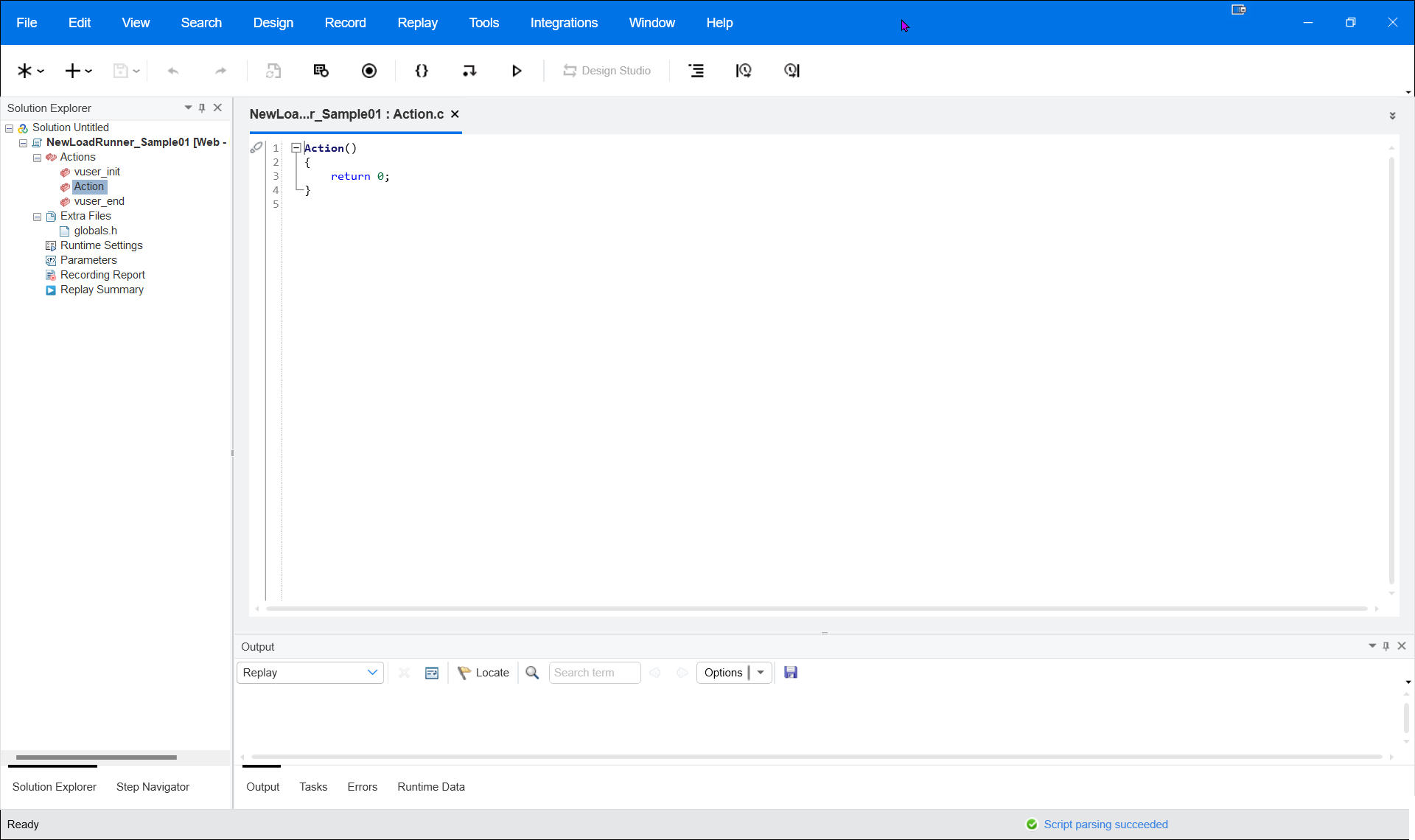
Click Record and select the browser and the website URL that to be recorded. For example, Firefox and enter the Apple website URL (www.apple.com).
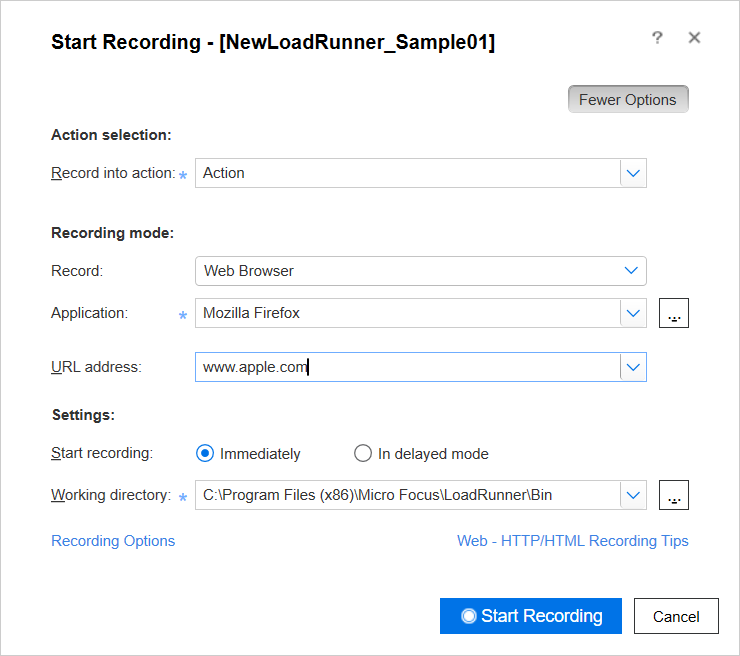
Click Start Recording.
All the actions will be recorded as shown below.
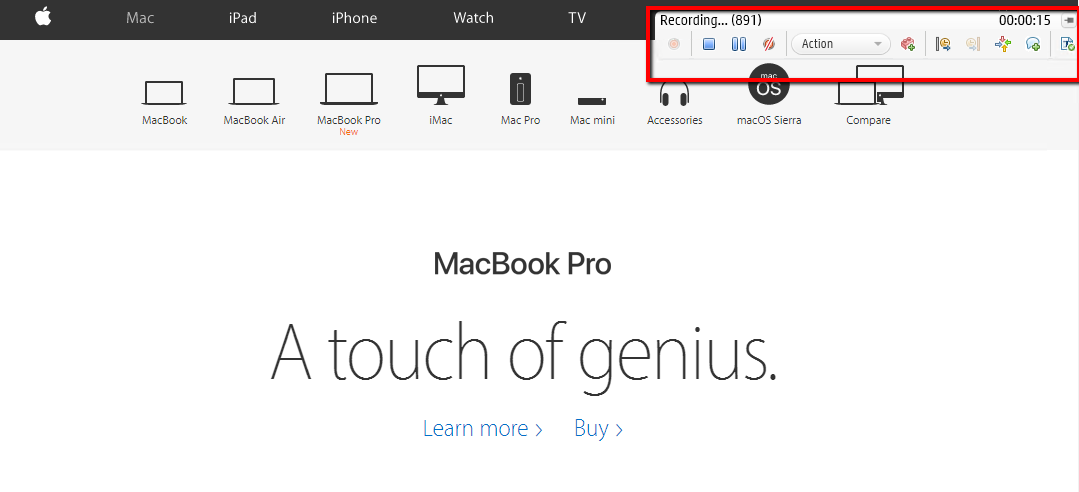
Click Stop and it will create a script as shown below.
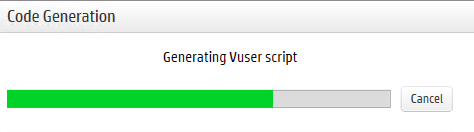
Onceconnecting the script isto complete.AIQ aexecution.
Review willnote: beUse displayedthis page only for possiblelegacy correlationsLoadRunner sincesupport thisor Applemigration website has no correlation below screen will be displayedwork.
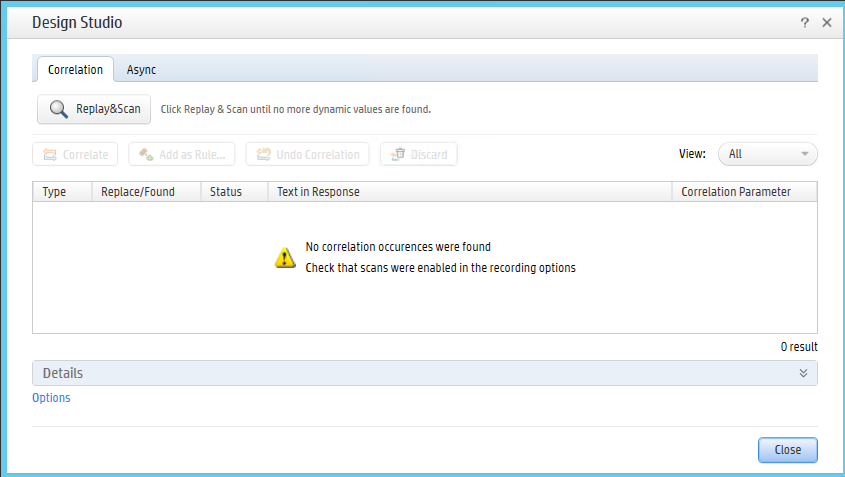
Once that is done. Export the script as shown below to any of the desired directories
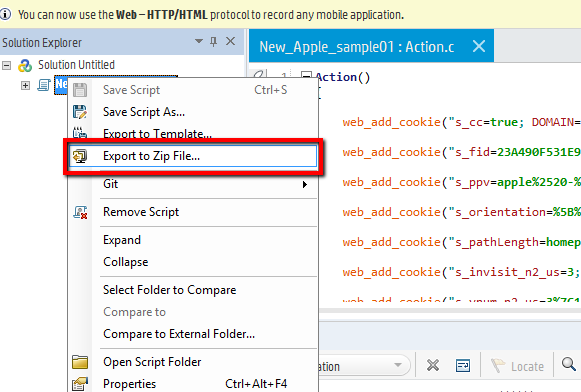
Choose the directory and click Ok.
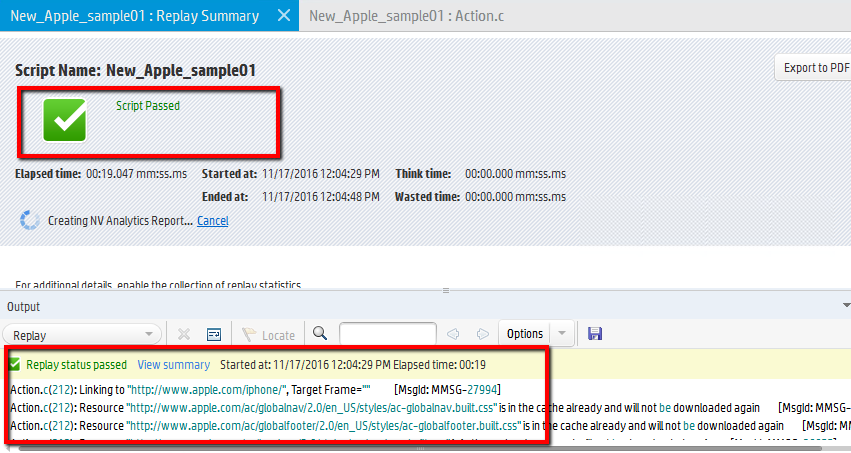
Once the script is exported successfully. Replay the script and make sure it runs fine as shown below
Last updated: AugustSeptember 09,29, 20232026
If you have any feedback on this topic, please contact us at documentation@appvance.ai.