
Running LoadRunner Scripts
You must install LoadRunner on all Test Nodes (Load Generators) that will be used to run scenarios using Appvance IQ.
Appvance currently supports only the following two LoadRunner protocols (script types)
TruClient - Web
Web - HTTP/HTML
Run a LoadRunner Script
From AIQ navigate to Scenario Editor. You can also select Build a Scenario from the AIQ home page.
Click File > New to create a new scenario.
Select Load Test in Scenario Test Type.
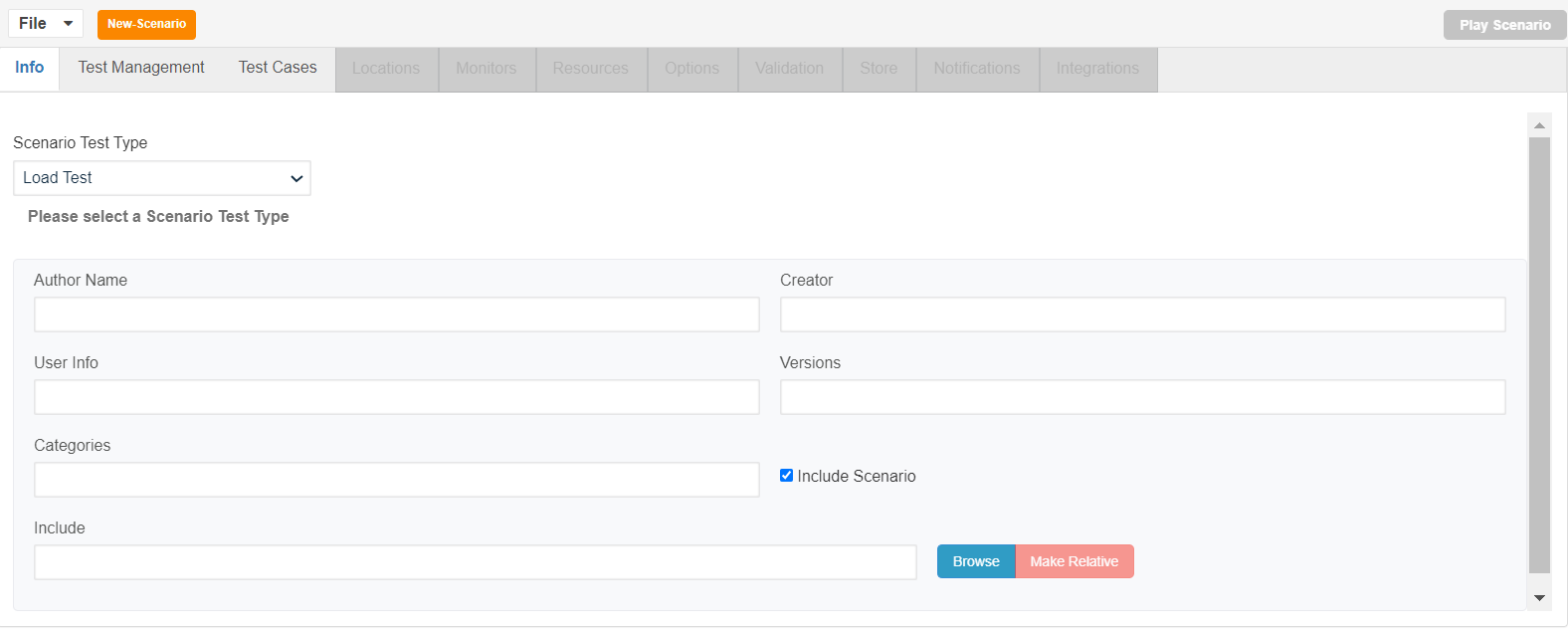
Select the completion criteria and click Edit test case and select the zip file as shown below
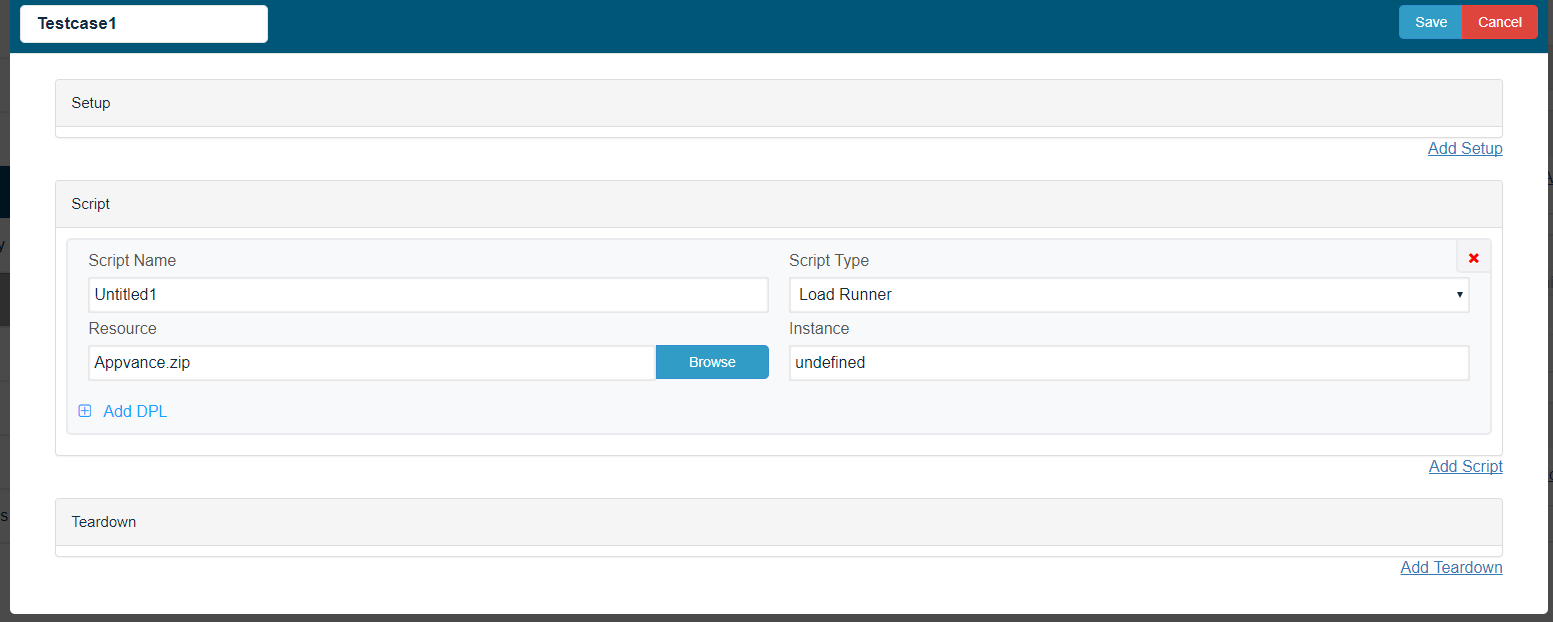
Save the scenario.
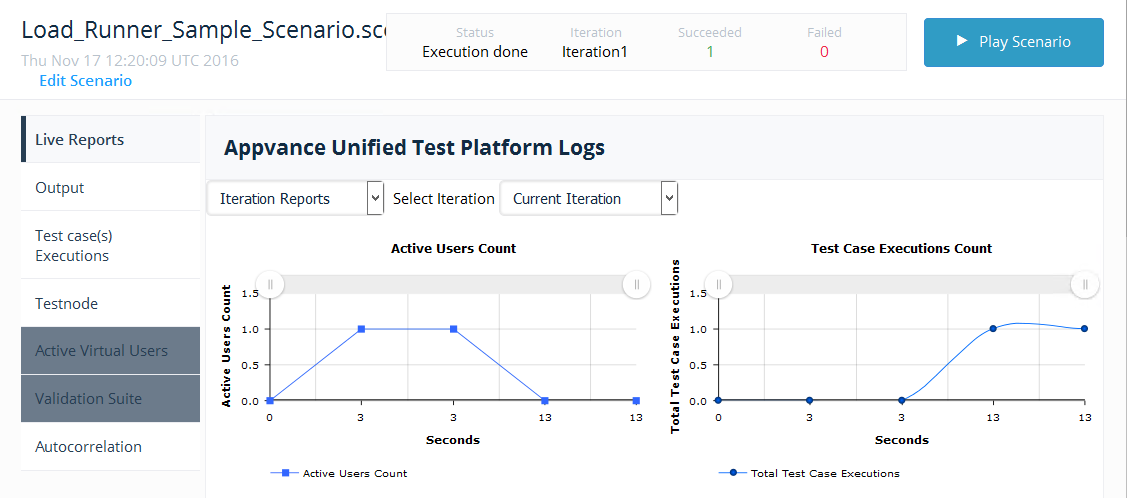
Click the Play Scenario.
The script runs successfully.
Last updated: August 09, 2023
If you have any feedback on this topic, please contact us at documentation@appvance.ai