
Run Legacy LoadRunner Scripts in AIQ
Last reviewed: September 29, 2026
YouUse this article when an existing LoadRunner script must installbe executed through AIQ for a supported legacy workflow.
What changed in this article
- Marked LoadRunner
onexecutionallasTestlegacy/environment-specificNodesand(LoadseparatedGenerators)itthatfromwillscriptbecreation/download/adminusedsetup. - Added checks for script path, runtime settings, data files, controller/node access, licenses, and result collection.
- Added a validation step to run
scenariosausingsmallAppvancescriptIQ.before scheduling larger runs.
Validation workflow
andAppvance currently supports onlyConfirm thefollowing twoLoadRunnerprotocols (scripttypes)- are
TruClient - Web
Web - HTTP/HTML
Run a LoadRunner Script
From AIQ navigateavailable to Scenario Editor. You can also select Build a Scenario from the AIQ homeexecution page.
Click File > New to createRun a newsmall scenario.
Select Load Test in Scenario Test Type.
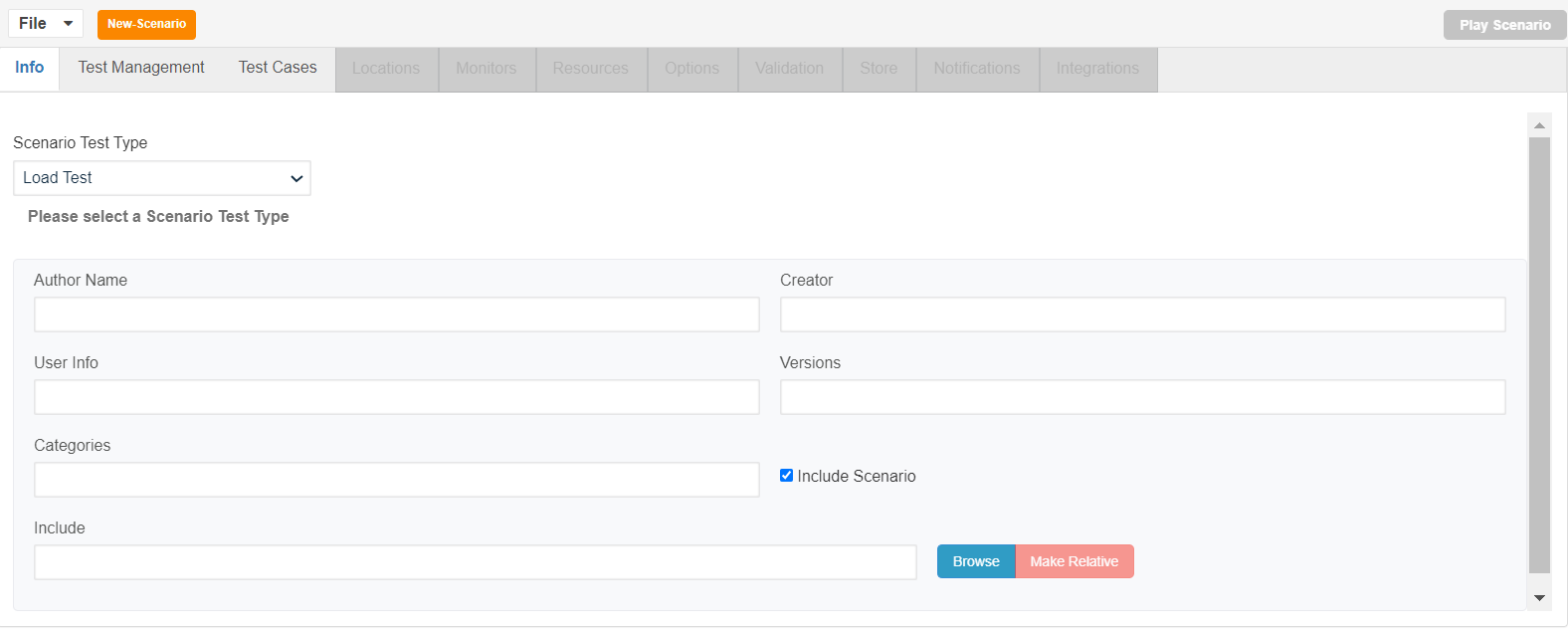
Select the completion criteriaexecution and clickverify Editoutput/results testbefore casescaling andor select the zip file as shown below
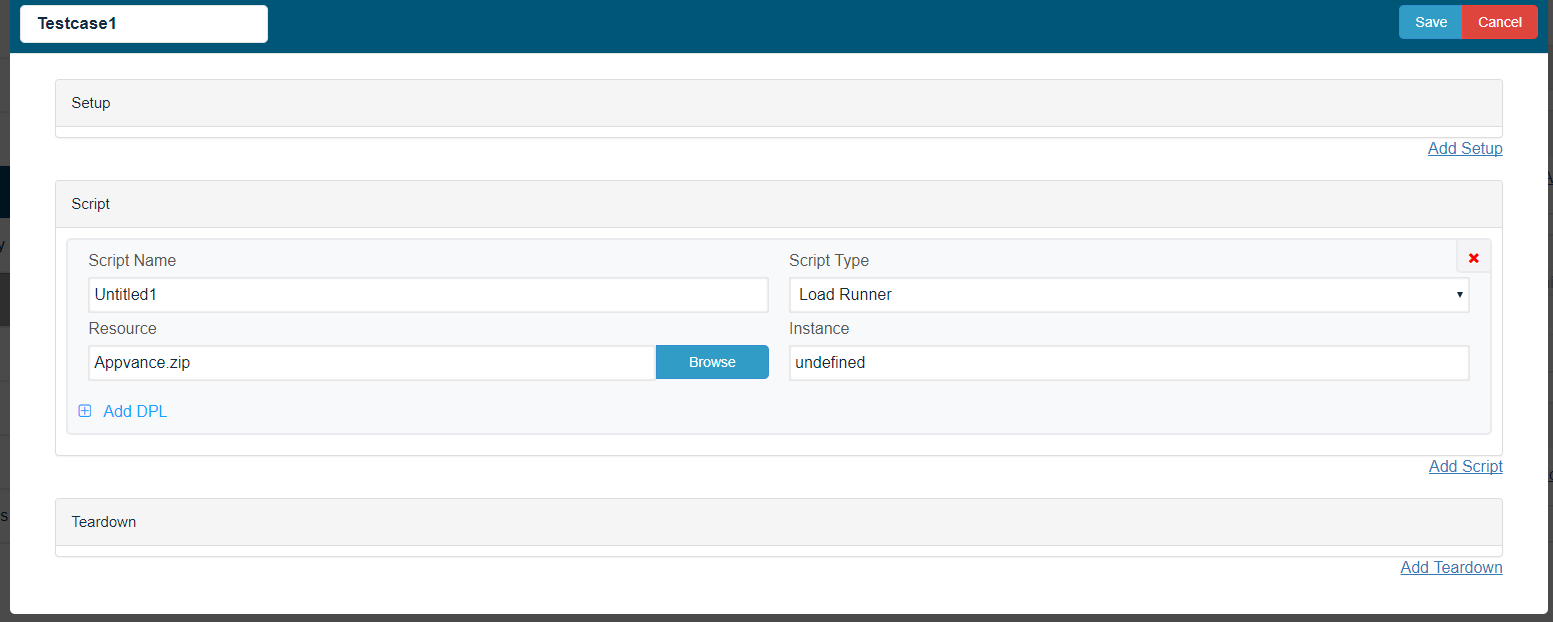
Save the scenario.
Click the Play Scenario.
The script runs successfully.
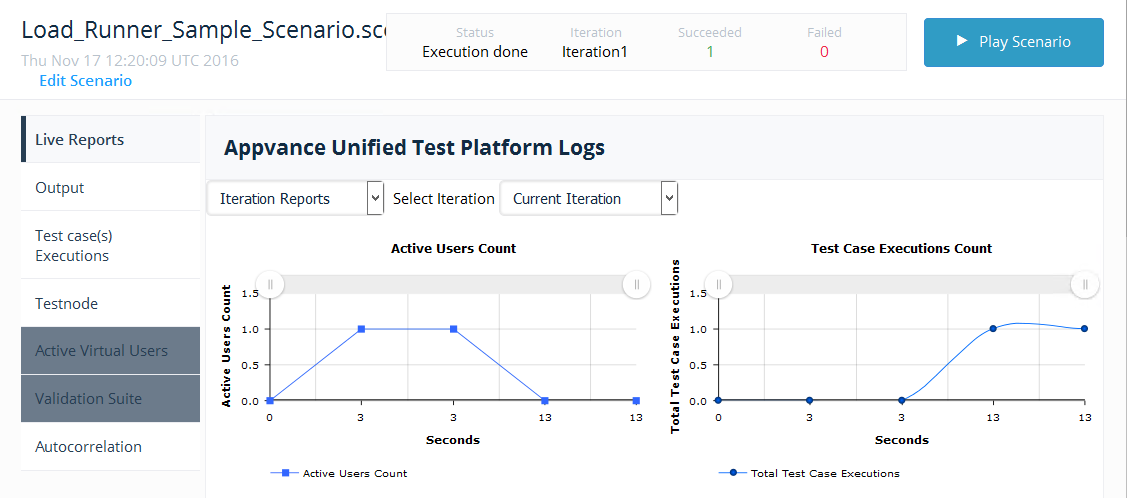
Review
note: This article now focuses on safe execution of existing LoadRunner assets.
Last updated: AugustSeptember 09,29, 20232026
If you have any feedback on this topic, please contact us at documentation@appvance.ai.