
Setup Reku Remote Control
Setup Reku Remote Control
The following is the AIQ specific configuration in the Roku Remote Tool.
-
Open the Roku Remote Control application.
-
Click the button next to Device.
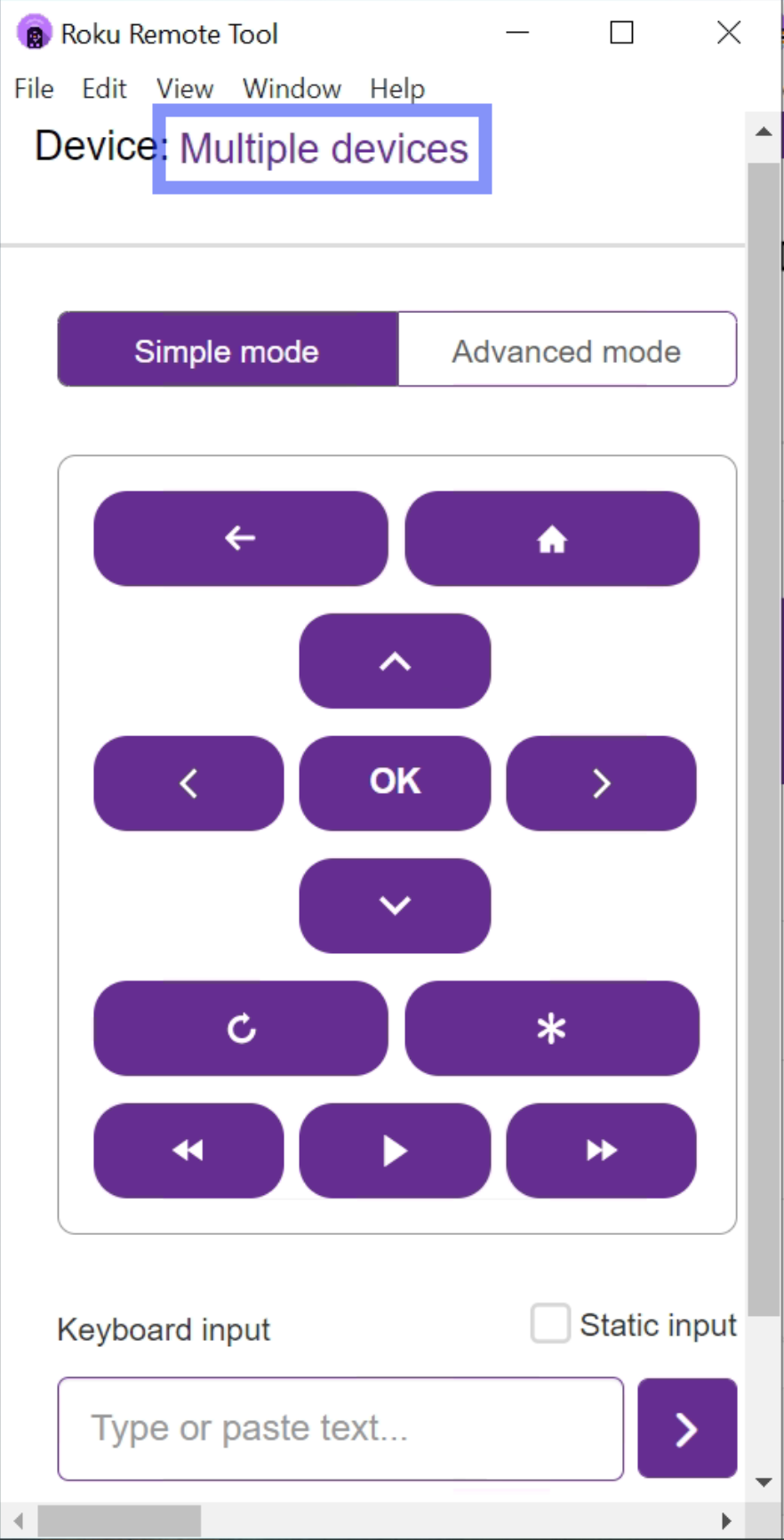
-
Select the Roku device where you are going to perform all testing.
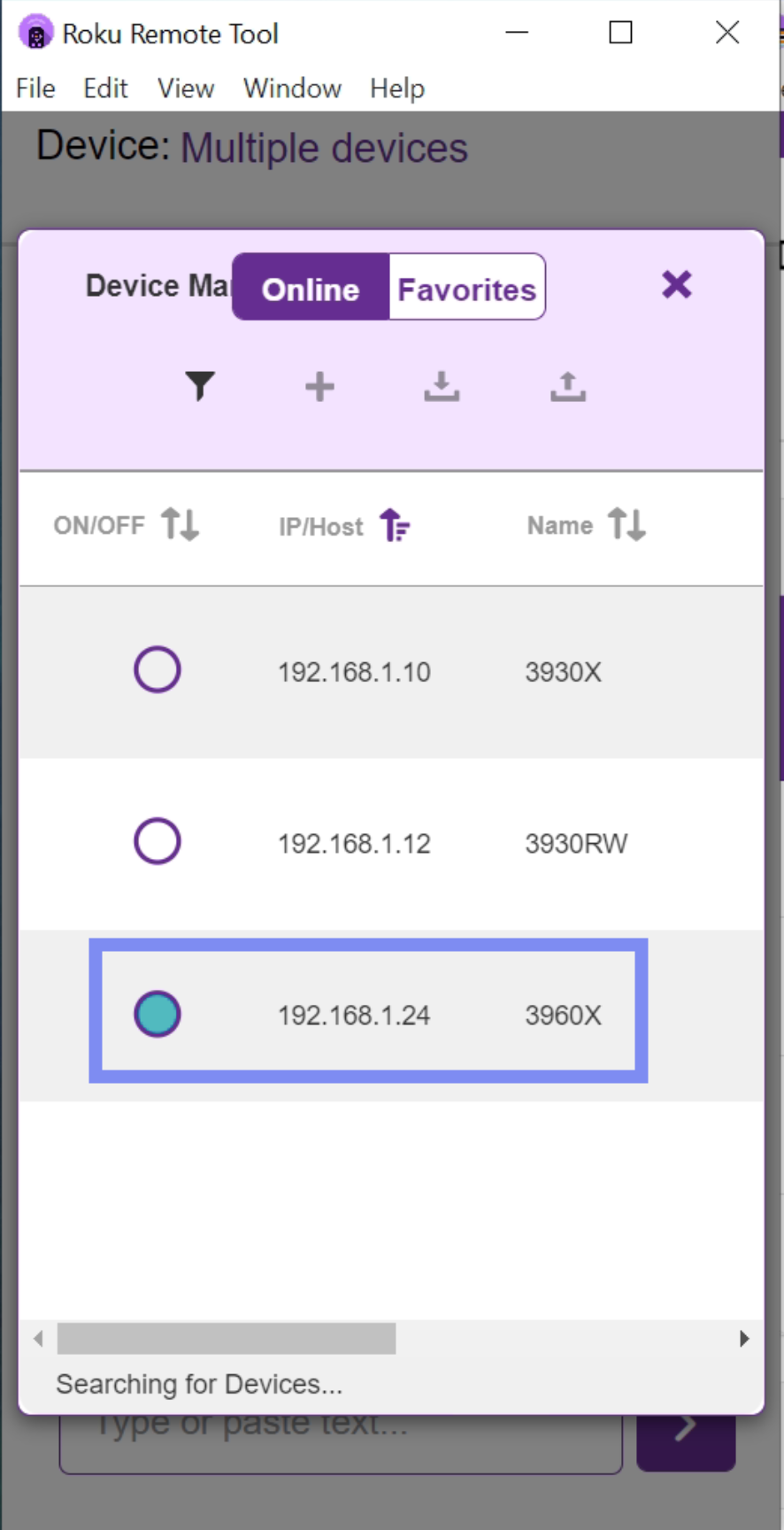
-
Close the device list window.
Last updated: September 24, 2024
If you have any feedback on this topic, please contact us at documentation@appvance.ai