
Set Up Roku Remote Control for AIQ Testing
The
Set following is the AIQ specific configuration in the Roku Remote Tool.
Open theUp Roku Remote Control application.
ClickUse thethis buttonguidance nextwhen AIQ tests need to Device.control or validate a Roku-based application flow. Keep device setup consistent so remote-control actions are repeatable across test runs.
Setup 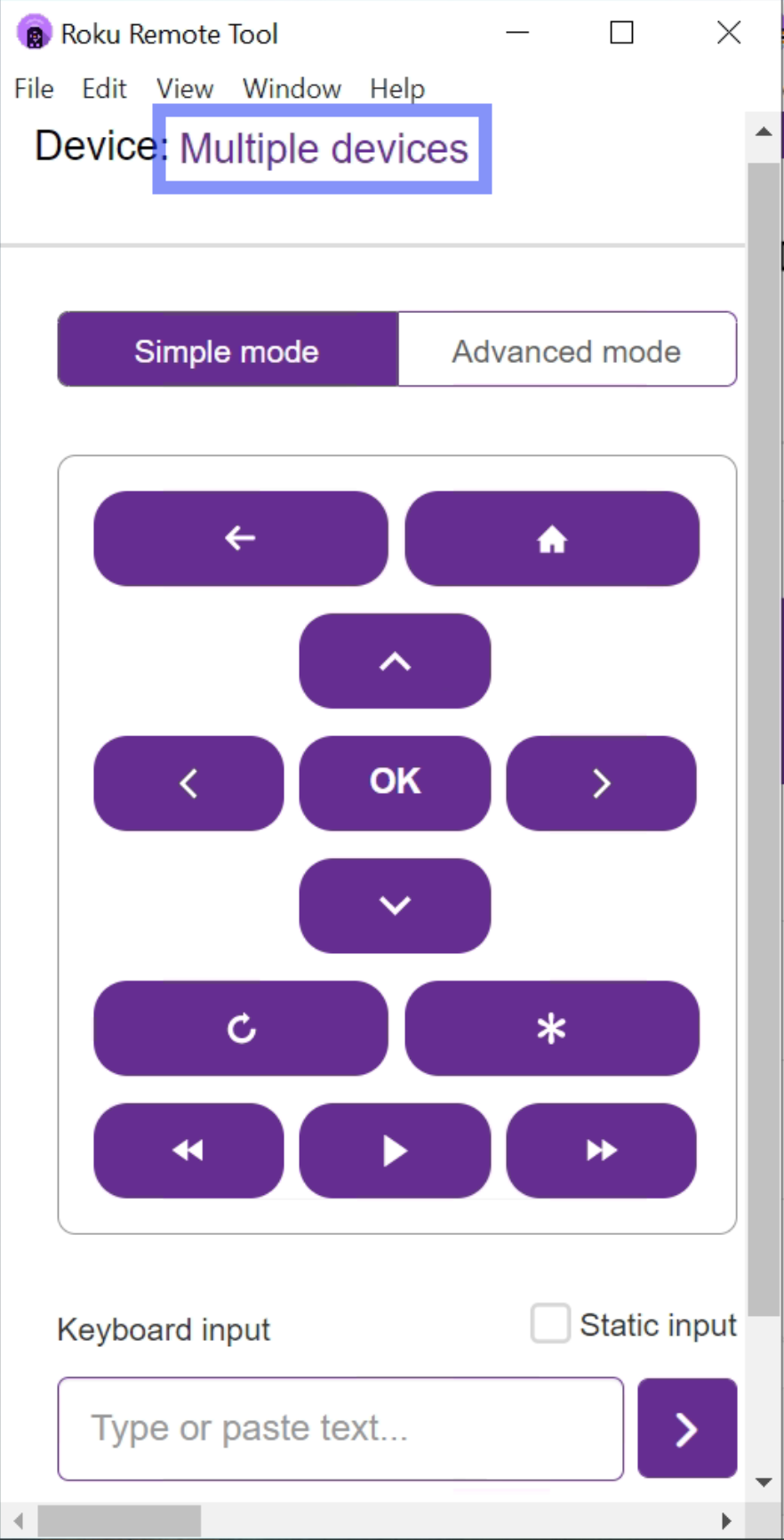
SelectConfirm the Roku devicewhereandyoutest controller aregoing to perform all testing.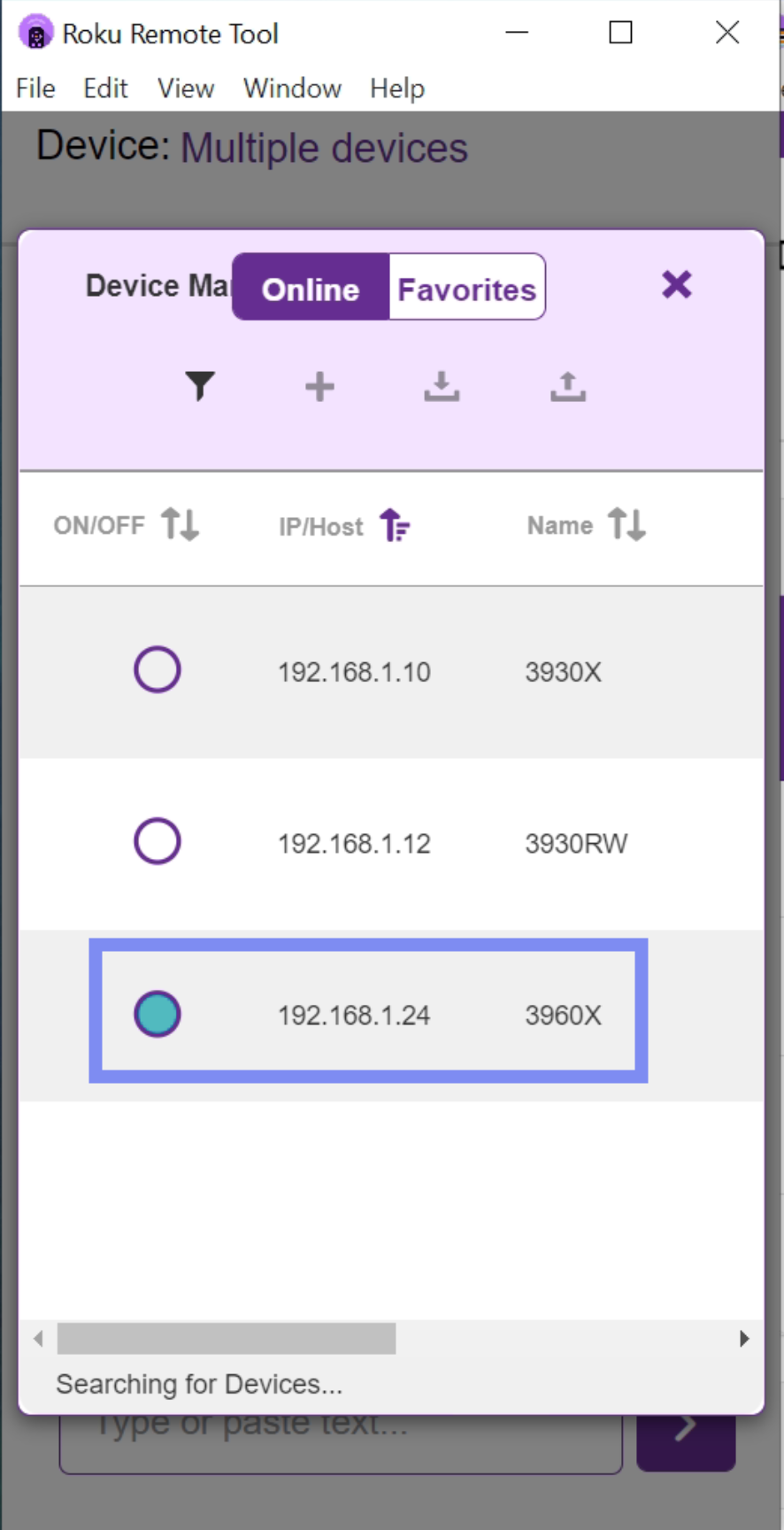
Closeon the required network and can reach each other.
Validation workflow
- Pair or configure the remote-control method for the target device.
- Run a short navigation smoke test.
- Confirm that AIQ can detect the expected screen or application response.
- Record any network, pairing, or device-state requirements in the test notes.
Last updated: SeptemberOctober 24,8, 20242026
If you have any feedback on this topic, please contact us at documentation@appvance.ai