
Troubleshoot Possible AIQ Performance Issues
Troubleshoot Possible AIQ Performance Issues
ThereUse isthis article when AIQ feels slow, executions queue unexpectedly, reports load slowly, or test nodes are not keeping up with scheduled demand. Start with environment evidence before changing configuration.
Common areas to review
- Host resources: CPU, memory, disk I/O, and available storage on controller, database, and test-node hosts.
- Database health: Result-table growth, slow queries, retention settings, and backup activity.
- Test-node capacity: Number of concurrent executions, browser/device availability, and node connectivity.
- Scenario design: Excessive waits, unnecessary screenshots, large payloads, and missing cleanup steps.
- Network path: Latency or firewall issues between AIQ services, test nodes, databases, and target applications.
Recommended workflow
- Capture the exact symptom, affected time range, and AIQ components involved.
- Review logs and resource metrics before restarting services.
- Run a
wellsmallknownknown-goodperformancescenarioissuetowithseparate platform issues from scenario-specific issues. - Apply one change at a time and record the
Roku Remote Tool environment. To avoid running into it you need to often clear the Automation logs in the Roku Remote Tool. - result.
Navigate to the Automation logs.
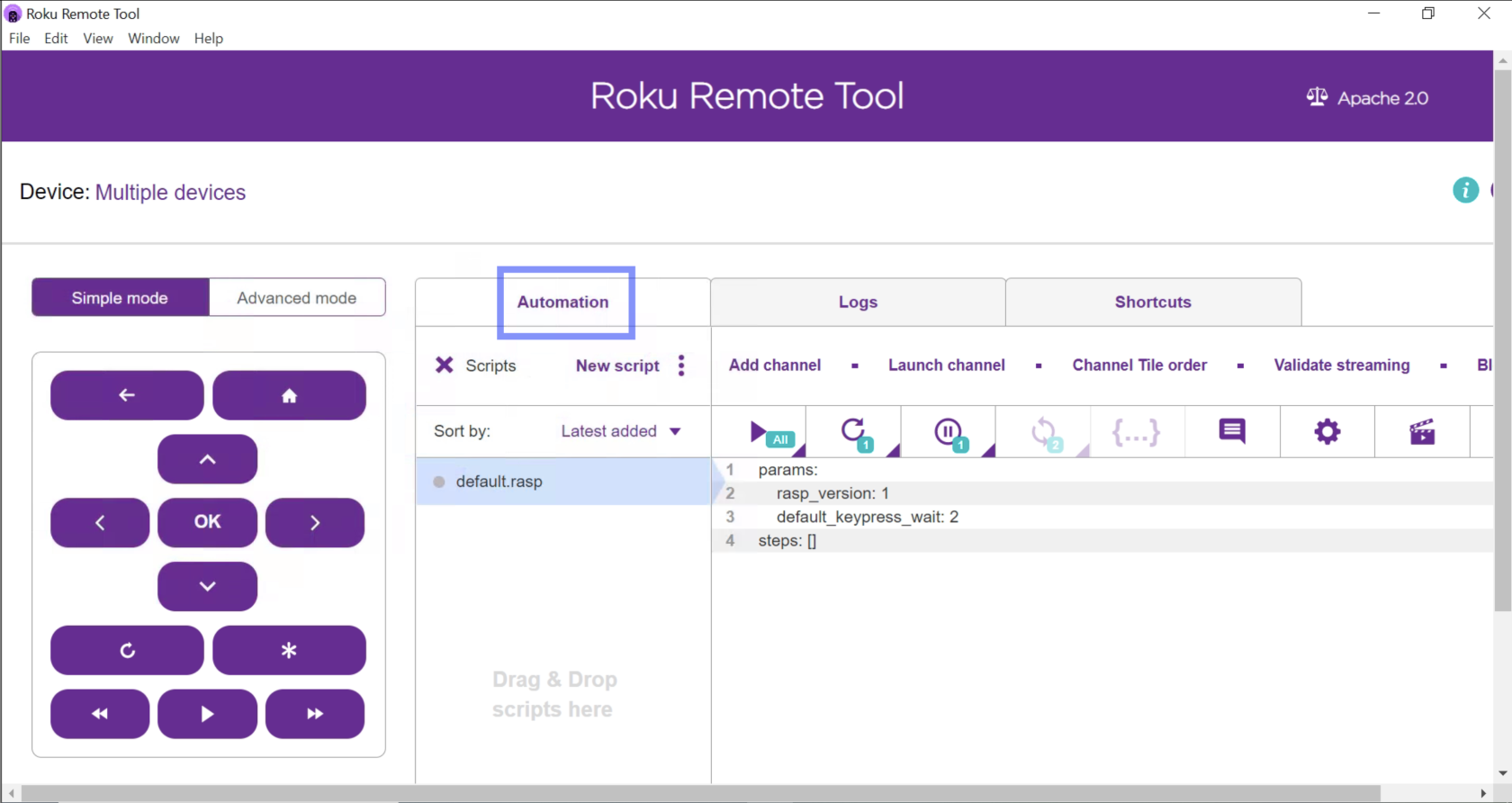
Scroll to the right until you see the Erase Logs button.
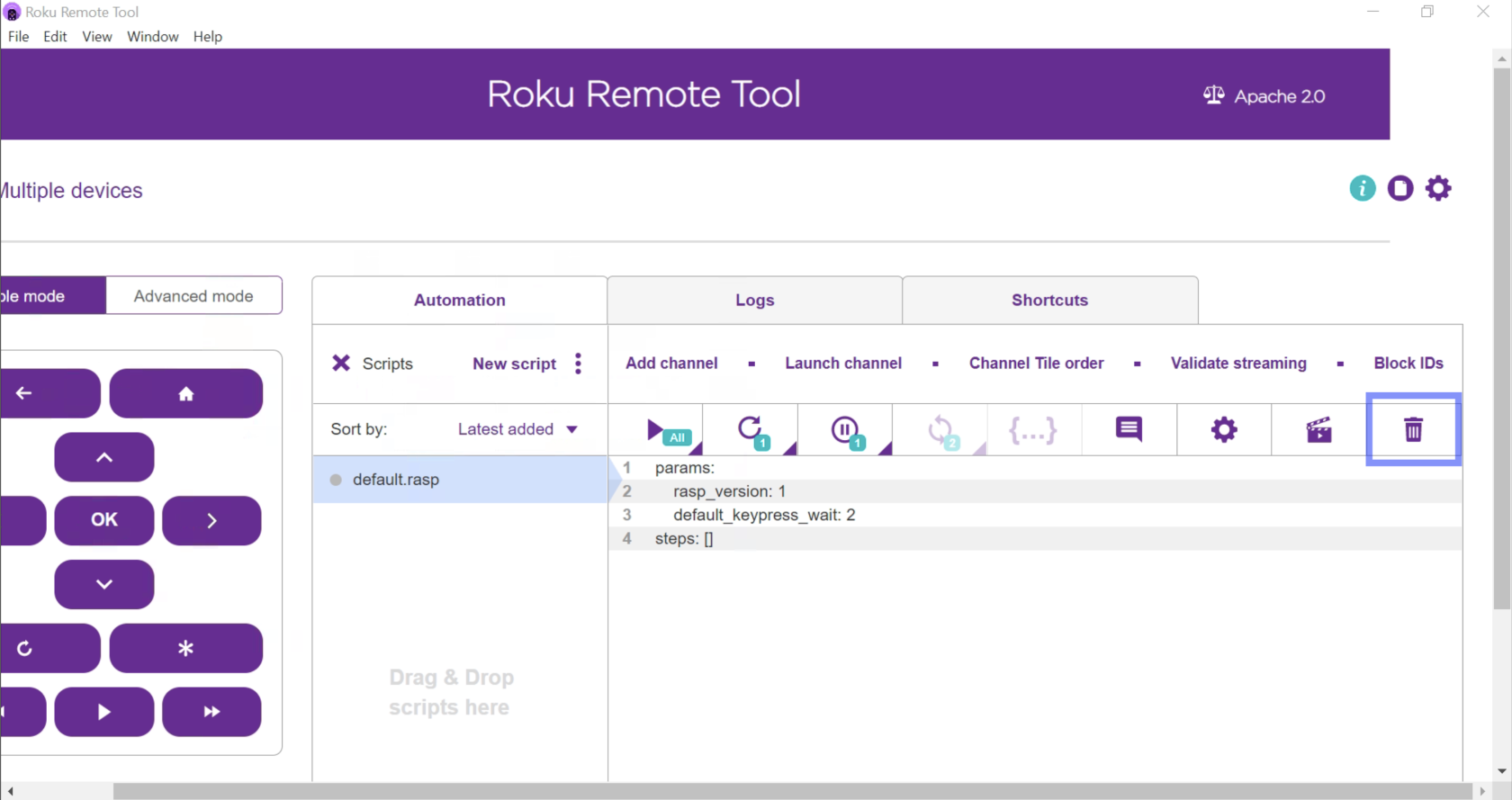
Click the trash bin icon to clear the logs.
Last updated: SeptemberOctober 26,8, 20242026
If you have any feedback on this topic, please contact us at documentation@appvance.ai