
How GENI Works
How GENI Works
GENI is not a single AI model — it is a stack of AI technologies working together. According to Appvance,
GENI usesleverages Appvance’s patented AIQ Digital Twin, multiple specially tuned transformer models,
and a proprietary code generator to convert English test cases into executable scripts..
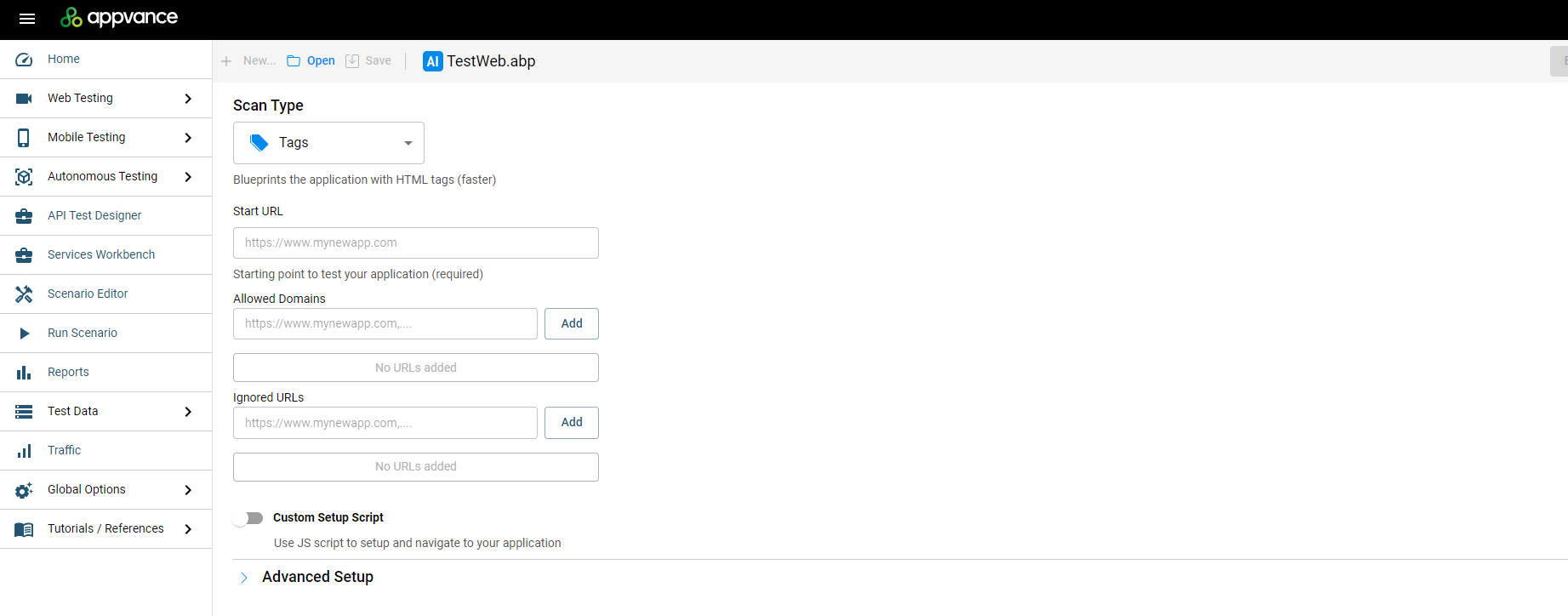
Note: GENI Script Generation does not use Blueprint / Digital Twin technology. The Digital Twin (formerly “Blueprint”) is built by AISG, a separate module — see AI Script Generation (Autonomous/ Testing)Blueprint forDesigner details.UI introduced in AIQ 5.0.
The GENI process
Two distinct phases
| What |
|
|---|---|---|
|
The |
|
|
|
|
Because every test case runs in parallel on its own machine instance, capacity scales linearly: running 100 test cases takes no more wall-clock time than running one. That constant-time behavior is what makes batch onboarding practical — upload your existing manual suite,pages and the entire set converts in a single pass.
Inputs: what GENI needs from you
You can bring test cases in two ways: an Excel file, or an integration with a test management system (TMS). TestRail is supported today, with Azurestates, and other standard TMS integrations rolling out. GENI maps the columns, validates the batch, and reports exactly how many test cases are ready before you generate.
Excel format
|
|
|
|---|---|---|
|
|
|
|
|
|
|
|
|
|
|
|
|
|
|
Tip: column mapping is auto-detected and can be overridden manually. After mapping, GENI shows the count of ready test casesinput (for example,example “Testvia casesCSV ready:data 20”) before you click Transform Test Scripts.
From Excelsets) to script
dig Oncedeeper. theThe batchresult — previously called a
“Blueprint” — is mappedsaved and validated,as a single.abp actionfile. —Because Transformof TestGENI, Scripts — starts the generation. Each test casethis is processedno in parallel, and progress is visible in the GENI UI with per-script status.
|
|
|---|---|
|
|
|
|
mere |
|
|
|
Drilling into a completed entry shows when it started, the original steps pulled from the spreadsheet, the expected results used as validations, and the test data applied. Finished scripts appear in the Test Scripts area, where you can open any script to inspect its steps and its execution history.
Execution, scheduling, and reporting
Execution evidence. Each execution captures a screenshot of every state the script visits — every page, every filled form, every action — and, on failure, a screenshotmap of the page whereapp: it failed. Screenshots are expandable, sois a
failedtrue runDigital is diagnosable at a glance: see the step, the data, and the exact screen state.Twin.
Scenarios: built-in CI/CD. Generated scripts are grouped into scenarios. A scenario behaves like a CI/CD pipeline built into the GENI platform: add the scripts you want, then run the scenario manually or schedule it — daily, weekly, monthly, or on an advanced cadence, in any time zone.
Reports and dashboards:
Download execution reports per scenario.Export results to the built-in open-source dashboard, or import the data into the dashboard your team already uses — designed for easy CI/CD integration.Use the built-inAllure Reportfor rich, shareable execution reporting.
Did you know? GENIAISG harnessesitself Appvance’sis powered by some twotwenty million lines of code and deep application ML/AI models. Per CEO Kevin Surace: trueunderlying AI — deep AI harnessing multiple transformer models and LLMs — makes GENI the first 100% AI-first QA platform that dispensestogether generate actual test scripts after a single training session with legacya scriptingQA and tools.engineer.
Data privacy
TheLLM is invoked only during the generation phase.Execution is pure script playback — no AI inference, and no data leaving for model calls.Customer data isencrypted at rest and in transit; stored data remains encrypted even to infrastructure access.- GENI models are private and fixed — they do not learn from your application or data.
Sources:Source: AIQ AI and Data Privacy (docs.appvance.net) · Appvance announces GENI (Mar 18, 2025) — press release · GENI Script Generation — Technical Overview
Last updated: September 10, 2026