
Getting Started with AI Script Generation
Getting Started with AI Script Generation
This page walks through the prerequisites and the different ways to launch and create an AI Script Generation in Appvance IQ.
Prerequisite: before you can work with AI Script Generation, you must have a repository configured to store your AISG files. Storing files locally is not supported.
Launching AISG
You can access AI Script Generation in two ways from the AIQ home screen:
- From the top-line menu, click AI Driven.
- From the left menu, expand Autonomous Testing and select AI Script Generation.

The AI Driven option on the top-line menu.
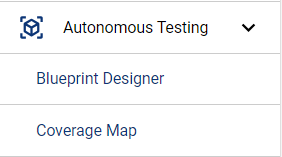
Autonomous Testing > AI Script Generation in the left menu.
Ways to begin
- Upgrade an existing pre-AIQ 5.0 Blueprint file to the AI Script Generation format.
- Create a New Web AI Script Generation — for web applications.
- Create a New Mobile Digital Twin — for mobile apps.
- Use an AI Script Generation Template — export an existing AISG as a reusable
.abpttemplate.
Upgrading pre-5.0 Blueprints
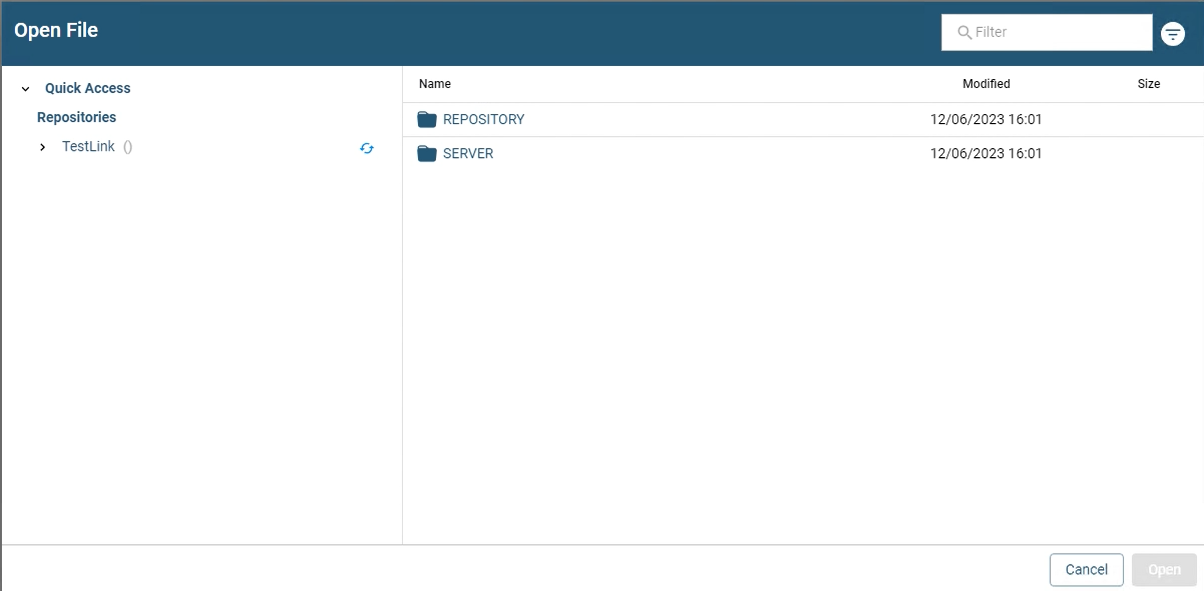
Opening the repository that holds your blueprint files.
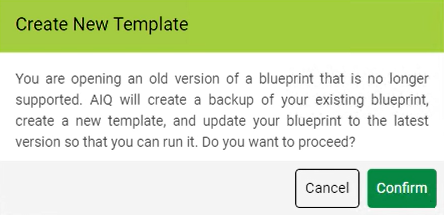
The Create New Template confirmation dialog.
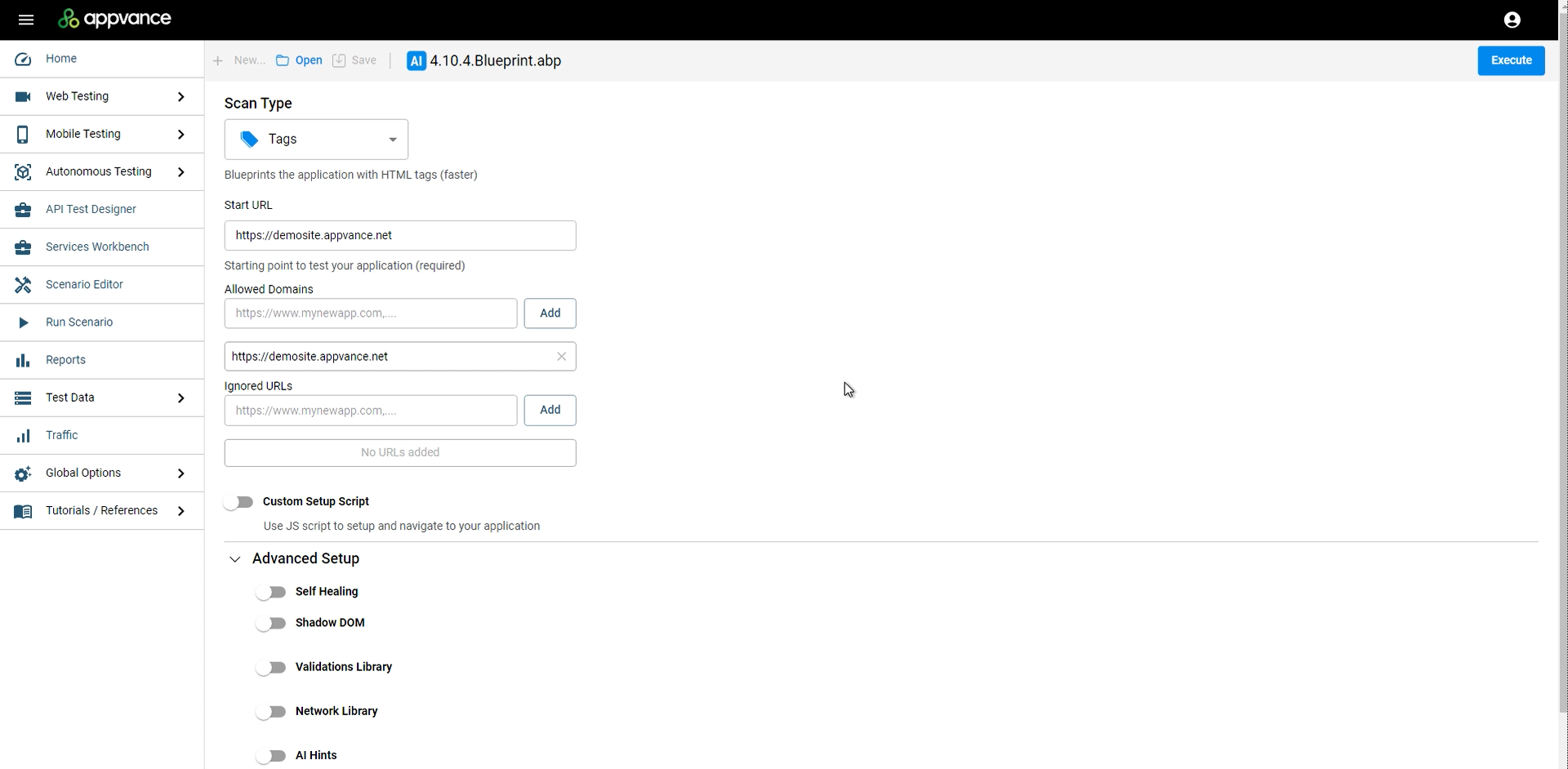
The upgraded AI Script Generation file, ready to execute.
What happens behind the scenes on upgrade
- A backup of the old blueprint is created as
<blueprint_name>-backup.abp. - A blueprint template file (
<blueprint_name>.abpt) is created. - A new folder named after the blueprint is created, and all linked files (SmartTags, validations) are copied into it.
- A new blueprint file with the same name is created from the template.