
JavaScript DPL
Introduction
All Functions and Methods
JavaScript DPL in Test Designer
JavaScript DPL in Scenario Editor
JavaScript DPL in AISG
Introduction:
JavaScript DPL is a data production library generator, that generates a CSV file with JavaScript functions and methods which could be evaluated during run time or it will generate an evaluated CSV file with the selected functions and methods which could be used in data driving scripts in Test Designer, data driving scripts in Scenario Editor and also during AISG of an application.
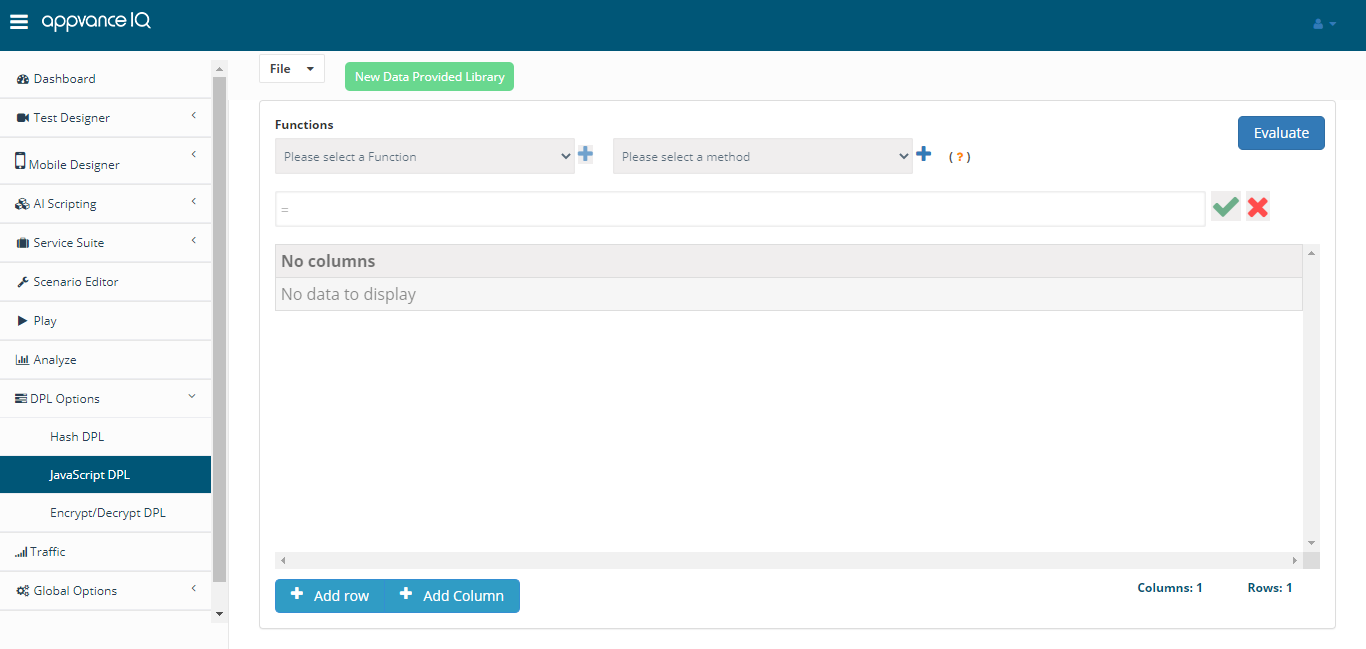
The next step is to add the required columns and rows to create the DPL.
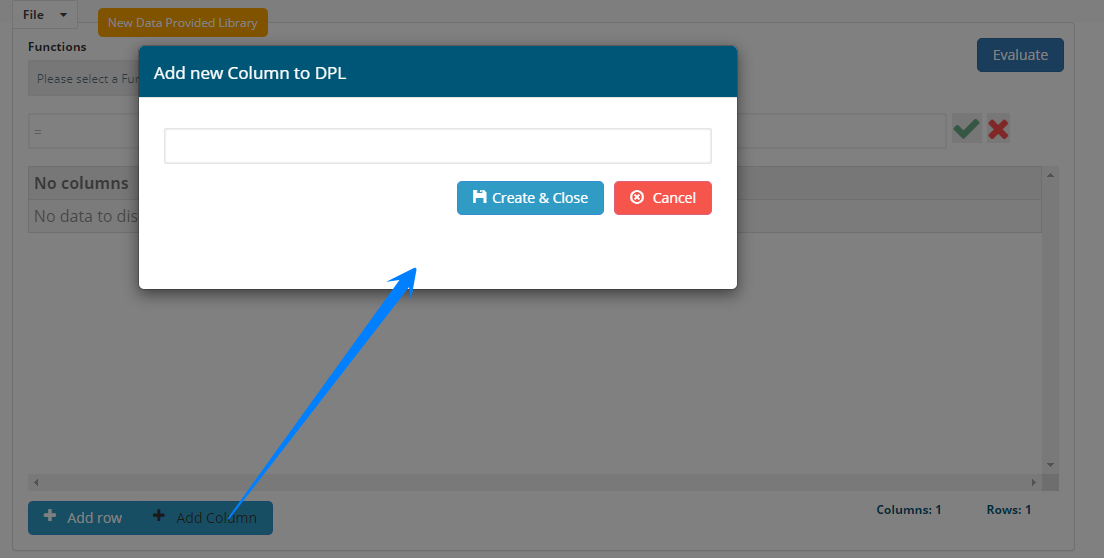
Click Add Column button at the bottom, provide the column name and click Create & Close
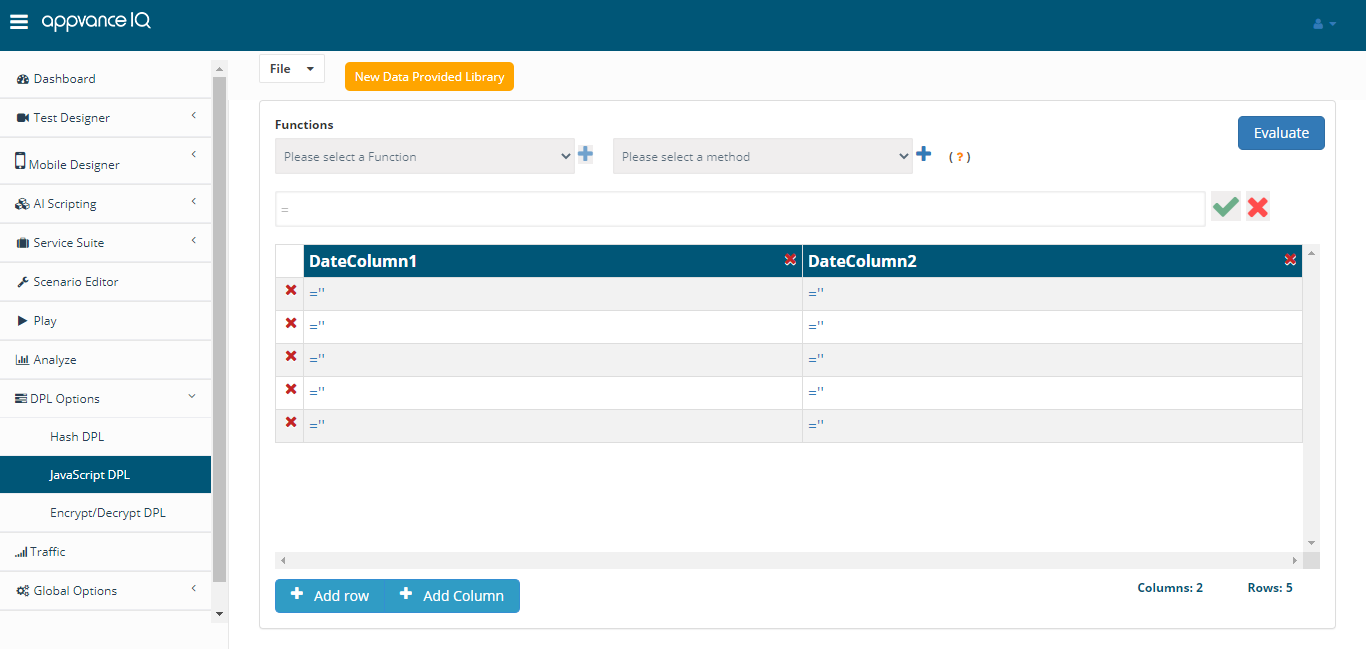
On any given cell, click the =" link or click the column name for entering data in the entire column.
Choose the required Function from the functions drop-down and choose a method (depending on the function chosen) and click the green tick mark for the function and method (if available) to be added to all the row(s).
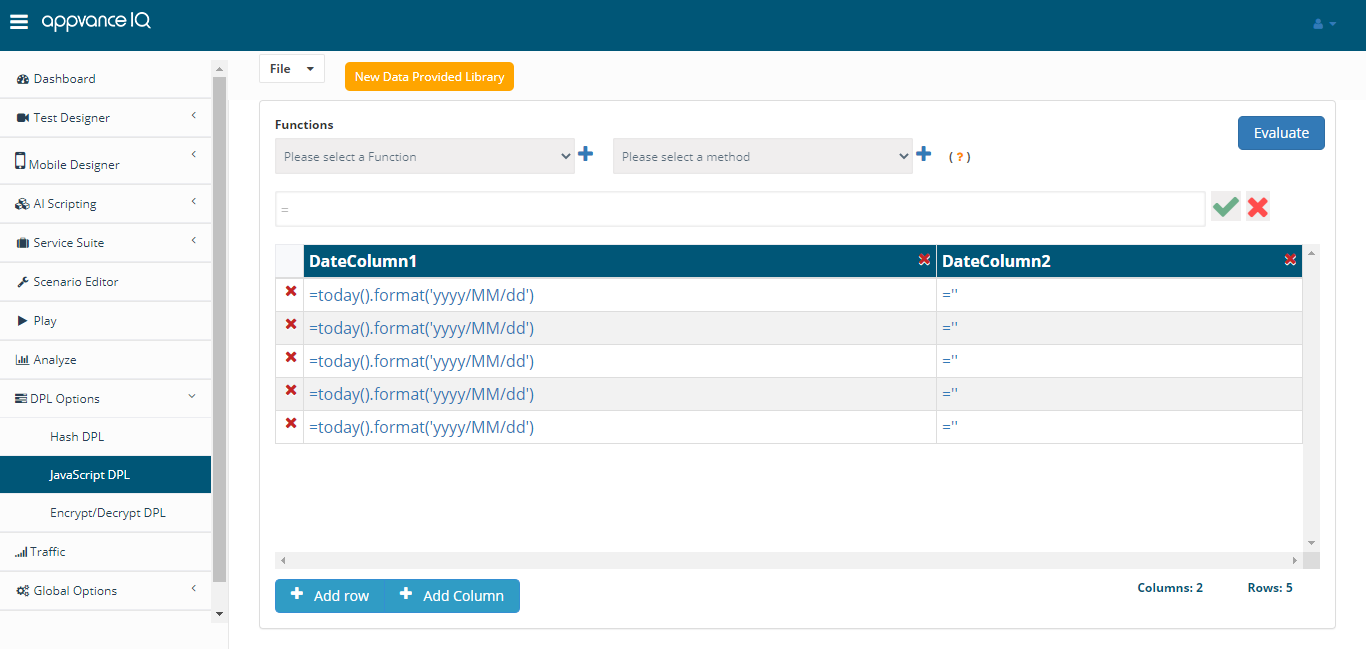
Similarly, there are several functions and methods that could be chosen from the list.
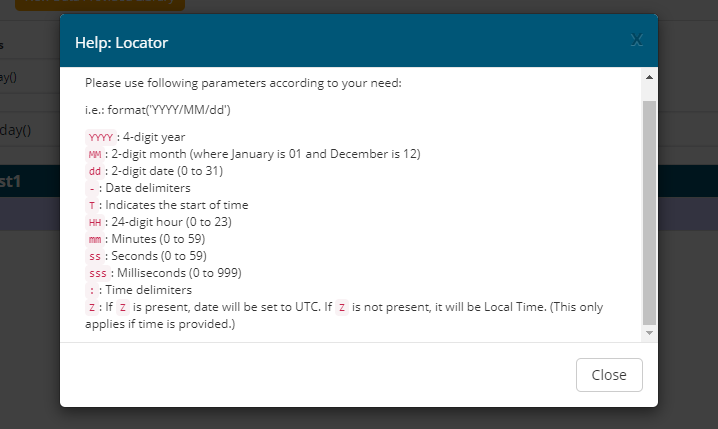
You can also click Help Locator to get some of the formats and examples.

After selecting the required functions and methods, it is time to save the file. Click File > Save, choose the location where you want to save the file. Click Save.
Once the file is saved you could download the created file either as a JavaScript CSV file (with functions and methods) which will be evaluated during the run-time or you could evaluate using the evaluate symbol on the top right and then download the file as well.
You can click the Evaluate button to check the evaluated values and undo the evaluation to undo the evaluation done.
Last updated: June 26, 2023
If you have any feedback on this topic, please contact us at documentation@appvance.ai