
Play Page Overview
Recommended guidance
Use the Play Page to review and manage AIQ executions, recent runs, and result evidence. The Run Scenario page displaysis alluseful for confirming whether a run started, completed, failed, or produced output that requires deeper troubleshooting.
What to review
- Execution status, start time, duration, scenario or suite name, and owner.
- Output Logs, screenshots, reports, service responses, and error details.
- Test Node, browser, data source, and environment used by the
recentrun. - Whether the failure is scenario
executionslogic,inapplicationAppvancebehavior,IQ.environment,Fromdata,hereoryouplatformcanrelated.
Recommended scenarioworkflow
- Open the run from the Play Page and confirm the exact execution
results.beingTo open this list, in AIQ navigate toRun Scenario.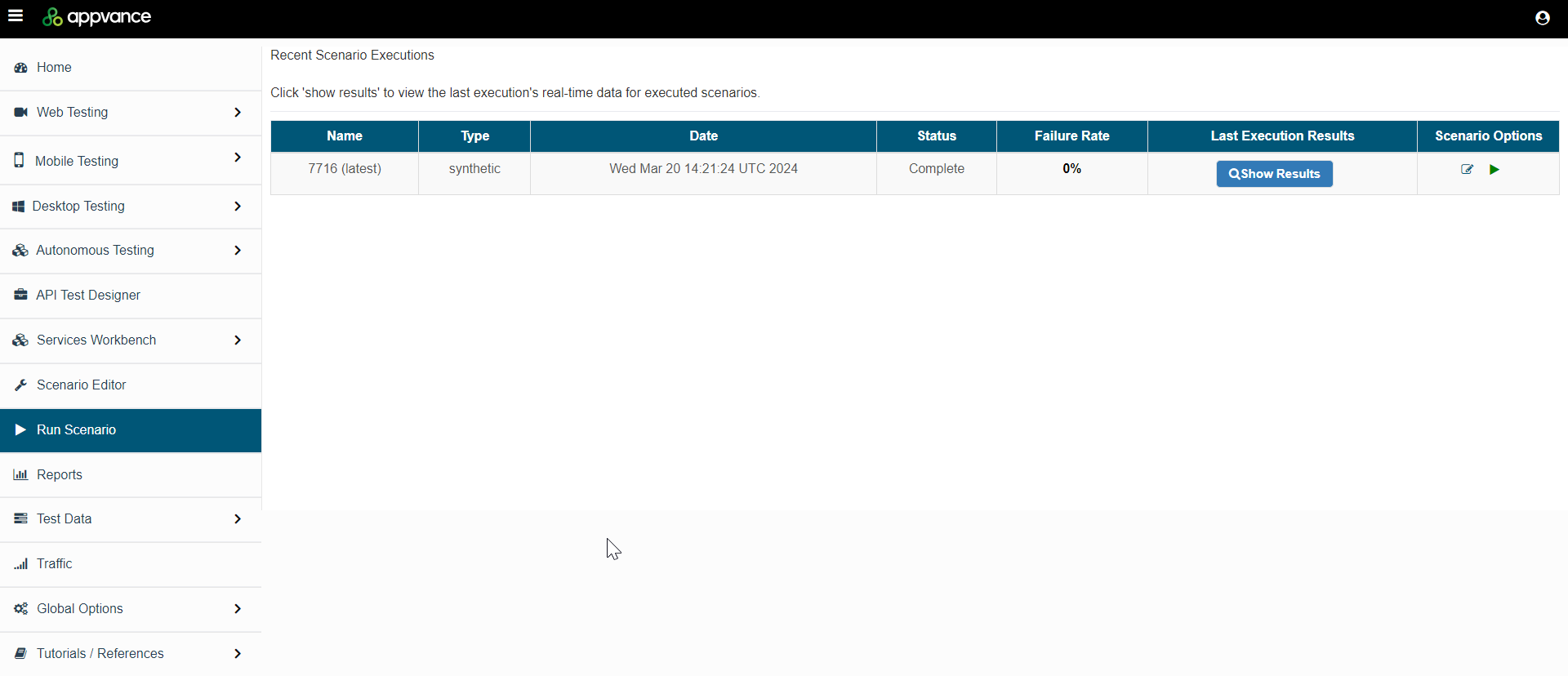
SortingYou can sortreviewed. - Check the
scenariofirstexecutionsmeaningfulby:error - Compare
Namecurrent
Scenario Options
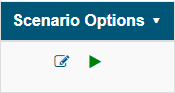
Edit Scenario: Openswith the Scenariomost Editorrecent known-good run.
Play Scenario : Executes the selected scenario.
Exploring Results
Click Show Results to see the details of a particular scenario execution.
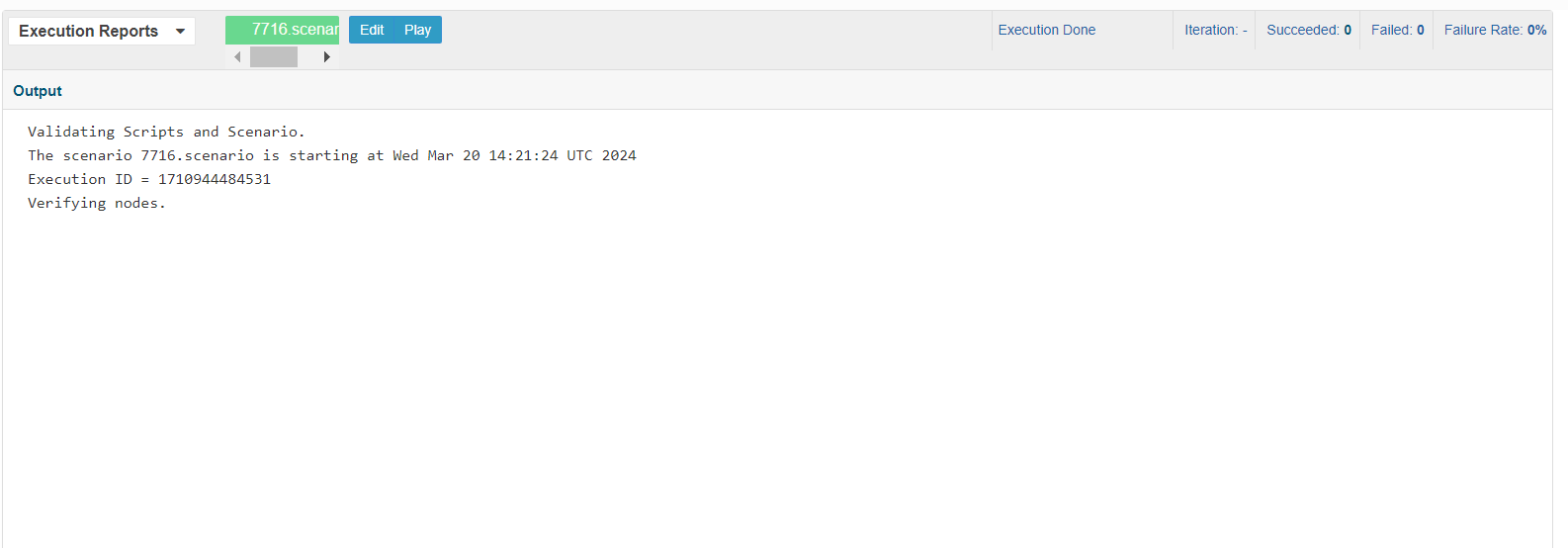
Execution Reports
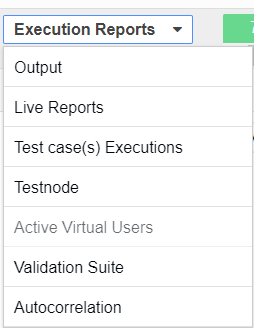
The Execution Reports drop down allows you to selectsecrets from a variety of reports for the scenario execution.
Available reports:
Last updated: MarchOctober 20,6, 20242026
If you have any feedback on this topic, please contact us at documentation@appvance.ai