
Play Page
Recommended
The guidanceRun
UseScenario page displays all the Playrecent Pagescenario executions in Appvance IQ. From here you can explore scenario execution results.
To open this list, in AIQ navigate to reviewRun Scenario.
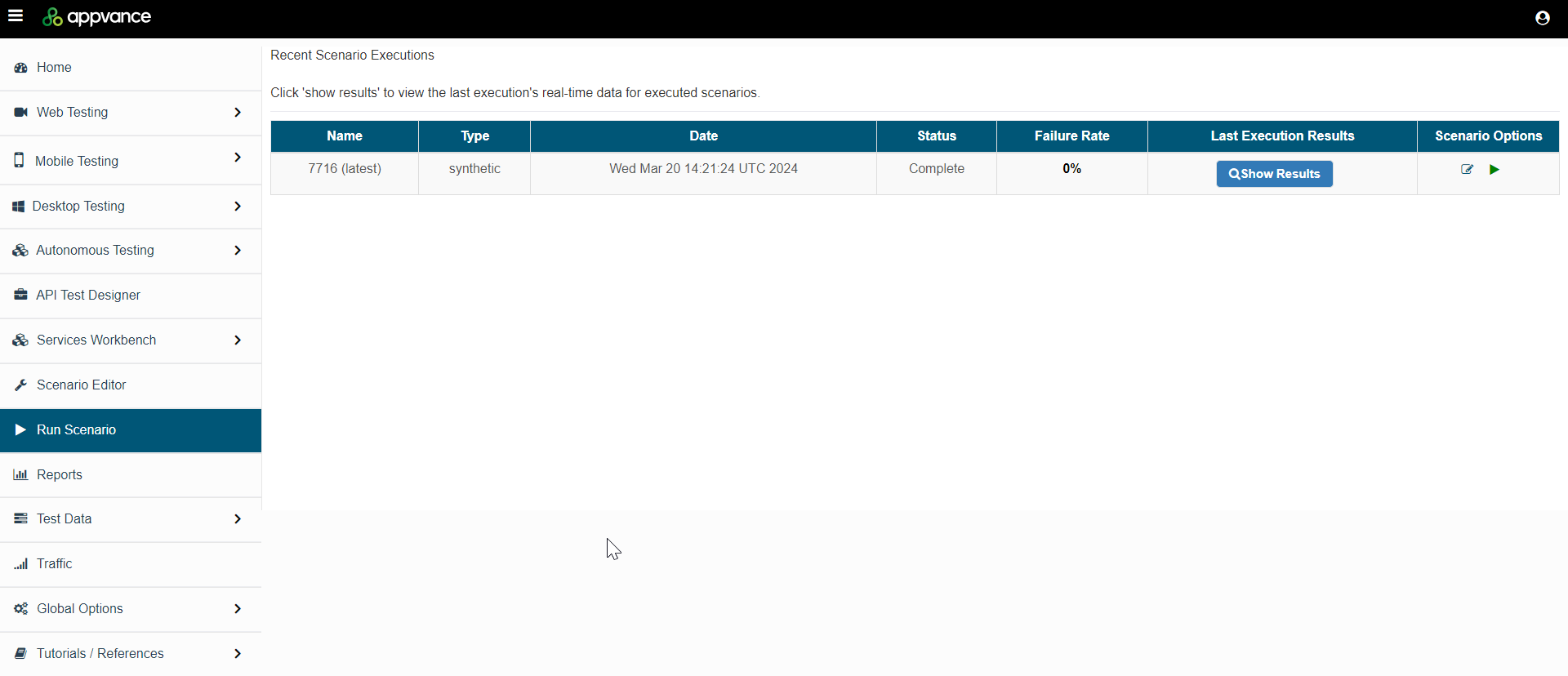
Sorting
You can sort the scenario executions by:
Scenario Options
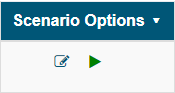
Edit Scenario: Opens the Scenario Editor and manageallows AIQyou executions,to recentedit runs,the andselected resultscenario.
Play Scenario : Executes the selected scenario.
Exploring Results
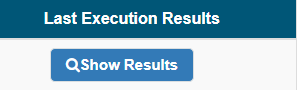
Click Show Results to see the details of a particular scenario execution.
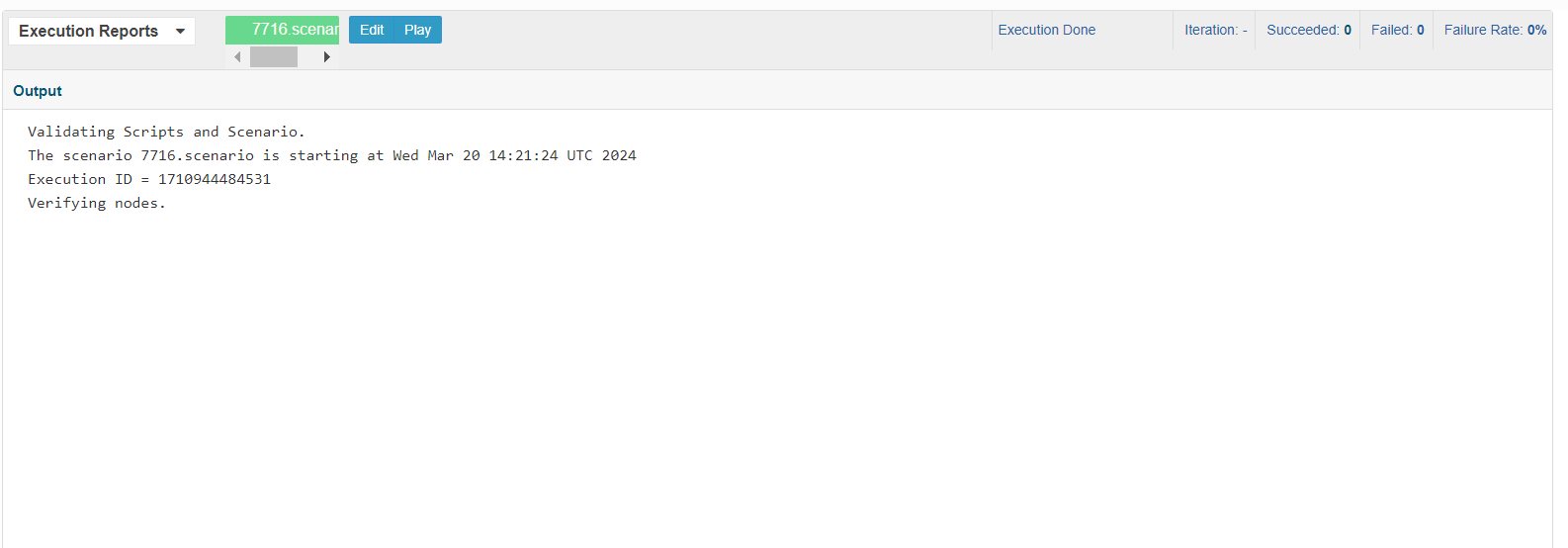
Execution Reports
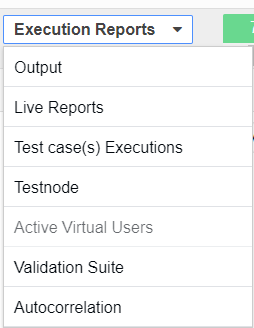
The pageExecution isReports usefuldrop down allows you to select from a variety of reports for confirming whether a run started, completed, failed, or produced output that requires deeper troubleshooting.
What to review
Execution status, start time, duration,the scenarioorexecution.suiteAvailable
name,reports:andowner.
Recommended
Open the run from the Play Page and confirm the exact execution being reviewed.Check the first meaningful error before reviewing later cascading failures.Compare current results with the most recent known-good run.Attach clear evidence when escalating and avoid sharing secrets from logs.
Last updated: OctoberMarch 6,20, 20262024
If you have any feedback on this topic, please contact us at documentation@appvance.ai