
Play Page
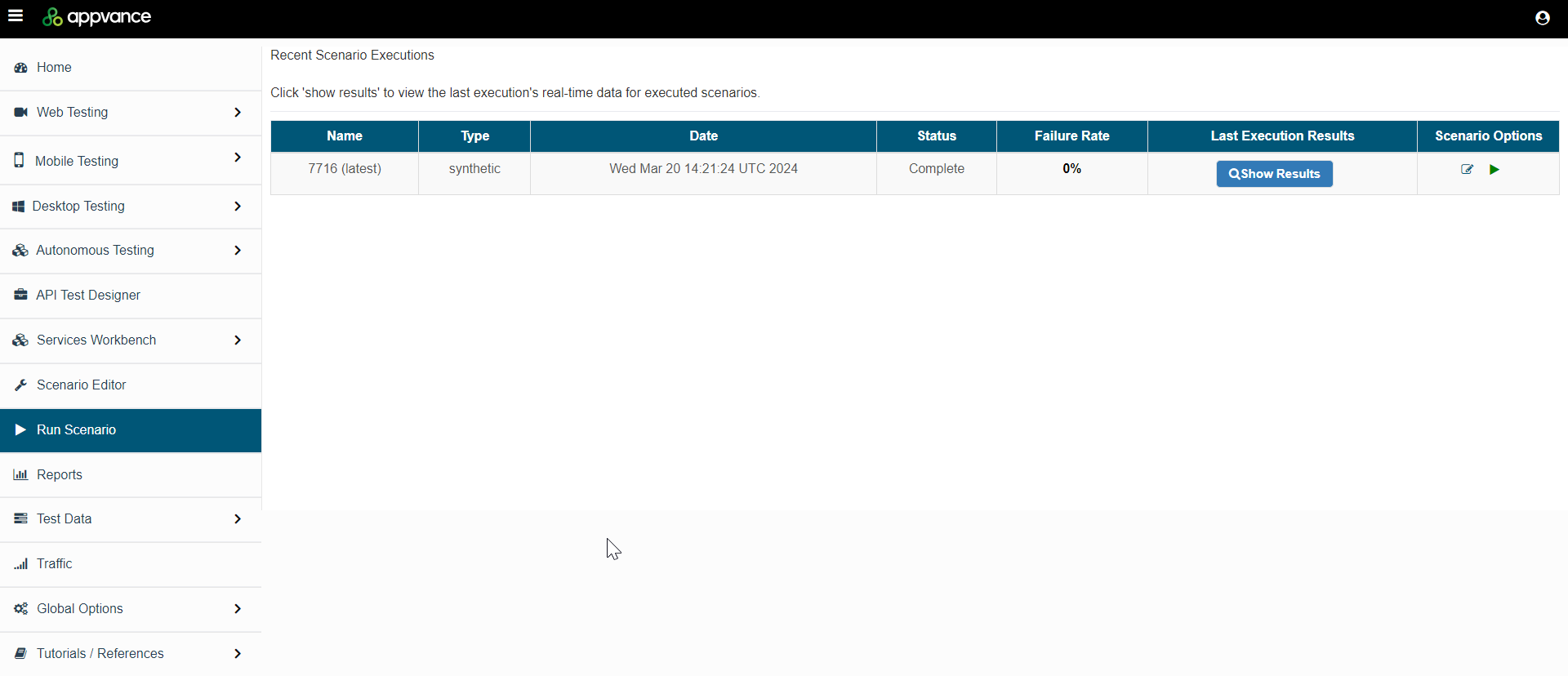
The Run Scenario page displays all the recent scenario executions in Appvance IQ. From here you can explore scenario execution results.
To open this list, in AIQ navigate to Run Scenario.
Sorting
You can sort the scenario executions by:
- Name
- Type
- Date
- Status
- Failure Rate
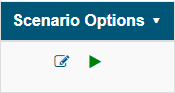
Scenario Options
-
Edit Scenario: Opens the Scenario Editor and allows you to edit the selected scenario.
-
Play Scenario : Executes the selected scenario.
Exploring Results
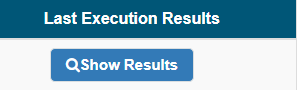
Click Show Results to see the details of a particular scenario execution.
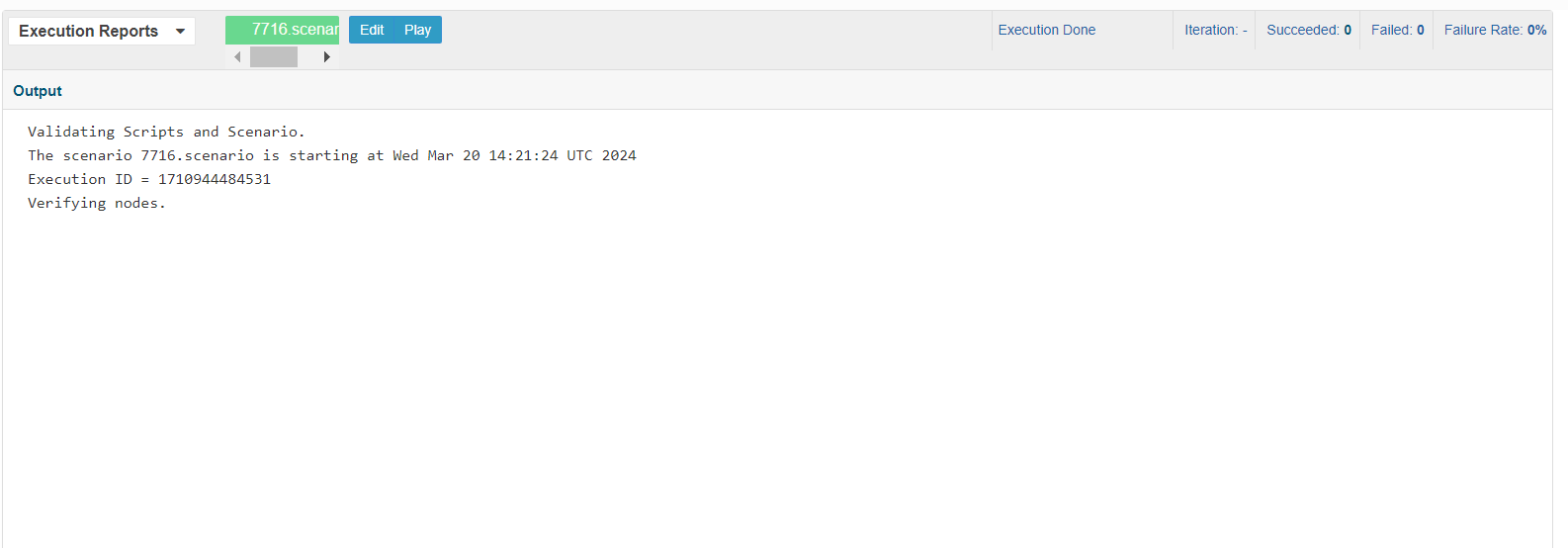
Execution Reports
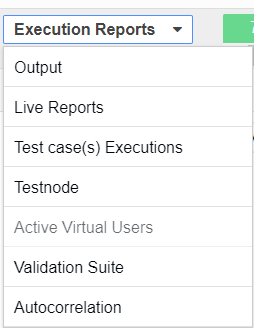
The Execution Reports drop down allows you to select from a variety of reports for the scenario execution.
Available reports:
- Output
- Live Reports
- Test case executions
- Test Node
- Validation Suite
- Autocorrelation
Last updated: March 20, 2024
If you have any feedback on this topic, please contact us at documentation@appvance.ai