
Mobile Designer Classic - Legacy Reference
Legacy reference
ThisMobile sectionDesigner detailsClassic whatshould be treated as legacy documentation. Keep this page only for teams maintaining older mobile testing assets. Current mobile testing guidance should use Scenario Editor and current AIQ mobile terminology.
When this page is knownuseful
- Understanding or migrating old Mobile Designer
(Classic)assets. - Comparing
inlegacythemobile locators, gestures, or recordings with current Scenario Editor tests. - Temporarily supporting customers on older AIQ
5.2.0workflows.
Current recommendation
- Create new mobile tests using current AIQ mobile testing workflows.
- Move useful migration guidance into active Mobile Testing or Scenario Editor pages.
- Remove obsolete screenshots, product names, and
forward.unsupported feature references. - Archive or delete this page when no supported legacy use remains.
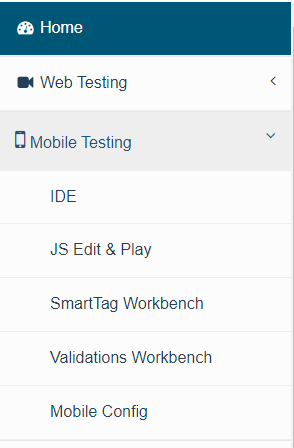
The following sections detail the functionality and options available in the Mobile Designer user interface.
Last updated: SeptemberOctober 17,7, 20242026
If you have any feedback on this topic, please contact us at documentation@appvance.ai