
Use Drag Gestures in Mobile Tests
YouUse canthis article when a mobile test needs to perform Draga functions.drag Thesegesture functionon mirrorsa usersdevice performingor mobile browser viewport.
What changed in this article
- Expanded the
pinchone-word title into a mobile testing gesture article. - Added checks for start/end coordinates, element state, viewport size, device orientation, timing, scroll interference, and
zoomreplaygestures.stability. - Clarified
ThewhenfollowingtoexampleprefershowsathisnativefunctionlocatorinorGoogleactionMaps.beforerelying
coordinate-style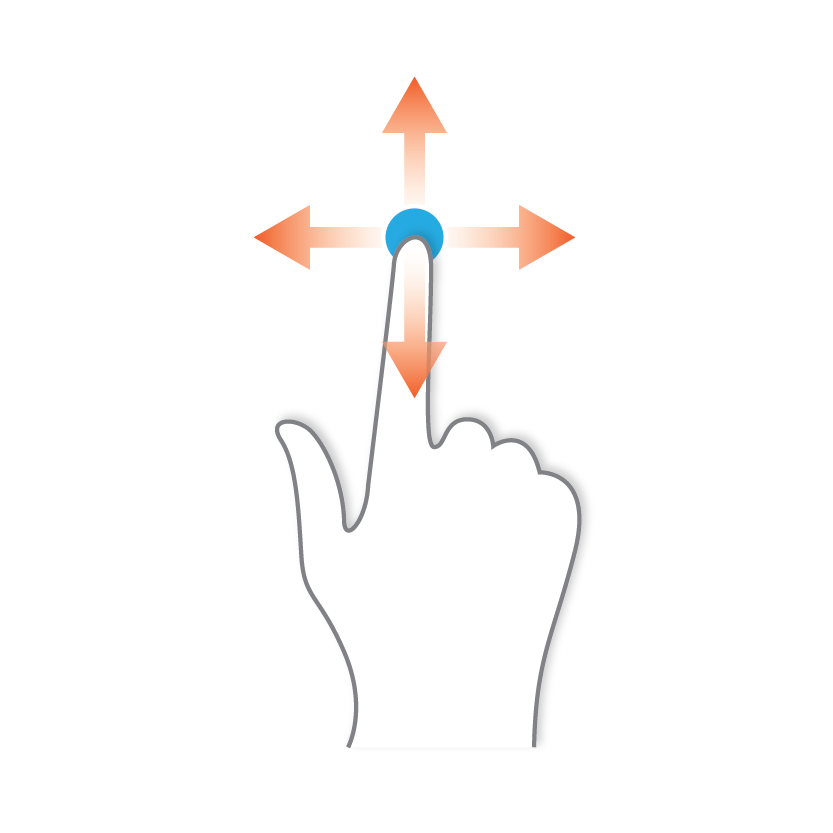
Thisdragwasbehavior.
Validation inworkflow
- Confirm the
AIQtarget5.0.0element,release.device In the Device tab, select a point.
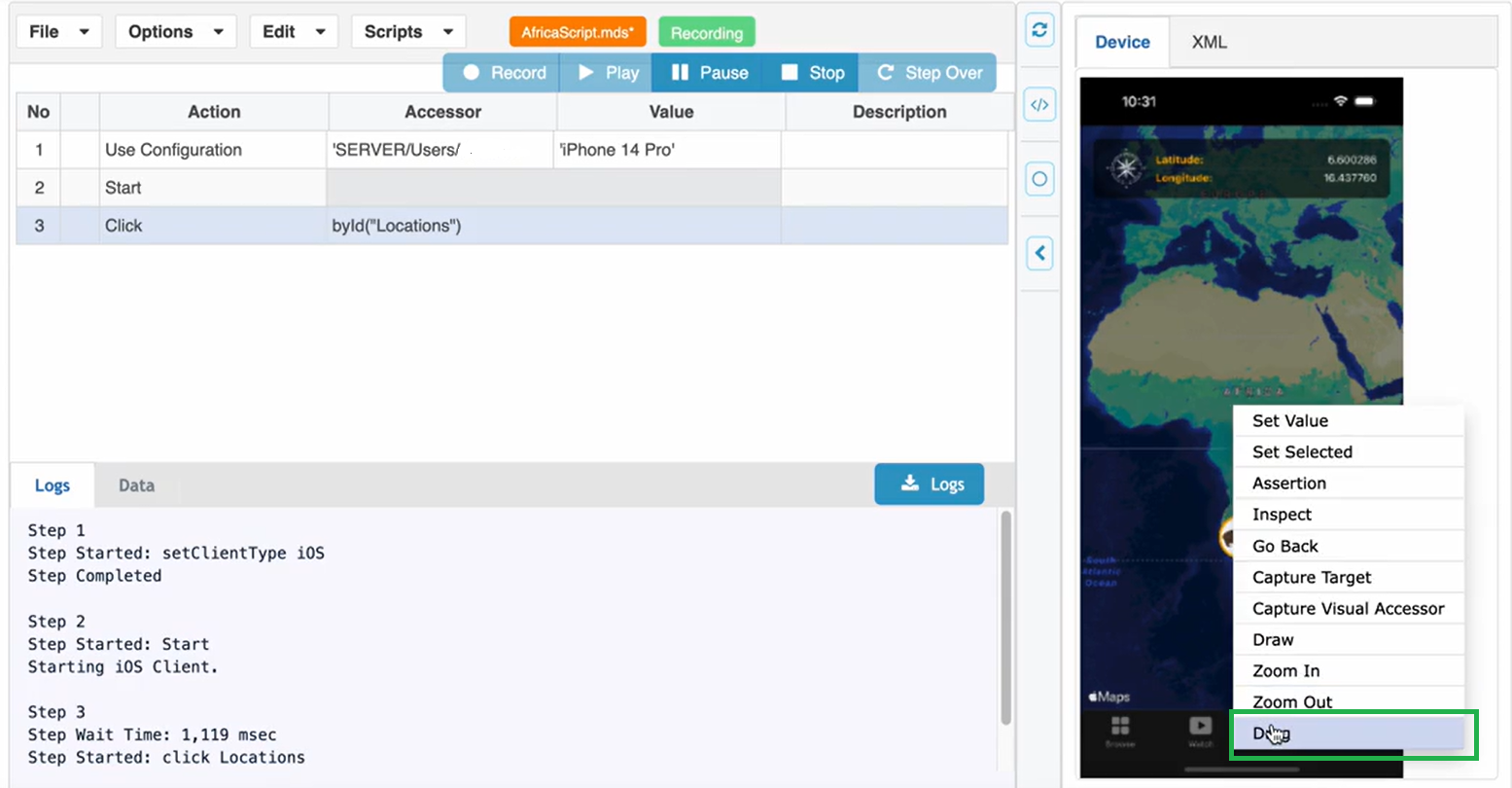
Right clickorientation, and selectexpected Drag.
DrawRun the drag arrowwith conservative timing and clickverify Save.
application 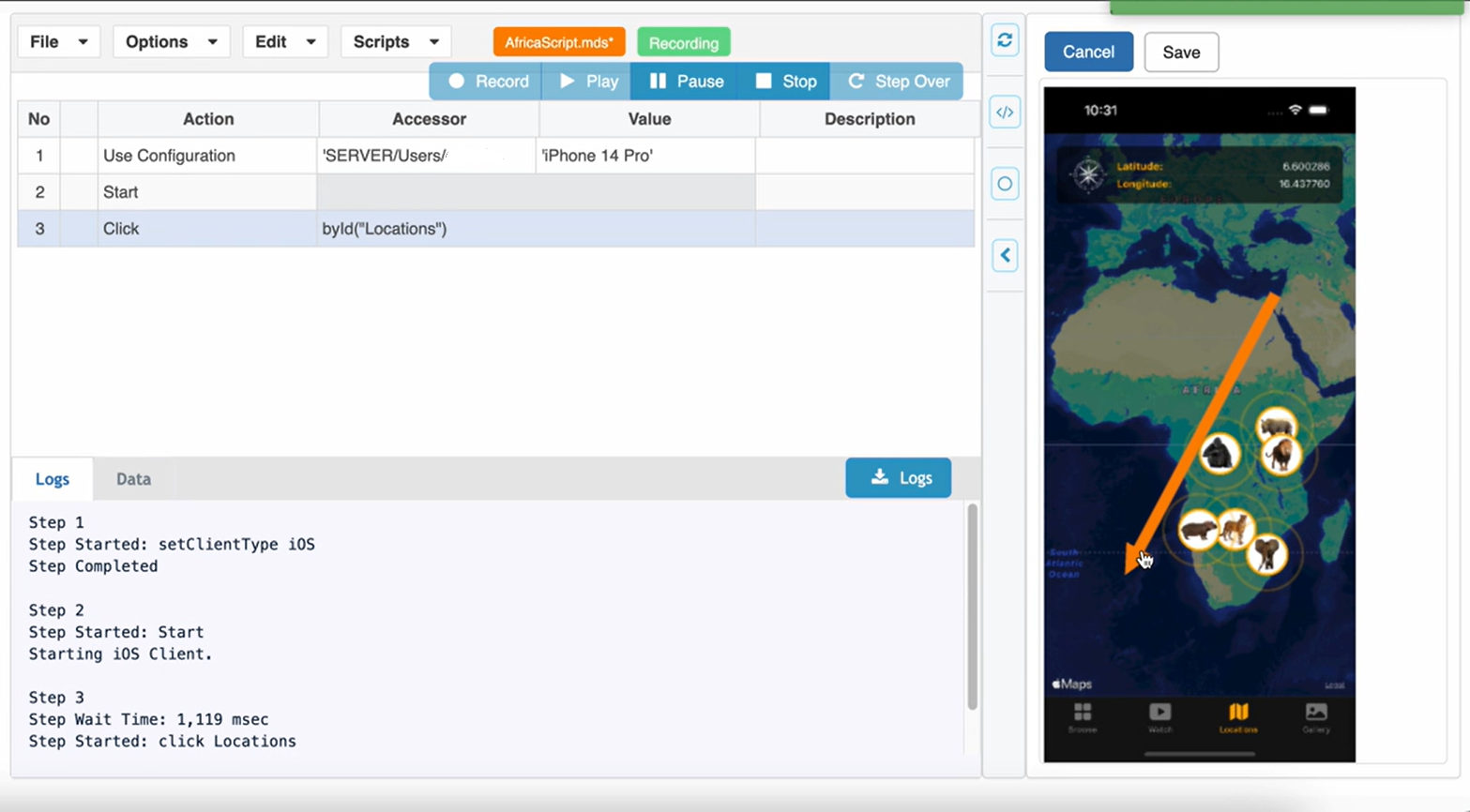
Thethe Dragsame actiontarget is performedprofile and recorded.
Review 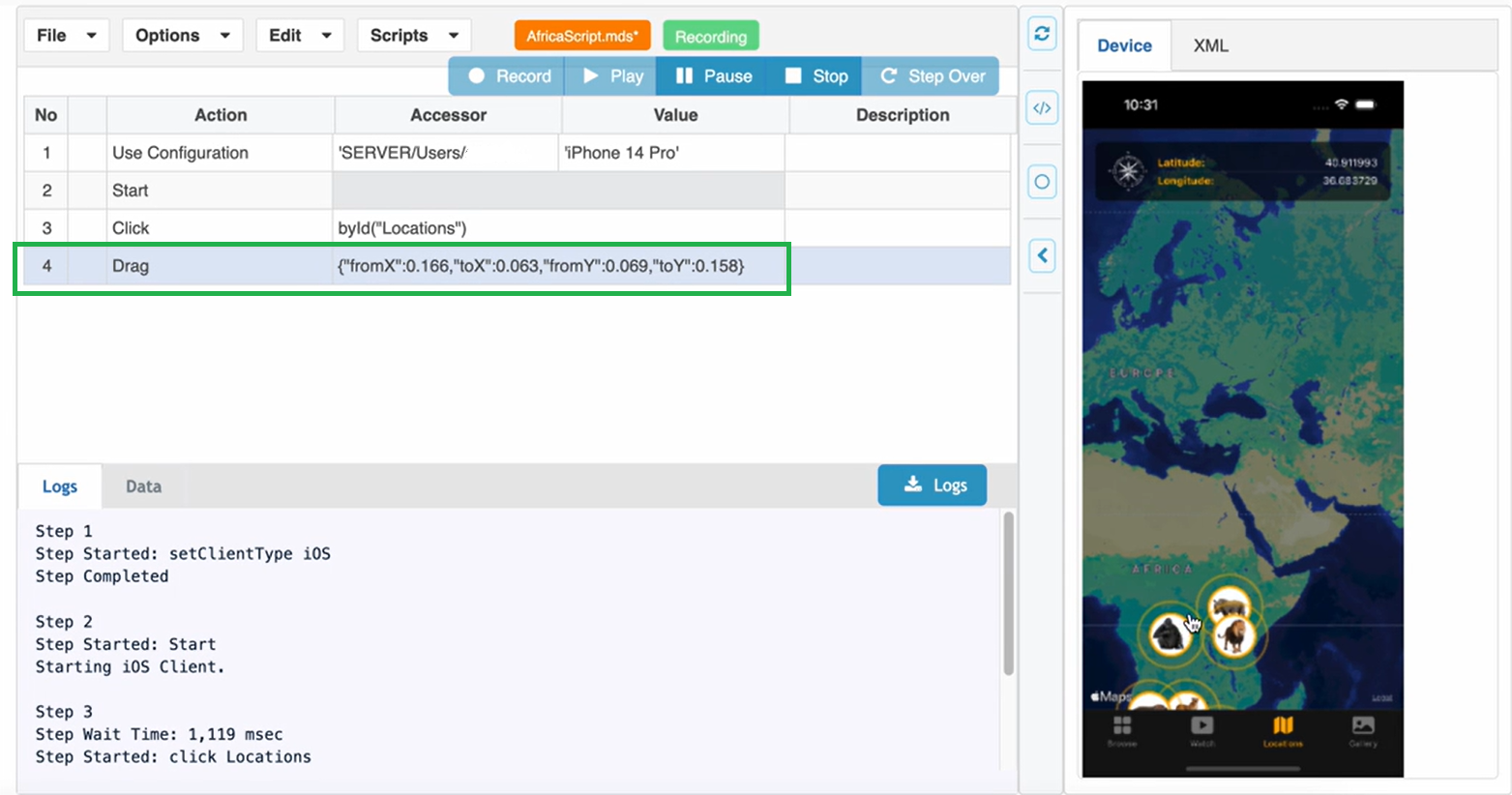
Last updated: JanuaryOctober 30,5, 20242026
If you have any feedback on this topic, please contact us at documentation@appvance.ai.