
API Testing Interface
API Testing Interface
Depending on which version of AIQ you are using, there are different paths to access the API Testing interface:
-
AIQ > Service Suite > API Testing
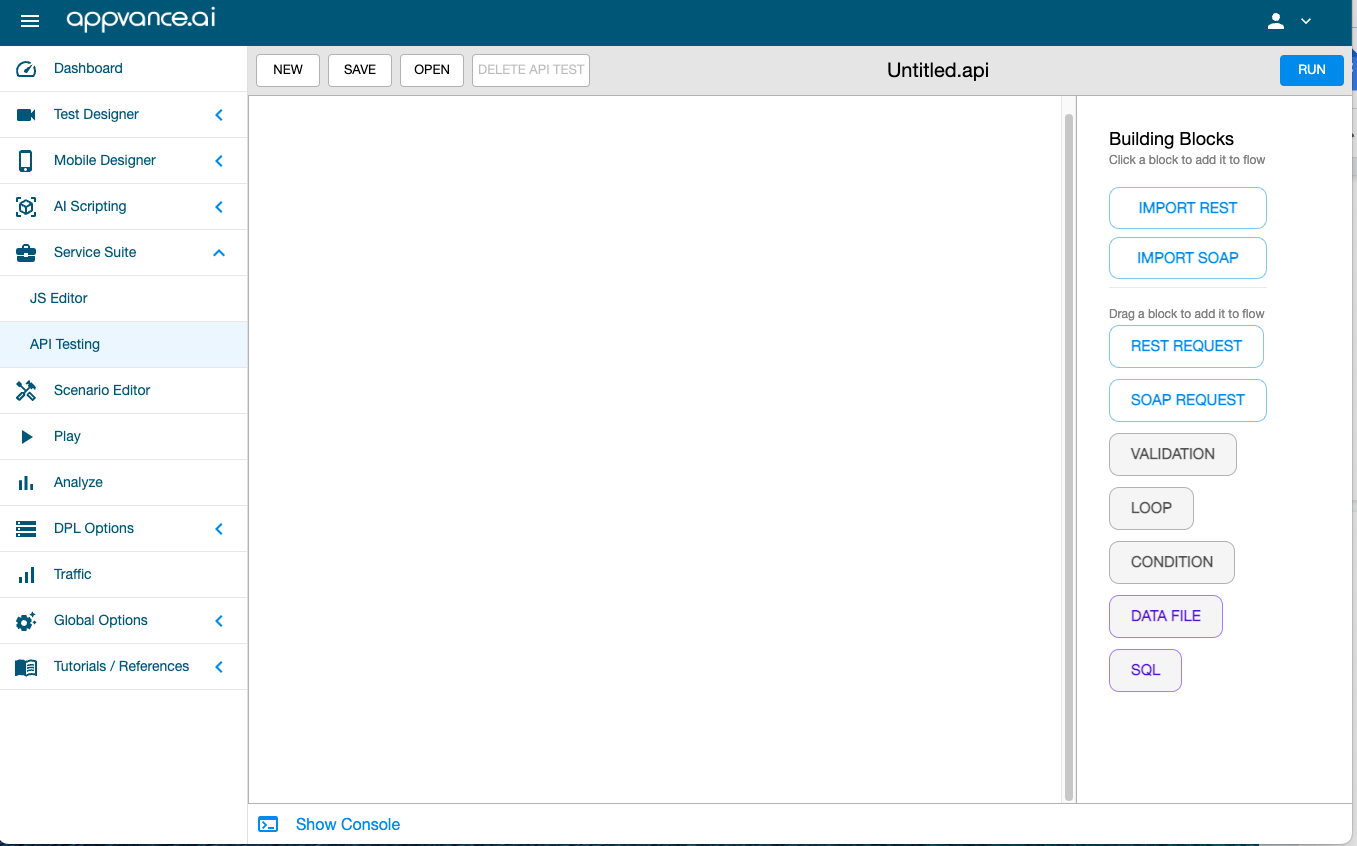
-
AIQ > API Test Designer
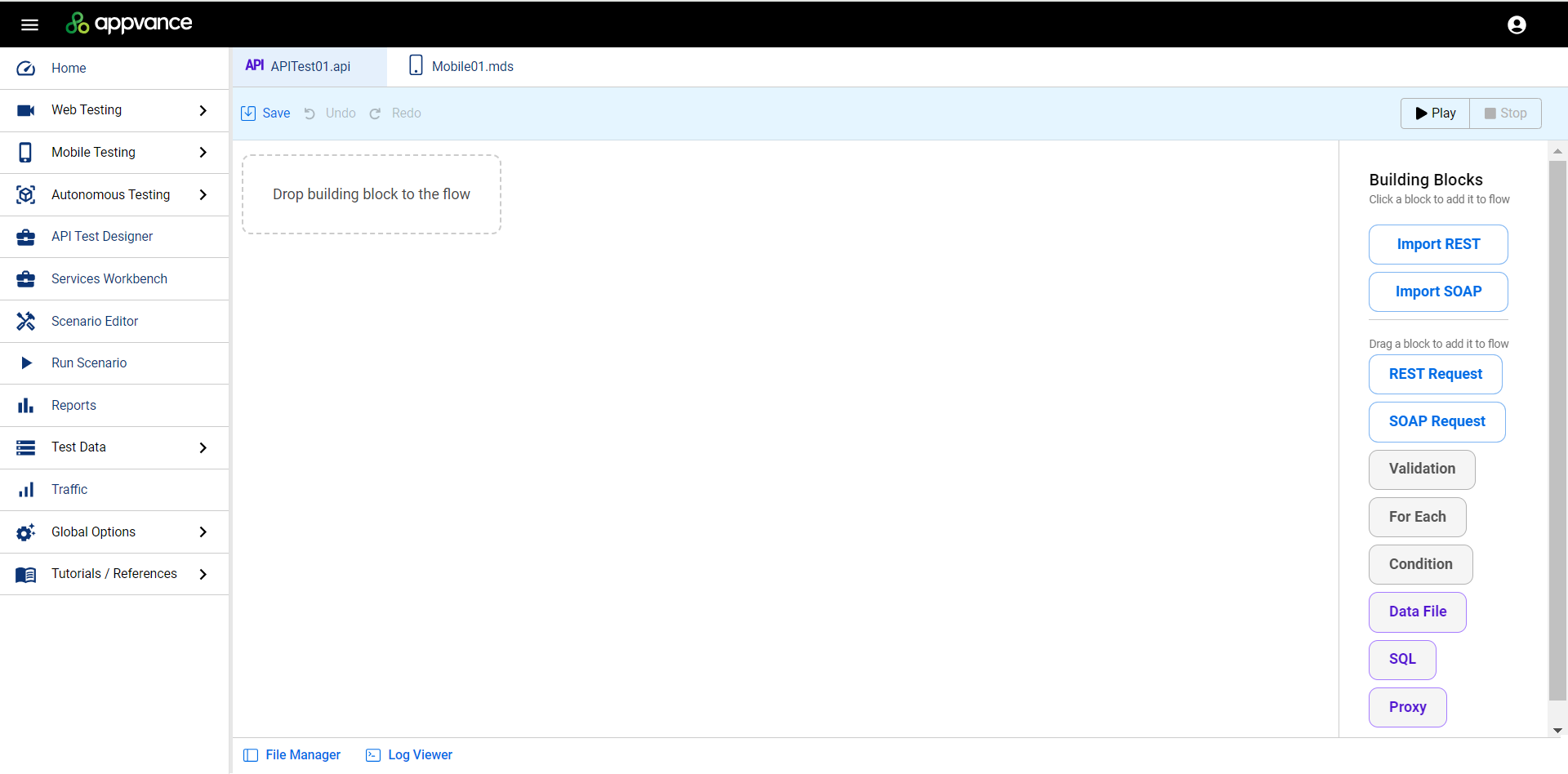
Working Area
The center portion of the interface is where you will be creating your API test using the building blocks.
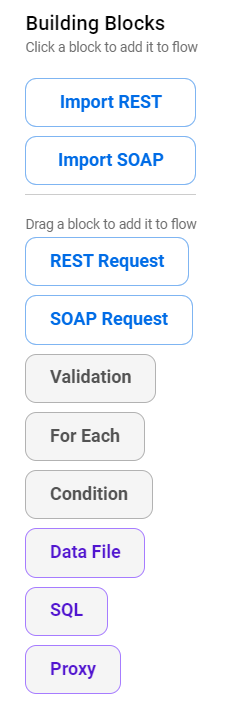
Building Blocks Pane
The Building Blocks pane is on the right side of the screen. This contains the elements you can use to construct API tests.
See API Testing Building Blocks for more information. If you are familiar with these building blocks, see API Testing Examples for examples of how to use them in AIQ's API Test Designer.
Last updated: April 11, 2024
If you have any feedback on this topic, please contact us at documentation@appvance.ai