
Service Suite API Testing Interface
Recommended guidance
DependingUse the Service Suite API testing interface to build, run, and validate HTTP API checks in AIQ. The interface should help users configure requests, inspect responses, assert outcomes, and reuse extracted data.
What to review
- Request method, URL, headers, parameters, body, and authentication.
- Environment variables, DPL values, and reusable configuration.
- Response status, headers, body, timing, and extracted values.
- Assertions for technical validity and business expectations.
- Output Logs and evidence needed for troubleshooting.
Best practices
- Start with a single known-good request before chaining calls.
- Separate authentication/setup calls from business validation where useful.
- Mask tokens and secrets in shared logs or screenshots.
- Document dependencies on
whichexternalversionAPIs,ofrateAIQlimits,you are using, there are different paths to access the API Testing interface: AIQ >Service Suite>API Testing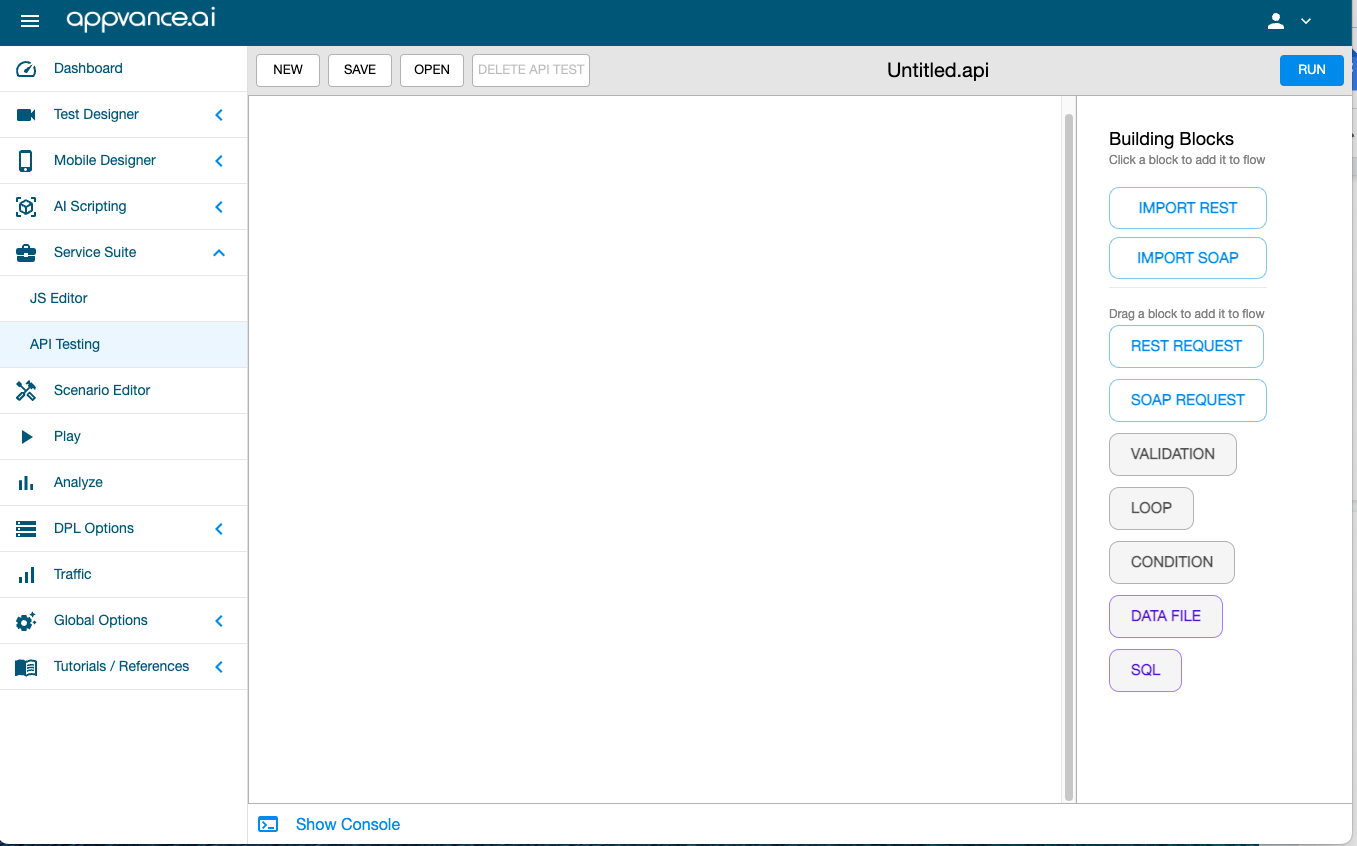
AIQ > API Test Designer
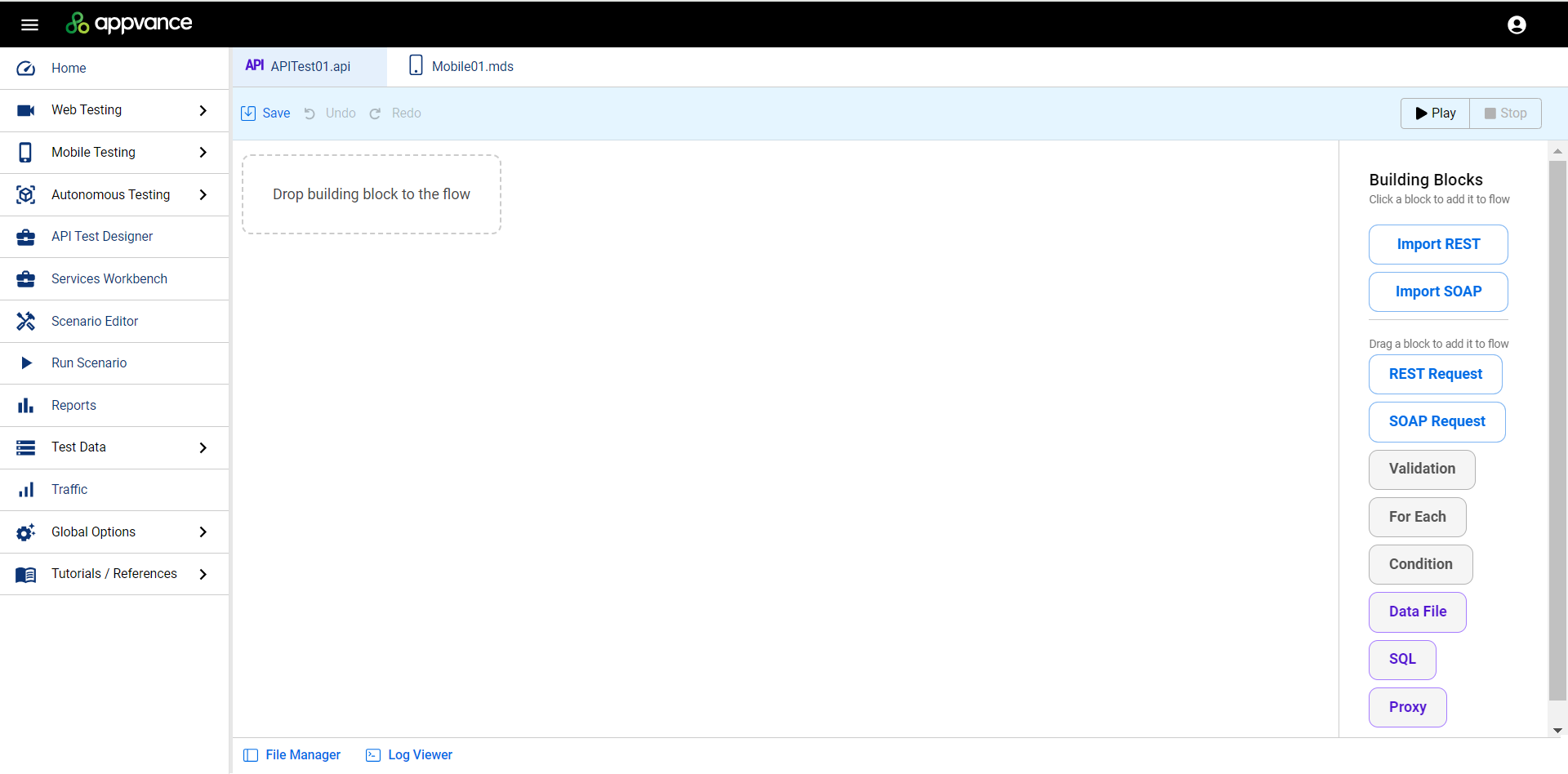
Working Area
The center portion of the interface is where you will be creating your APIand test using the building blocks.
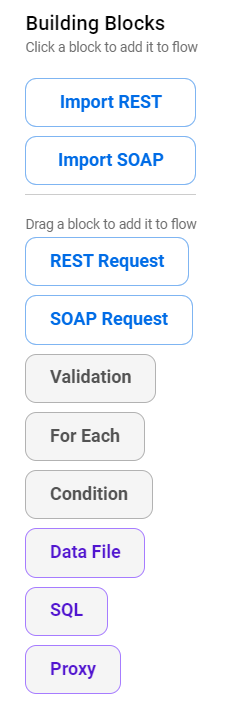
Building Blocks Pane
data.
The Building Blocks pane is on the right side of the screen. This contains the elements you can use to construct API tests.
See API Testing Building Blocks for more information. If you are familiar with these building blocks, see API Testing Examples for examples of how to use them in AIQ's API Test Designer.
Last updated: AprilOctober 11,6, 20242026
If you have any feedback on this topic, please contact us at documentation@appvance.ai