
AutoCorrelation
Use
This AutoCorrelationis ina Testfeature Controlleradded to AIQ which provides the user the option to generate autocorrelated resources and scenarios. This is mostly useful for HAR scenarios only which are based on requests.
AutoCorrelationFollow helpsthe identifybelow dynamicsteps valuesfor auto correlating a HAR scenario.
Create a functional scenario with the test case being HAR
All other entries are to be filled according to the use case
Click Save and Play the Scenario
On the controller window, once the test is completed its execution successfully, go to the Autocorrelation tab
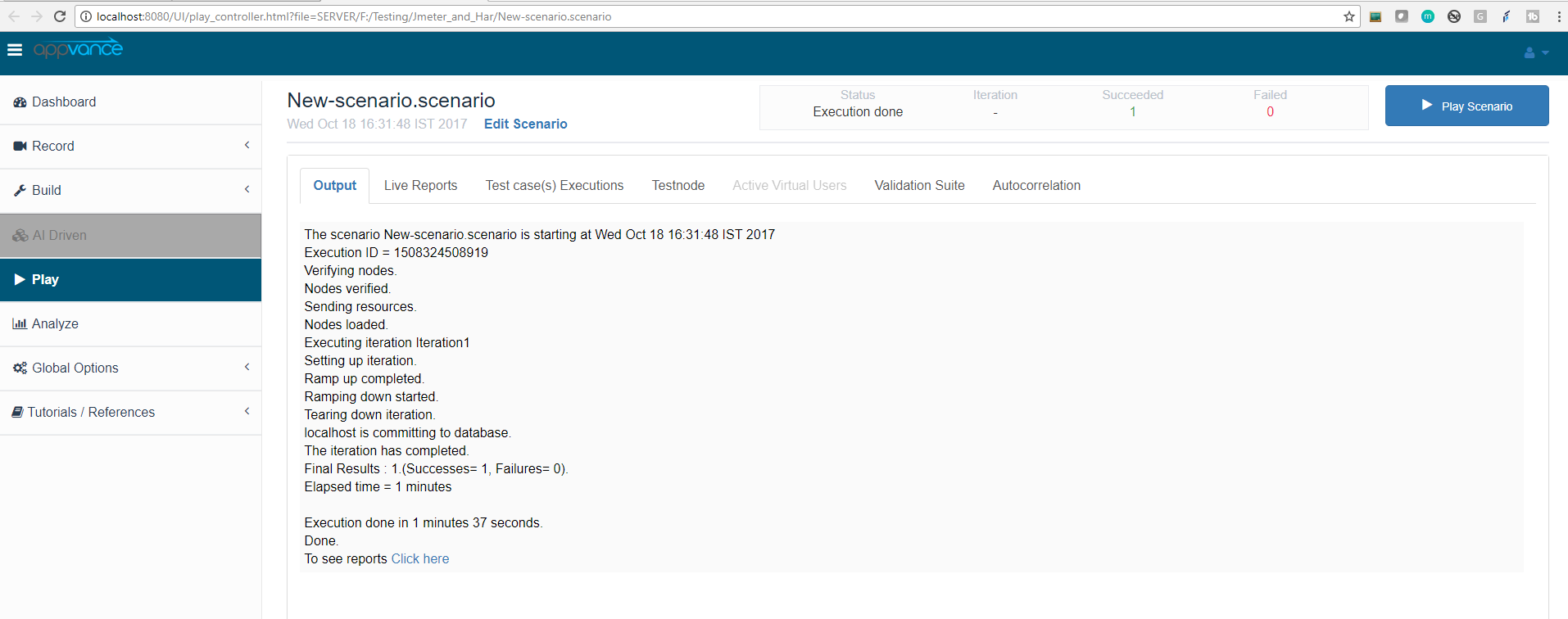
Click the Start Autocorrelation button for the autocorrelation to begin, you will see a message "processing scenario autocorrelations. Please wait"
The system shall display all the correlations that mustthe besystem capturedfound, andthe reuseduser can either Accept All correlations or reject them
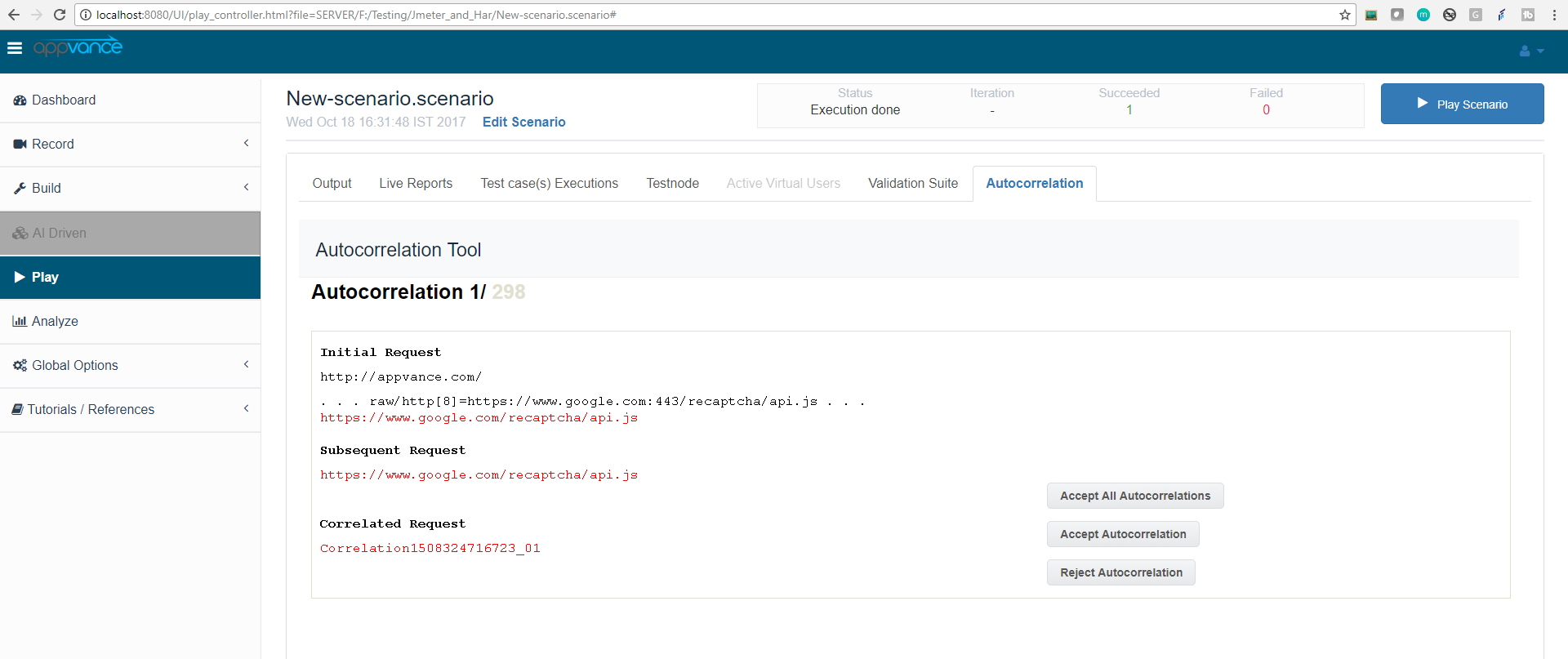
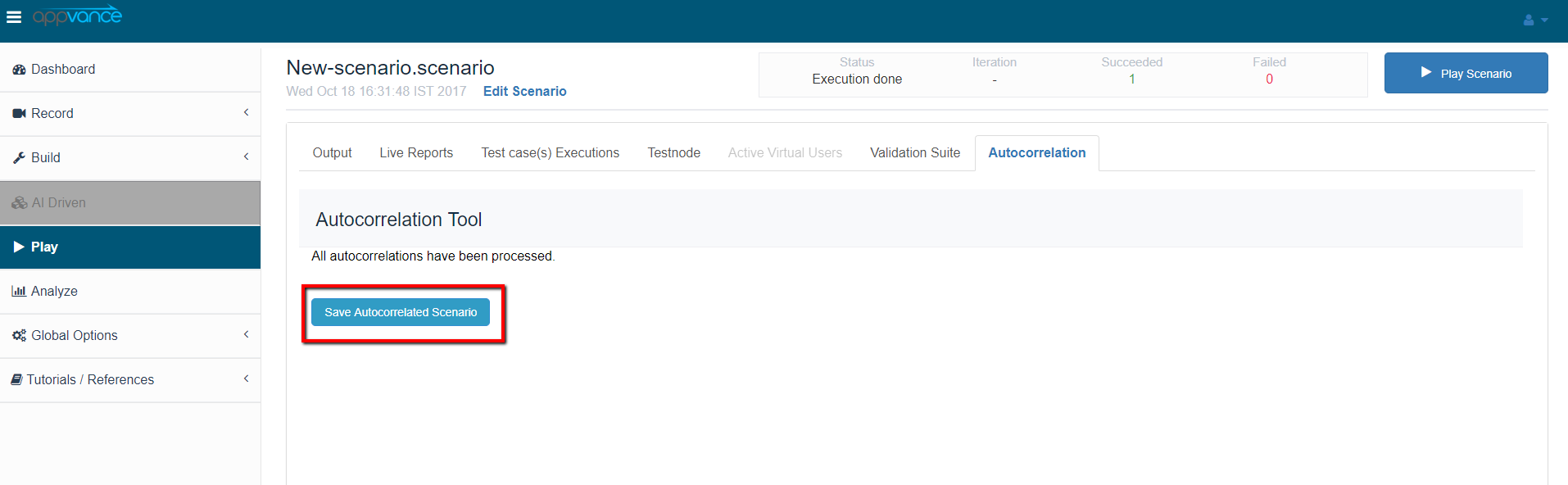
After accepting or rejecting correlations, Save the autocorrelated scenario by clicking "Save Autocorrelated scenario"
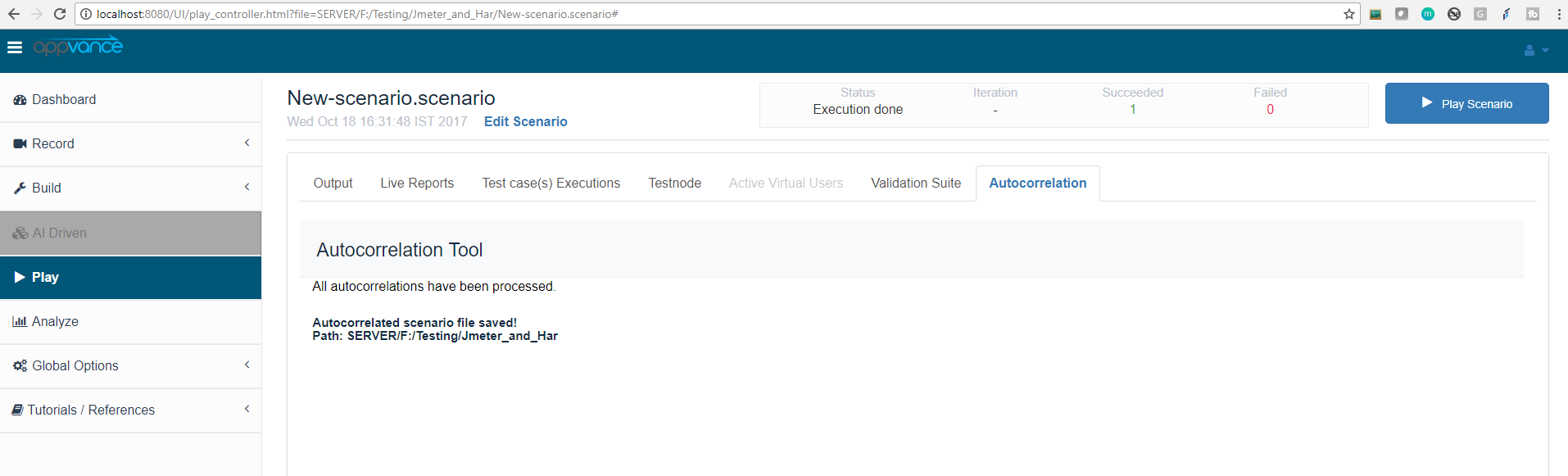
You can open the scenario from scenario builder to see all the correlations
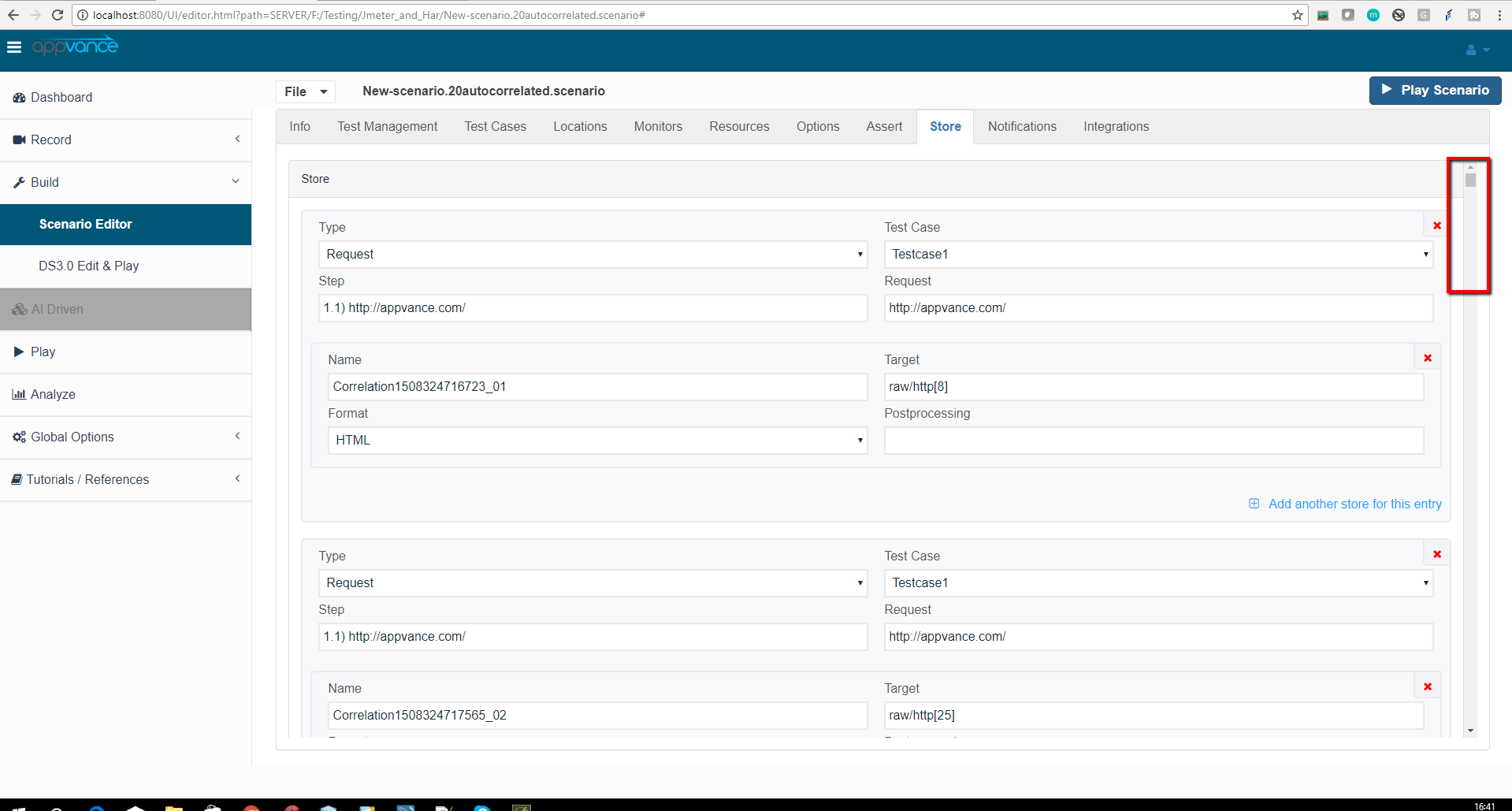
Users can play this autocorrelated scenario for amore performancesuccessful test to replay correctly. Use it during script validation before increasing load.results
When
RequestsLast
failupdated:afterJunelogin,26,checkout,2023search,If
oryousessionhavecreation.Theanyapplication returns tokens, IDs, or timestamps that change each run.A script works once but failsfeedback onreplaythisortopic,underpleaseload.
Recommendedus workflow
at Run a small validation execution.Review failed requests and dynamic response values.Apply correlation rules only to values required by later requests.Replay and verify the script before scaling.
Last updated: September 18, 2026documentation@appvance.ai