
AutoCorrelation
This is a feature added to AIQ which provides the user the option to generate autocorrelated resources and scenarios. This is mostly useful for HAR scenarios only which are based on requests.
Follow the below steps for auto correlating a HAR scenario.
Create a functional scenario with the test case being HAR
All other entries are to be filled according to the use case
Click Save and Play the Scenario
On the controller window, once the test is completed its execution successfully, go to the Autocorrelation tab
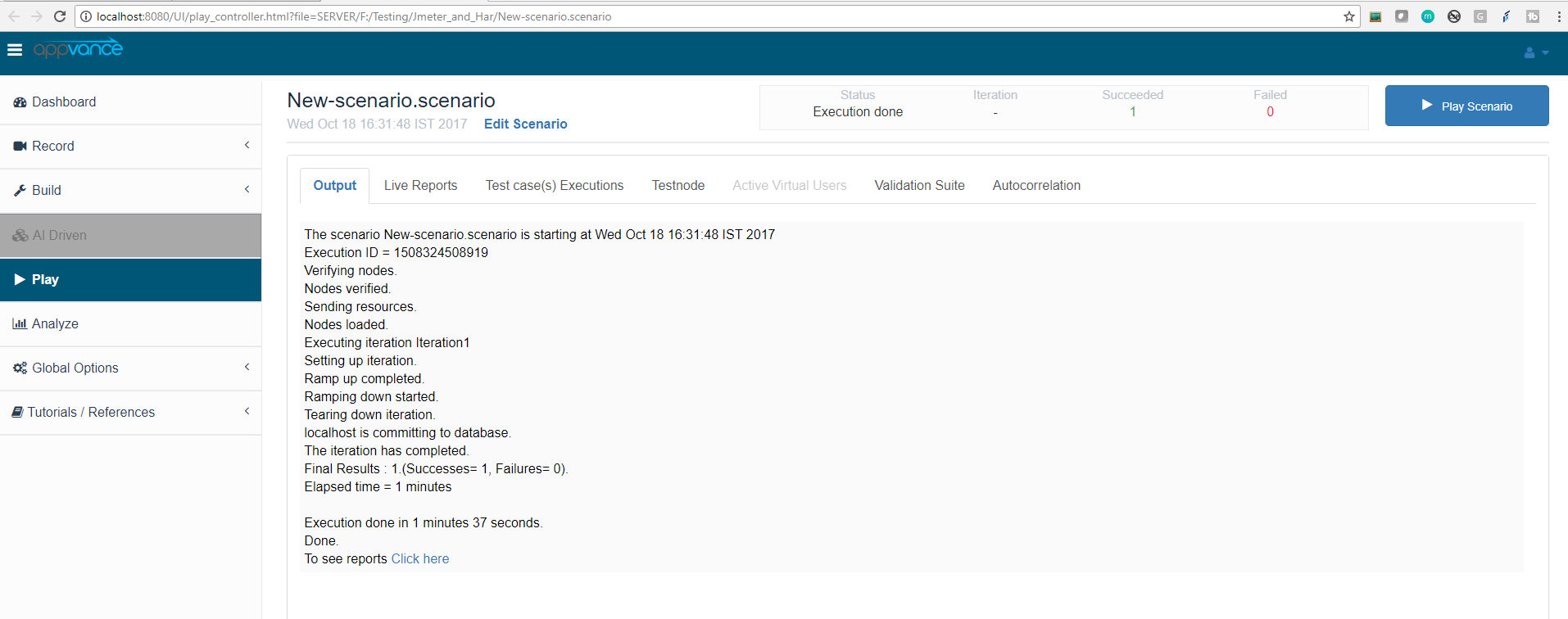
Click the Start Autocorrelation button for the autocorrelation to begin, you will see a message "processing scenario autocorrelations. Please wait"
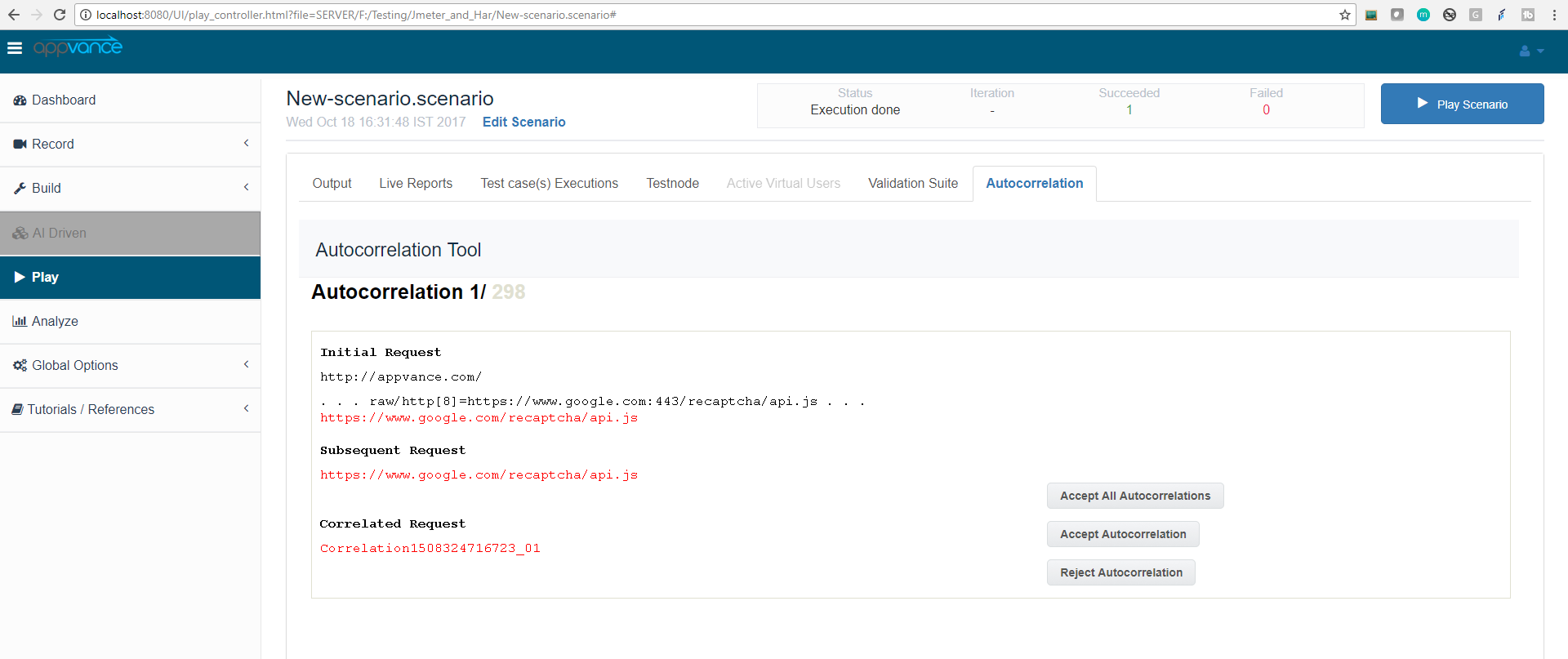
The system shall display all the correlations that the system found, the user can either Accept All correlations or reject them
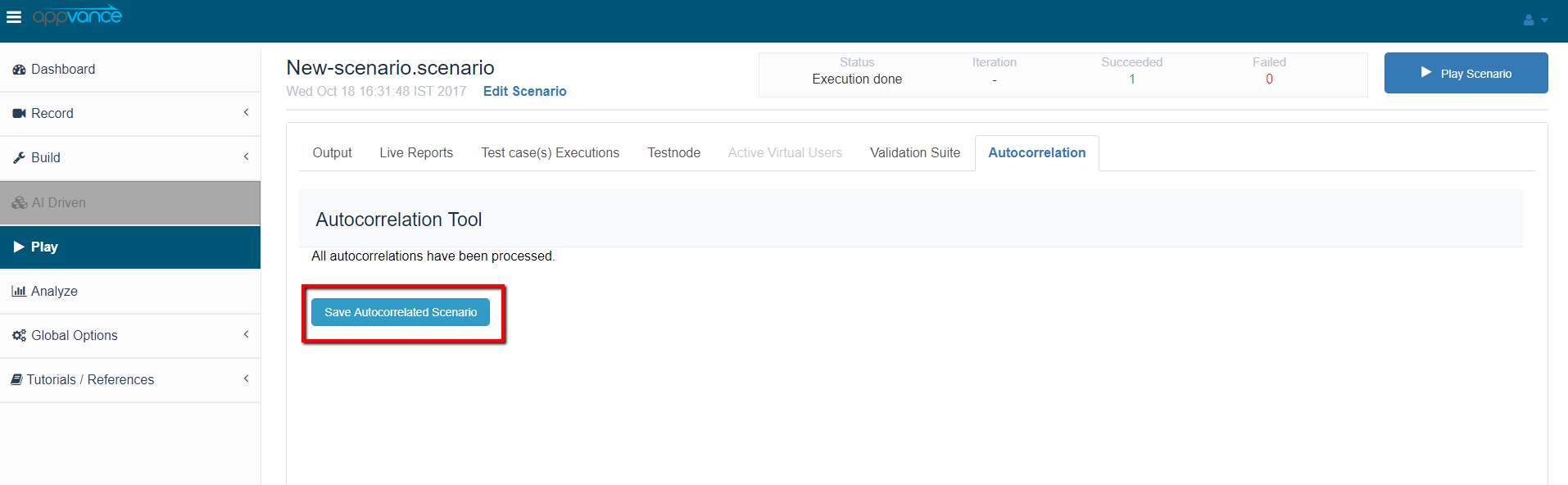
After accepting or rejecting correlations, Save the autocorrelated scenario by clicking "Save Autocorrelated scenario"
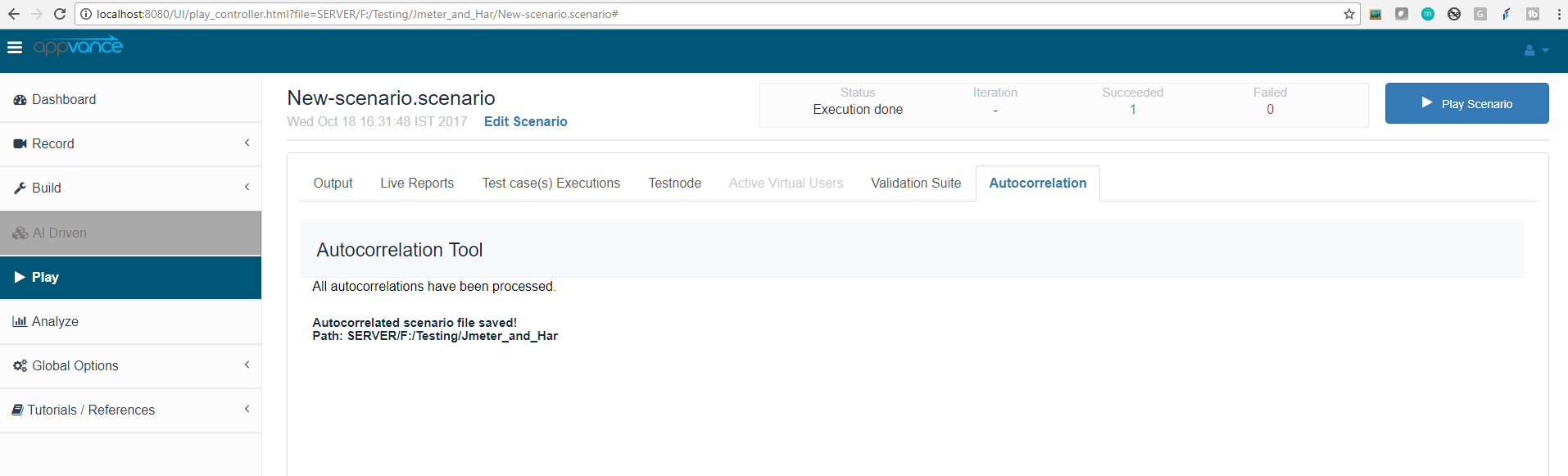
You can open the scenario from scenario builder to see all the correlations
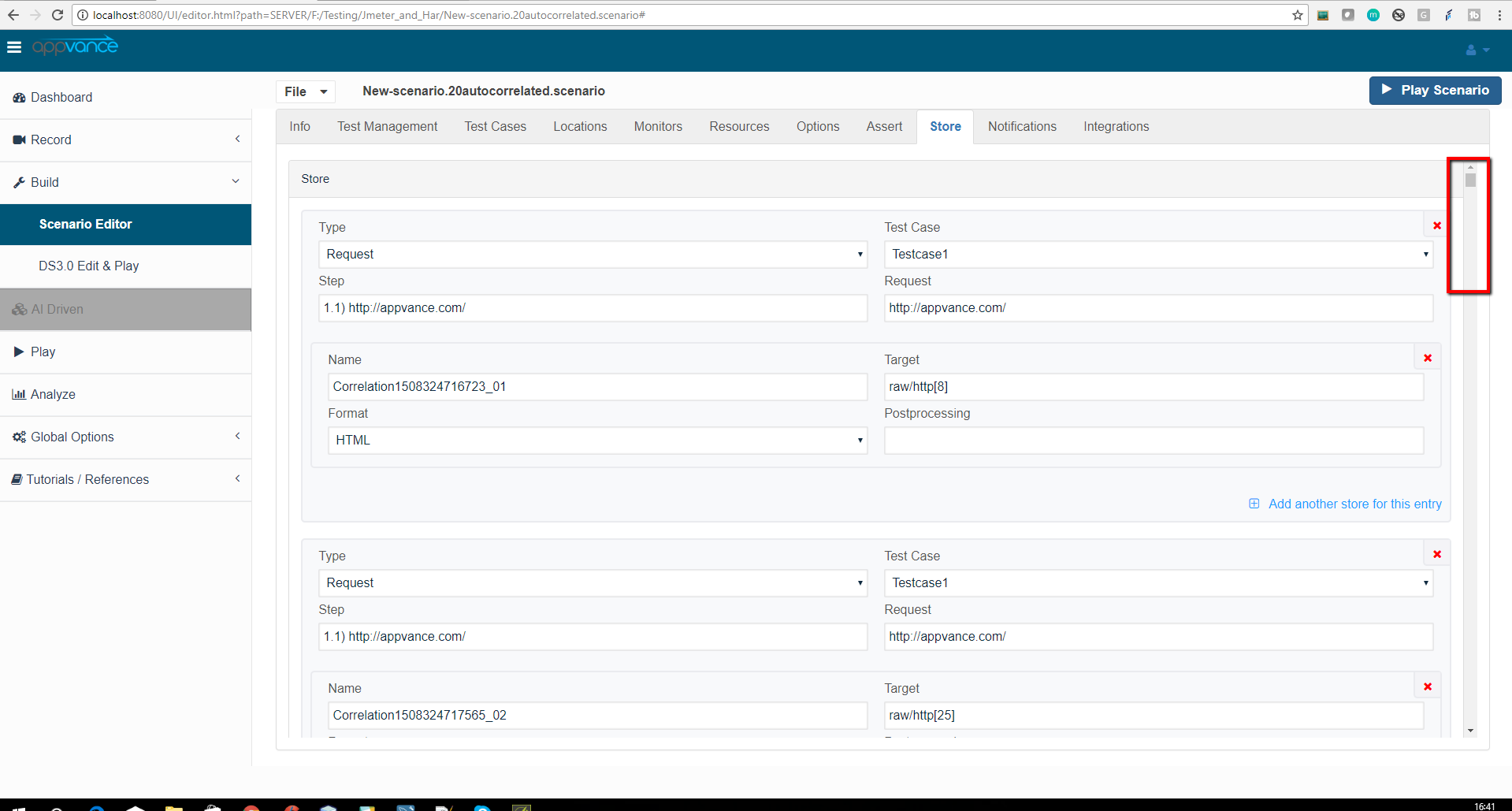
Users can play this autocorrelated scenario for more successful results
Last updated: June 26, 2023
If you have any feedback on this topic, please contact us at documentation@appvance.ai