
Services Workbench
Contents
Use your UX Scripts to generate Service Suite Scripts.
Introduction
Service Suite is an HTTP API testing technology using standardized Javascript syntax, that was written from scratch with the goal to make API testing simple to use but very powerful.
Can be used for functional testing and debugging and to launch performance tests with thousands or millions of virtual users integrating with the current AIQ scenario editor and usage of cloud-based test nodes.
Service Suite has an extensive list of actions ready to be used for API Calls, SQL Calls, IOT, microservices, and Mobile Calls.
Note: Please be careful when using SoapUI with Service Suite in the same AIQ Scenario, because of incompatibilities among them.
SoapUI support was removed in release 5.2.0 of AIQ.
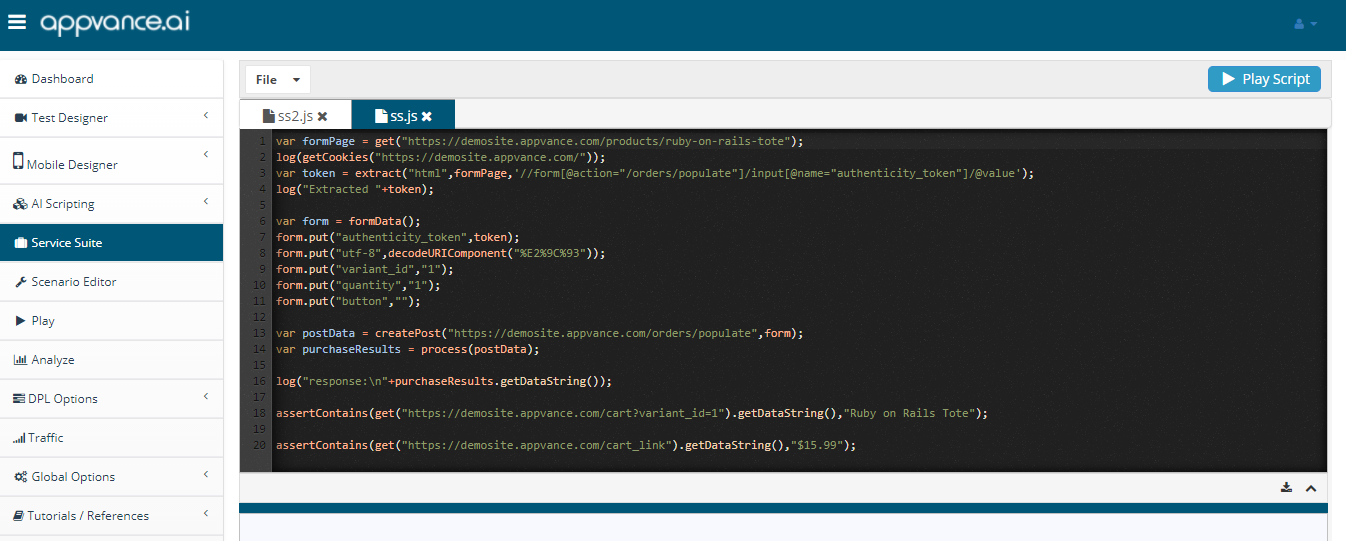
With Service Suite, You can open multiple files which open in different tabs which makes it easy for the user to copy contents between different scripts.
Control+S will automatically save the script.
Control+O will open the file manager to open the files.
There is IntelliSense, as you type in the default methods and functions would be available to select from the drop-down including custom-defined variables and functions.
It is required to have Test Designer services running to work with Service Suite.
Logs
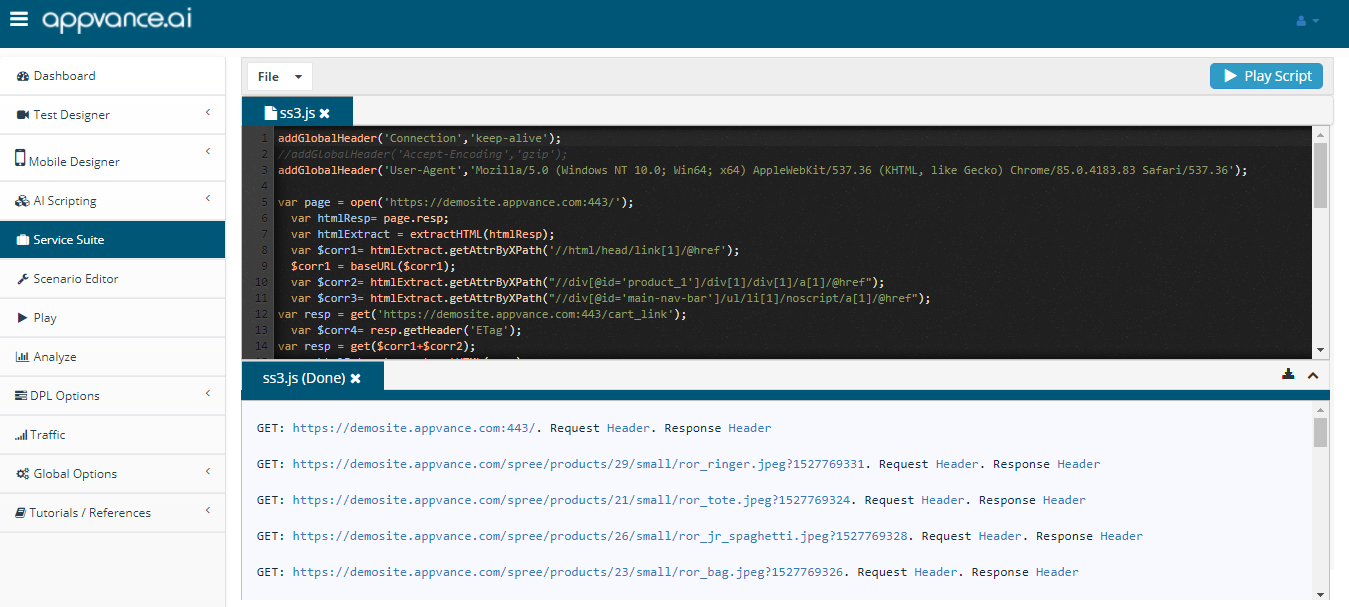
Logs can be checked once the script is running or finished running, there is a separator to drag and drop to check the logs.
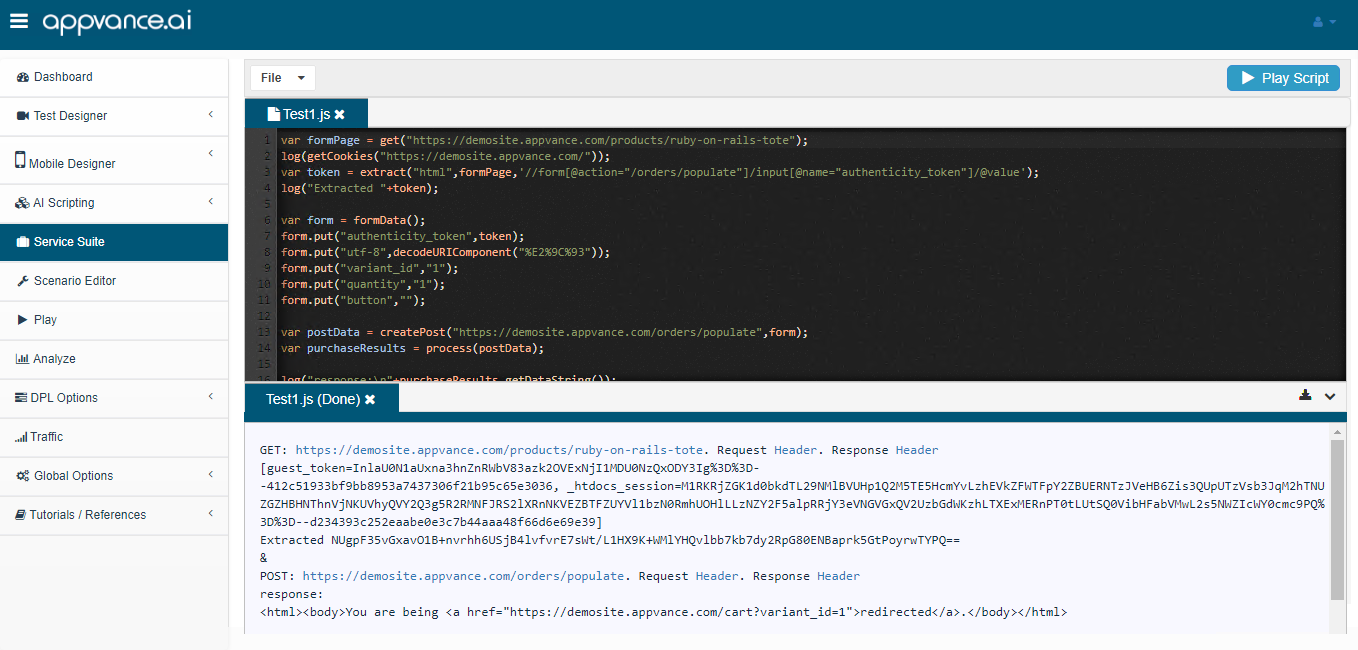
There is also a toggle button to switch back and forth between the script screen and the logs.
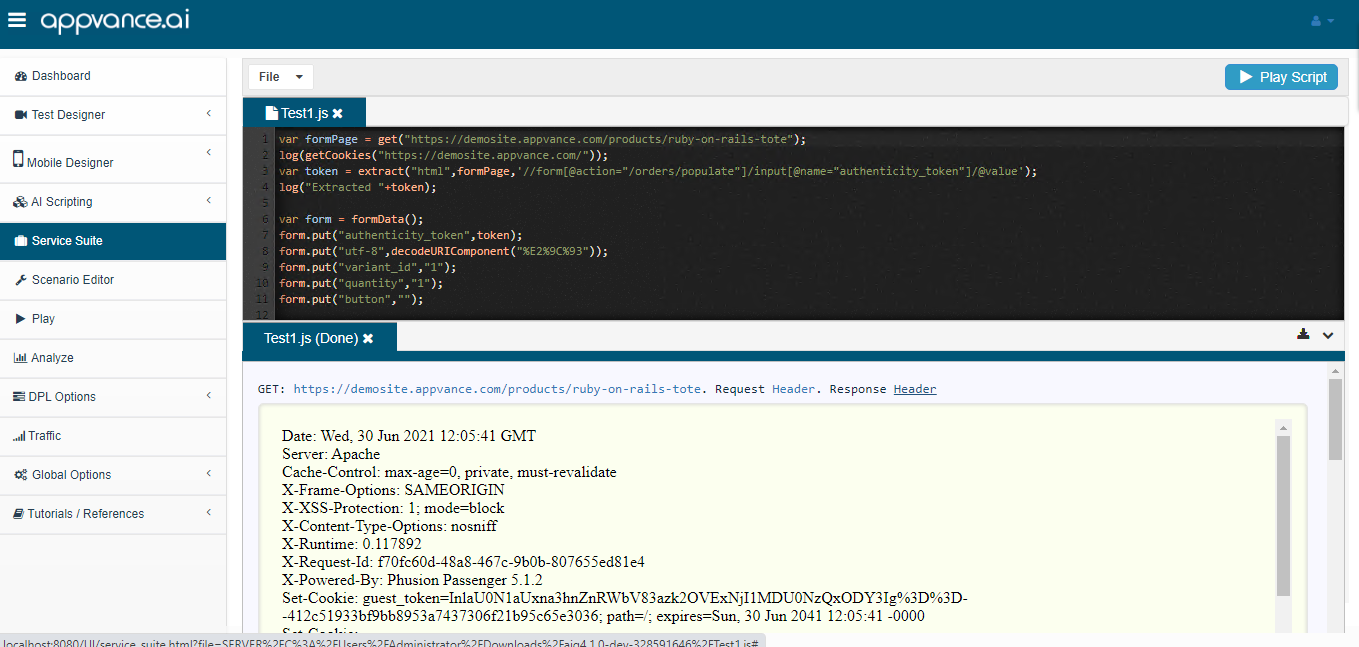
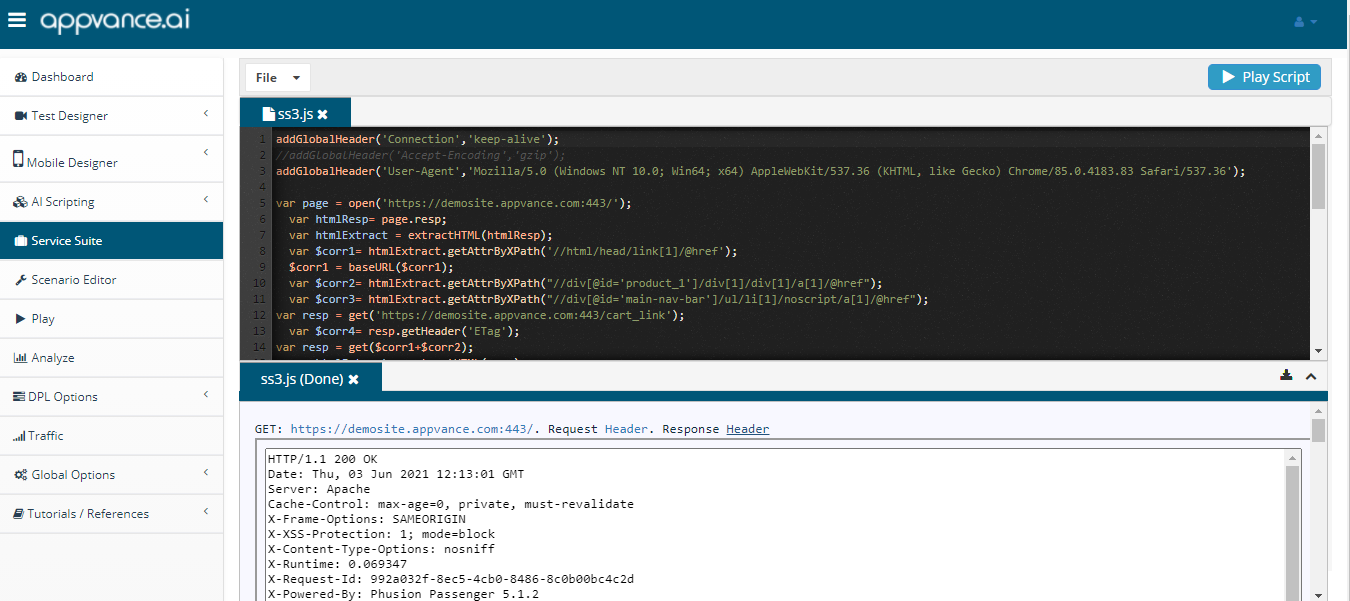
From the logs, you would be able to see the response for the GET or POST requests and would be able to download them, Request Header can be clicked to see the request headers, response headers can be clicked to see the response headers.
Auto Scroll logs
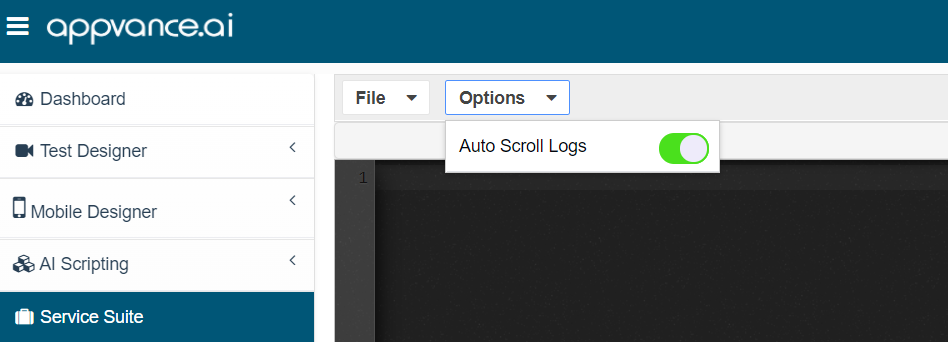
Auto Scroll logs from the Options menu can be turned on for the logs to Auto Scroll as the script replays.
Use your UX Scripts to generate Service Suite Scripts
Yes, it is possible to create a Service Suite API script using an already created UX Script using Test designer.
Below steps:
Make sure the Test designer services are running.
-
Open the saved Test designer in IDE.
-
Open Instant Replay in a different tab.
-
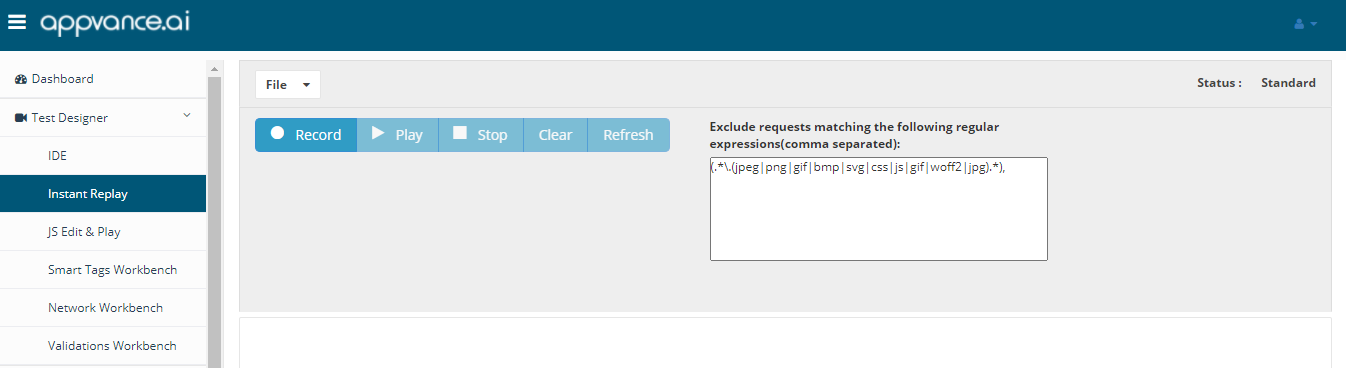
Click Start Recording by clicking the Record button.
-
Go back to Test Designer IDE and Click Play
-
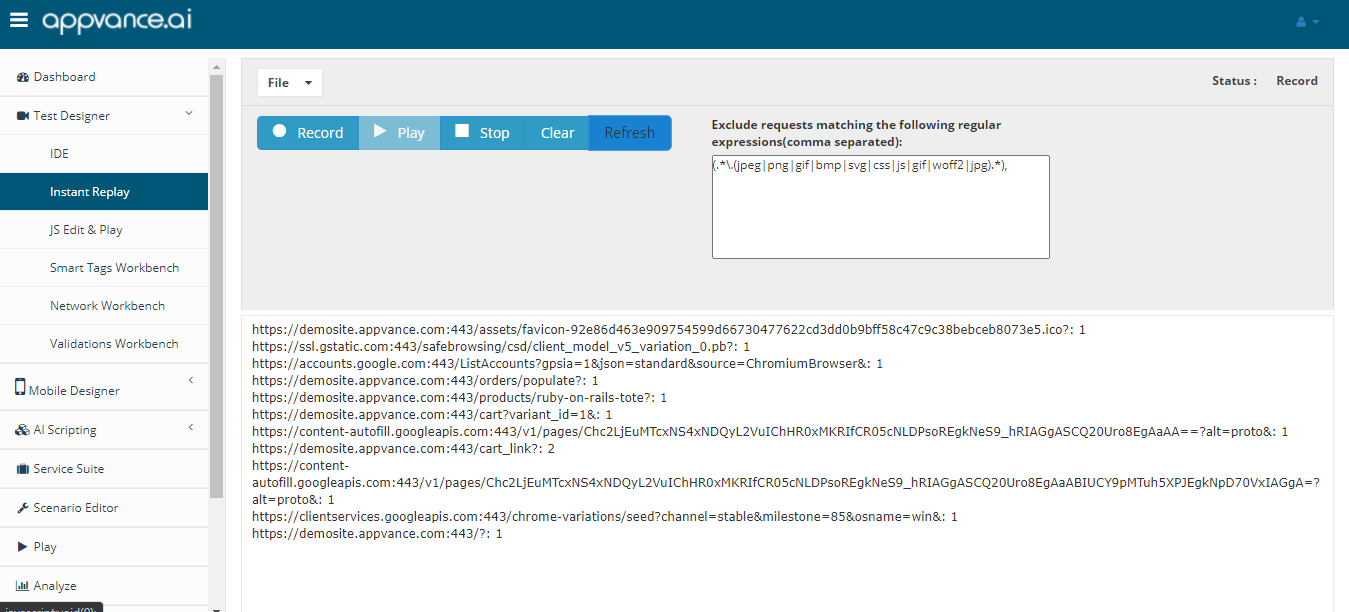
Once the script is played back fine, go to the Instant replay tab and click Refresh
-
All the traffic calls would be recorded and displayed.
-
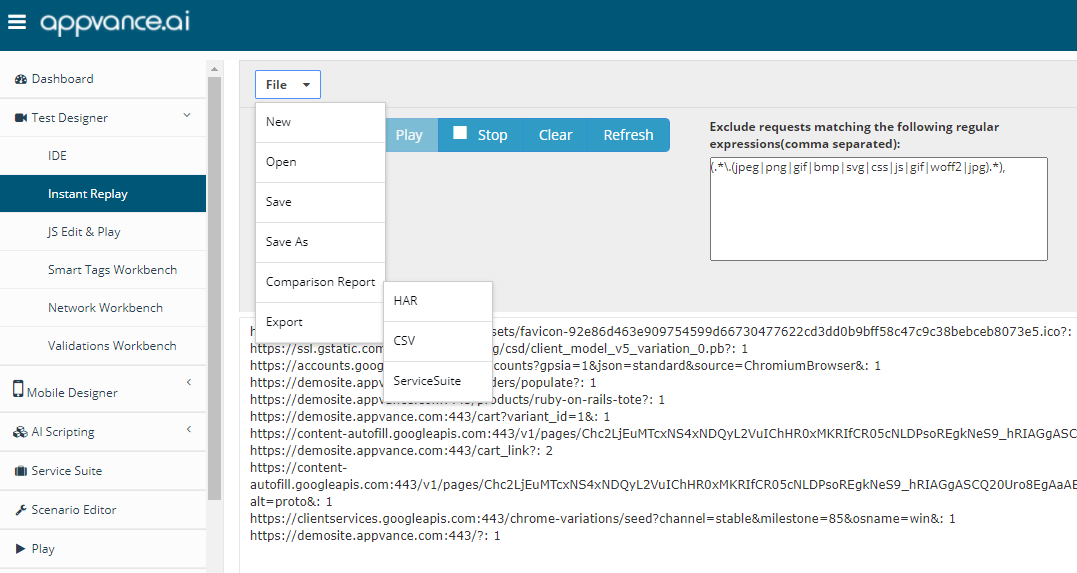
Click File > Export > Service Suite
This option will be removed in the AIQ 4.10.0 release.
-
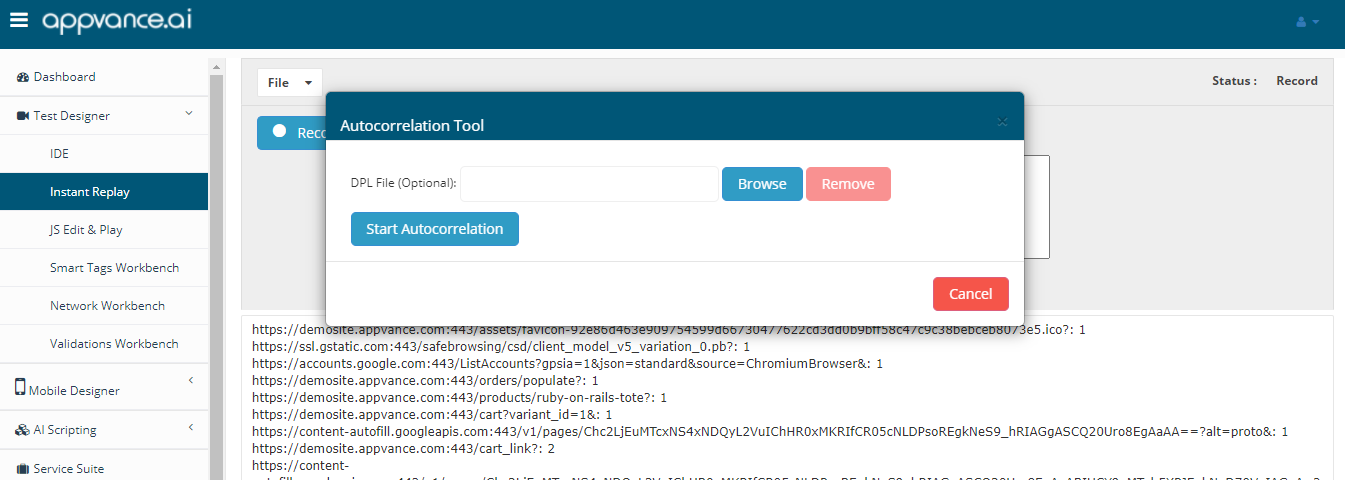
Optional Step - If there is DPL File that was used for the script, please browse the file else Click Start Autocorrelation
-
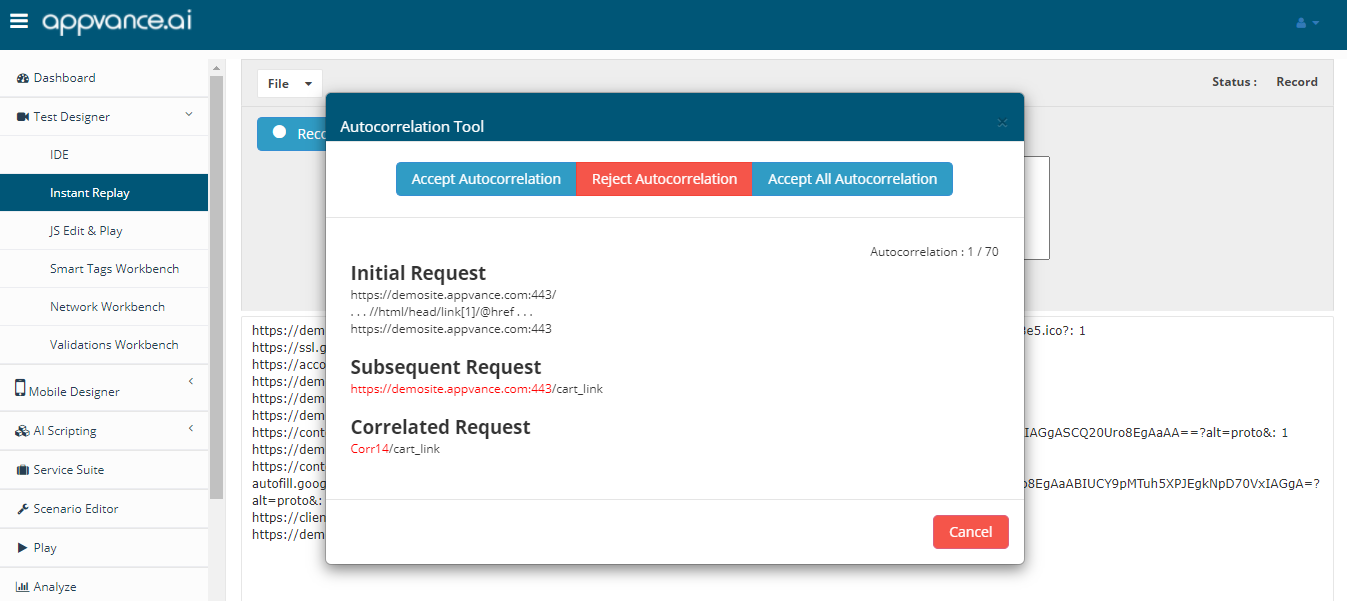
The autocorrelation tool captures all the autocorrelations and would be presented, you can accept or reject or accept all the autocorrelations
-
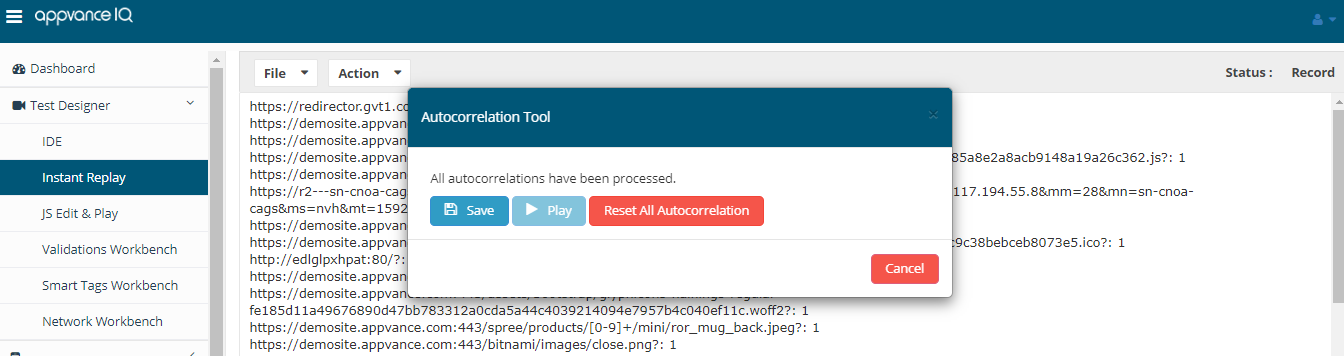
Once all the correlations are done, you will be presented to save the script or Reset autocorrelations
-
Click Save and Save the Service suite script
-
Select between available browsers so you can choose which browser will play the script.
This option was added in AIQ 4.9.2. See the release notes for href="https://docs.appvance.net/Content/AIQ/ReleaseNotes/AIQ/AIQ_4.9.x/AIQ_492_RN.htm"Release 4.9.2.
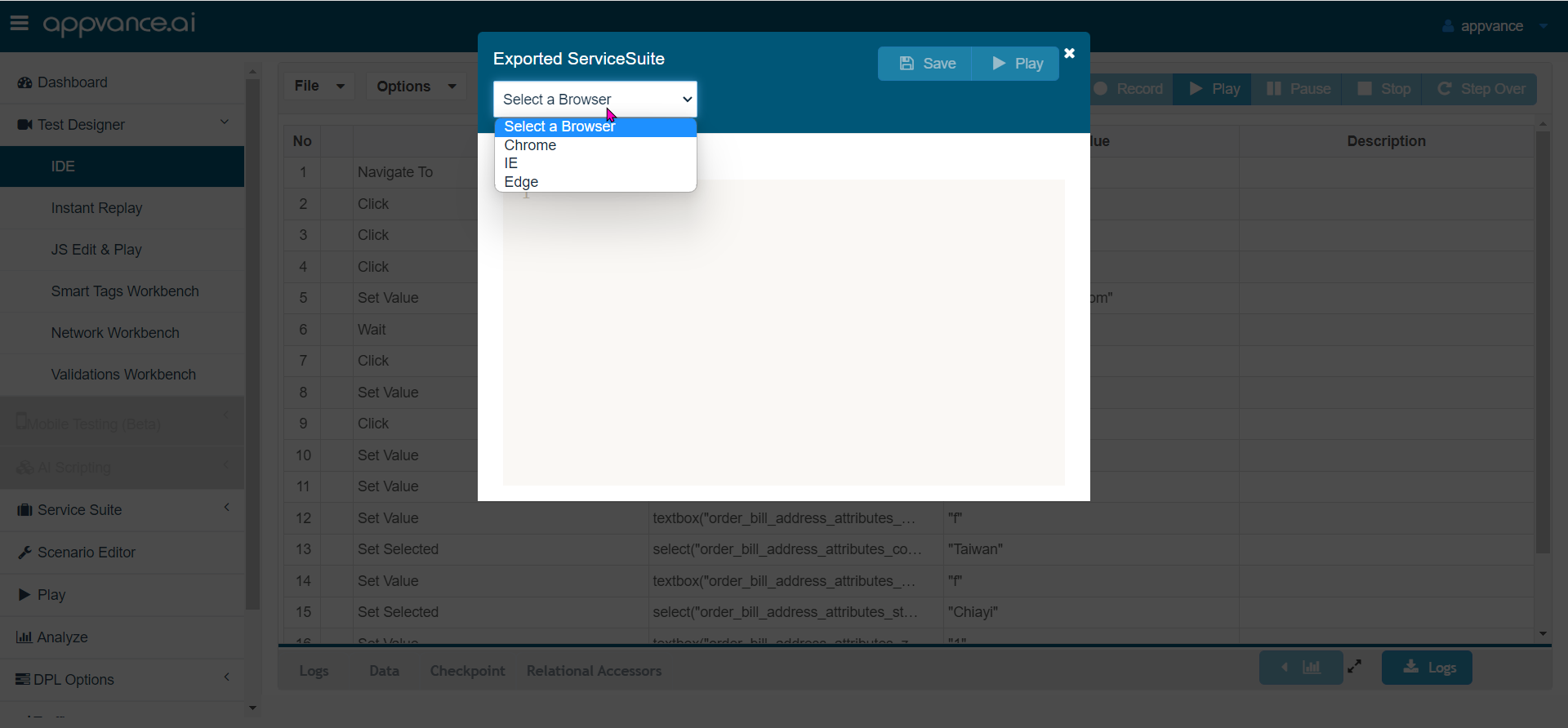
IE is still available in the dropdown, but it is no longer supported. If you select it, the script will fail. The option will be removed in a future release.
-
Click Play
-
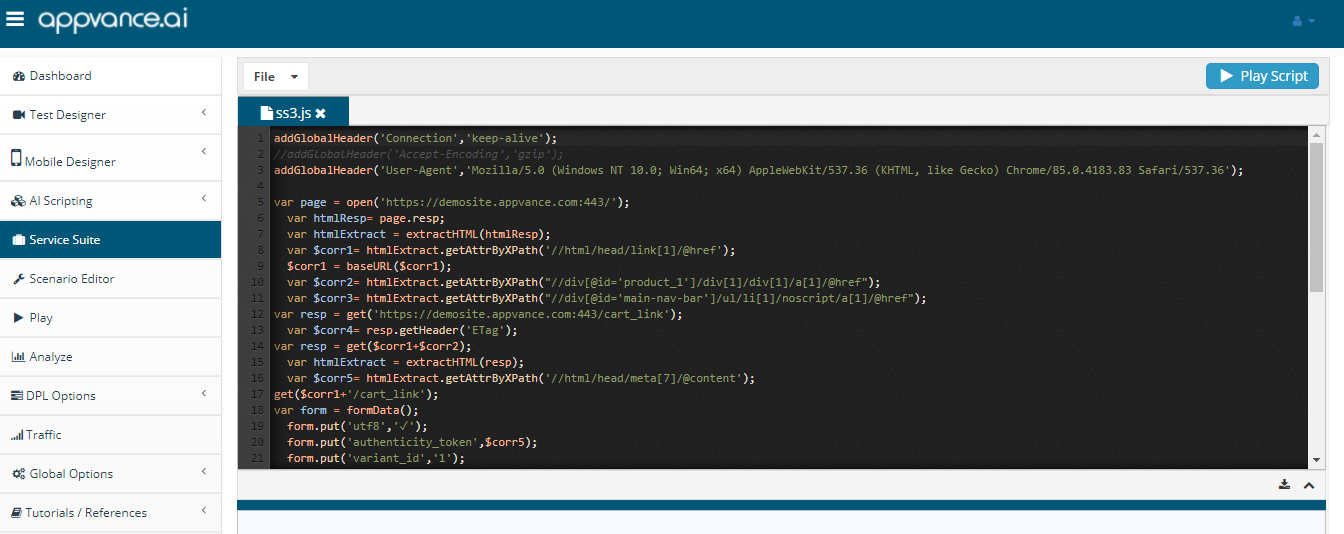
The Service Suite page would be opened with the autocorrelated script ready to use
-
Click Play for the script to playback and provide the results
Last updated: July 25, 2024
If you have any feedback on this topic, please contact us at documentation@appvance.ai