
iOS - Generating Certificates
Make sure AIQ services are running on the instance by navigating to "http://server-name:8080/
-
Go to iPhone
-
Click the link and install the certificate.
-
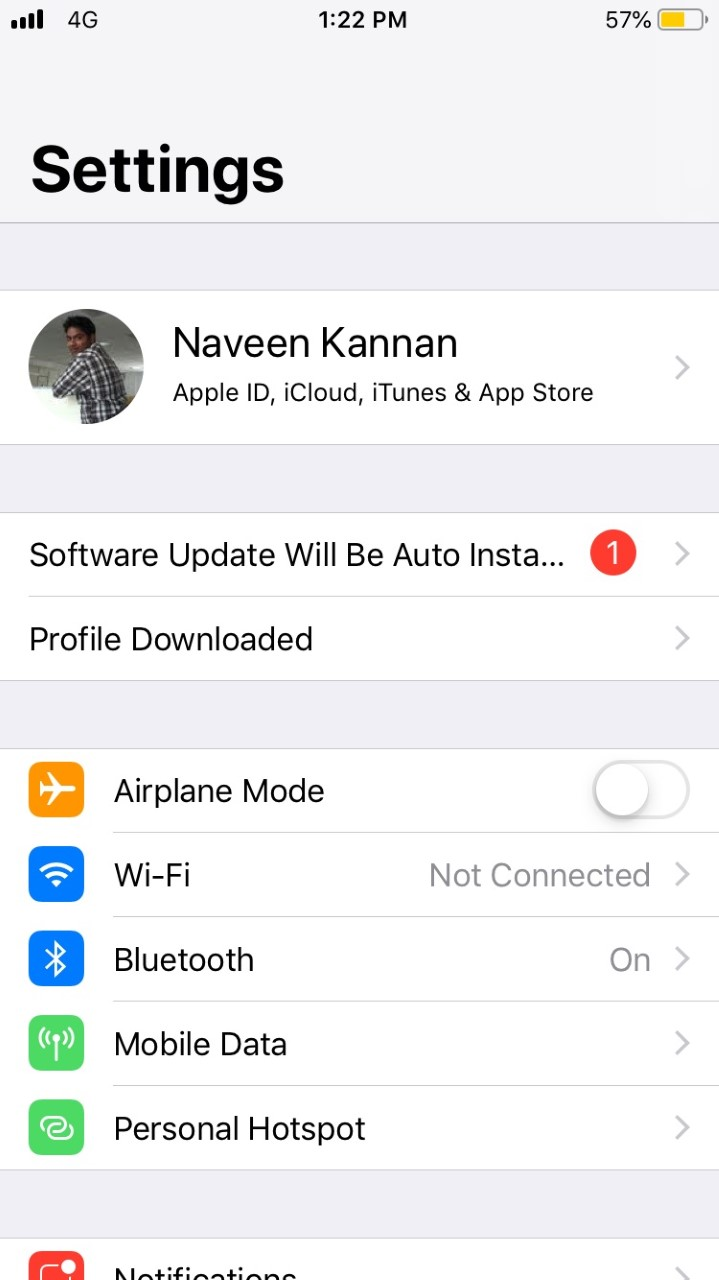
Go to Settings
-
Click Profile downloaded
-
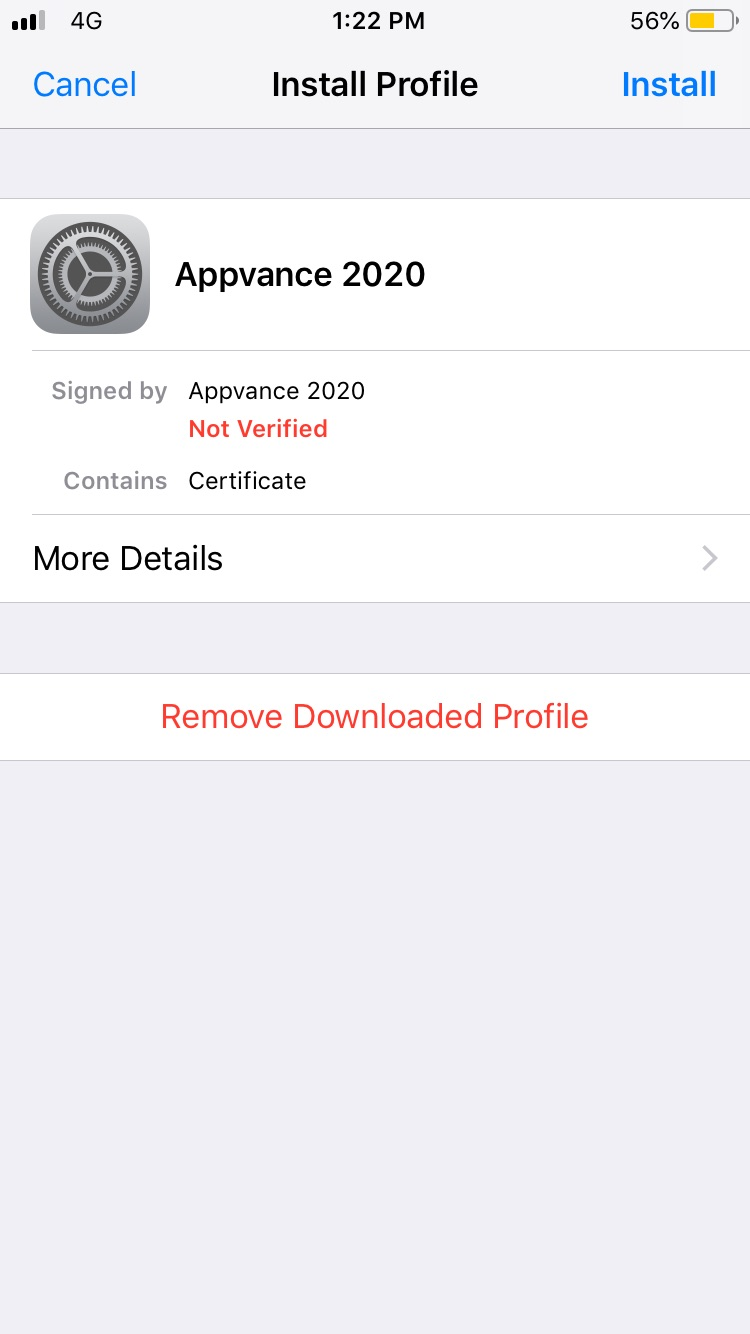
You will see the Appvance 2020 Certificate
-
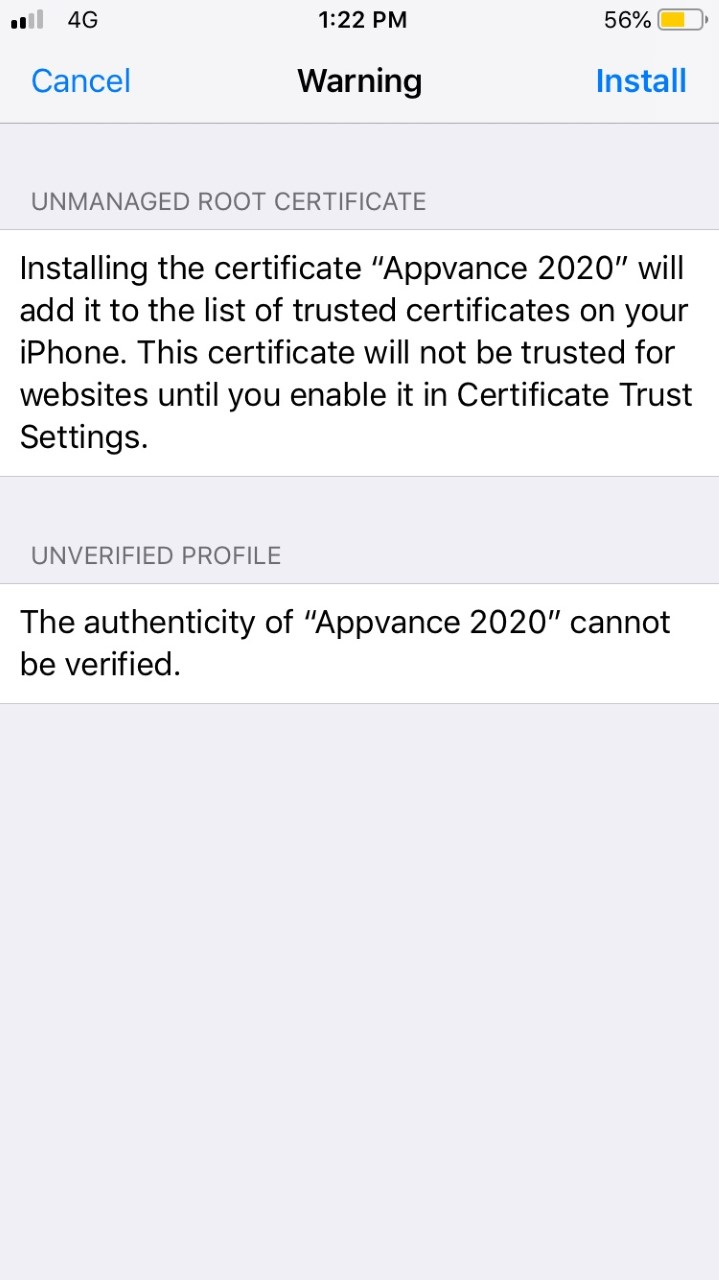
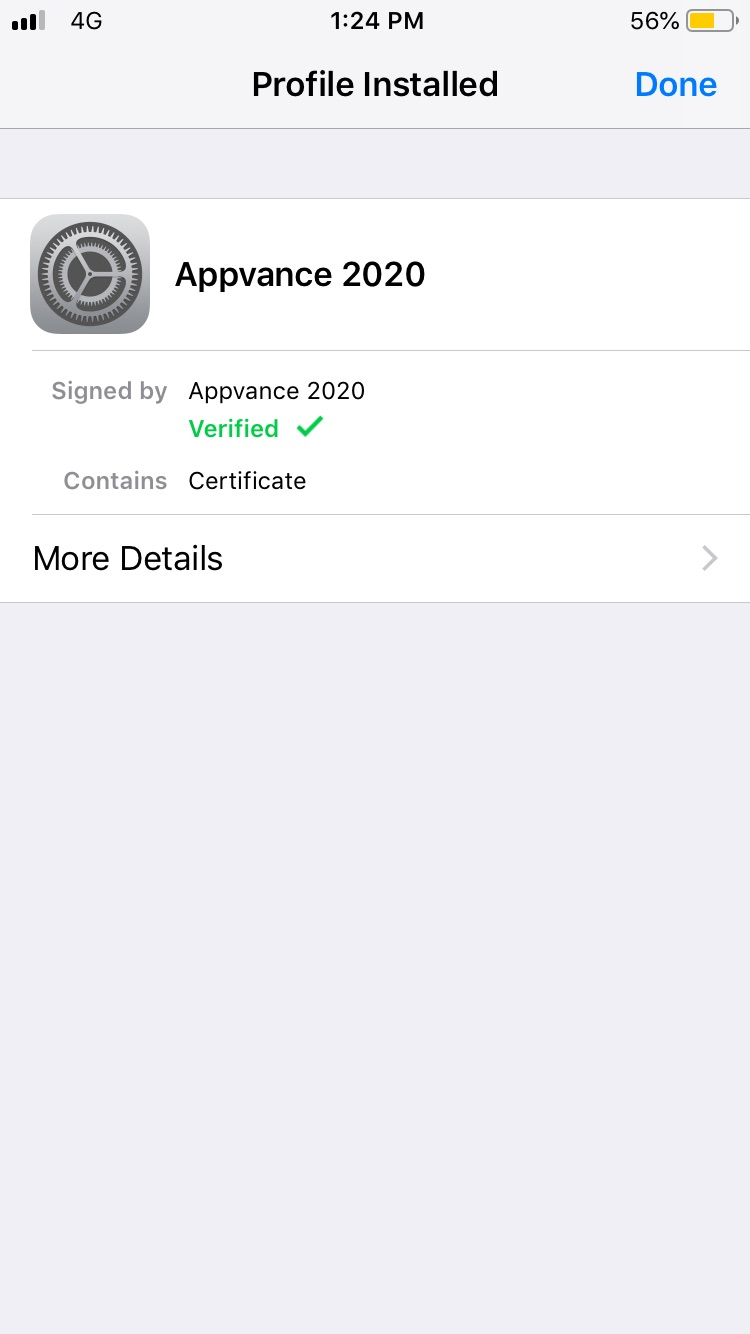
Click Install and Accept, the certificate would be installed successfully
Last updated: June 26, 2023
If you have any feedback on this topic, please contact us at documentation@appvance.ai