
iOS - Generating Certificates
Make sure AIQ services are running on the instance by navigating to "http://server-name:8080/".
Go to iPhone
Click the certificate link and install the certificate.
Go to Settings
Click Profile downloaded
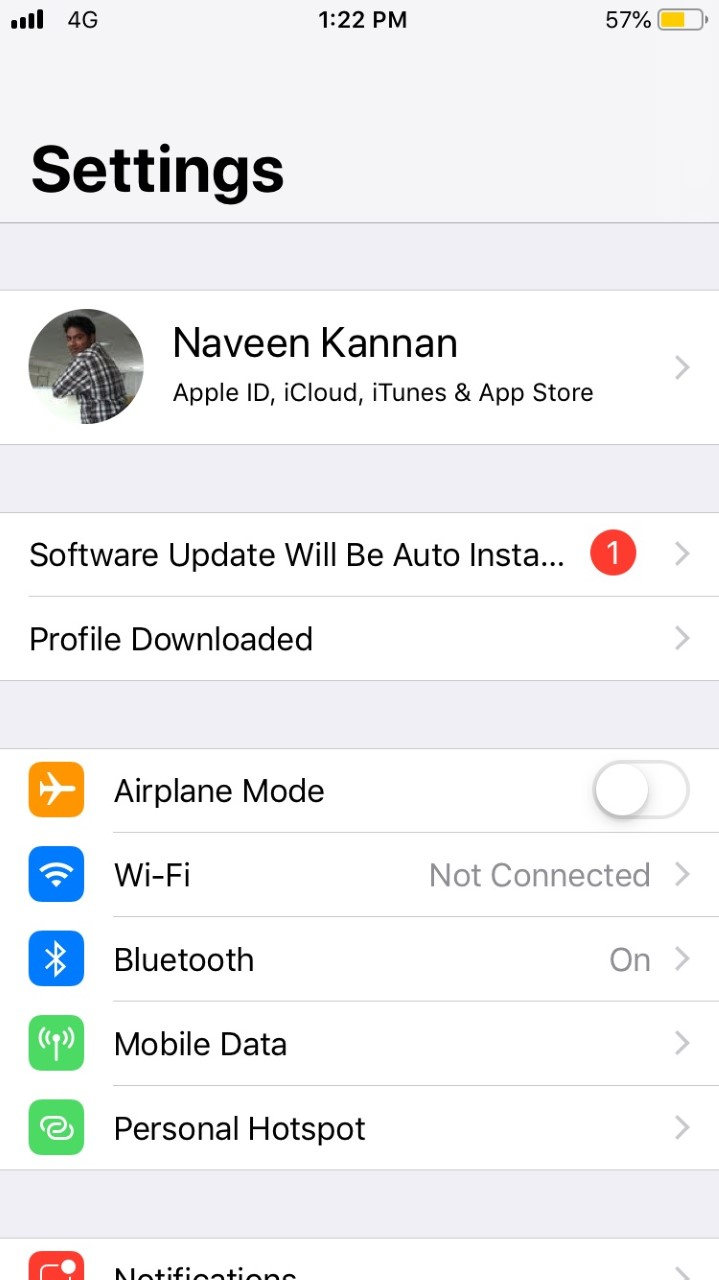 Confirm
You will seethat the Appvance 2020 Certificate
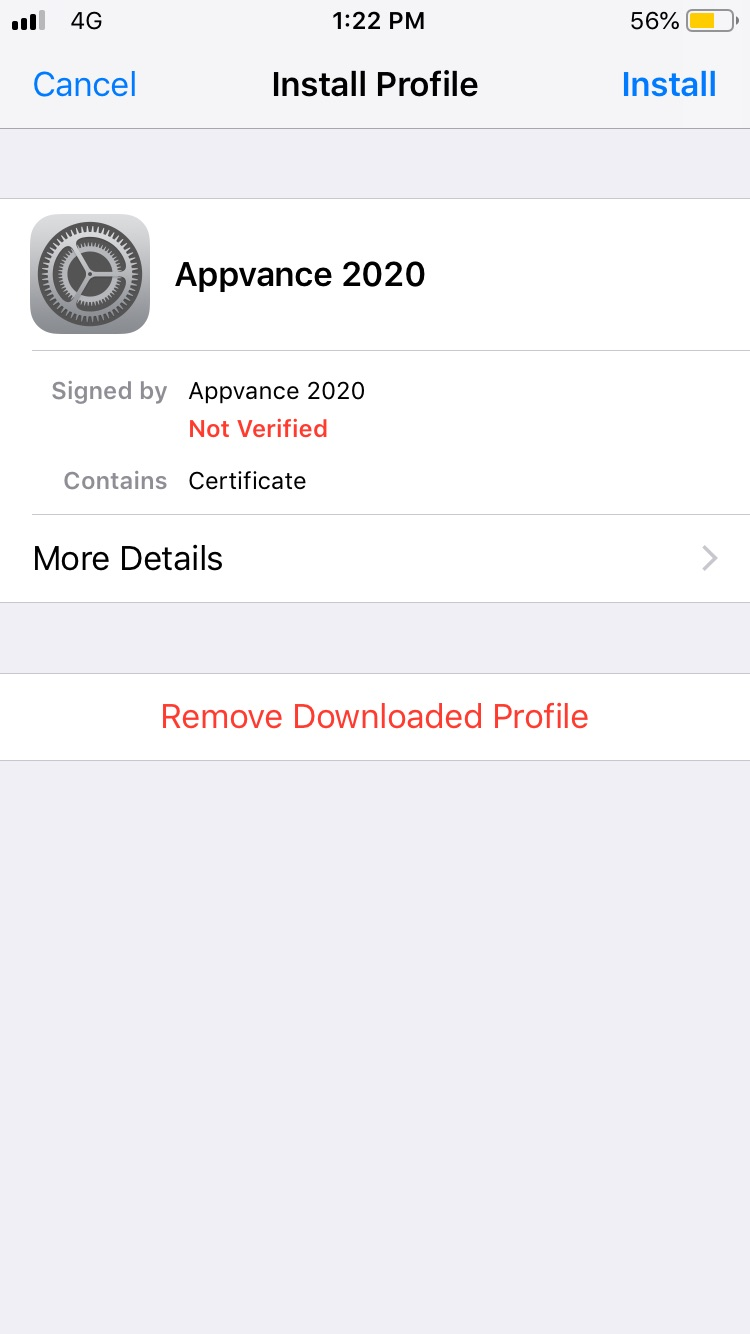
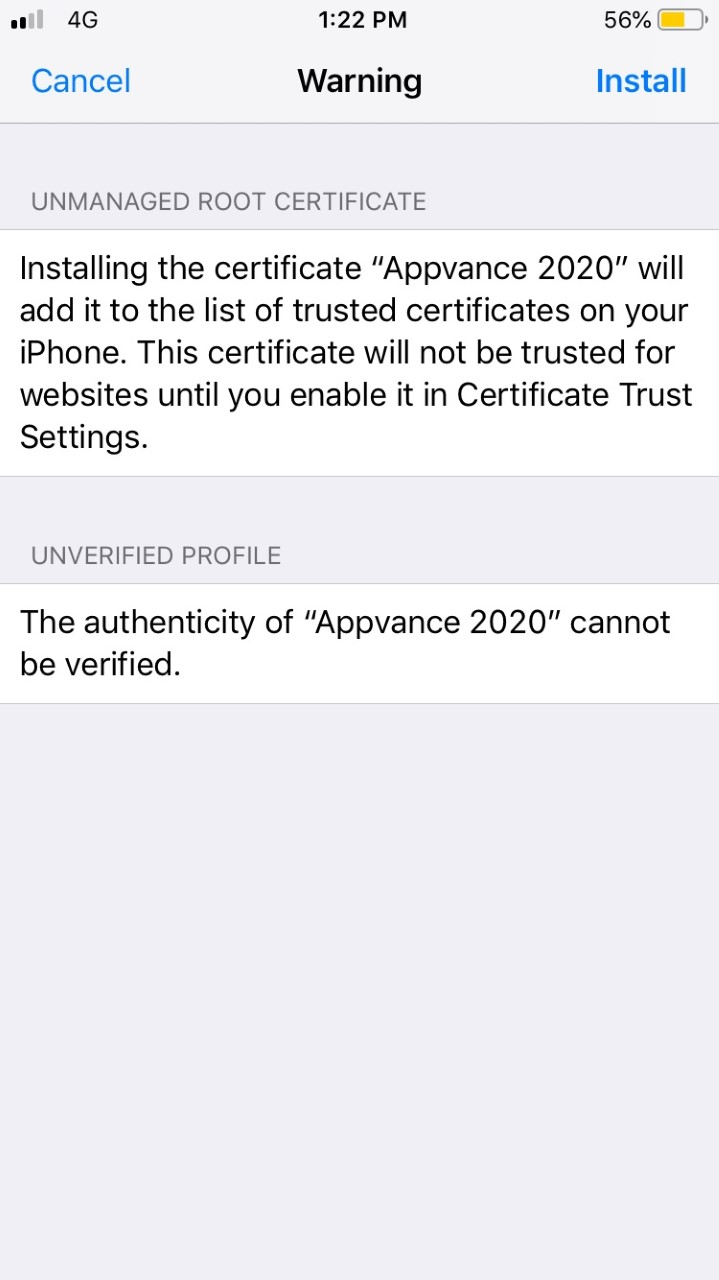
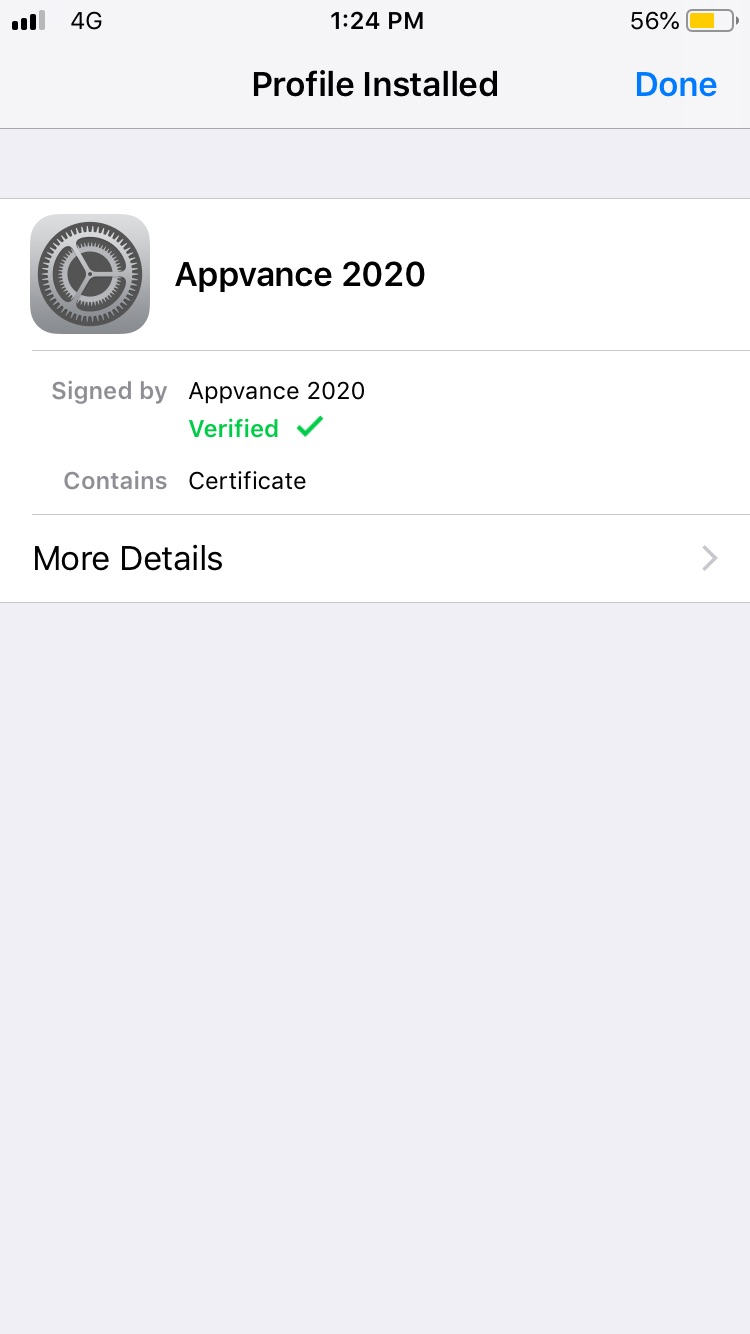
Click Install and Accept,Accept. theThe certificate wouldshould beinstall installed successfully
Last updated: JuneOctober 26,16, 20232026
If you have any feedback on this topic, please contact us at documentation@appvance.ai