
Managing Certificates when running over SSL
When using SSL, the user will have to accept the certificate manually in Firefox and Android
Adding security exception to Firefox
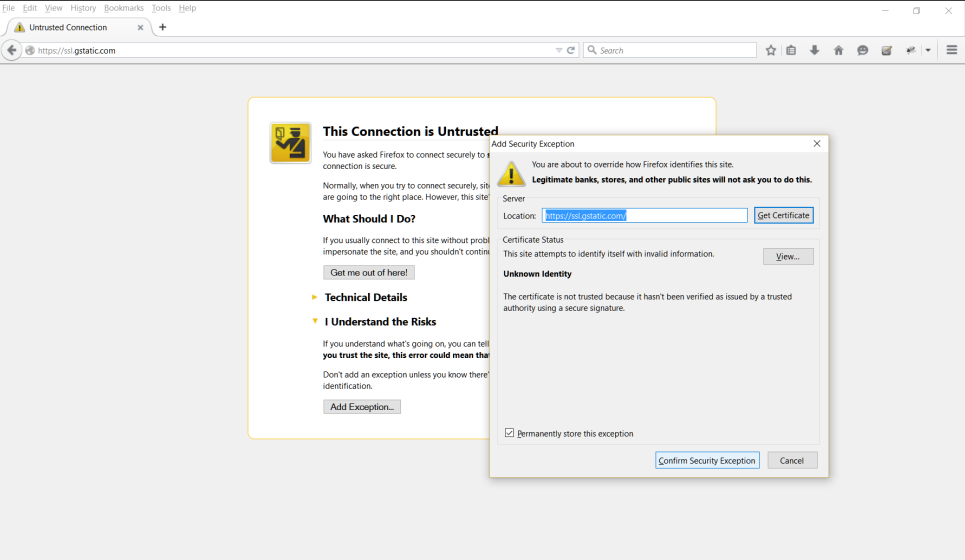
In the output log, AIQ will show the URL that needs to be entered in the browser to accept the certificates
Full SSL Support - adding the root certificate
When full SSL support is required (avoid warning messages) the user needs to install the root certificate (certificate.cer) that is created by the user. The certificate has to be installed in the device which will connect to the proxy. The certificate can be added to Android, Windows, Mac, and iPhone. The certificate password is appvance.
Read Installing Certificate for more details on creating the certificate.
Installing the certificate on Windows:
-
Double click the certificate and press next

-
Type password appvance and click next and finish

Last updated: June 26, 2023
If you have any feedback on this topic, please contact us at documentation@appvance.ai