
About AppDynamics
Last“The reviewed:AppDynamics Septemberplatform 24,uniquely 2026provides end-to-end visibility of business transactions - from the end-user to application to the database and infrastructure - in real-time. By making the Business Transaction (BT) the primary unit of management for software applications, the platform introduces a single, common language to break down silos between business (Biz), development (Dev), and operations (Ops).”
AppDynamics canis helpa correlatethird-party AIQplatform executionsthat provides real-time monitoring, Get real-time, end-to-end management made for the most complex and distributed applications. AppDynamics APM helps you focus on what matters with features like application performancemapping, metricsdynamic whenbaselining, bothand systemscode-level arediagnostics, configuredAppvance consistently.IQ is able to add this monitor configuration so they can be shown at our own resources usage reports based on AppDynamics monitoring.
Recommended
We guidancemostly
Useuse AppDynamics tocomparemonitor databases, this monitoring procedure is based on different metrics, in order to access AppDynamics, you need to have an AppDynamics account already configured and a controller up and running. The Controller is the one that allows you access AppDynamics control panel where you can monitor and take actions over your apps or databases being monitored, if you see no data on your Controller page, the same behavior will be reflected into AIQrunsotimingmake sure to have some metrics to display.This document is intended to show how to integrate the AppDynamics monitor into AIQ and which settings you should set before starting using AppDynamics with
application,AIQ.tier,So we will not be discussing how to configure the AppDynamics controller or any of its configuration settings, this document assumes that you already know how the basic AppDynamics settings are configured.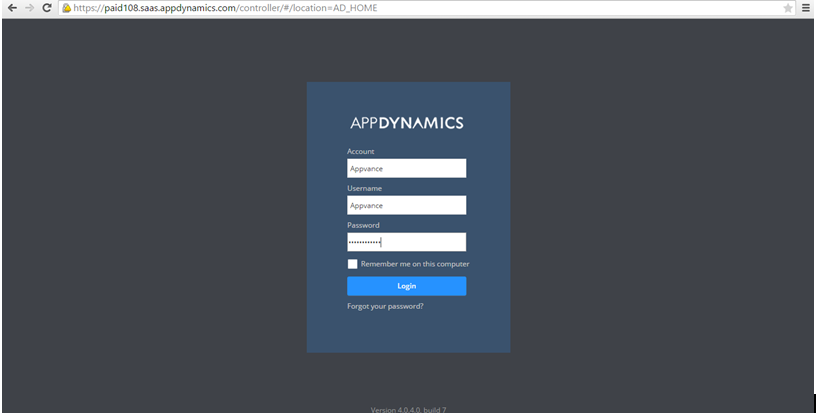
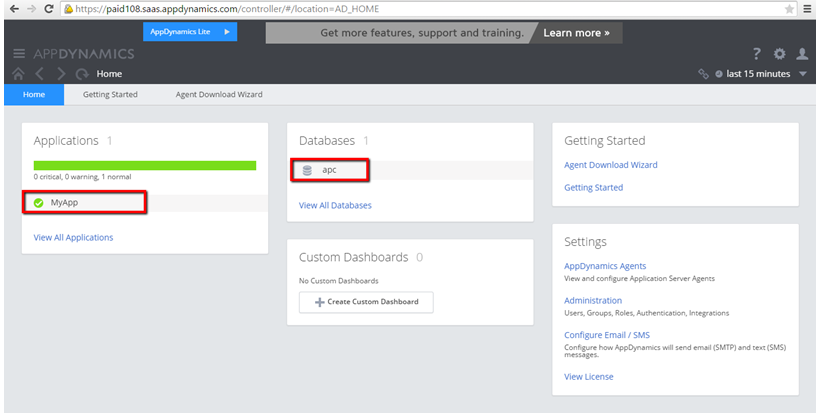
Click the application name, In this example MyApp, Click Analyze from the left pane.
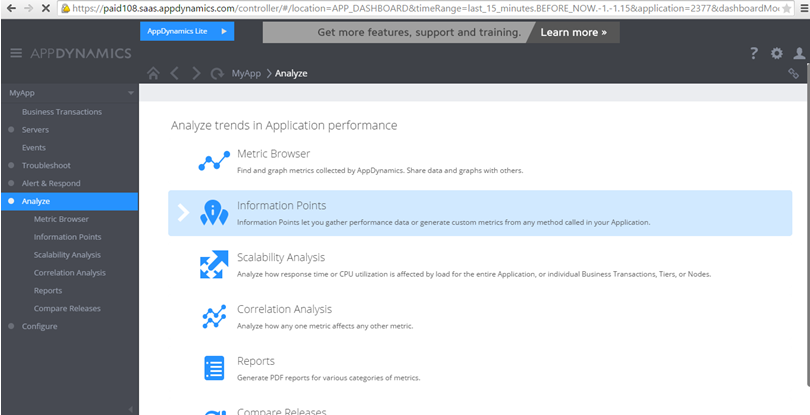
Double Click Metric Browser.
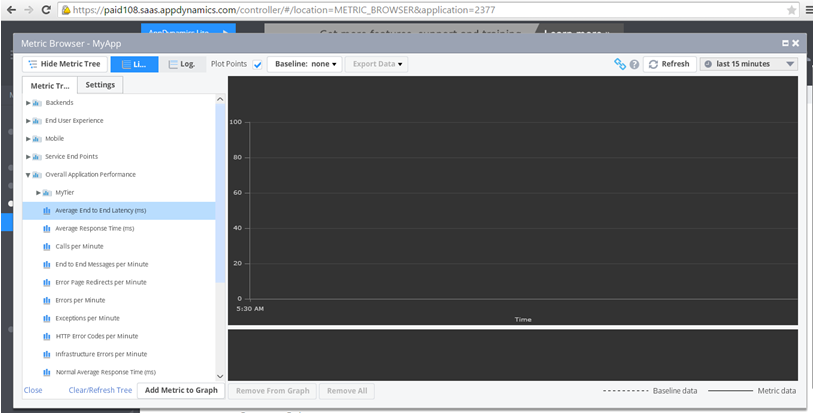
The left panel displays all the metric data that will be pulled on the Appvance IQ Global Options page. Users can right-click any of these metrics and
transactionselecthealth.Align“Copytimefullzones, application names,path”, andtest naming so resultsit can becorrelated.ConfirmaddedmonitoringascoveragePropertybefore relyingValue onAppDynamicsthedataOptions Page as seen below.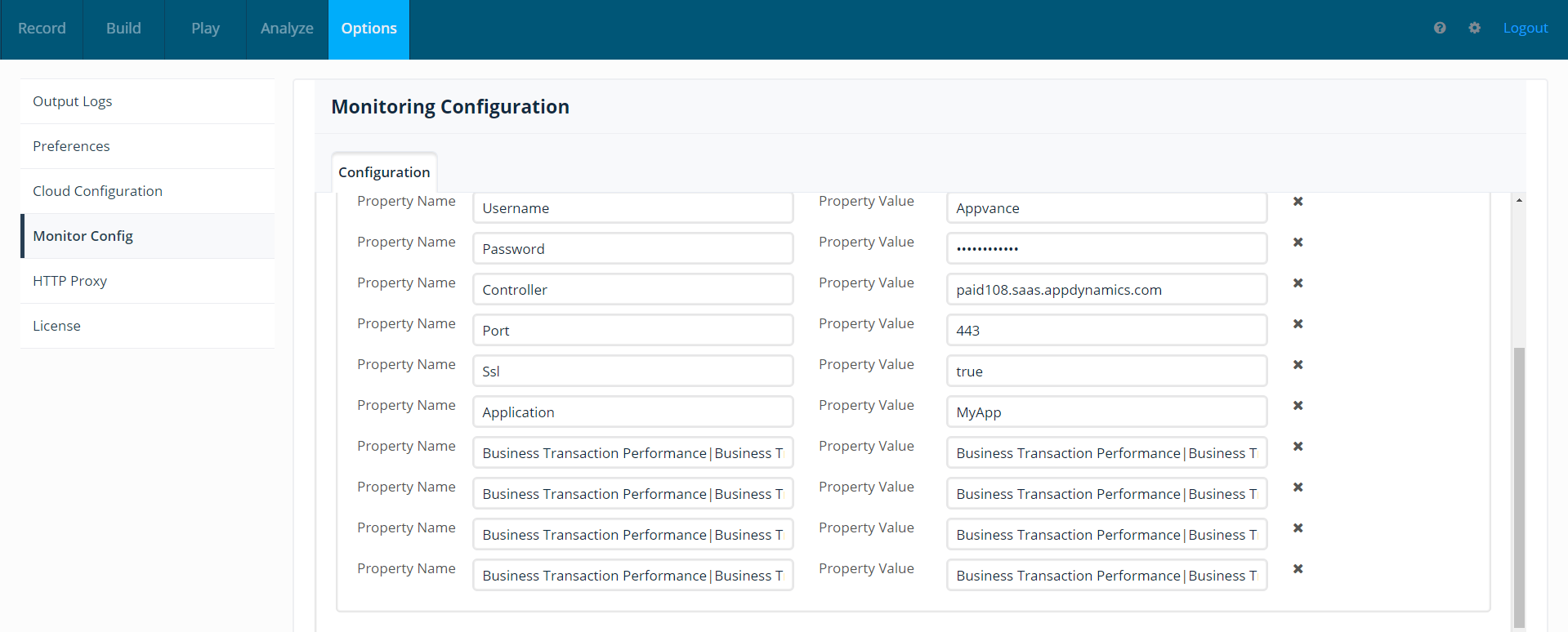
Health Rules
Checking that option will provide details of all critical, warnings, and errors of health rules (defined by the user) of that application.
Health rules are created in
customerthereports.
Validationitself. workflow
Users Identifycan create health rules like if there are more than 500 connections mark it as Critical, if there are more than 5000 connections, mark it as a warning, etc. All these are done in Appdynamics.There is a feature in Appdynamics called Health Rule violations - Users can define these in AppD. In Appvance IQ reports, it will show either as a 1 or 0 depending on the
AppDynamicsoutcome.application, tier, and metrics that matter for the test.Run an AIQ execution during a known monitoring window.Compare AIQ results with AppDynamics data for the same time range.
Last updated: SeptemberJuly 24,18, 20262023
If you have any feedback on this topic, please contact us at documentation@appvance.ai.