
Configuring an FTP Repository
You can configure an FTP repository to save your AIQ files.
This option was added in the 4.10.0 release of AIQ.
As of the 5.3.0 release of AIQ this option will no longer be supported.
Once you have created the FTP repository on a server, you can configure AIQ to connect to the FTP repository.
Navigate to Global Options > Preferences > Repository.
Select FTP in the Type dropdown.
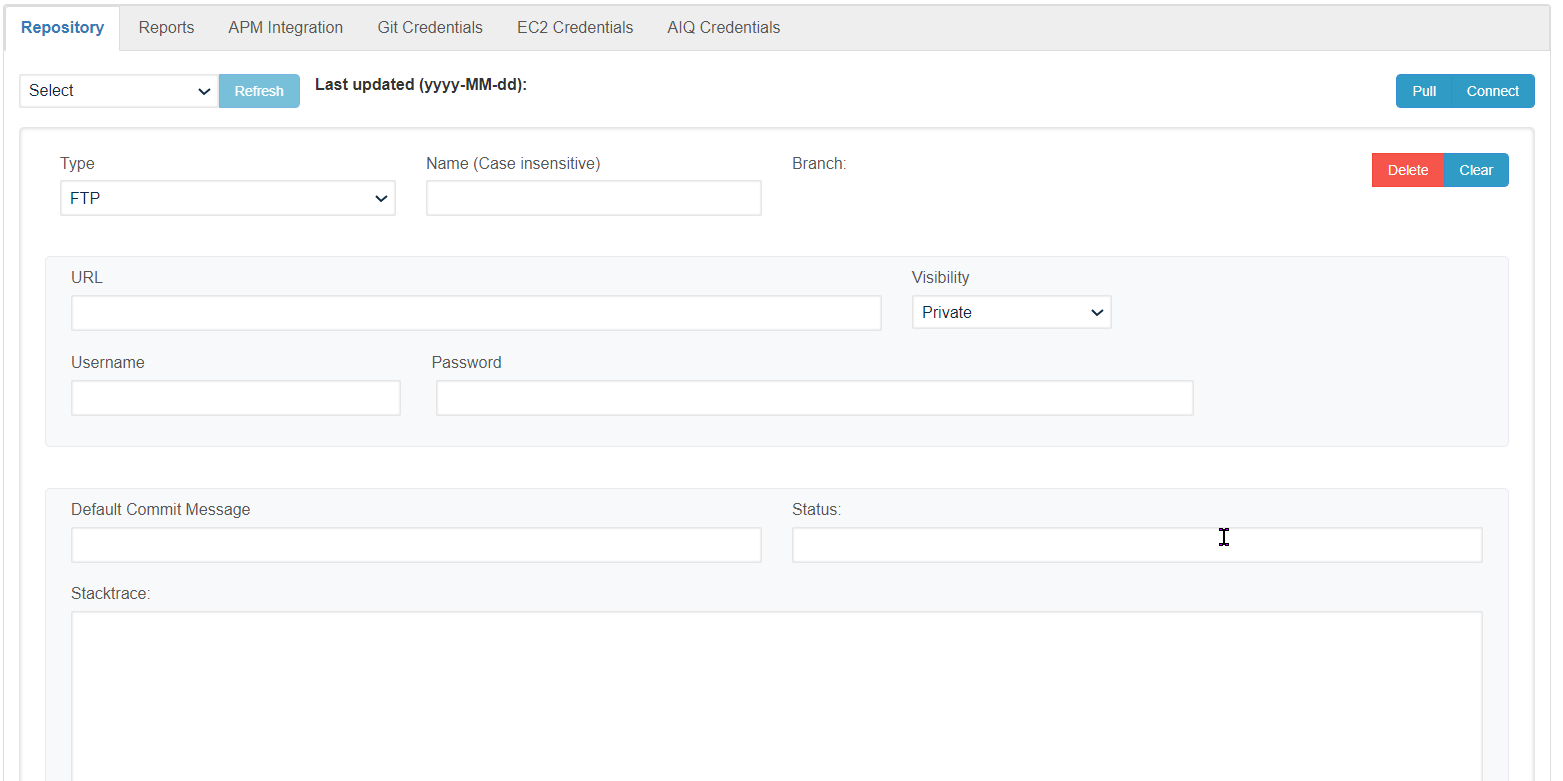
Configure the necessary fields. These are the minimum required fields.
User Name
Password
Entry Point URL
Last updated: March 12, 2025
If you have any feedback on this topic, please contact us at documentation@appvance.ai