
Configure an FTP Repository in AIQ
You can configure
Configure an FTP repository to save your AIQ files.
This option was addedRepository in the 4.10.0 release of AIQ.
As of the 5.3.0 release of AIQ this option will no longer be supported.
Once you have created theUse FTP repositoryrepositories ononly when required by a server,customer youenvironment. canPrefer configureSFTP, AIQHTTPS, toor connectcloud torepository theoptions when security policy allows, because standard FTP repository.does not encrypt credentials or file contents.
Configuration checklist
- Confirm
and firewall requirements.Navigatehost,toport,Globalusername,Optionstarget>folder,Preferencespassive/active>mode,Repository. - Use
- a
SelectdedicatedFTPrepositoryinaccounttheTypedropdown.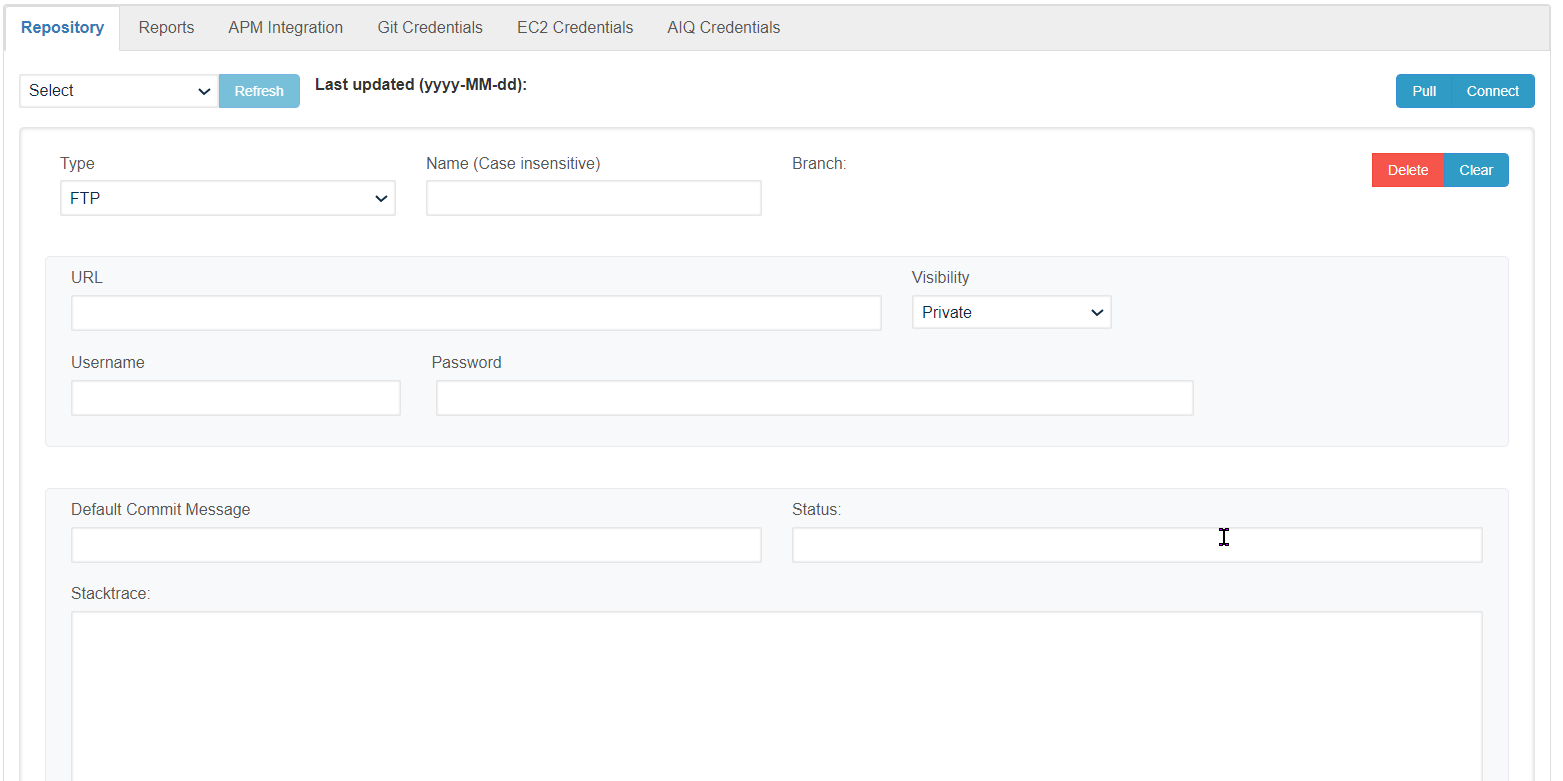
Configure the necessary fields. These arewith the minimum requiredfolder fields.permissions
required.User Name
Separate input, output, archive, and error folders when the workflow requires them.Password
cleanup, and file-naming expectations.EntryDocumentPointretention,URL- Do not use FTP for sensitive data unless the customer has explicitly approved the risk.
Validation workflow
- Test connectivity from the AIQ environment or node that will access the repository.
- Upload and download a small non-sensitive test file.
- Run the AIQ workflow that reads or writes the repository.
- Review logs for authentication, permission, path, timeout, or firewall errors.
Last updated: MarchOctober 12,9, 20252026
If you have any feedback on this topic, please contact us at documentation@appvance.ai