
Global Options in AIQ
TheLast followingreviewed: sectionsSeptember contain22, information2026
Global Options controls environment-wide AIQ behavior such as integrations, monitoring, certificates, and shared settings.
Recommended guidance
- Treat global
configurationsettingsoptionsas shared production configuration. - Prefer documented values and
administrationavoidfunctionsone-off changes without ownership. - Validate dependent integrations after configuration changes.
Validation workflow
- Confirm the setting owner and expected value.
- Back up or record the current configuration before editing.
- Apply the change through the supported UI or configuration mechanism.
- Run targeted validation for affected features.
- Update documentation or runbooks when the global setting becomes a standard requirement.
Note: Global Options changes can affect all projects and users in AIQ.
Some of these options are restricted to users with Administrator access.
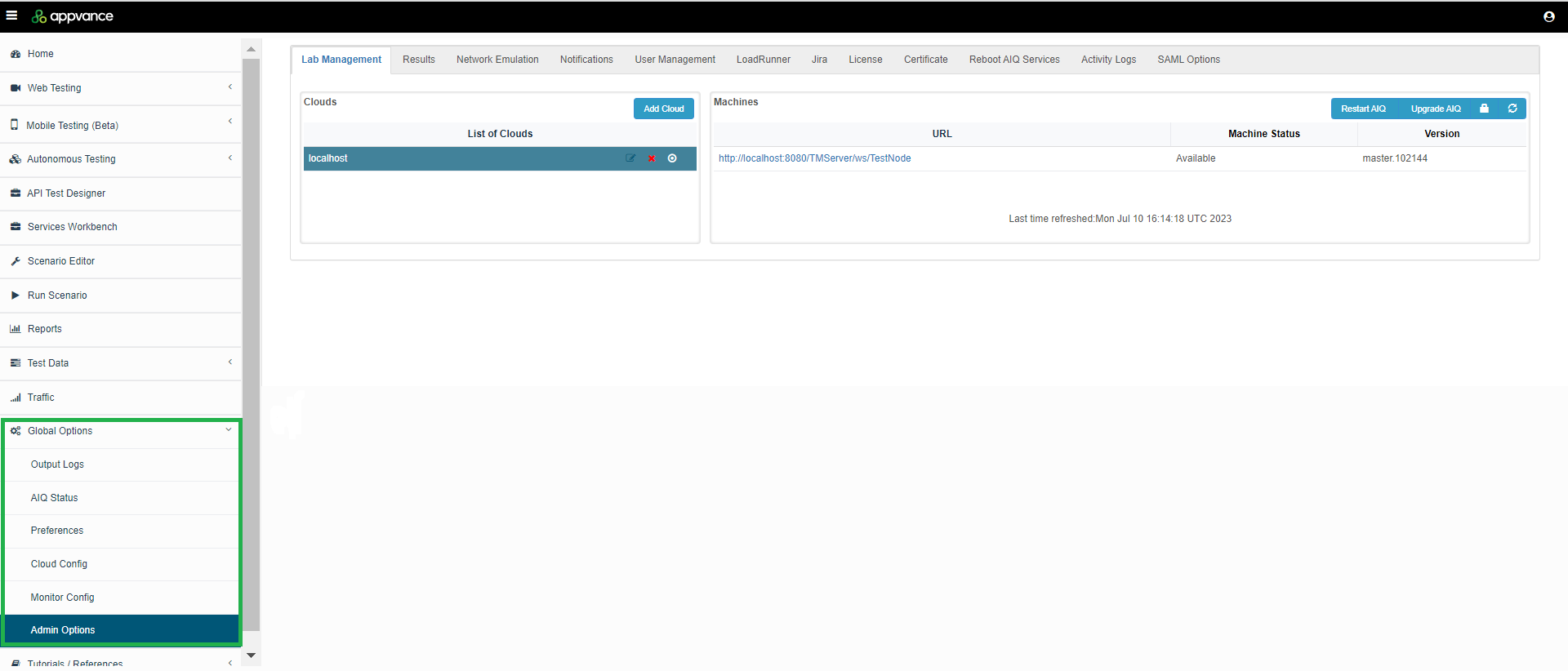
The following sections detail more information:
Last updated: JulySeptember 10,22, 20232026
If you have any feedback on this topic, please contact us at documentation@appvance.ai.