
Global Options
LastThe reviewed:following Septembersections 22,contain 2026information about global configuration options and administration functions in AIQ.
Some of these options are restricted to users with Administrator access.
Recommended
guidance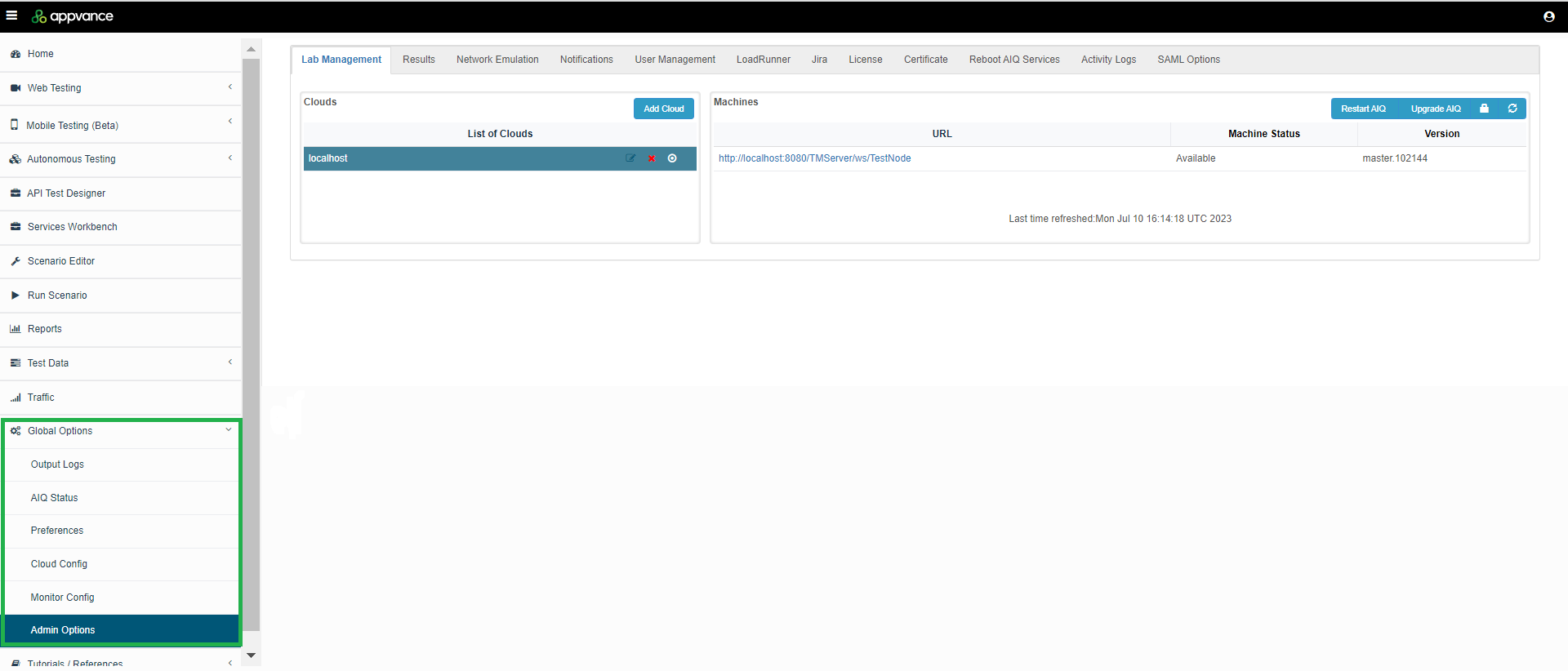
Treat global settings as shared production configuration.Prefer documented values and avoid one-off changes without ownership.Validate dependent integrations after configuration changes.
Validation workflow
Confirm the setting owner and expected value.Back up or record the current configuration before editing.Apply the change through the supported UI or configuration mechanism.Run targeted validation for affected features.Update documentation or runbooks when the global setting becomes a standard requirement.
Note:The Globalfollowing Optionssections changesdetail canmore affectinformation:
Last updated: SeptemberJuly 22,10, 20262023
If you have any feedback on this topic, please contact us at documentation@appvance.ai.