
Jira Integration Administration
Last reviewed: September 24, 2026
Use Jira Integration Administration to connect AIQ defects or execution findings to the correct Jira project workflow.
Recommended guidance
Use Jira Cloud tokens or approved service credentials instead of personal passwords.Map required Jira fields before enabling issue creation from AIQ.Test with a non-production issue first to confirm project, issue type, and field mappings.
Validation workflow
Confirmthe JiraURL,administrationauthenticationscreenmethod,toprojectmaintainkey,yourandintegrationissuewithtype.Atlassian Jira.-
From AIQ navigate to Global Options > Admin Options.
Select the AIQJira integrationtab.
Note:
Keep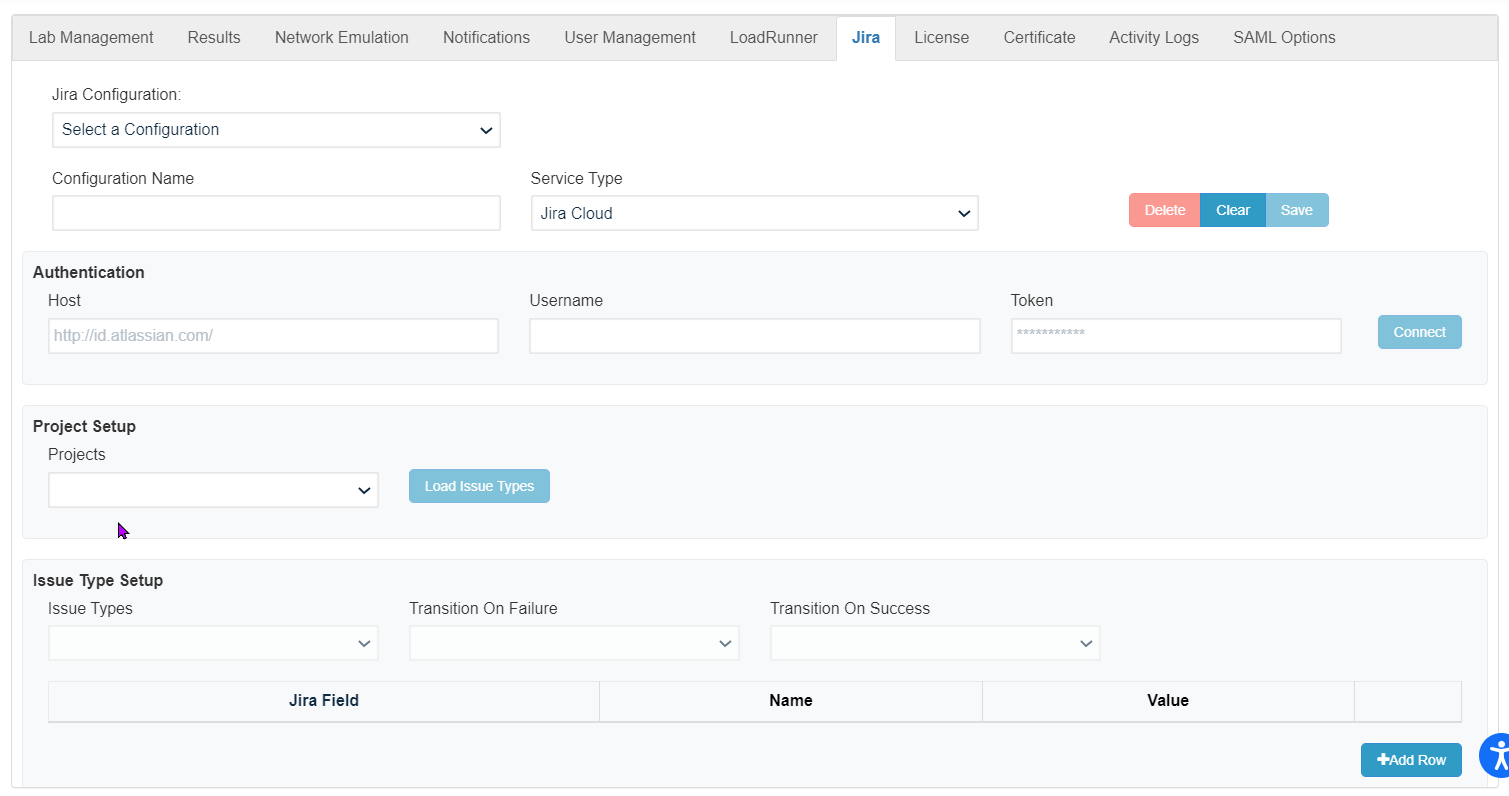
integration
See restrictedIntegration towith theAtlassian minimum permissions neededJira for issueinformation creationon andconfiguring updates.Jira.
Last updated: SeptemberJuly 24,17, 20262023
If you have any feedback on this topic, please contact us at documentation@appvance.ai.