
Legacy LoadRunner Administration Settings
HereLast arereviewed: theSeptember ways29, you2026
Use confirmthis thepage locationonly andwhen statusmaintaining ofAIQ LoadRunner.administration Thesesettings checksfor shouldenvironments bethat thestill first step of anyexecute LoadRunner troubleshooting.assets.
InstallWhat Locationchanged in this article
The LoadRunner admin page displays the installation location of LoadRunner.
- Marked LoadRunner
is a testing tool used to test applications, measuring system behavior and performance under load. - Added
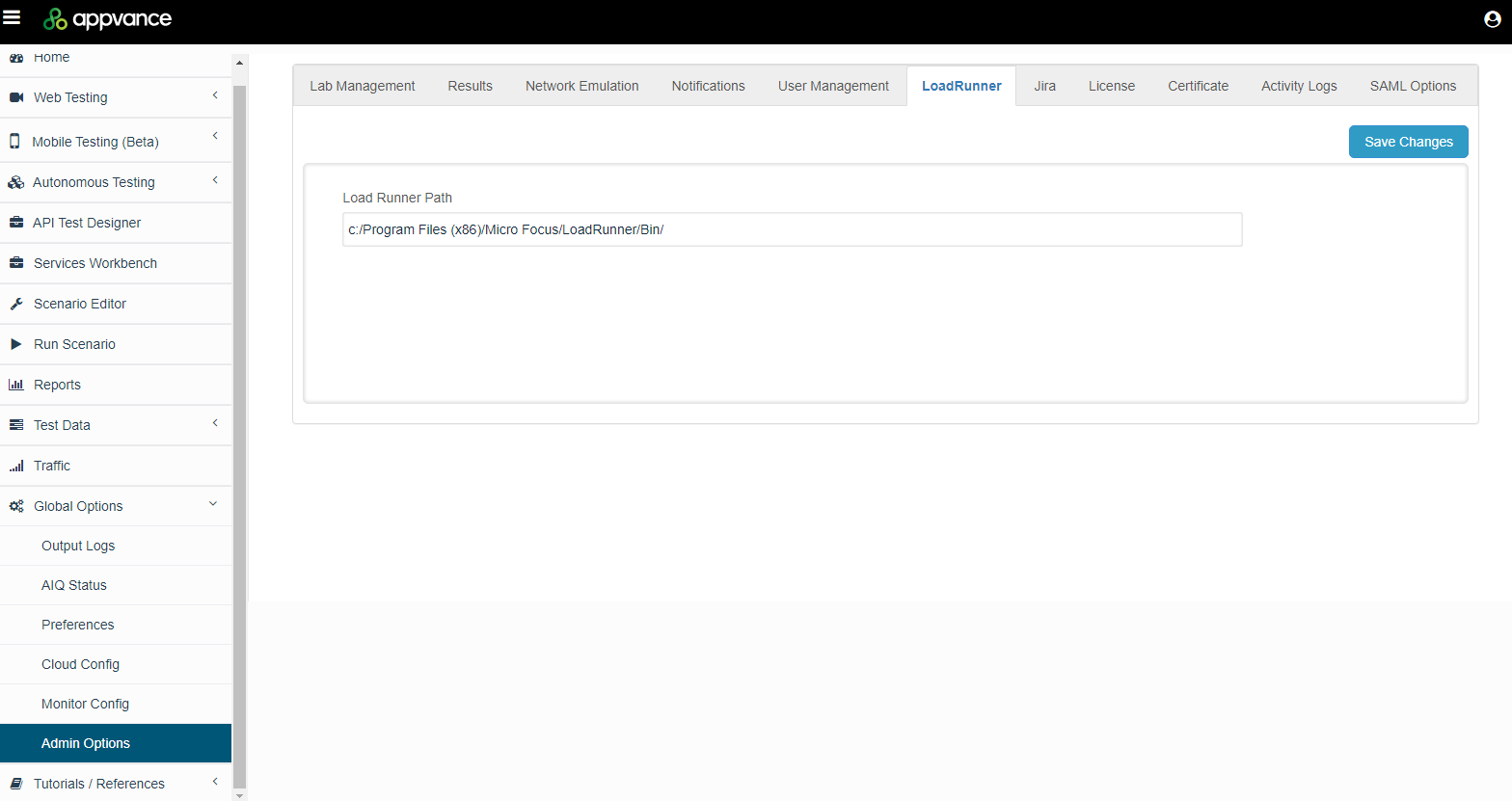
LoadRunner StatusIf needed, you can verify the status of LoadRunner.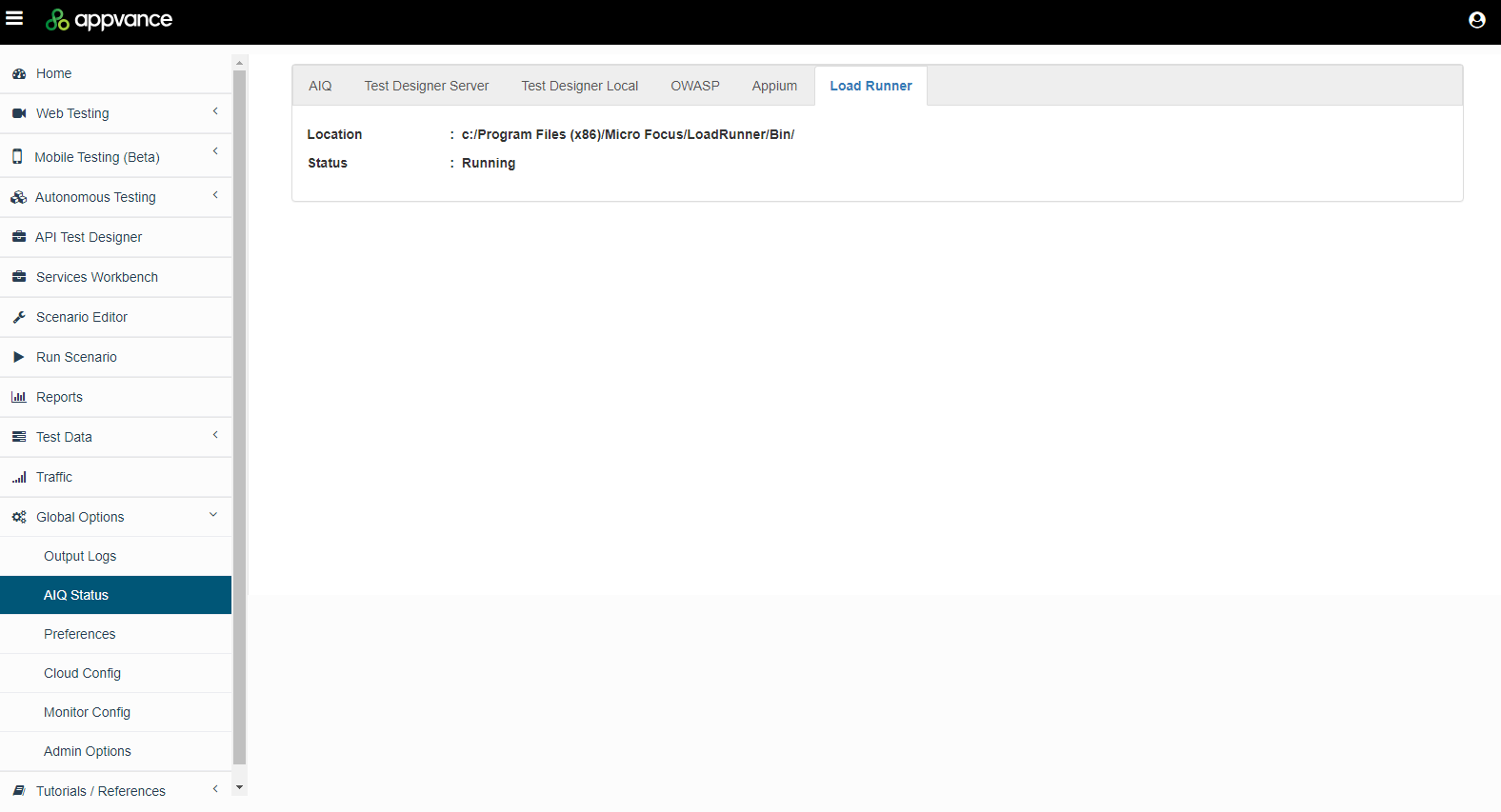
- Connected
information.admin setup to the LoadRunner execution article so configuration is validated with a real test run.
Validation workflow
- Confirm the LoadRunner installation and license details with the tool owner.
- Configure AIQ paths, node access, and environment settings needed for execution.
- Run a controlled LoadRunner script and verify AIQ can collect the expected results.
Review note: This page now keeps admin settings separate from script creation and execution guidance.
Last updated: AugustSeptember 09,29, 20232026
If you have any feedback on this topic, please contact us at documentation@appvance.ai.