
Managing Repositories in AIQ
Managing Repositories in AIQ
ToRepositories store or exchange assets used by AIQ workflows, such as scripts, test data, evidence, and integration files. Keep repository definitions consistent across environments so tests remain portable and supportable.
Recommended guidance
- Use clear repository names that identify the environment, purpose, and owner.
- Document repository type, endpoint, path, credentials, retention expectations, and cleanup process.
- Use secured credentials or roles and avoid shared personal accounts.
- Separate development, staging, and production-like repositories when possible.
- Validate read/write access with small non-sensitive files before using the
Repositoryrepositoryconfigurationinpage,anavigatetest.
Maintenance workflow
- Review repository usage before changing or removing an entry.
- Update dependent tests, Service Suite flows, or CI/CD jobs when endpoint details change.
- Monitor storage growth and remove obsolete artifacts according to
GlobalretentionOptionspolicy. - Record
>ownershipPreferencesand>renewalRepositorytab.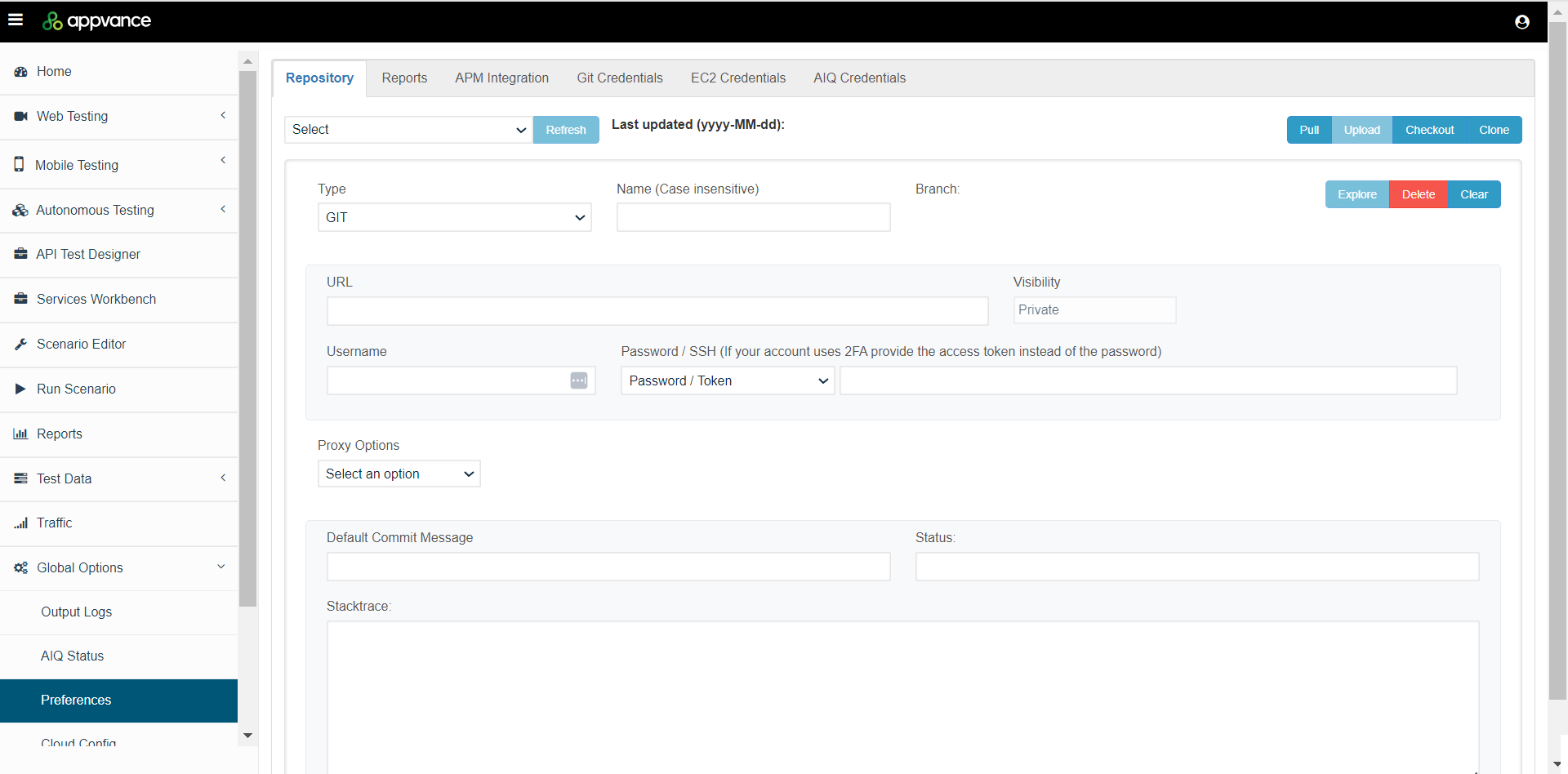
Explore Repositories

Last updated: JanuaryOctober 29,9, 20252026
If you have any feedback on this topic, please contact us at documentation@appvance.ai