
Azure Monitor Integration
Appvance supports an Application Performance Monitoring (APM) integration with Microsoft's Azure Monitor.
This integration was added in the AIQ 5.0.0 release.
For more information see Microsoft's overview of Azure Monitor.
Configure AIQ Integration with Azure Monitor
Seeing the Data in Azure Monitor
-
In AIQ run the scenario.
-
When the scenario is complete, navigate to Reports > Test Case Executions.
-
Click the link to see the report.
-
Click any of the green triangles. Make note of the time index. Example: Azure Monitor execution details at 4:03:49 PM.
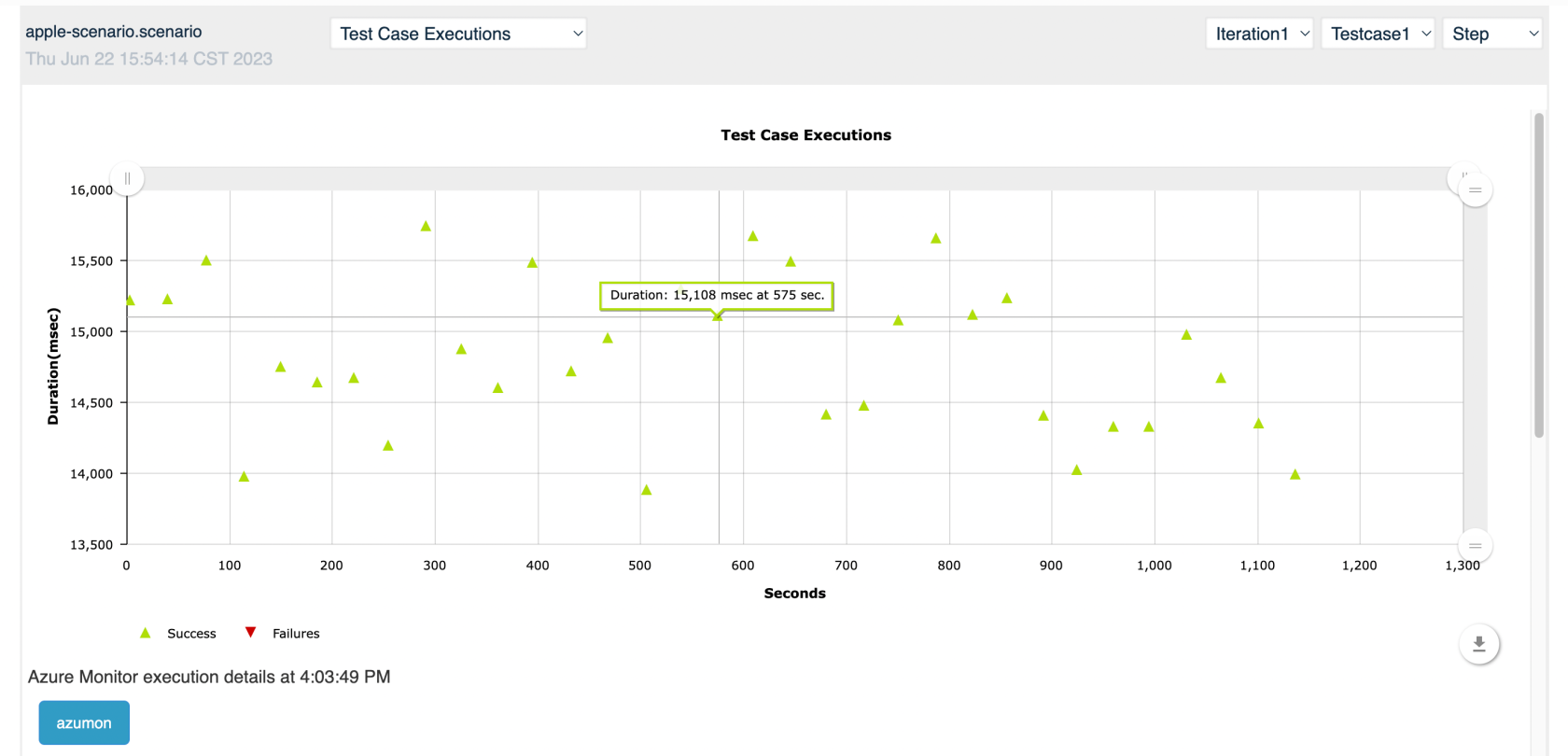
-
Click the blue button to open a new window with the Azure Monitor report between the time specified in the APM integration settings. Example: 30 minutes should show the report between 3:48 pm and 4:18 pm.
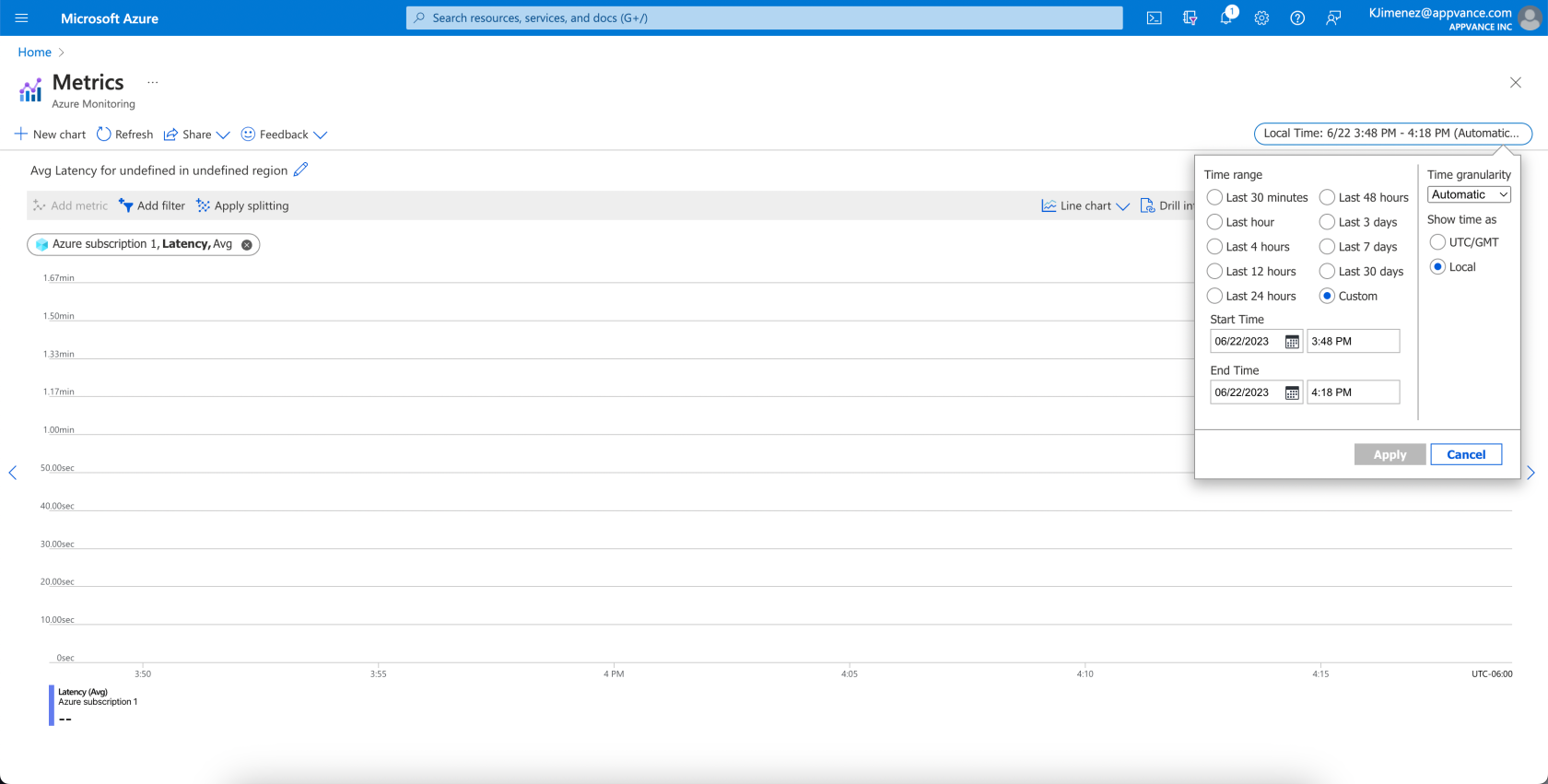
Last updated: January 30, 2024
If you have any feedback on this topic, please contact us at documentation@appvance.ai