
Configure a Parameterized Jenkins Project for AIQ
Configure a Parameterized Jenkins Project for AIQ
Use case:a parameterized Jenkins project when an AIQ-related automation job needs controlled runtime values such as environment, suite, branch, browser, or execution profile. Keep Jenkins as the orchestration layer and keep AIQ configuration, credentials, and test data in approved locations.
Recommended parameters
- Target environment or base URL.
- Suite, project, or execution profile name.
- Browser, device, or Test Node group when applicable.
- Build, branch, or release identifier for traceability.
Good practices
- Use
- clear
ToparameterupdatenamestheandURL of the AUT, based on the environment chosen
To run A scenario or B scenario depending on the environment chosen.
NOTE: In the build.xml file, The ant.lib/ant-contrib-1.0b3.jar file is needed for the conditional IF support needed in setupEnvironment target
The file can be downloaded from >here
Folder Structure:
Download the >zip from GITRepo which has the folder structure that has been used for this use case as an example.
In the root folder, you will find build.xml
ant.lib folder holding the supporting lib required for the if statements used in build.xml
Inside Folder1, you will have ec2.creds file, controller.json file
Also, there are CSV files, Creds_prod.csv, Creds_Staging.csv files, these are the filesdefaults that are mentionedsafe for non-production execution.
When Production is called, it only runs the production scenario, and also it picks the file that belongs to production and it replaces itURL with the actualrelated CSVAIQ file used hence the production scenario is used with the right files
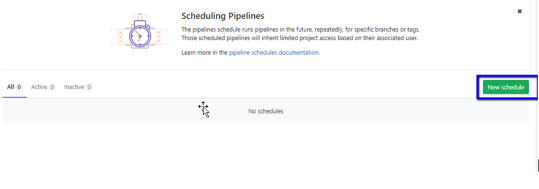
Setting the CI Tool (Jenkins used in the example)
Install and set up Jenkins
Login to Jenkins as Admin
Create the project
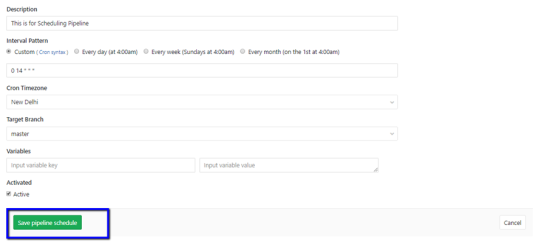
In General - provide the required description
Check This project is parameterized check-box and depending on the choice, choose the parameter, in this example, Choice Parameter was chosen to provide the choices of the Environment as Production and Staging
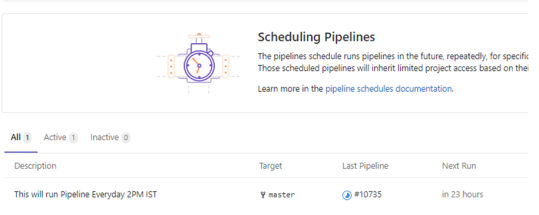
Choose Source Code Management, select the repository, and provide your credentials.
Under branches, provide the branch if the files are in a different branchexecution or master if the files are in the master branch
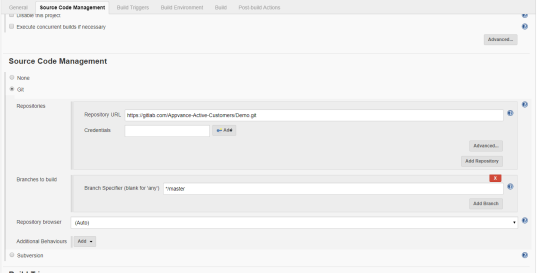
Under Build Triggers - Choose Delete Workspace before building starts
This will delete the previous results which are required so each time the dashboard is created fresh with fresh results. All the history files will already be stored in the mentioned S3 bucket in build.xml file
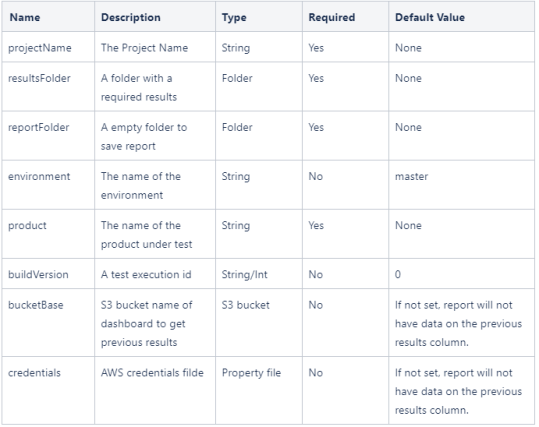
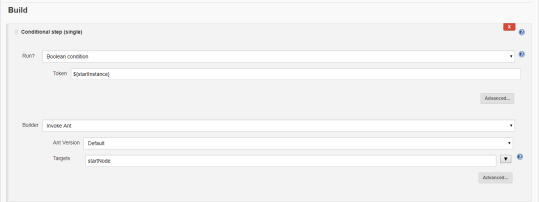
Under the build option - Choose the following
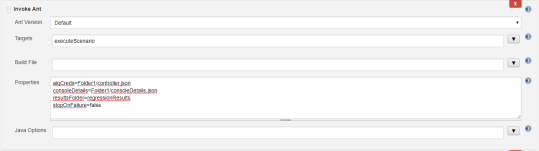
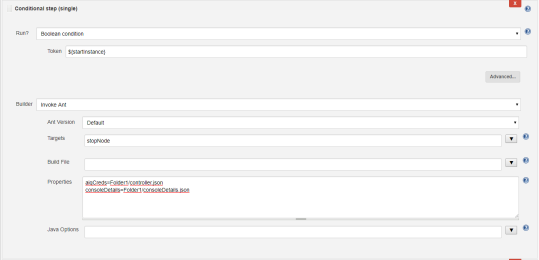
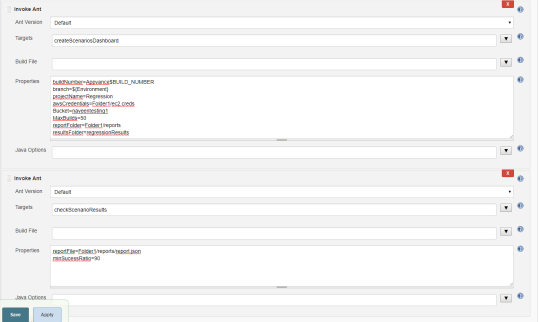
Save the project
Click Build with Parameters
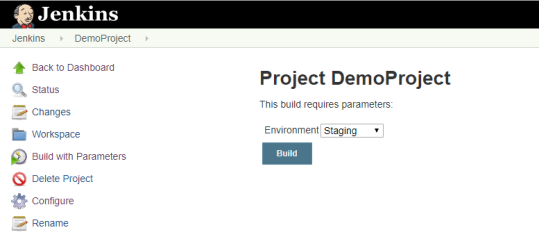
Choose the Environment from the drop-down and click Build
Jenkins will run the build and the output can be seen in the Console Output
Last updated: JuneSeptember 26,8, 20232026
If you have any feedback on this topic, please contact us at documentation@appvance.ai