
Configure Bitbucket Repository Integration in AIQ
Last
YouUse canthis triggerarticle anwhen AIQ needs to connect to a Bitbucket repository for source-controlled test assets.
What changed in this article
- Expanded the one-word title into a specific Bitbucket repository integration task.
- Added checks for Bitbucket Cloud vs Server/Data Center, repository URL, branch, credentials/app password, SSH/HTTPS access, and webhook/pipeline expectations.
- Added secret-handling guidance for tokens, app passwords, and SSH keys.
Validation workflow
- Identify whether the repository is hosted in Bitbucket
fromCloudan existing project. By default,or BitbucketpipelinesServer/Data Center. - Validate repository URL, branch, authentication method, and network access from AIQ.
- Run a small repository sync or checkout and verify the expected AIQ assets are
triggeravailable.
Review note: The page now describes Bitbucket repository setup instead of acting like a commitplaceholder to the related git repository. page.
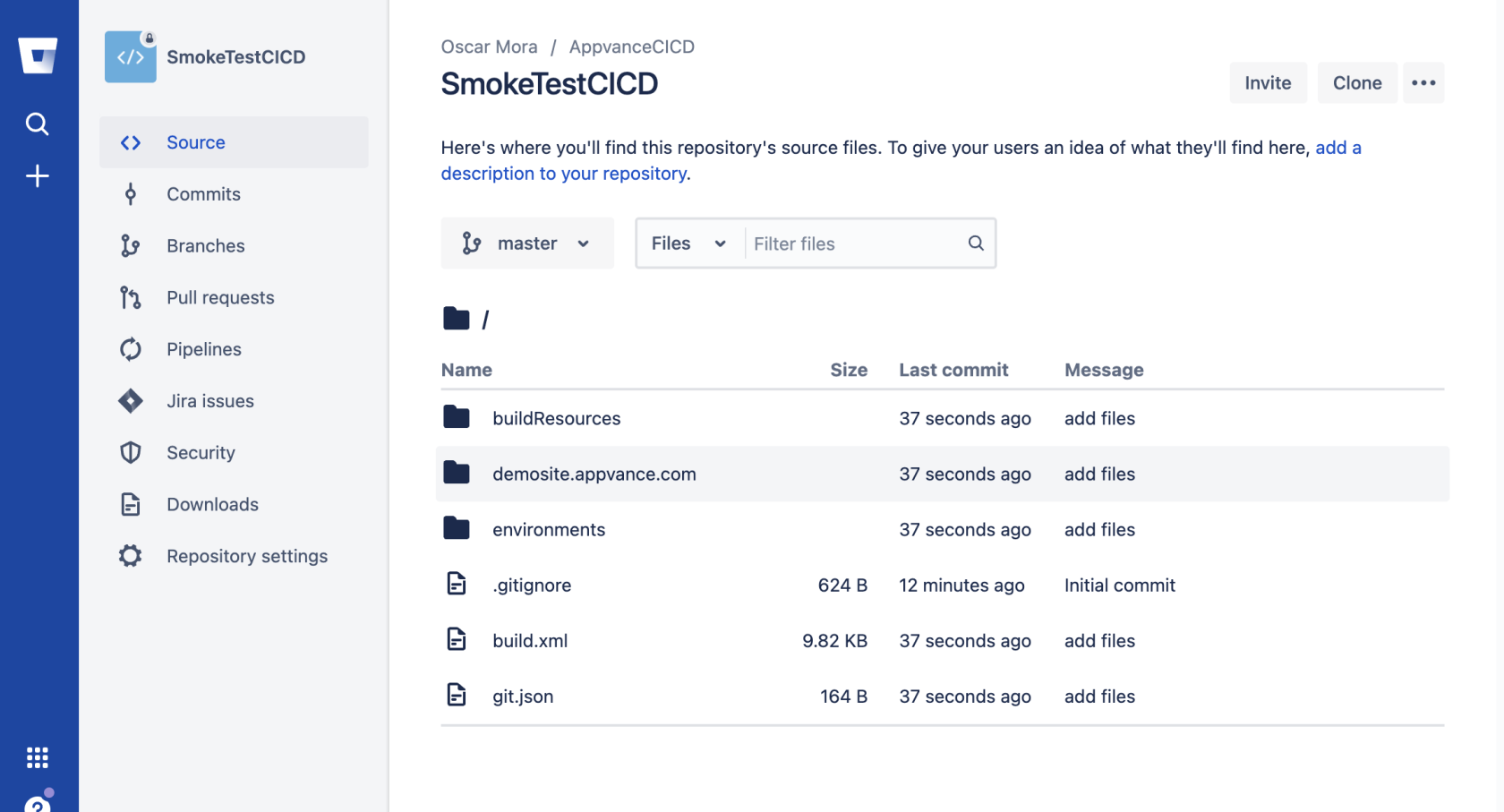
If is very easy to setup a scenario or AISG to be started by a Bitbucket pipeline, all you need is to create a repository and upload the build.xml file, your scenario or blueprint files, and a couple more configuration files. Once you have that you can create a Starter pipeline
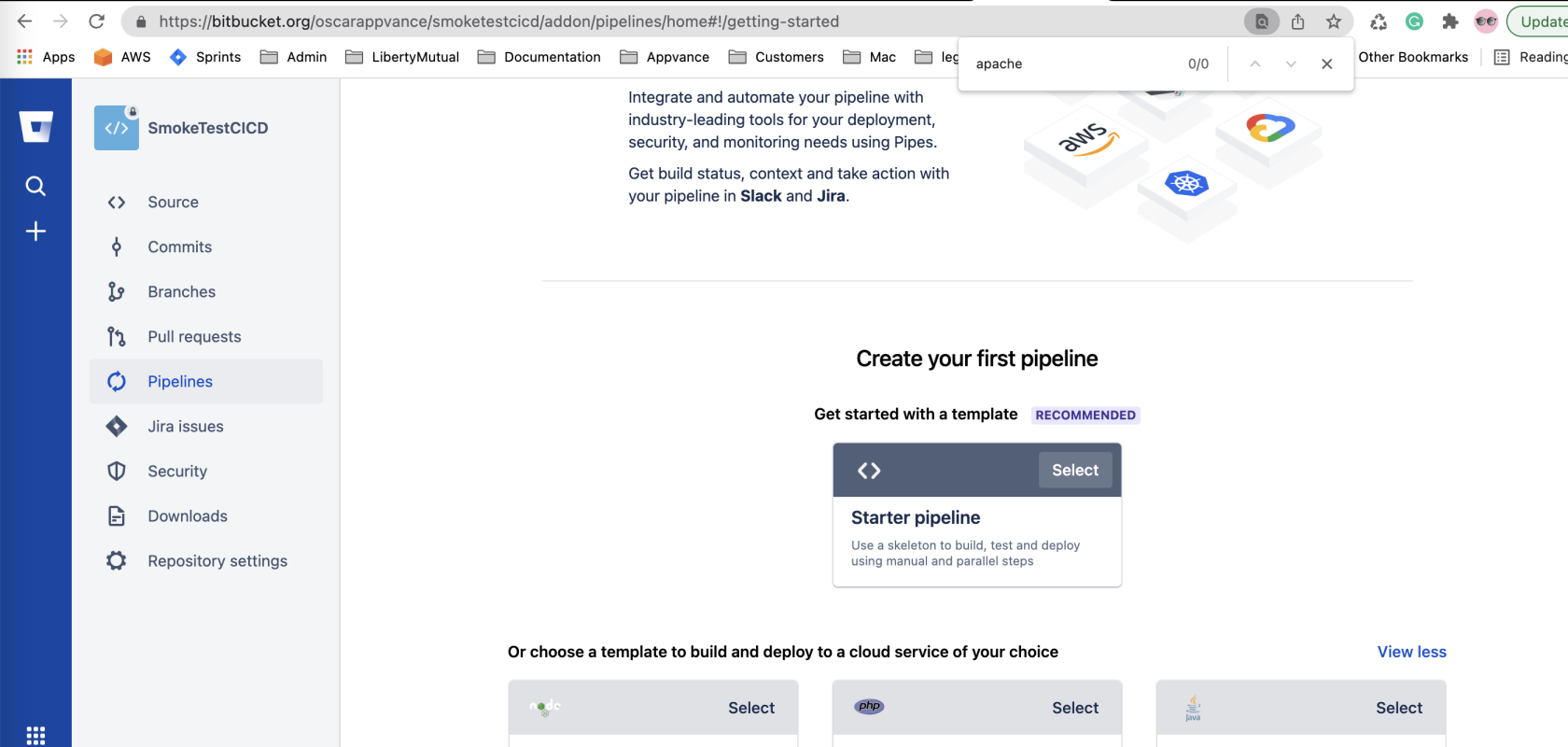
and edit the automatically created bitbucket-pipelines.yml file to look like this one:
1 2 3 4 5 6 7 8 9 10 11 12 13 14 15# This is an example Starter pipeline configuration# Use a skeleton to build,test and deploy using manual and parallel steps#-----# You can specify a custom docker image from Docker Hub as your build environment.image: atlassian/default-image:3pipelines:default:-parallel:-step:name:'Smoke Tests'script:-echo"Run smoke tests scenario and create HTML dashboards"-ant createScenariosDashboard-Dscenario=scenarios/checkout.scenario
In above line 15, the createScenariosDashboard target is defined in the build.xml of the repository. Notice how you can pass parameters to the target and override any property values provided in the build.xml, meaning you can use the same build.xml file to run different scenarios and AISG.
Bitbucket requires you to create an app password that is different from your user password to start your pipelines. For more information on this requirement see >Bitbucket's announcement of this change.
How to have your smoke test pipeline started from your code build pipeline
If your application code is compiled and built in a Bitbucket pipeline you can add a new step at the end of your bitbucket-pipelines.yml file to start the testing scenario pipeline as the last step of your build. For that you can add the - pipe to your app pipeline .yml file
1 2 3 4 5 6 7 8 9 10 11 12 13 14 15 16 17 18 19 20 21 22 23 24 25 26 27 28# This is an example Starter pipeline configuration# Use a skeleton to build, test and deploy using manual and parallel steps# -----# You can specify a custom docker image from Docker Hub as your build environment.image: atlassian/default-image:3pipelines:default:- step:name: 'Build my App'script:- echo "Your build goes here..."- echo "after build ends, then the AIQ smoketest is started."- pipe: atlassian/trigger-pipeline:5.0.0variables:BITBUCKET_USERNAME: 'userappvance'BITBUCKET_APP_PASSWORD: '3casdfXX7qfKasdfGgBC'REPOSITORY: 'smoketestcicd'# ACCOUNT: '<string>' # Optional# REF_TYPE: '<string>' # Optional# REF_NAME: '<string>' # Optional# CUSTOM_PIPELINE_NAME: '<string>' # Optional# PIPELINE_VARIABLES: '<json>' # Optional# WAIT: '<boolean>' # Optional# WAIT_MAX_TIMEOUT: '<string>' # Optional# DEBUG: '<boolean>' # Optional
Find more info here. This will trigger the smoketestcicd build to run after the app build steps:
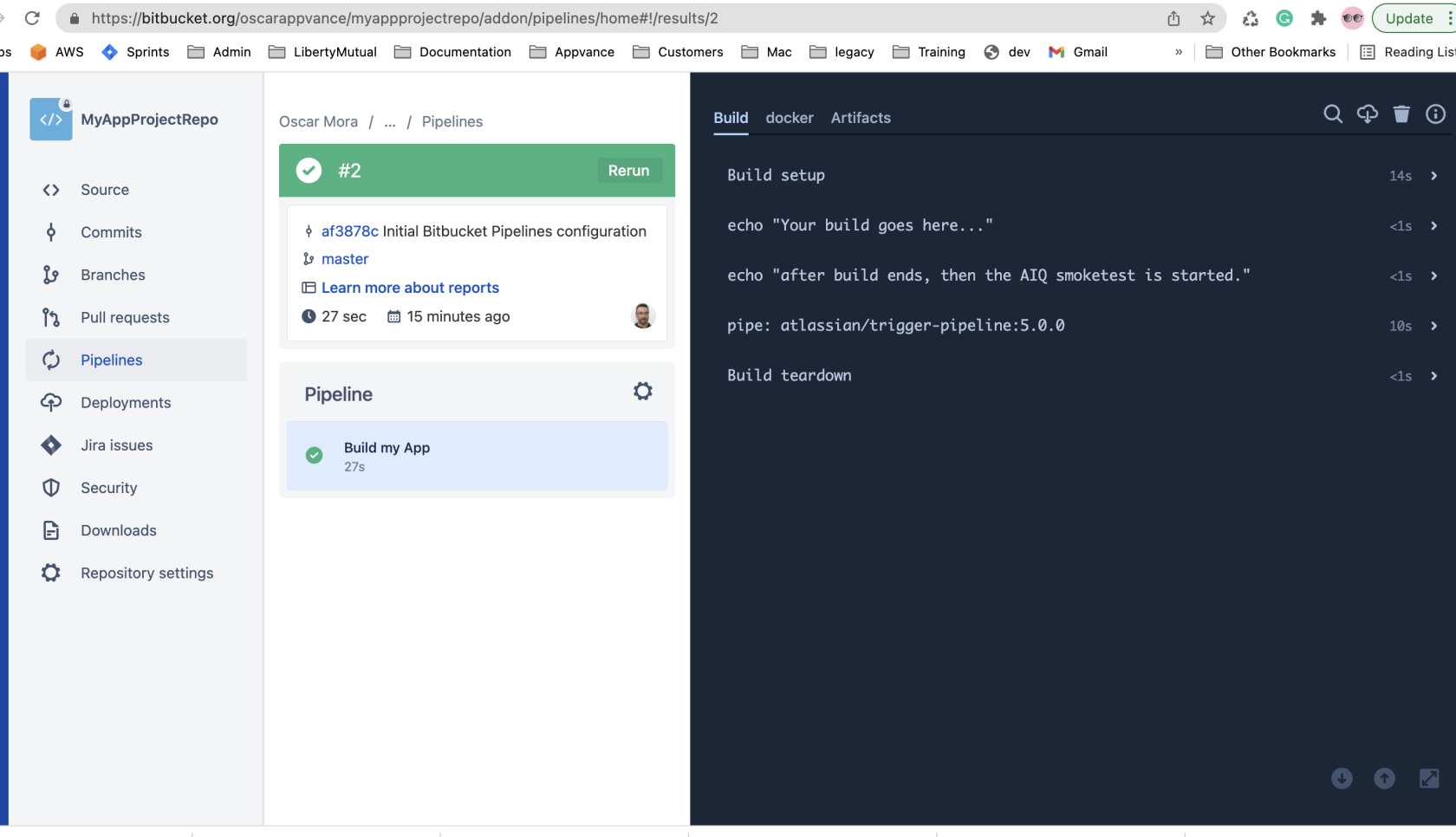
Last updated: AugustSeptember 03,29, 20232026
If you have any feedback on this topic, please contact us at documentation@appvance.ai.