
Run JMeter Scripts in AIQ
Recommended guidance
AppvanceRun IQJMeter scripts in AIQ when a JMeter asset is aalready systempart of the performance or protocol-testing workflow. Confirm that supportsthe runningscript, manydata, test types like SoapUI, Selenium, Appvance Designer Script, Java, Groovy,plugins, and more.
SoapUIare supportsuitable wasfor removedrepeatable inexecution releasebefore 5.2.0adding of AIQ.
In additionit to theautomated aboveruns.
Pre-run AIQchecklist
- Confirm JMeter
scripts.version,Belowscriptarefile,theplugins,stepsdatathatfiles,weandneedtargettoenvironment. - Validate
followcredentials,totokens,runendpoints, and certificates through approved secure handling. - Check load generator capacity, network access, and artifact storage.
- Define success criteria such as response time, error rate, throughput, and duration.
Validation workflow
- Run the JMeter
scriptsscriptfromlocallyAIQ.Navigate to the AIQ Home screen and click BuildClick File ->New to create a new scenario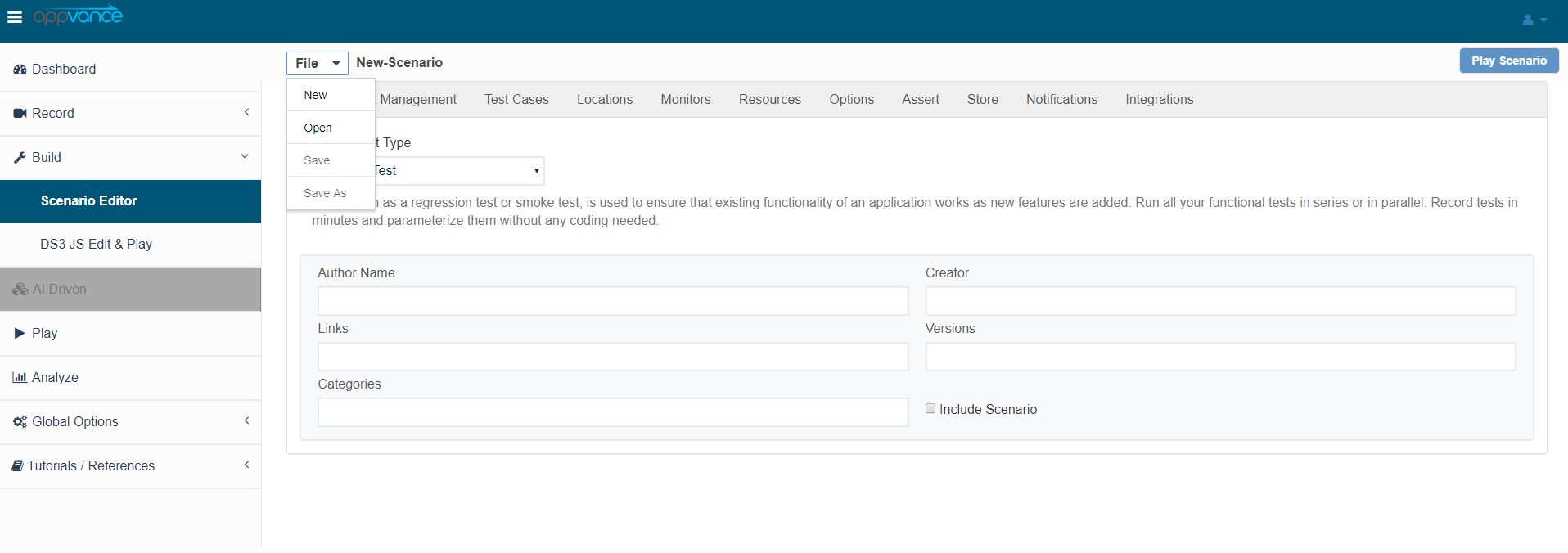
Select Functional Test from the Scenario Test Type drop-down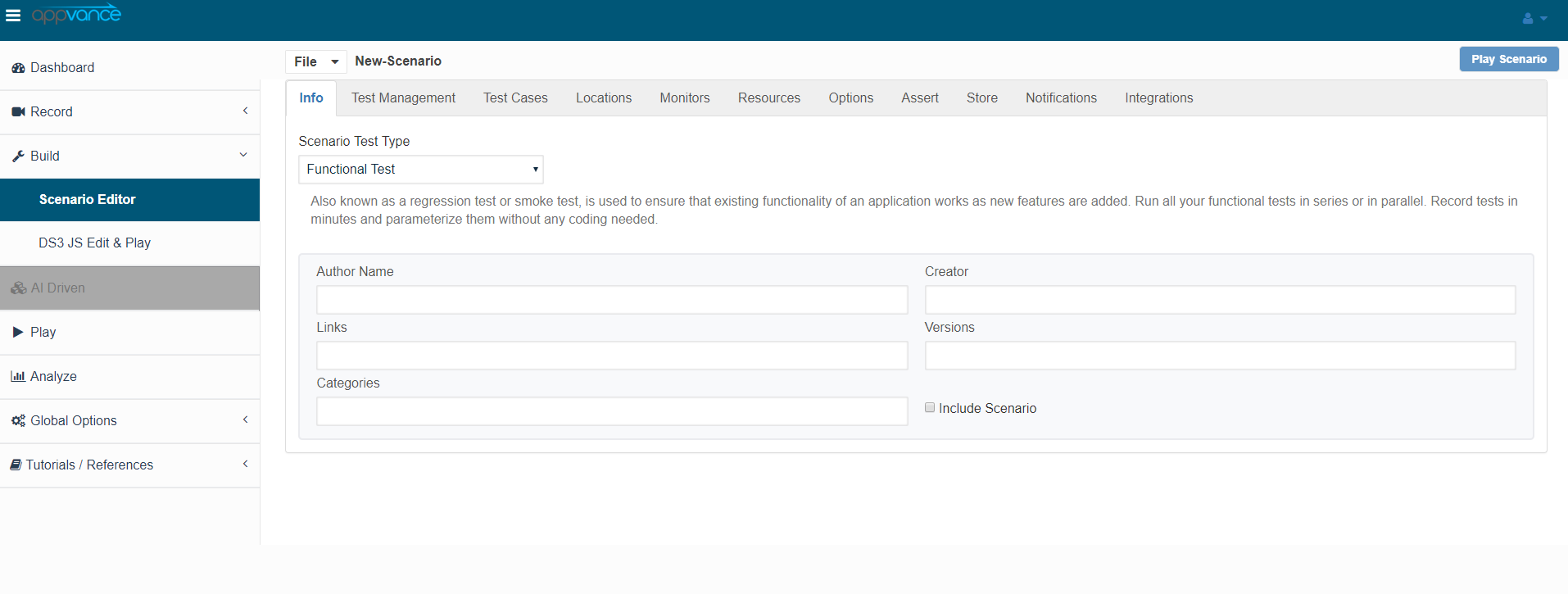
Click the Test Cases tab and click the link for Add test case as shown below in the screenshot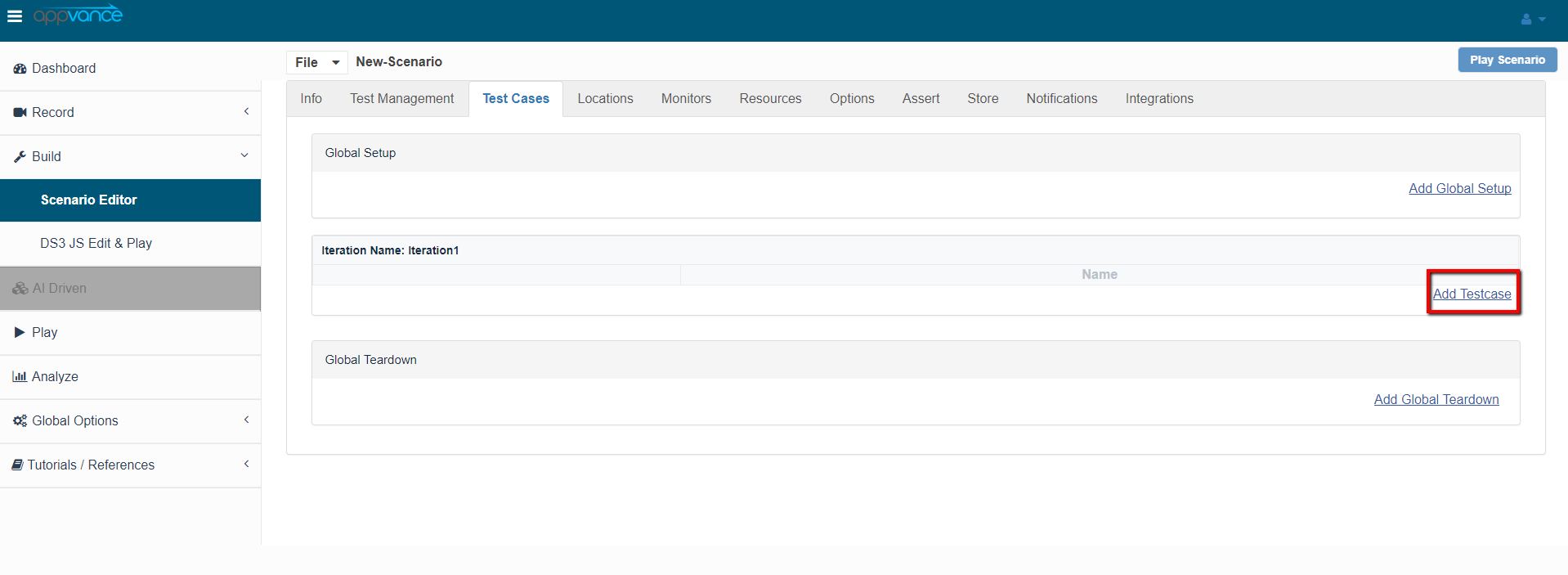
Browse the JMeter script, the JMX file, and save the test case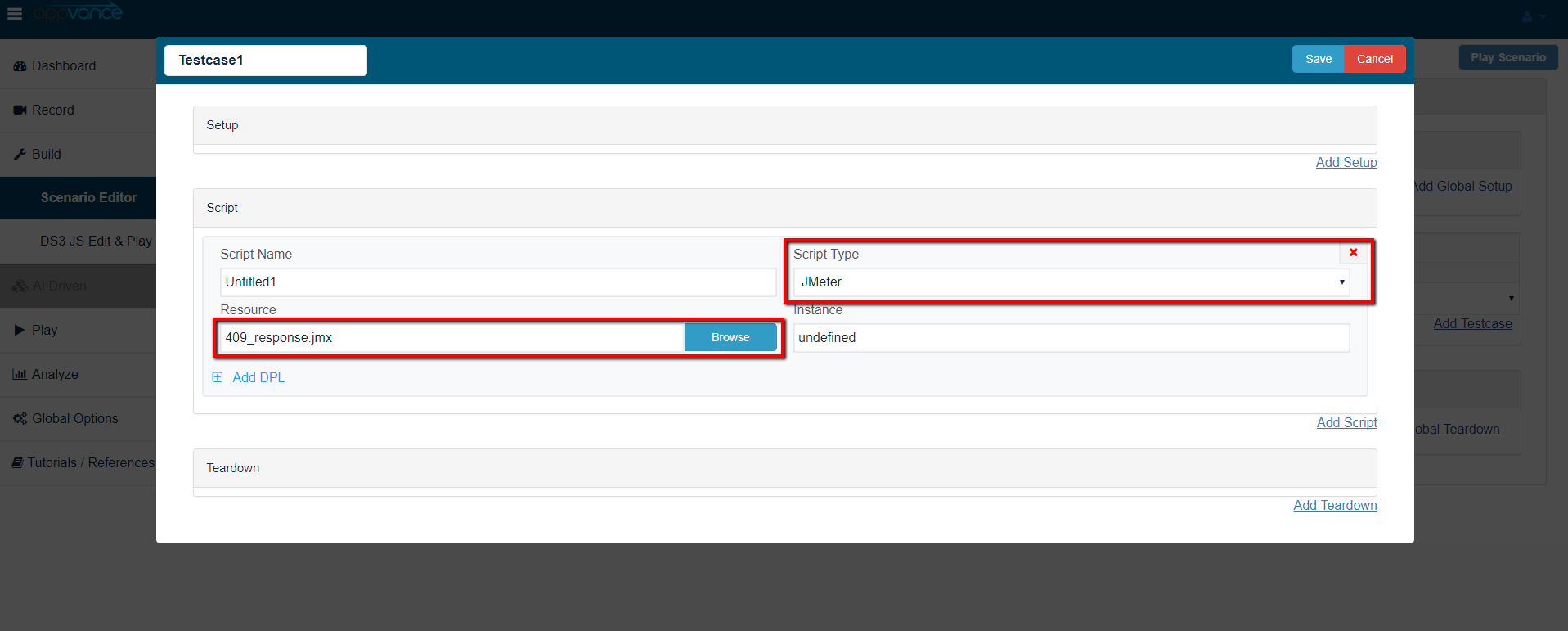
Navigate to Resources and make sure the JMeter bundle with version 3.2 is added by defaultAlso make sure the resources are added with name, Type, and the correct path of the file as seen in the below screenshot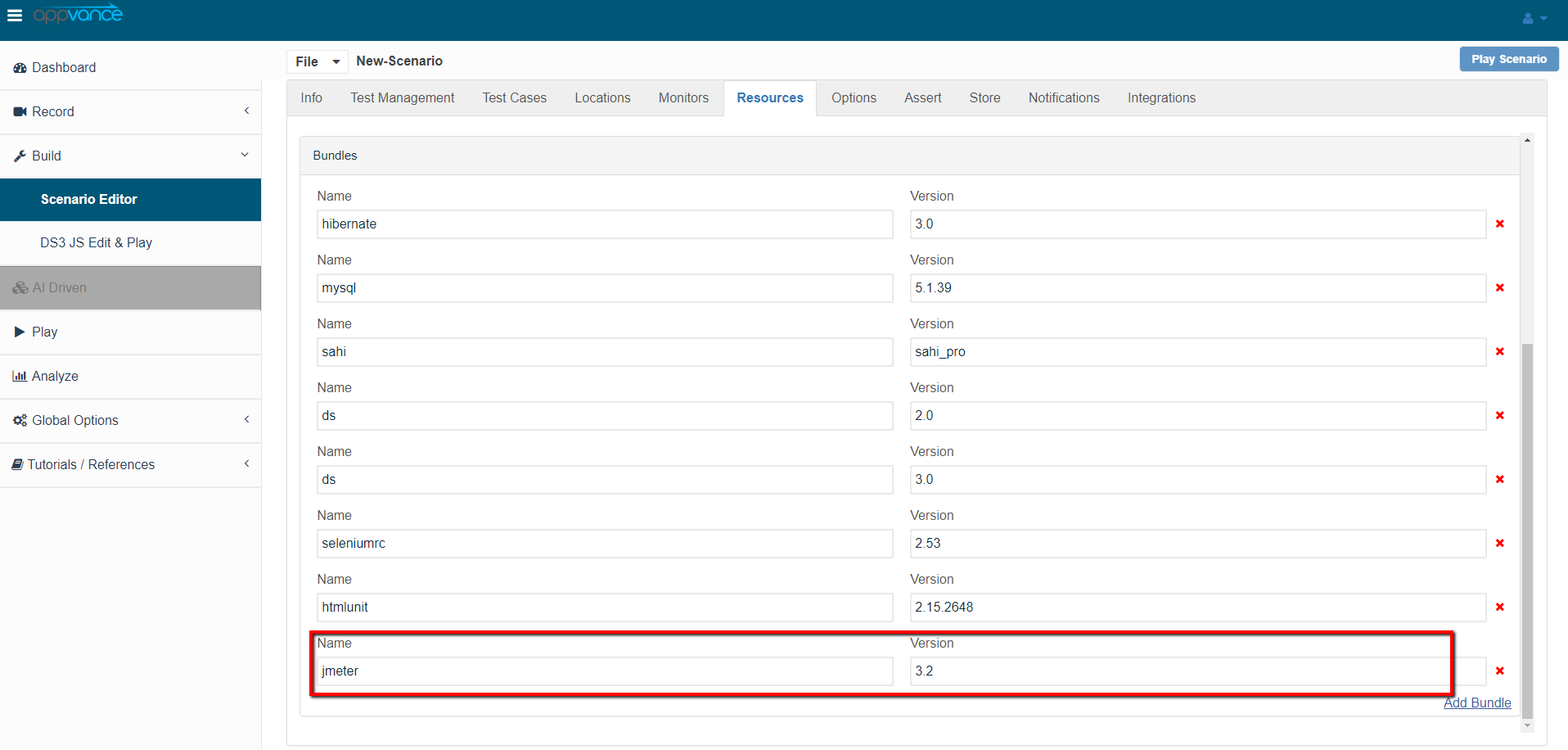
Click Play Scenario from the top navigation bar and the Controller window will openor in anewcontrolledtabenvironmentthatfirst.- Run
displaysathelow-loadtestsAIQrunningexecution before scaling. - Review logs, assertions, response data, and
willgenerateddisplayreports. - Separate
theJMeterpass/failscriptstatusissuesoffromthe tests upon the test completion as seen in the below screen-shot. The left part shows the stepsapplication andtheload-generatorduration in milliseconds and the right side shows the test run status under the Output tab. On The transactions tab, we can find the request/response and an error tab to drill down further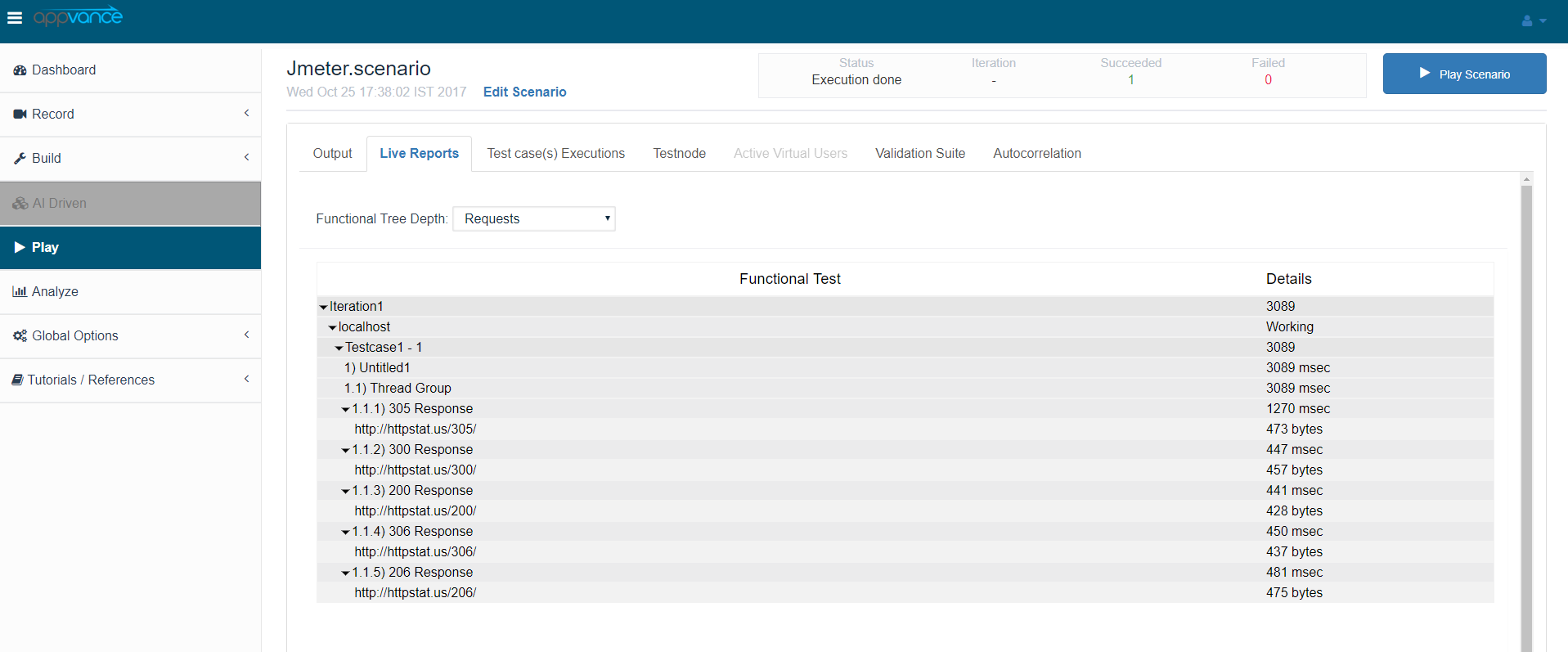
Click the Click here link to get to the list of Reports that Unified Test Platform supports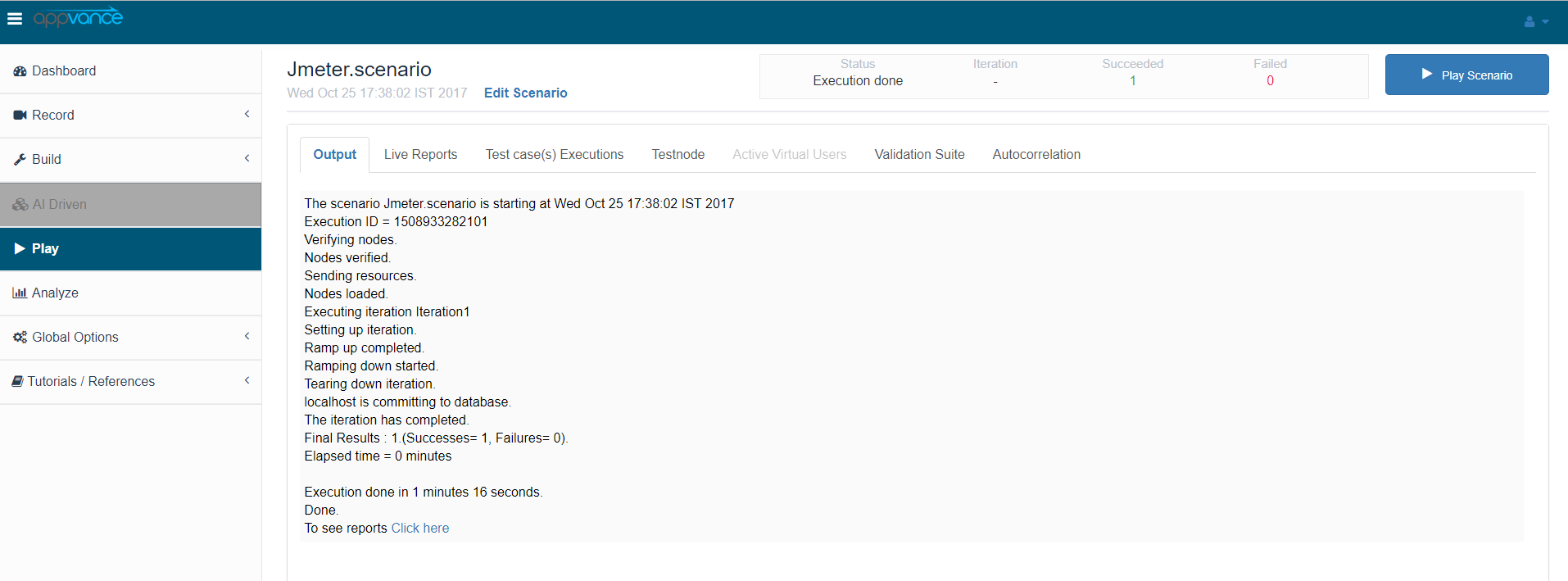
You can also cross verify the same by running the tests using Apache JMeter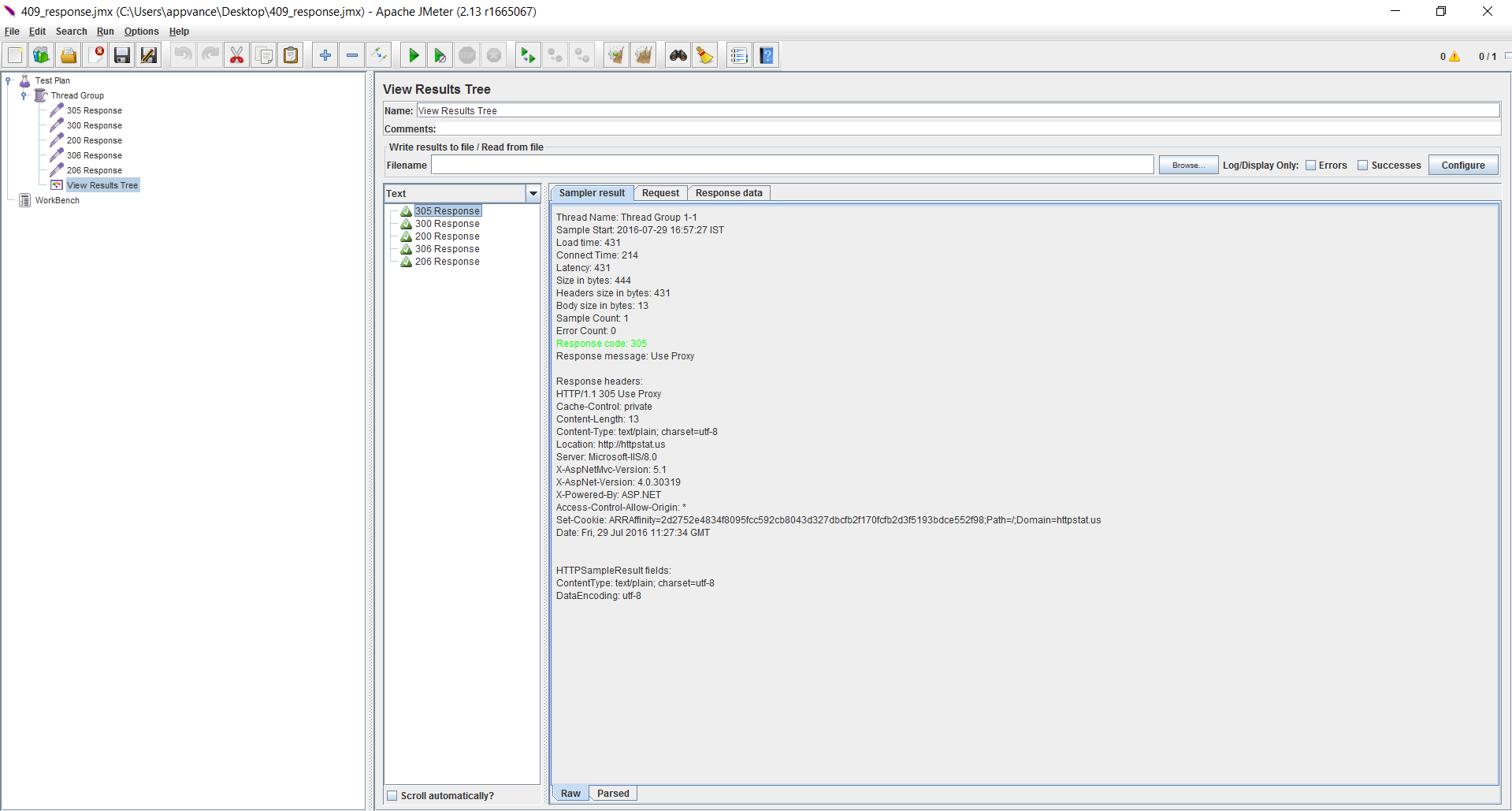
Last updated:
JulyOctober25,7,20242026If you have any feedback on this topic, please contact us atdocumentation@appvance.ai