
Running JMeter Scripts
Recommended
Appvance guidanceIQ is a system that supports running many test types like SoapUI, Selenium, Appvance Designer Script, Java, Groovy, and more.
RunSoapUI support was removed in release 5.2.0 of AIQ.
In addition to the above list, AIQ also supports running JMeter scripts. Below are the steps that we need to follow to run the JMeter scripts infrom AIQ.
Navigate to the AIQ whenHome screen and click Build
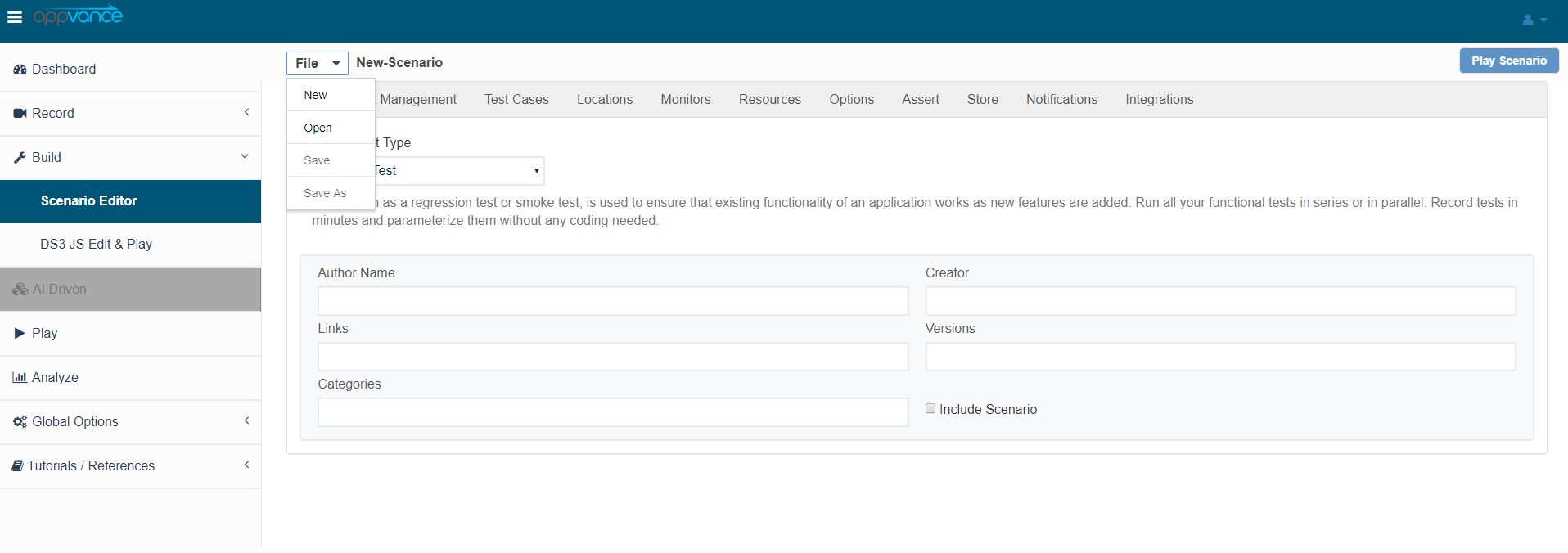
Click File ->New to create a new scenario
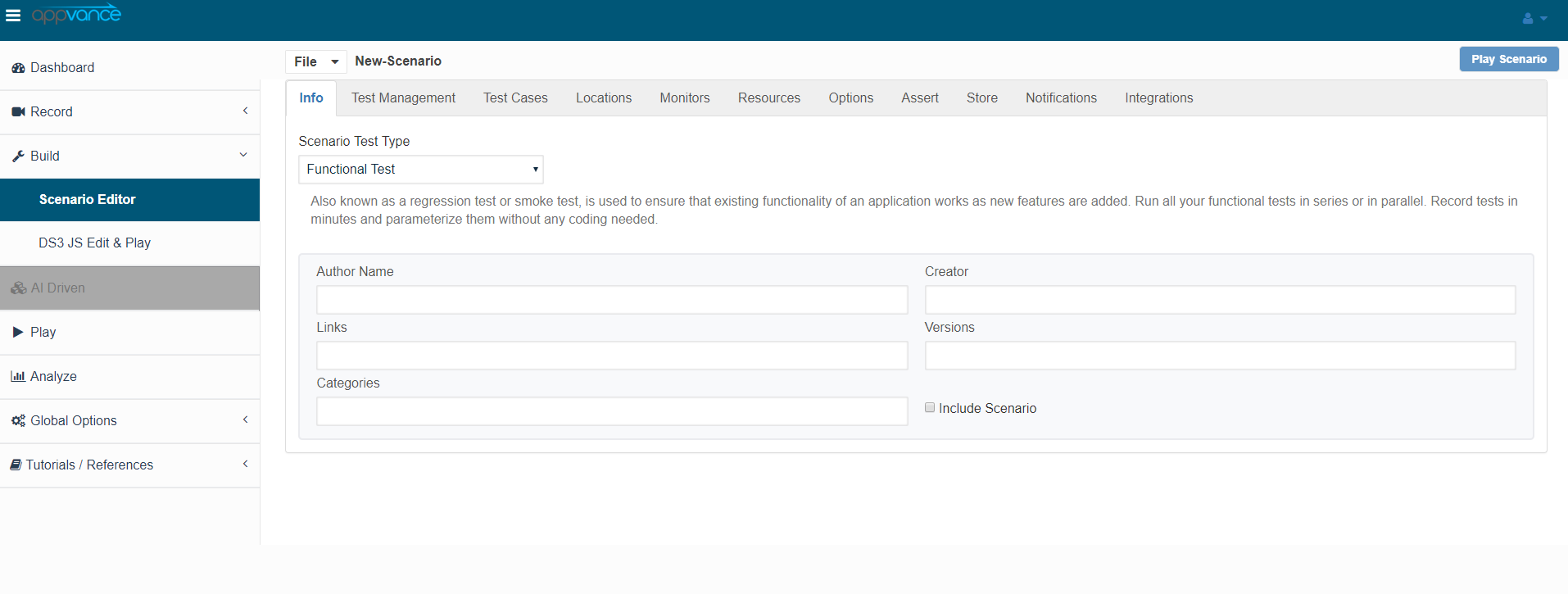
Select Functional Test from the Scenario Test Type drop-down
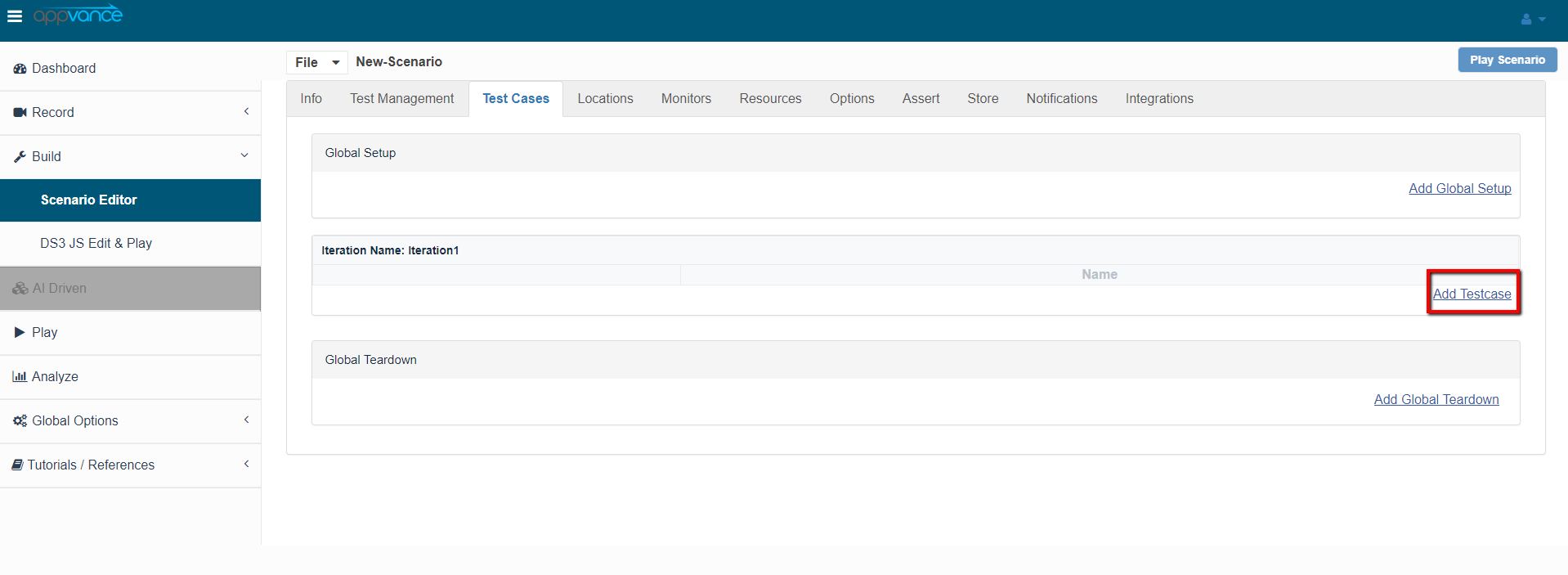
Click the Test Cases tab and click the link for Add test case as shown below in the screenshot
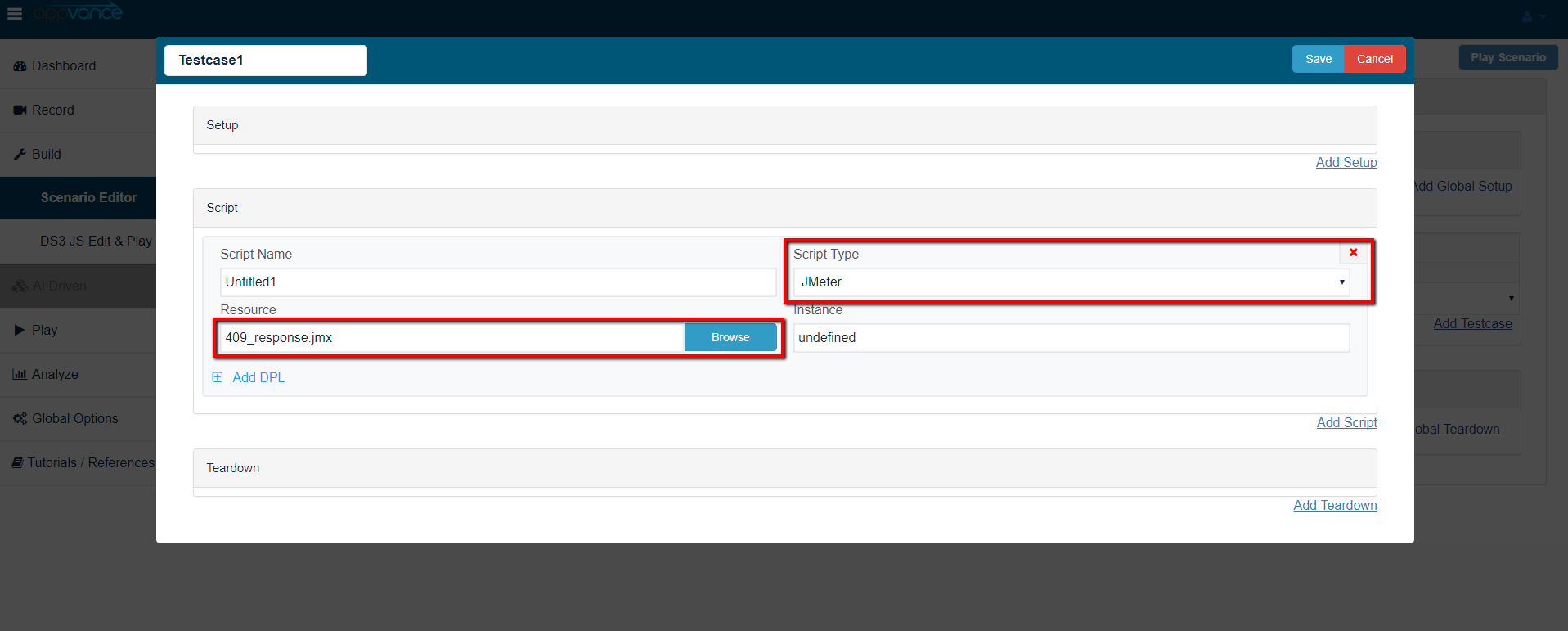
Browse the JMeter assetscript, the JMX file, and save the test case
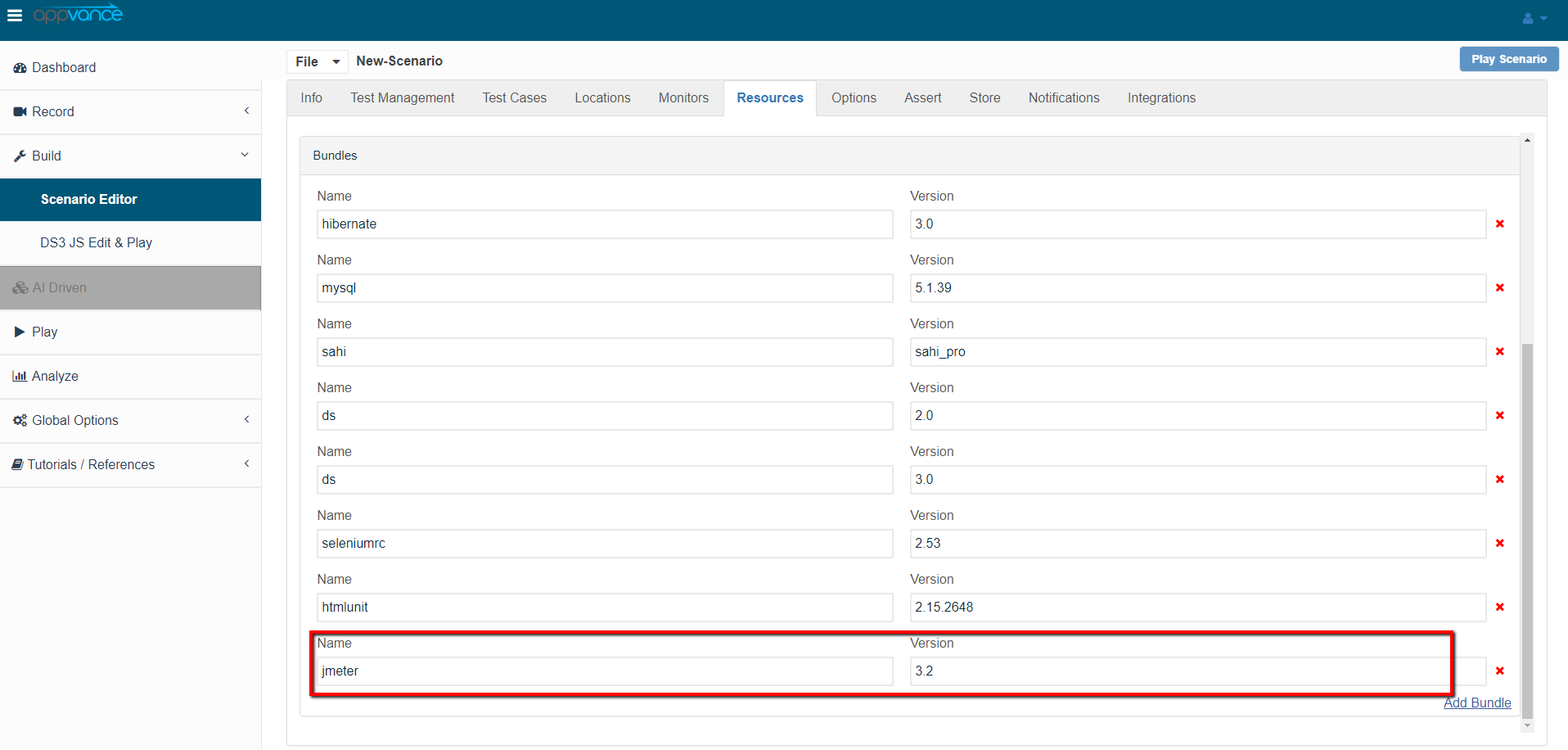
Navigate to Resources and make sure the JMeter bundle with version 3.2 is alreadyadded partby default
Also make sure the resources are added with name, Type, and the correct path of the performancefile oras protocol-testingseen workflow. Confirm thatin the script,below data,screenshot
Click Play Scenario from the top navigation bar and environment are suitable for repeatable execution before adding it to automated runs.
Pre-run checklist
Confirm JMeter version, script file, plugins, data files, and target environment.Validate credentials, tokens, endpoints, and certificates through approved secure handling.Check load generator capacity, network access, and artifact storage.Define success criteria such as response time, error rate, throughput, and duration.
Validation workflow
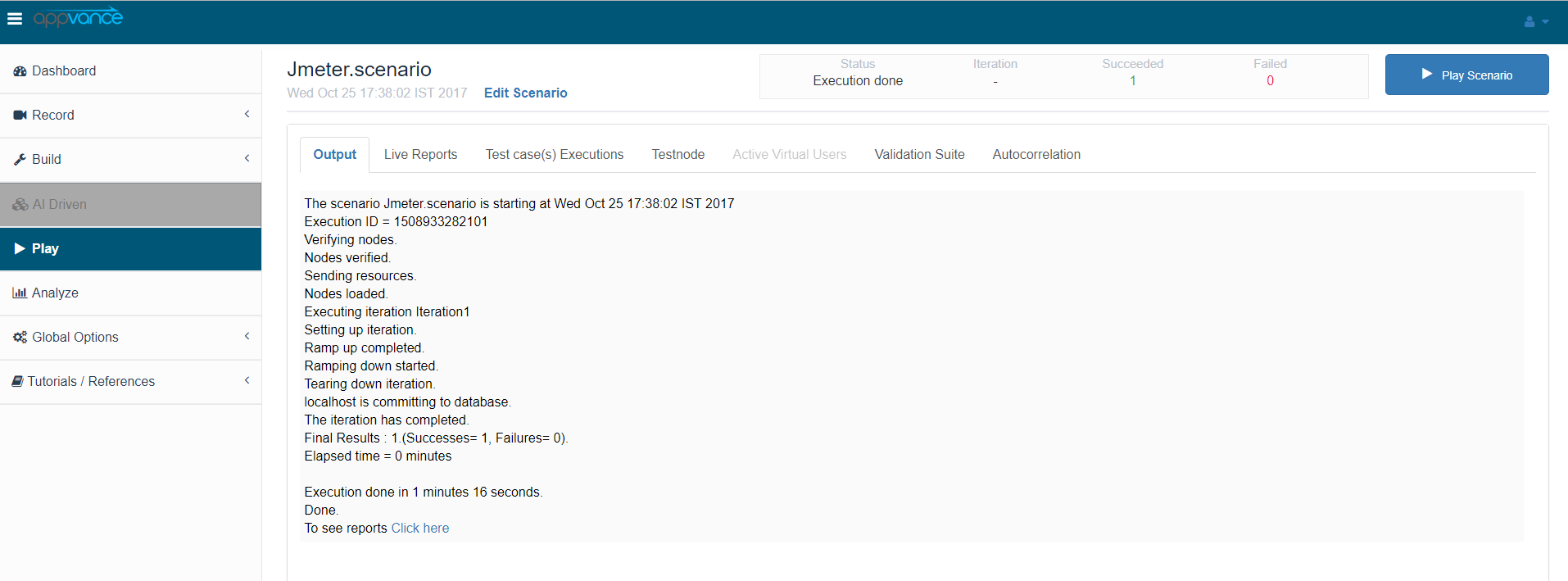
RuntheJMeterControllerscriptwindowlocallywilloropen in acontrollednewenvironmenttabfirst.Runthatadisplayslow-loadtheAIQtestsexecution before scaling.Review logs, assertions, response data,running andgeneratedwillreports.SeparatedisplayJMeterthescriptpass/failissuesstatusfromofapplicationthe tests upon the test completion as seen in the below screen-shot. The left part shows the steps andload-generatorthebottlenecks.duration in milliseconds and the right side shows the test run status under the Output tab. On The transactions tab, we can find the request/response and an error tab to drill down further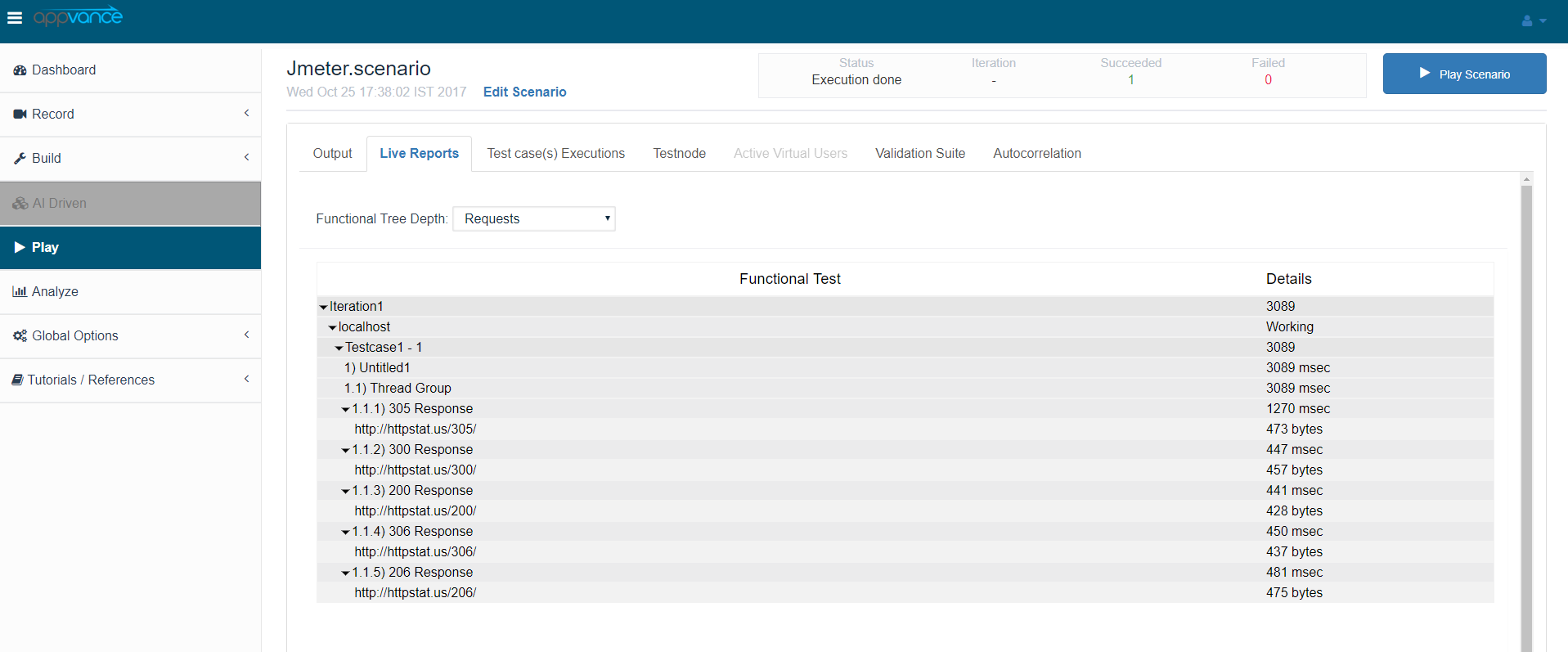
Click the Click here link to get to the list of Reports that Unified Test Platform supports
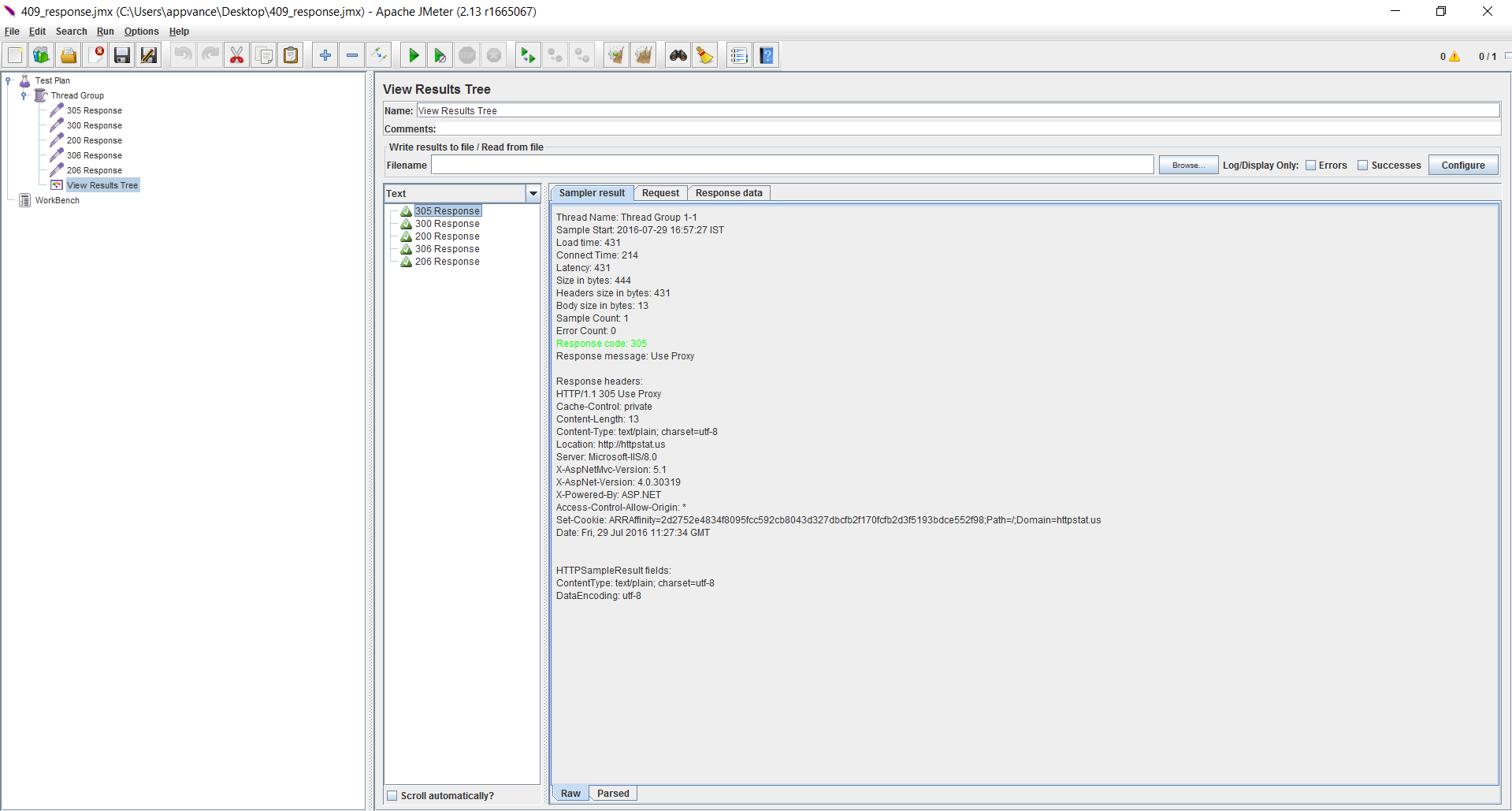
You can also cross verify the same by running the tests using Apache JMeter
Last updated: OctoberJuly 7,25, 20262024
If you have any feedback on this topic, please contact us at documentation@appvance.ai