
Executing Commands via Command Prompt in Service Suite
In Service Suite the exec API will help you in executing commands that you want to execute using a command prompt.
You can store the commands to be executed in a locker, and then while executing the exec command you can retrieve the commands from the locker and then call them using the exec API.
Sample Code and Execution
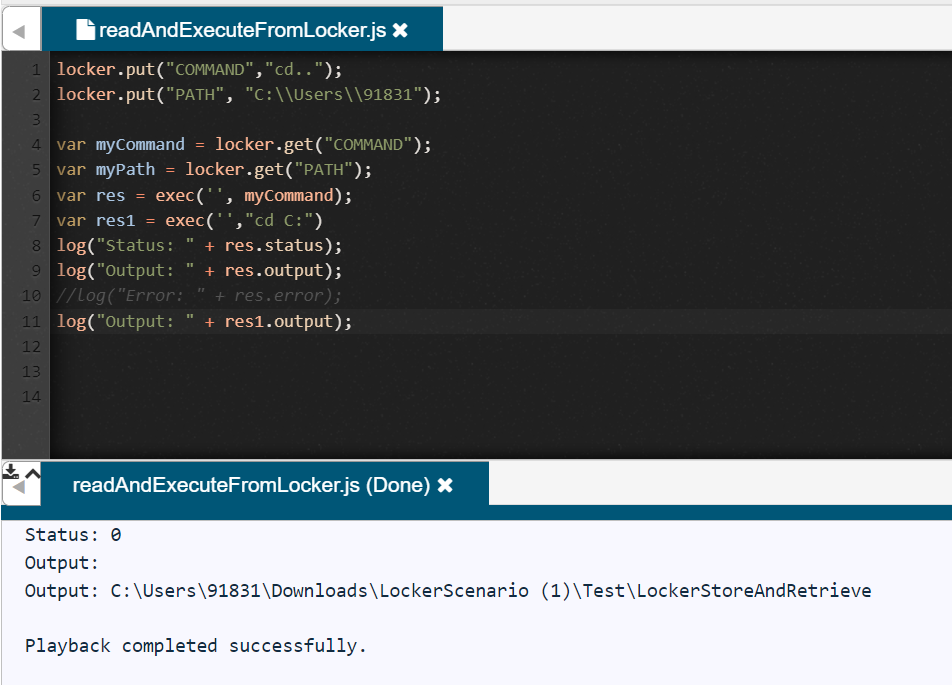
Sample Code
1
2
3
4
5
6
7
8
9
10
locker.put("COMMAND","cd..");
locker.put("PATH", "C:\Users\91831");

var MyCommand = locker.get("COMMAND");
var MyPath = locker.get("PATH");
var res = exec('',"cd C:")
log("Status: " + res.status);
log("Output: " + res.output);
//Log("Error: " + res.error);
log("Output: " + res1.output);
-
In line 1 you are saving the command to be executed in a variable.
-
In line 6 you are invoking the command.
Last updated: August 10, 2023
If you have any feedback on this topic, please contact us at documentation@appvance.ai