
Test not running as expected using Internet Explorer 11 (IE11)
Last reviewed: October 2, 2026
This page is retained only to flag that Internet Explorer 11 execution guidance is obsoleteno and should not be used for current AIQ testing.
What changed in this article
Marked IE11 content as obsolete because Internet Explorer 11 is retired and not a current browser target for AIQ guidance.Replaced troubleshooting steps with a migration note toward supported Chromium-based execution paths.Added checks to confirm whether the issue still reproduces in supported browsers before treating it as an AIQ scenario problem.
Validation workflow
Do not create new AIQ test coverage that depends on IE11.Reproduce the workflow in alonger supported browserandinreviewAIQ.browser-specificdifferences.Required Setting Changes
- Click Build
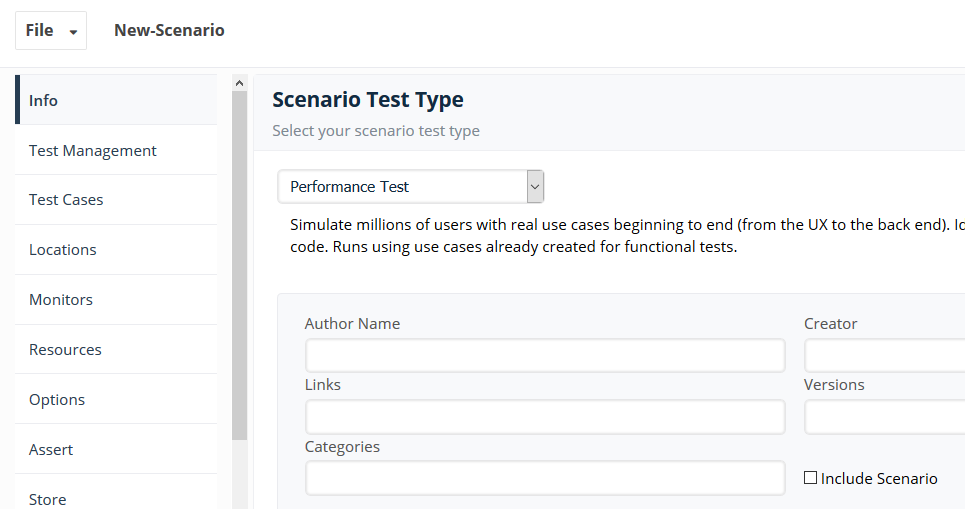 Click Start, enter internet options, and select Internet Options
When the Internet Options window appears, select the Security tab
Reduce the security level to the lowest option
Click Trusted Sites
Click Sites
Click Add
Add the application's URL under test in the Sites list
Click OK
Applications using Internet Explorer's Compatibility Option
The following steps are required if your application under test is using Internet Explorer's Companitility Option. The steps must be performed on all Test Node machines, as legacywell riskas any machines from which you are remotely accessing Appvance UTP
- Test Node file location: within your Appvance UTP install path <utp>\sahi\config\inject_top.txt
- Remote system accessing Appvance UTP: C:\Users\<user_name>\proxy_server\config\inject_top.txt
<META http-equiv="X-UA-Compatible" content="IE=<browser_version_compatibility_setting>">
For example:
<META http-equiv="X-UA-Compatible" content="IE=9">
or
<META http-equiv="X-UA-Compatible" content="IE=10">
Save and planclose migration.inject_top.txt
Finish configuration
Example updated file contents
<!--SAHI_INJECT_START-->
<META http-equiv="X-UA-Compatible" content="IE=9">
$metaHeaders
<script>/*<![CDATA[*//*---->*/__sahiDebugStr__="";__sahiDebug__=function(s){__sahiDebugStr__+=(s+"\n");};/*--*//*]]>*/</script>
<script src="/_s_/dyn/SessionState_domainfix/domainfix.js"></script>
<script src='/_s_/spr/concat.js' id='_sahi_concat'></script>
<script src='/_s_/dyn/SessionState_userExtensions/user_extensions.js'></script>
<script src='http://$commonDomain/_s_/dyn/SessionState/state.js'></script>
<script src='/_s_/spr/language_pack.js' id='langpack'></script>
<script>/*<![CDATA[*//*---->*/_sahi.createCookie('sahisid', _sahi.sid);_sahi.loadXPathScript()/*--*//*]]>*/</script>
<script>/*<![CDATA[*//*---->*/eval(_sahi.sendToServer("/_s_/dyn/Player_script/script.js"));/*--*//*]]>*/</script>
<script src='/_s_/spr/playback.js'></script>
<!--
<applet CODEBASE="/_s_/spr/applet" ARCHIVE="sahiapplet.jar" CODE="SahiApplet.class" WIDTH=0 HEIGHT=0 id="_sahi_applet" MAYSCRIPT></applet>
-->
<!--SAHI_INJECT_END-->
Last updated: October 2,16, 20262023
If you have any feedback on this topic, please contact us at documentation@appvance.ai.